
Best 5K and 8K Monitors in 2026: A Practical Buying Guide
Disclosure: We may earn a commission when you buy through links on this page, at no extra cost to you. As an Amazon Associate I earn from qualifying purchases. Learn more
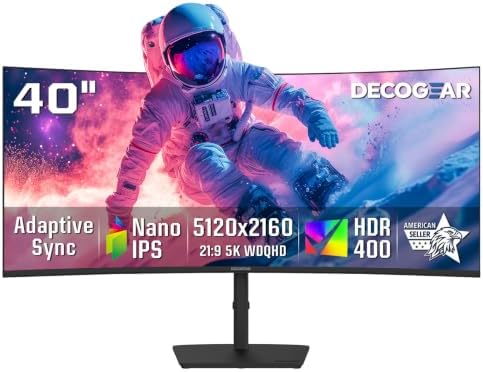
The best 5k and 8k monitors compared by size, panel, color, ports and price, for photo work, video editing and office use.
Stepping up from 4K sounds simple, but 5K and 8K place very different demands on your desk, your computer and your budget. The best 5k and 8k monitors give you sharper text, finer photo detail and more room for timelines and documents. This guide shows how to weigh size, panel type, color and ports so you can read the comparison table below with clear priorities.
Start with the work you do most. A photo editor cares about color accuracy and gamut. A writer or coder cares about crisp text at a comfortable scale.




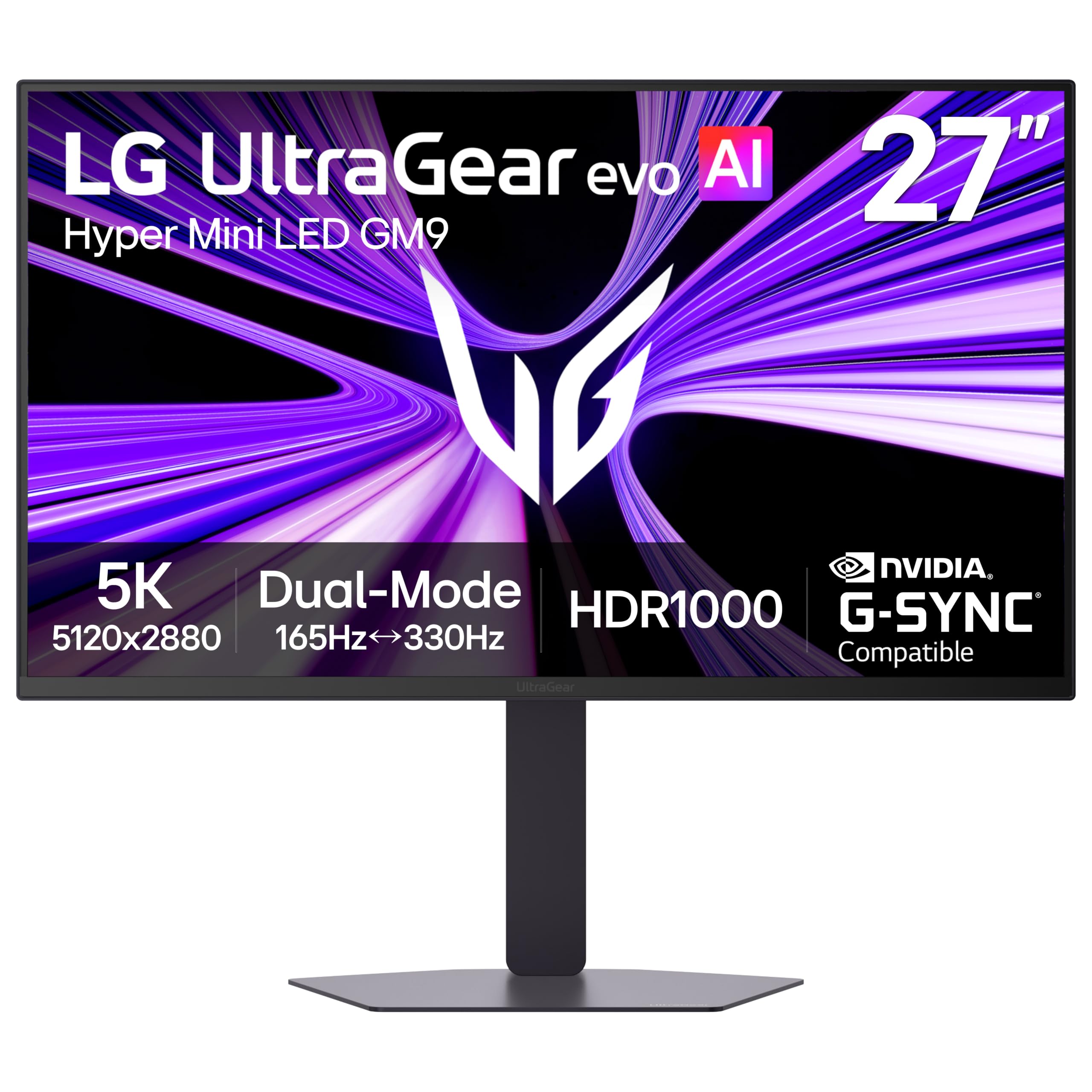

Who Should Buy a 5K or 8K Monitor?
Your main task decides which resolution earns its cost. Match the groups below to your daily work before you compare prices.
Photo and Video Editors Who Need Fine Detail
You zoom into images, judge edges and retouch small areas, so pixel density and color quality matter every hour. A 27 inch 5K screen gives you very sharp previews while fitting a normal desk. Choose a wide gamut panel with strong factory calibration, and plan to use a hardware calibrator if your work goes to print or to clients.
Laptop Users Who Want Sharp Text and a Tidy Desk
You read and write all day, so text clarity at a natural scale is the main gain. A 5K screen driven over USB C can show documents, code and spreadsheets with smooth letter shapes. If you use an Apple laptop, see our guide to the best 5k monitors for mac for models that pair well with that scaling style.
Editors and Viewers With a Deep Desk and Room to Sit Back
You edit video or watch content from a few feet away, and you have the desk depth to match. A larger 8K screen keeps detail high even at 32 inches and above, so you can sit back without losing fine detail. Measure your viewing distance first, because a big panel placed too close forces constant head movement.
Key Features to Compare
Compare these factors in order. Resolution alone tells you little until you pair it with size, panel type, color and ports.
Resolution, Pixel Density and Screen Size
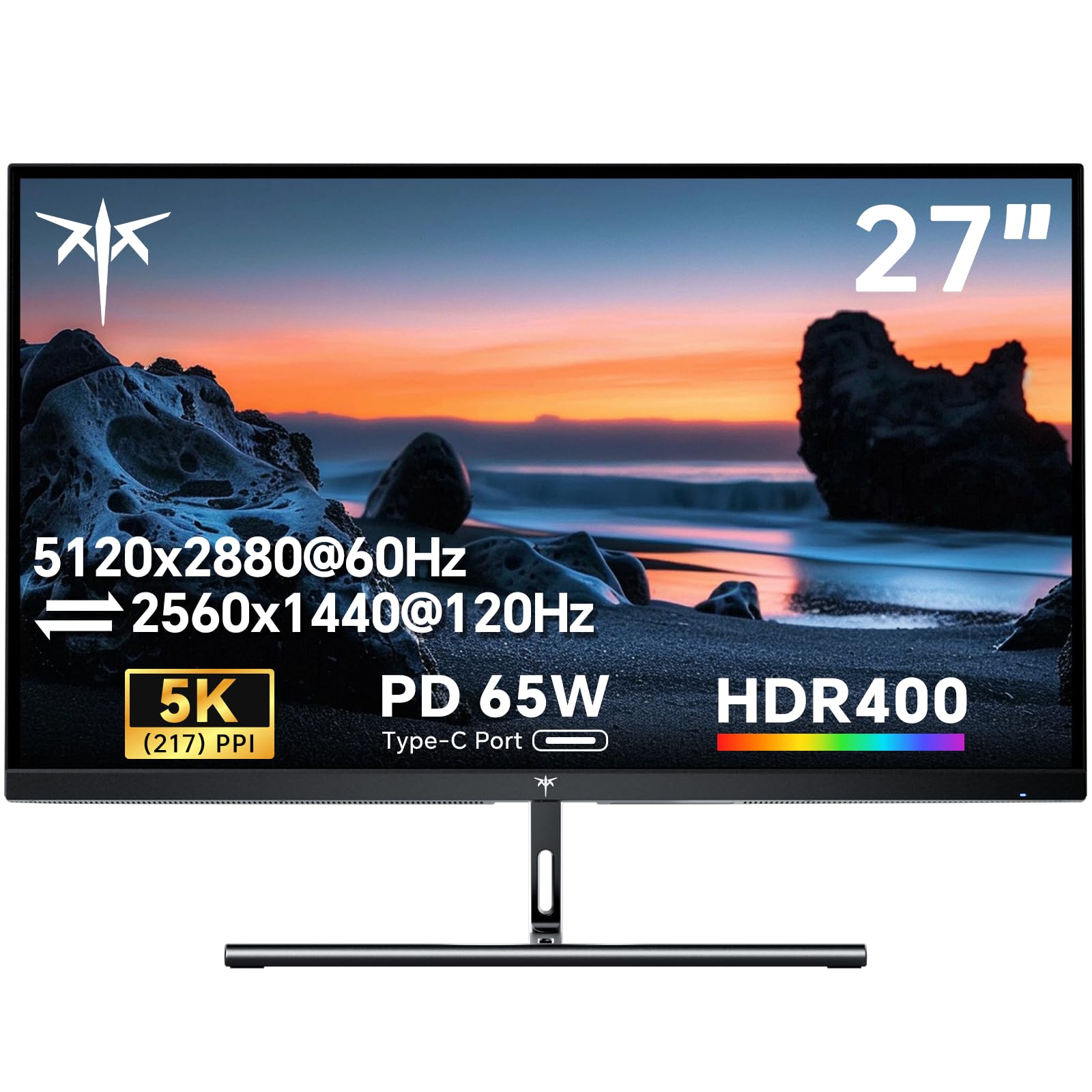
5K means 5120 by 2880 pixels, and 8K means 7680 by 4320 pixels, but sharpness depends on how those pixels spread across the screen. A 27 inch 5K panel reaches about 218 pixels per inch, so text looks smooth at a normal desk distance. The same 5K count on a 32 inch screen drops to about 184 pixels per inch. An 8K panel at 32 inches reaches about 275 pixels per inch, which suits close inspection of photos and detailed graphics.
Panel Technology in IPS, VA, OLED and Mini LED
Panel type shapes contrast, viewing angles and motion. IPS panels give stable color from the side, which suits editing and shared viewing. VA panels offer deeper contrast for dark scenes but can shift color at wide angles. OLED gives true blacks and fast response, though you must manage static images to limit burn in. Mini LED backlights on LCD panels raise brightness and local contrast for bright rooms and HDR work.
Color Gamut, Accuracy and HDR Brightness
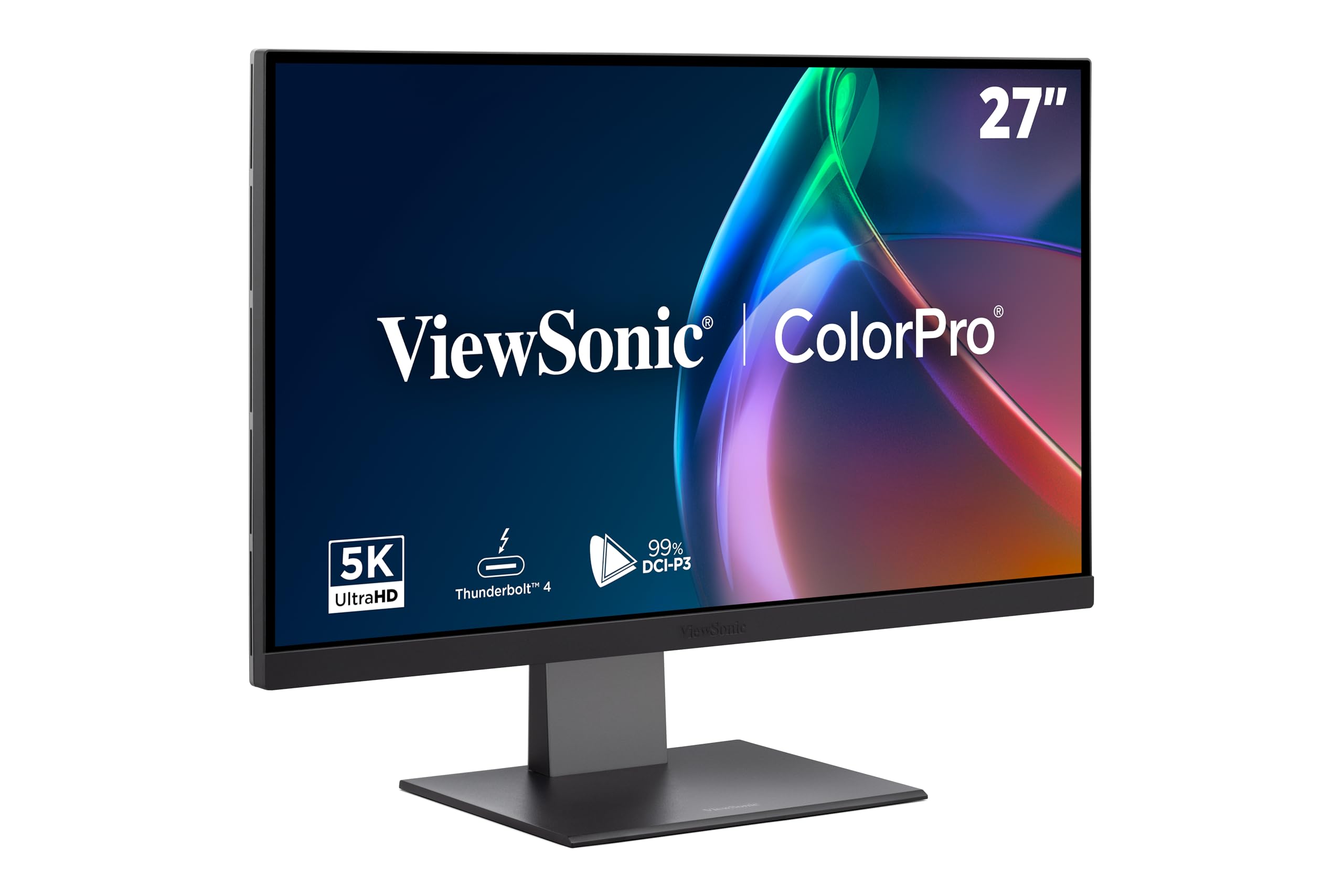
Look for coverage of the DCI P3 color space if you edit photo or video work, since most modern content targets that gamut. A low color error rating and factory calibration report help you start with trustworthy color. HDR adds impact only when brightness and local dimming support it, so check peak brightness in nits and the HDR format the panel accepts.
Ports, Bandwidth and Cable Limits
These resolutions need serious bandwidth, so ports decide whether the screen runs at full quality. DisplayPort and HDMI 2.1 carry high resolution signals, and Display Stream Compression lets a single cable handle 5K or 8K at 60 Hz without visible loss. USB C with video support simplifies a laptop desk and may also charge the computer. A built in hub can also remove a separate dock from your desk.
Why Most 5K and 8K Panels Stay at 60 Hz
Most 5K and 8K monitors run at 60 Hz, which suits editing, office work and video playback. Higher refresh rates are rare at these resolutions because the data load is so large. Adaptive sync matches the panel rate to your graphics output and reduces tearing in games. If fast gaming is your main goal, see our guide to the best gaming monitors, where lower resolution models offer far higher refresh rates.
Stand Adjustment, VESA Mounts and Desk Fit
A heavy high resolution panel needs a stand that holds its position without wobble. Look for height, tilt and swivel adjustment so the screen center sits slightly below eye level. A VESA mount pattern lets you move the panel to an arm, which frees desk space and helps you set the right viewing distance.
Choosing Between 5K and 8K for Your Desk
For most desk users, 5K is the balanced choice. Rankings of the best 5k and 8k monitors mean little until size and scaling match your desk. 5K delivers a clear step past 4K, pairs well with common laptop scaling and costs far less than 8K. If you focus on desktop models in this class, see our guide to the best 5k monitors to compare sizes and panel types in more depth. Expect prices from about $700 to $1,600 for many 5K models, depending on size, color features and ports.
8K makes sense when the screen is large, your content is truly high resolution and your computer can drive it well. Source files, editing tools and games at native 8K remain limited, so many buyers pay for pixels they rarely feed. If a large screen is the goal, see our guide to the best 8k monitors for the current large format options. Also confirm your graphics card supports the needed output before you order.
If you are comparing complete desk setups rather than one screen, see our guide to the best 5k computer monitors for workstation focused choices. Set operating system scaling so text stays readable without leaning in.
Common Mistakes to Avoid
- Buying 8K for a small desk leaves you too close to the screen and forces constant head turning.
- Ignoring cable and port limits can lock the monitor to a lower resolution or a lower refresh rate.
- Choosing a panel by resolution alone can leave you with weak color for photo and video work.
- Setting scaling to native size makes text so small that you strain your eyes within an hour.
- Skipping a graphics card check can leave an expensive screen running below its full pixel count.
- Paying for HDR claims without real brightness and local dimming gives you washed out dark scenes.
Care and Maintenance for a High Resolution Monitor
Clean the screen only with a soft microfiber cloth, lightly dampened with water if needed, and never spray liquid directly on the panel. Turn the monitor off before cleaning so smudges show clearly and heat does not dry marks in place. Keep drinks away from the lower bezel, where a spill can reach the control buttons and ports.
Set a screen saver or sleep timer so a static image never sits for hours, and use the built in pixel refresh tool on OLED models as the maker directs. Leave picture settings near the calibrated mode for editing work rather than a vivid mode, which pushes color and brightness past accurate levels. Use quality cables rated for your resolution, since a failing cable often shows as flicker or random black screens.
FAQ
Is 8K worth the extra cost over 5K for a desk monitor?
For most desk users, 8K is not worth the extra cost over 5K. At 27 to 32 inches, your eyes gain little visible sharpness beyond 5K at a normal viewing distance. Choose 8K when the screen is large, you sit farther back and you work with native 8K footage or very detailed still images.
What size 5K or 8K monitor fits a home office desk?
A 27 inch 5K monitor fits most home office desks well. It gives you sharp text and room for two windows side by side without crowding a keyboard. A 32 inch model needs a deeper desk, ideally about 30 inches or more, so the screen sits far enough away. Before ordering, mark the panel footprint on your desk with tape to check the fit.
Can a laptop drive a 5K or 8K monitor at full resolution?
Yes, many recent laptops can drive a 5K or 8K monitor, but the port and cable decide the result. Check that your laptop output supports DisplayPort video over USB C or HDMI 2.1, and use the cable supplied with the monitor first. Some laptops reach full resolution only at 60 Hz, so confirm that limit before you buy.
Does a higher refresh rate matter for 5K and 8K monitors used for office work?
No, a higher refresh rate matters little for office work on these monitors. At 60 Hz, scrolling text and video calls already look smooth, and panel sharpness does far more for comfort during long reading sessions. Spend your budget on panel quality, stand adjustment and the right size instead.
IPS or OLED: which panel suits a 5K or 8K monitor for photo editing?
An IPS panel suits most photo editing on a 5K or 8K monitor. IPS holds color steady across the screen and carries no burn in risk from toolbars that stay in place all day. OLED gives deeper blacks for video grading in a dim room, but static editing tools make long sessions riskier. For print focused work, a calibrated IPS screen remains the safer daily choice.
Wrapping Up
Decide by size and task first, then by panel and color, and only then by price. A 27 inch 5K screen serves most editors and office users well, while 8K rewards large screens, deep desks and true high resolution content. Use the product table above to confirm ports, stand adjustment and price for your short list.
When you judge best 5k and 8k monitors by the work in front of you rather than the pixel count alone, the right choice becomes clear and your desk stays comfortable all day.


