
Best 5K Computer Monitors Made Simple: A Clear Buying Guide for 2026
Disclosure: We may earn a commission when you buy through links on this page, at no extra cost to you. As an Amazon Associate I earn from qualifying purchases. Learn more

A first time buyer guide to the best 5k computer monitors: key terms, panel types, ports, prices and common mistakes.
A 5K monitor packs far more pixels than the screen you are probably using now, and that jump raises fair questions about cables, scaling, and price. This guide walks first time buyers through the best 5k computer monitors in plain language, starting with what 5K actually means and ending with a short setup routine.
You will learn how panel types differ, which ports matter, and which mistakes cost new buyers money. The comparison table below gathers the key specs side by side so you can follow along as each term is explained. By the end, you will know which class of 5K screen fits your desk, your computer, and your budget.



5K Computer Monitors 101: The Basics
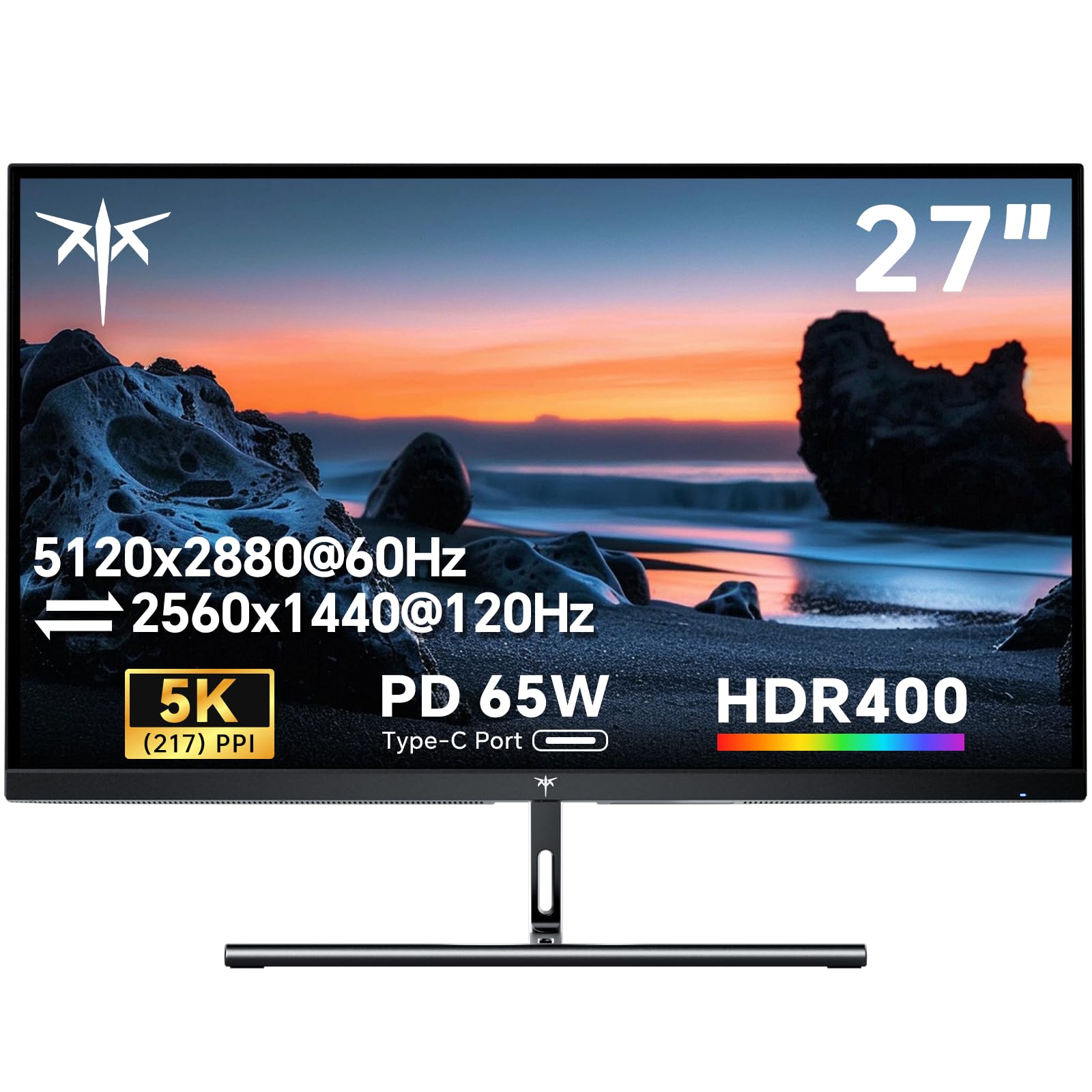
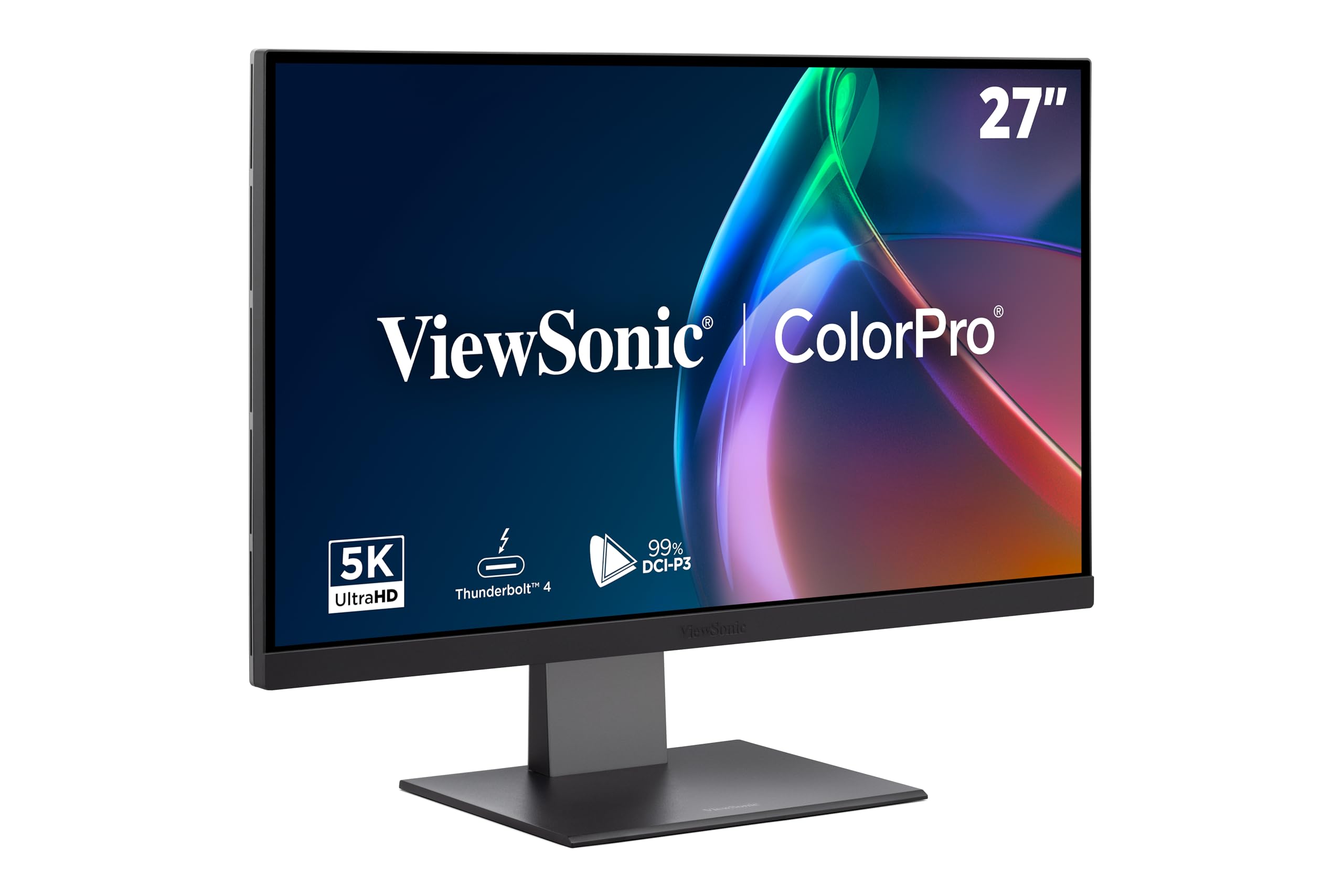
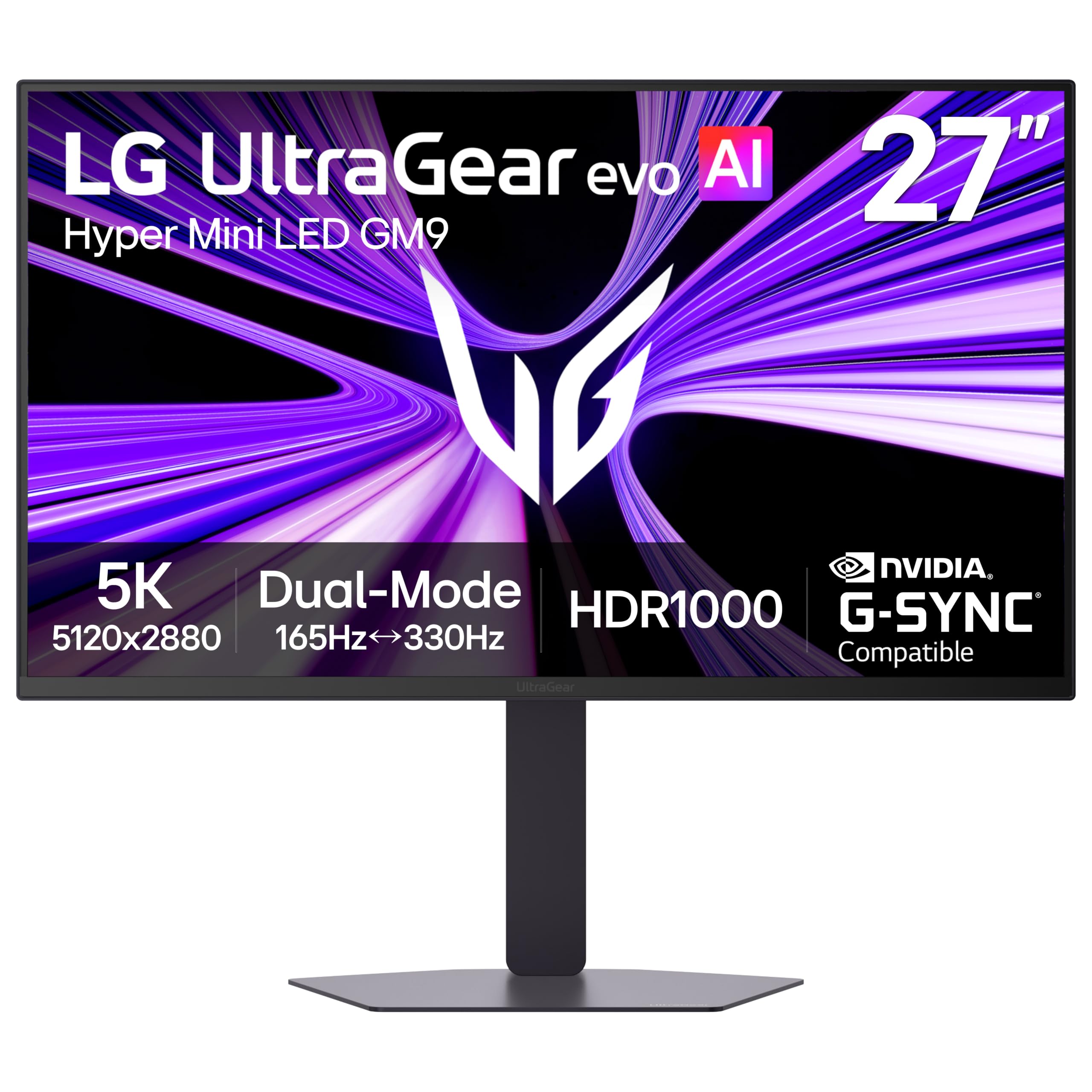
A 5K computer monitor shows 5120 by 2880 pixels, which adds up to about 14.7 million pixels on one screen. On the common 27 inch size, that works out to about 218 pixels per inch, so text edges and fine lines look smooth instead of stepped. That density is the main reason people pay the premium over 4K.
The extra pixels do not remove eye strain on their own. Comfort still depends on matching screen brightness to your room light, sitting at a sensible distance, and taking regular breaks away from the screen. If you want the short version of this category first, our guide to the best 5k monitors covers the wider field before you narrow down to a desktop pick.
Key Specs Explained in Plain English
Panel Technology (IPS, VA, OLED, Mini LED)
Most 5K screens use an IPS panel, which gives accurate color and wide viewing angles for work that involves photos, documents, or video. VA panels trade some angle and color accuracy for deeper contrast, while OLED delivers perfect blacks but costs more and needs care to avoid image retention during long static work. Mini LED backlights raise brightness and local dimming control on IPS panels, which helps HDR video look closer to its intent. For most first time buyers, IPS is the safe default, and the other types are worth their price only when your work or viewing habits call for them.
HDR and Brightness
Brightness is measured in nits, and most 5K desktop monitors sit around 400 to 600 nits, which is plenty for a lit room. HDR labels describe how a screen handles bright highlights in supported video, and a basic HDR badge on a dim screen changes little in practice. A higher nit rating plus local dimming is what makes HDR content look different from standard video. Treat HDR as a bonus on a work screen rather than the reason to buy, unless you edit or watch a lot of HDR video.
Connectivity and Ports
A 5K screen needs a connection that can carry the full signal, and USB C or DisplayPort is the usual route at 5120 by 2880 and 60 Hz. HDMI ports on many computers cap out below full 5K, so check the rating of the port, the cable, and any dock in the chain before you blame the monitor. A USB C input that also charges your laptop and runs a small hub can clear several cables off a desk in one move. Count the ports you need for drives, a keyboard receiver, and a second screen before you choose.
Refresh Rate and Response Time
Refresh rate counts how many times the picture redraws each second, and most 5K monitors run at 60 Hz because the huge pixel count is hard to push faster. That is fine for office work, photo editing, and video, and it still feels smooth in casual games. Readers who play fast competitive titles should read our guide to the best computer monitors for gaming, since gaming screens trade some resolution for 144 Hz or higher. Response time figures describe pixel change speed, and at 5K they matter far less than panel type and price.
Resolution and Screen Size
Almost every 5K monitor is 27 inches, because that size pairs the full pixel count with a density your system can scale cleanly. Scaling is the setting that decides how large text and windows appear, and at this density the scaling class governs your text size: the system draws everything bigger and sharper instead of leaving you with tiny menus. Sit about an arm length away so the whole screen stays in view without head turns. If your desk is small or shared, a second smaller screen from the best portable computer monitors class can be smarter than forcing one huge panel into the space.
Rookie Mistakes to Avoid
- Buying the screen before checking your computer: older machines may cap the output below 5K, which leaves you paying for pixels you cannot use.
- Ignoring scaling: at full native size, text on a 27 inch 5K screen is tiny, so plan to run a scaled mode from day one.
- Chasing HDR badges: a low brightness screen with an HDR label will not look better than a brighter screen without one.
- Forgetting the stand: many 5K models ship with tilt only stands, so budget for a VESA arm if you need height adjustment.
- Skipping the cable check: a cheap or old cable can limit you to a lower resolution, and the fault looks like a broken monitor.
Getting Started: Setup and First Use
Connect the monitor with the cable in the box first, since it is the one the maker rated for the full signal. Set the resolution to 5120 by 2880, then pick a scaled appearance that makes text comfortable, and confirm the refresh rate reads 60 Hz.
Open the picture menu and turn off the vivid or dynamic mode, since it pushes color and contrast past accurate. Set brightness so the white on the screen matches the light in your room, and if your screen is an OLED, run the built in pixel refresh cycle the manual describes. A tidy stand, hidden cables, and a clean bezel also change how a desk feels, and our guide to the best looking computer monitors shows what the design focused class offers.
Frequently Asked Questions
Is IPS or OLED better for a 5K computer monitor?
IPS is the better default for most 5K computer monitors because it holds color well at wide angles and handles static documents all day without worry. OLED wins on contrast and black levels, which suits video and photo work in a dimmer room. The new point to weigh is your lighting: a glossy OLED in a bright room can reflect windows, while a matte IPS stays readable. Choose by your room and your content, not by the headline contrast figure.
Is 4K enough, or is 5K worth the extra cost?
5K is worth the extra cost mainly when you read and write text all day on a 27 inch screen, because the higher density makes letters noticeably smoother. For video, games, and general browsing, a good 4K screen looks very close at normal seating distances. One point buyers miss is the graphics load: 5K asks more of your computer at all times, not only in games. If your machine already runs warm with 4K, the step up may cost you fan noise as well as money.
How long does a 5K computer monitor last?
A 5K computer monitor typically lasts about five to eight years before the backlight dims or a newer connection standard makes it feel old. The panel itself rarely fails first; ports, buttons, and the power supply are the usual weak points. Warranty length is a useful clue here, since many models in this class carry about three years of cover. Keeping the box and foam makes a house move far safer for a large thin panel, which is when many screens actually die.
Does refresh rate matter on a 5K monitor if you do not play games?
No, refresh rate matters very little on a 5K monitor for office work, writing, photo editing, or video, and the standard 60 Hz redraws the picture fast enough for all of them. Video itself is filmed at far lower frame rates, so nothing you watch is held back by the screen. Smooth scrolling is the one small gain a faster panel would bring, and it is not worth a resolution cut. Players who do care about speed should look at the best gaming monitors class instead of this one.
What screen size should you choose for a 5K computer monitor?
Choose 27 inches, because nearly all 5K computer monitors come in that size and it balances density, price, and desk space. Before ordering, measure your desk depth and aim for roughly an arm length between your eyes and the panel. A shallow desk can make even a 27 inch screen feel crowded once a keyboard and papers join it. If the tape measure says no, one 5K screen plus a small portable side screen often beats a single oversized panel.
Final Thoughts
Start with the panel, the ports, and the scaling behavior, because those three decide how a 5K screen feels every day. Spend first on density and connection quality, then on extras like HDR or hub ports. The product table above pulls the main classes together so you can compare them at a glance. Whichever class you pick, the best 5k computer monitors reward buyers who check compatibility first and treat headline specs with a little patience.


