Best 5G Printers Made Simple: A Clear Buying Guide for 2026
Disclosure: We may earn a commission when you buy through links on this page, at no extra cost to you. As an Amazon Associate I earn from qualifying purchases. Learn more

A first time buyer guide to the best 5g printers with 5 GHz WiFi: key terms, printer types, costs and common mistakes.
If you are shopping for a printer for the first time, the jargon alone can stop you in your tracks. DPI, duplex, ink tanks, cartridges and WiFi bands all crowd the product pages. When people search for the best 5g printers, they usually mean printers that connect to the faster 5 GHz WiFi band, and this guide explains that term and every other term you need in plain English.
We start with the basics, then explain each key spec and what level to choose, then cover the mistakes first time buyers often make. Use the product table to compare models, and read the sections below to match a printer to your printing needs at home or work.


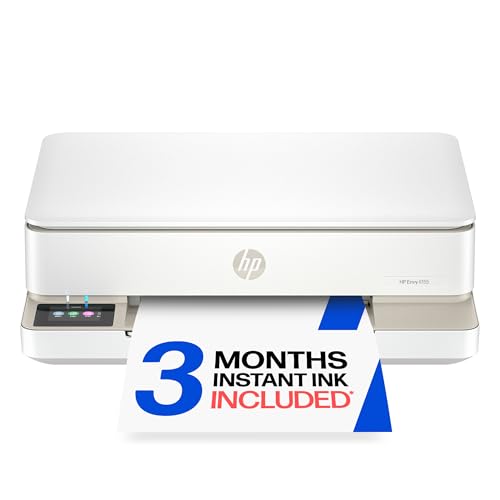
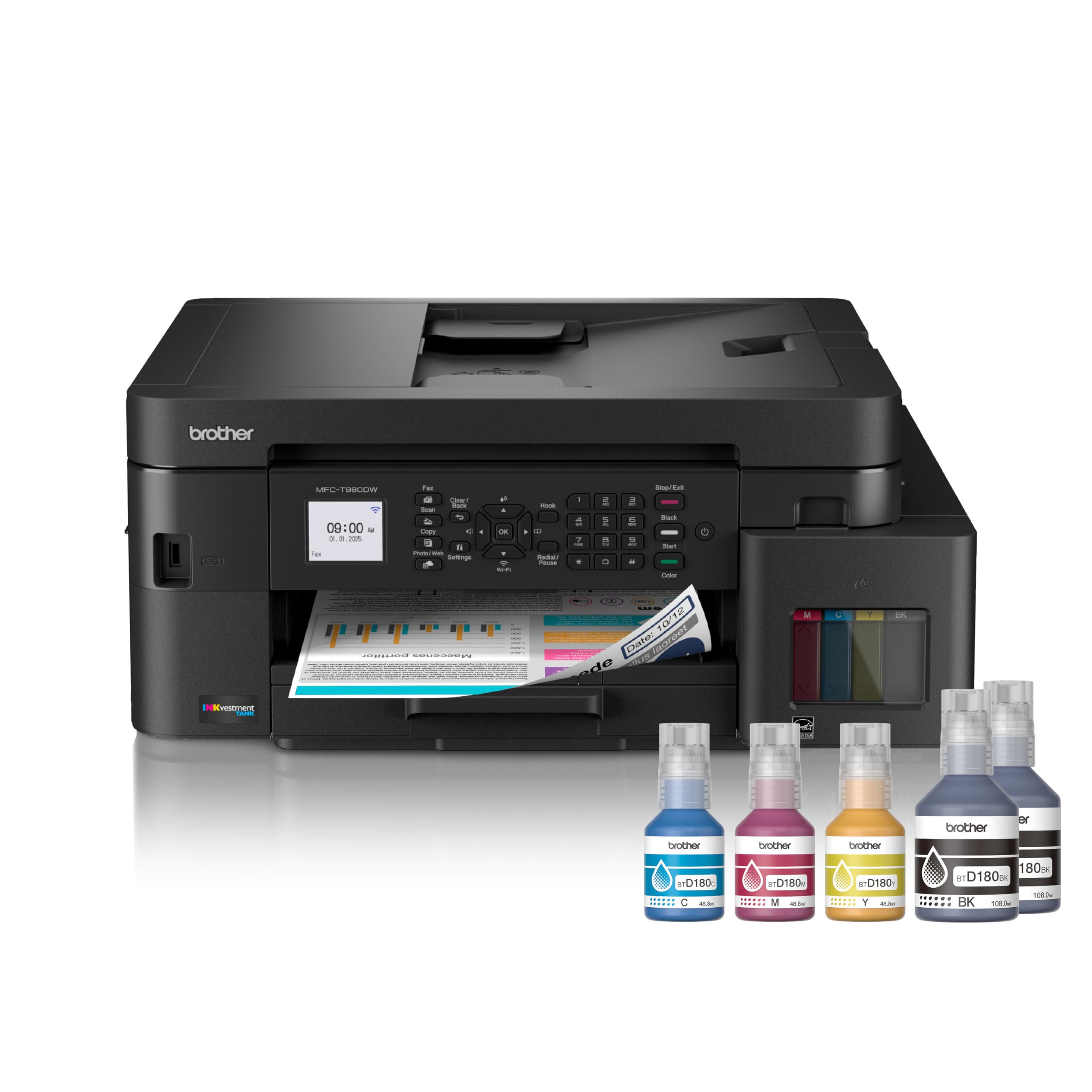
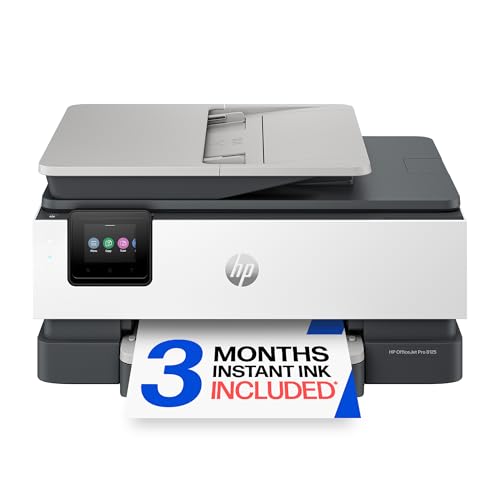
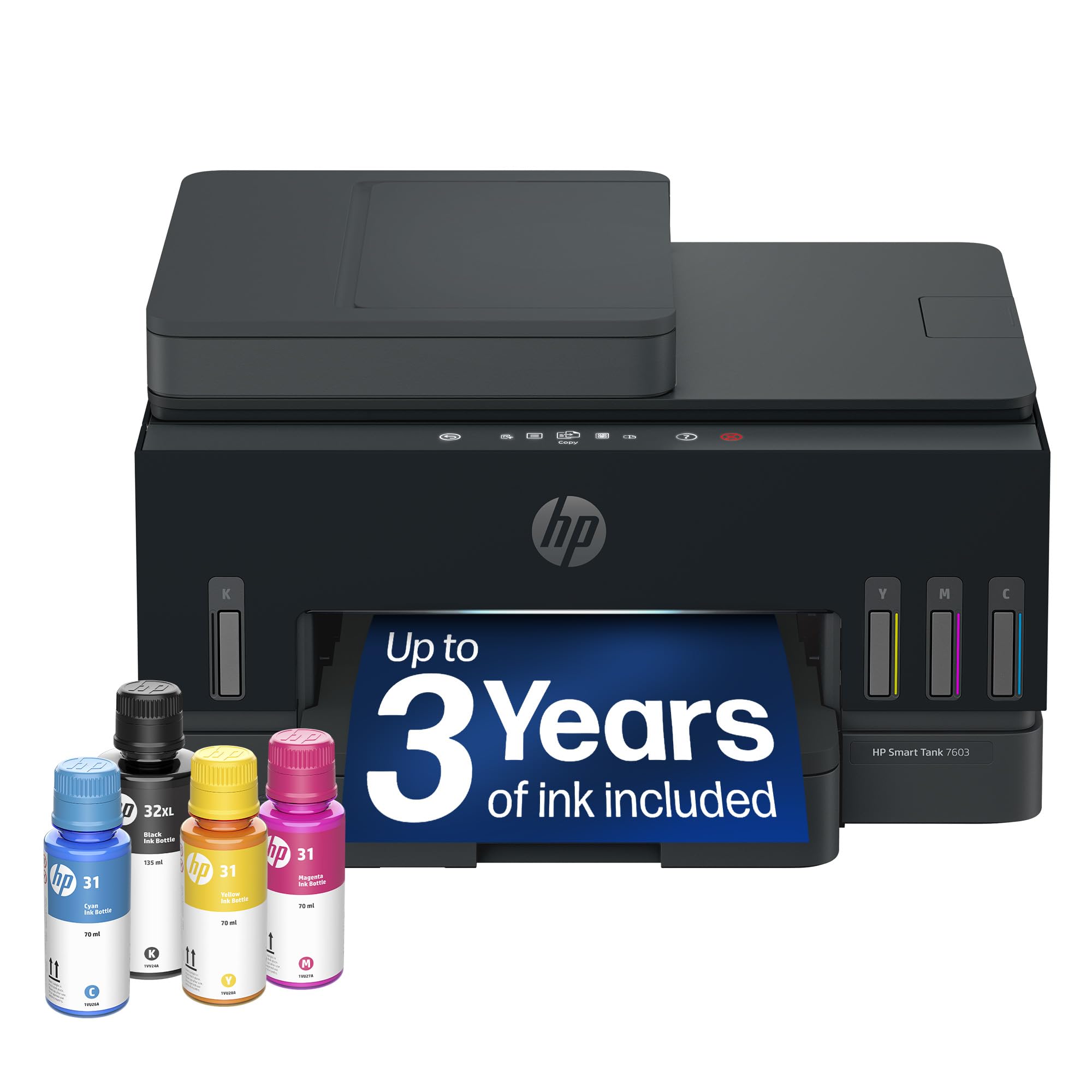
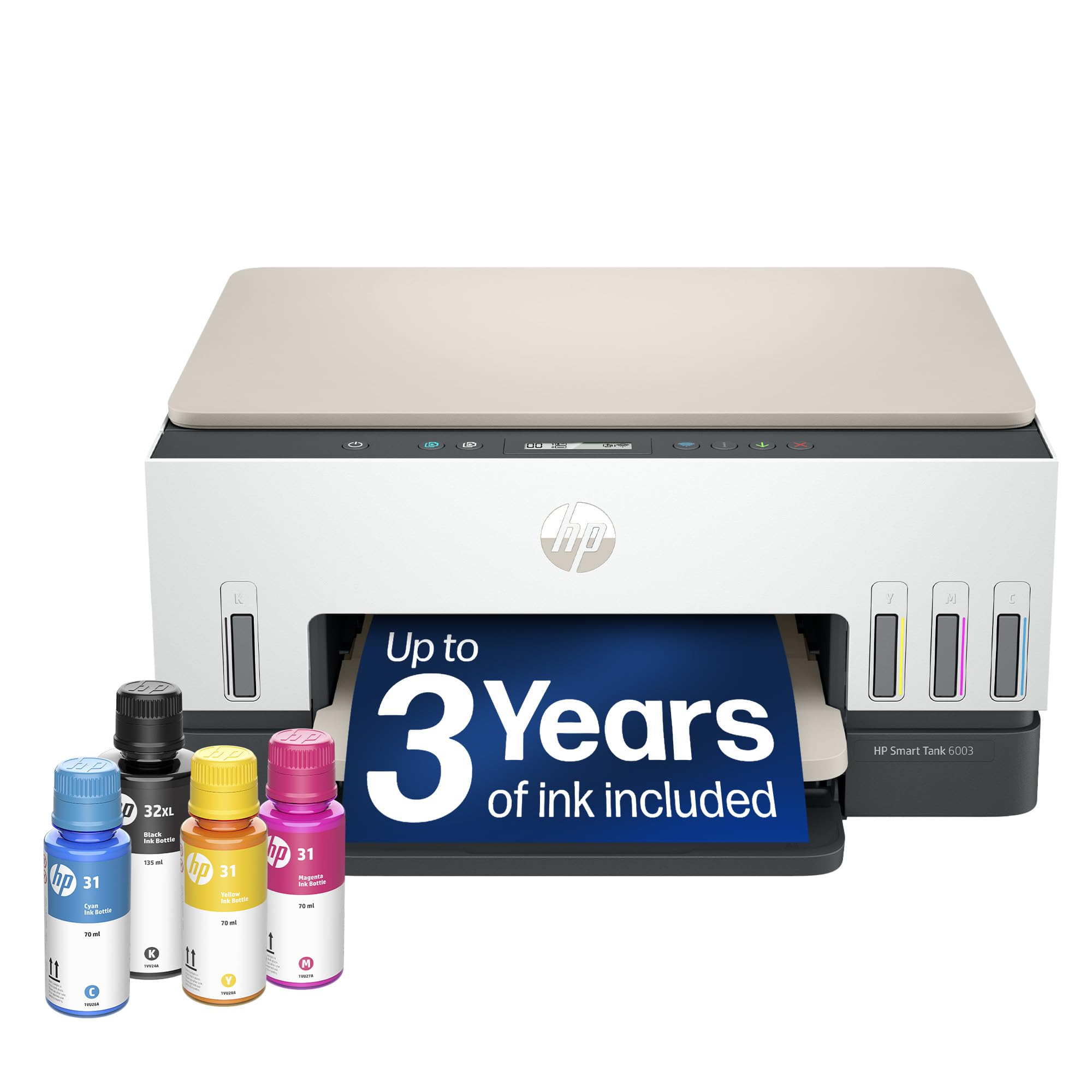
5G Printers 101: The Basics
A 5 GHz WiFi printer connects to the 5 GHz band of your home router instead of, or alongside, the older 2.4 GHz band. The 5 GHz band carries data faster and suffers less interference from neighbors and household gadgets, which means print jobs start sooner and large photo files transfer without long waits. Its range is a little shorter, so the printer should sit within a room or two of the router for the strongest signal.
Many printers are dual band, meaning they can use either band, and that flexibility is worth having. The 2.4 GHz band reaches farther through walls, which suits a printer in a back office. When you shop, check the connectivity line of the spec sheet for dual band WiFi, and confirm the printer supports AirPrint if you print from an iPhone or iPad. A wired Ethernet port is a useful backup for a fixed desk setup.
An all in one printer combines printing with scanning and copying, and most home models now include it for a small price increase. If you sign forms, archive receipts or copy school documents, that scanner earns its space quickly. A single function printer costs less and suits people who truly only print.
Key Specs of the Best 5G Printers Explained
Printer Type: Inkjet, Laser or Ink Tank
Printer type decides almost everything else, so choose it first. Inkjet printers spray tiny drops of ink and handle photos and color documents well, which suits most homes. Laser printers use toner powder and heat, print text very fast, and suit offices that print many pages. Ink tank printers are inkjets with refillable reservoirs instead of small cartridges, lowering running costs for heavy users. If print quality across all printer types matters to you, our guide to the best quality printers explains output standards in more detail.
Ease of Setup
Setup should take minutes, not an afternoon. Look for a guided app based setup that finds your WiFi network and installs drivers for you. Clear screens and plain language prompts help when something needs attention, such as a paper jam or a low ink warning.
Footprint and Noise
Measure your space before you fall for a spec sheet. A compact home printer may need about 17 inches of width plus room for the paper tray to open and for output to land. All in one models with scanners stand taller, so check shelf height too. Laser printers make a brief fan and roller sound while printing, and inkjets are generally quieter.
Cost per Page and Ink Costs
Cost per page is the running cost of each printed sheet, and it often matters more than the purchase price. Cartridge inkjets can cost several times more per page than tank models, because small cartridges carry premium priced ink. Tank printers cost more upfront, but the included ink can last a typical household a year or more. Laser toner cartridges print thousands of pages, keeping text costs low. Beware ink subscriptions that pause printing if you cancel, and read the terms before you enroll. Home focused shoppers can compare categories in our guide to the best computer printers for home.
Print Quality and Resolution
Resolution is measured in DPI, or dots per inch. Text looks sharp at 600 DPI and above, while photo printers push far higher and use extra ink colors for smoother skin tones and gradients. In practice, paper choice changes photo quality as much as DPI, so budget for proper photo paper if prints matter. Photo focused buyers should also read our guide to the best printers for pictures.
Rookie Mistakes to Avoid
- Buying on printer price alone, then paying far more in cartridge ink over the first year than a tank model would have cost.
- Ignoring WiFi band support, then wondering why a printer placed far from the router keeps dropping off the network.
- Forgetting duplex printing, which saves paper automatically on long documents and is cheap to include at purchase time.
- Skipping the footprint check, so the printer arrives and the scanner lid cannot open under your shelf.
Getting Started: Setup and First Use
Once your printer arrives, unbox it on a flat surface and remove every piece of packing tape, including pieces inside the ink area that are easy to miss. Connect it to your WiFi through the setup app, choosing the 5 GHz network if the printer sits near the router, then print the sample page the app offers. Load plain paper correctly, print side up or down as the tray icons show, and run the alignment page if prompted.
For an inkjet, print at least one page each week to prevent the ink from drying and clogging the print head. Use genuine ink or reputable refill ink matched to your model, since poor ink can clog nozzles and void support.
Frequently Asked Questions
What does a 5G printer mean?
A 5G printer is a printer that can connect to the 5 GHz WiFi band, not a cellular 5G device. Most are dual band models that work on both 5 GHz and 2.4 GHz, so you can place them where the signal is strongest.
Are ink tank printers worth it?
Yes, ink tank printers are worth it if you print weekly or print photos and school or work documents in color. The higher purchase price buys ink that can last a year or more, and refills cost far less per page than cartridges. If you print only a few pages a month, a basic laser may suit you better, because toner never dries out between uses.
Inkjet or laser: which is cheaper long term?
Laser is cheaper long term for text heavy printing, since toner yields thousands of pages and never clogs during idle weeks. Inkjet wins for photos and mixed color work, and tank inkjets close the cost gap for homes. Count your color pages honestly.
What does cost per page mean?
Cost per page means the ink or toner cost of printing one page, found by dividing the price of a cartridge or bottle by the number of pages it is rated to print. A cartridge that costs about $30 and yields 200 pages runs about 15 cents per page, while tank ink can fall to about a cent or less.
Wrapping Up
Keep three checks at the center of your decision. Choose the printer type that matches your real output, confirm dual band WiFi so the printer can use the fast 5 GHz band near your router, and calculate cost per page before you fall for a low sticker price. The best 5g printers for your home are in the product table above, and you now have the vocabulary to compare them with confidence.