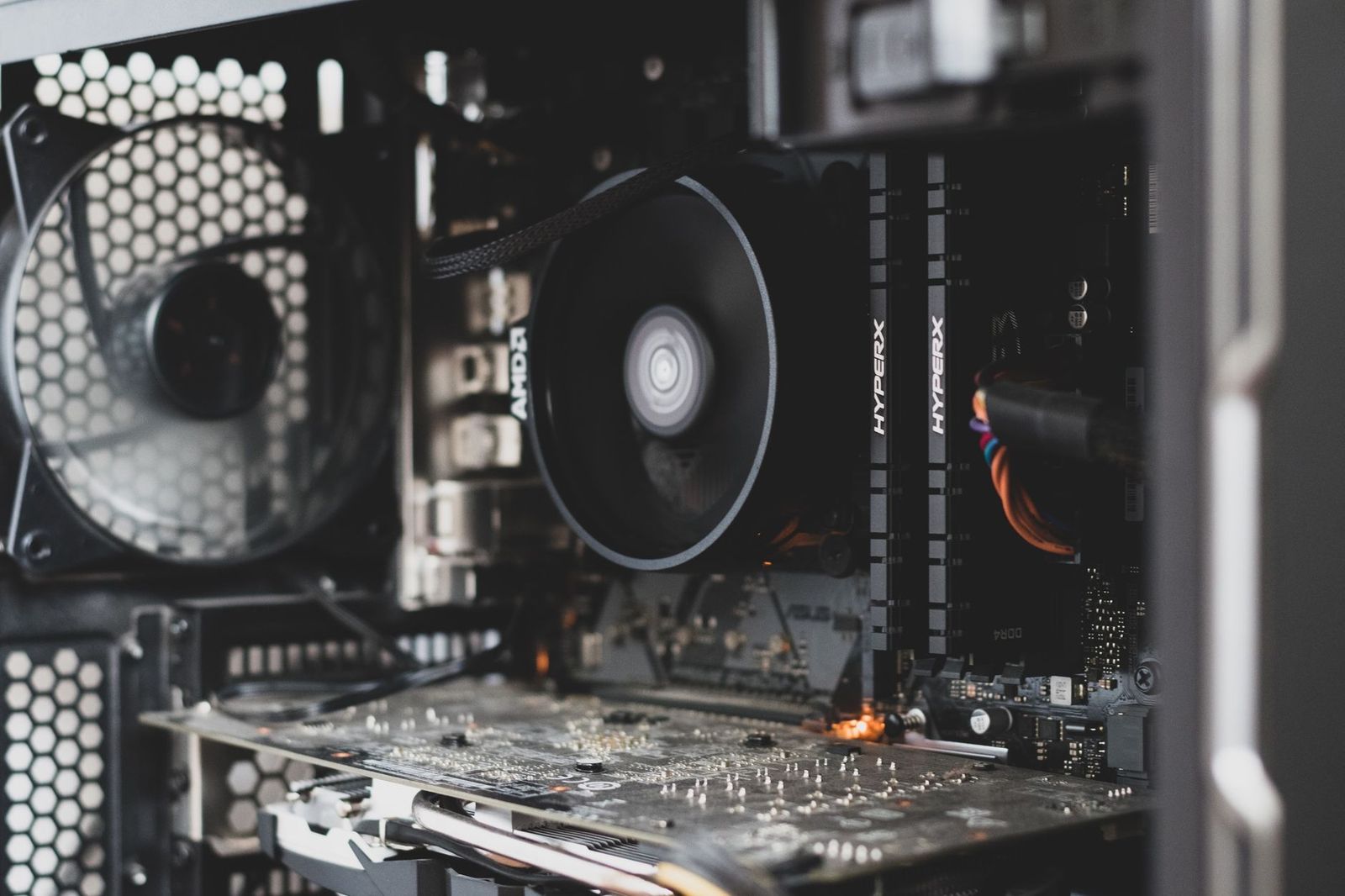
Best AMD AM4 Motherboards 2026: Buying Guide
Disclosure: We may earn a commission when you buy through links on this page, at no extra cost to you. As an Amazon Associate I earn from qualifying purchases. Learn more
A guide to the best amd am4 motherboards: chipset tiers, processor support, VRM cooling, DDR4 memory and the right board size.
The AM4 platform remains a smart way to build or refresh a PC, because processors for it are widely available and often affordable, but the board you choose decides which chips, memory speeds, and graphics cards will work well together. Shoppers looking for the best amd am4 motherboards need to check chipset, processor support, and power delivery before anything else. This guide explains each check in plain order.
A motherboard is the one part that touches every other part, so a poor match here limits the whole system no matter how strong the processor or graphics card is. Use the comparison table below to compare chipsets and sizes, then read the buying guide sections to confirm compatibility with the parts you already own or plan to buy.
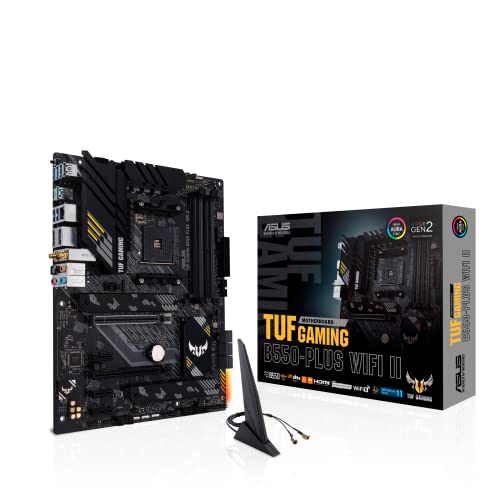

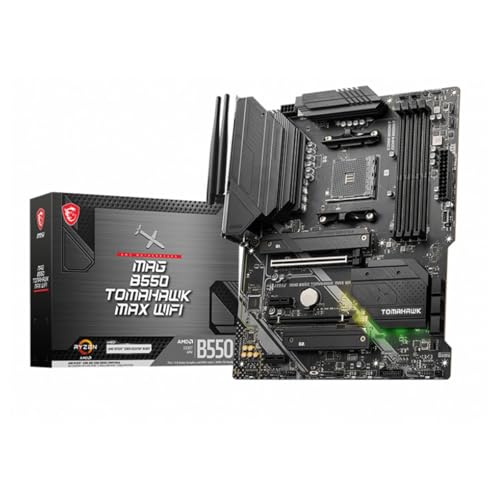
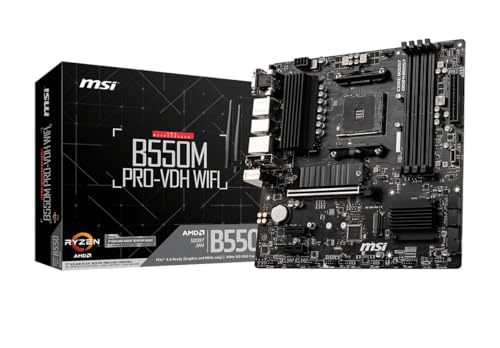
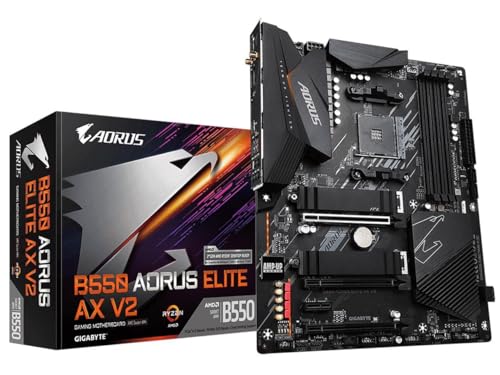


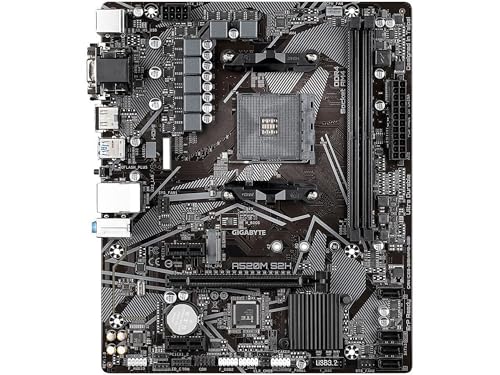
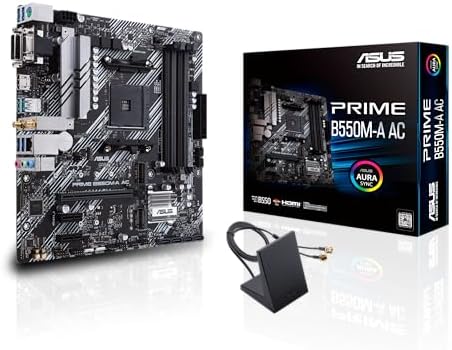
Three Buying Tiers at a Glance
Balanced Tier
The balanced tier centers on the B550 chipset, which brings PCIe 4.0 support for a modern graphics card and a fast NVMe drive, along with solid power delivery for six and eight core processors. Boards in this tier, usually around $130 to $200, add better audio, more USB ports, and stronger voltage regulator cooling. This is the tier to choose if you want one board that handles gaming, streaming, and work without forcing compromises elsewhere in the build.
Value Tier
Value boards, often around $80 to $130, use B550 or well equipped B450 chipsets and cover the needs of most gaming builds. You give up some extras, such as extra M.2 slots, premium audio, or built in WiFi on some models, but core performance with a mid range processor stays the same. Put the savings toward a larger SSD or a better graphics card, where the difference shows up in daily use. Check BIOS support carefully in this tier, because older stock may need an update before it accepts a newer processor.
Beginner Tier
Beginner friendly boards make the first build calmer. Look for clear printed manuals, labeled front panel headers, a diagnostic LED or beep codes that explain startup problems, and a BIOS with a simple mode that shows boot order and memory settings at a glance. Boards around $100 to $150 in standard ATX or micro ATX sizes fit most cases and leave room to work. Avoid tiny boards for a first build unless your case requires one, because cramped layouts make cable routing harder.
How to Choose the Best AMD Am4 Motherboards: Buying Guide
CPU and GPU Pairing
Confirm your exact processor appears on the board support list, and note the BIOS version it requires. Among stronger AM4 boards, B550 and X570 boards pair well with later Ryzen chips, while older A320 boards limit both processor choice and memory speed. For gaming, match the graphics card to your monitor. A mid range card suits 1080p play, a stronger card serves 1440p, and 4K play asks for a high end card plus a processor that will not hold it back.
Upgradability and Standard Parts
AM4 boards use standard ATX power connectors and standard mounting holes, which keeps future case and power supply swaps simple. That is a real advantage over some prebuilt systems that use proprietary boards and connectors. Leave yourself headroom by choosing four memory slots when possible, a second M.2 slot for a future drive, and enough fan headers for the case you plan to use next. A board bought with one clear upgrade path in mind usually stays in service a year or two longer.
Power Supply Quality
The board draws power through the main 24 pin connector and a separate CPU power connector, so a reliable power supply protects everything. For most AM4 gaming builds, a quality unit around 550 to 750 watts with an 80 Plus Gold rating gives comfortable headroom for processor and graphics card peaks. Check that the supply has the PCIe power cables your graphics card needs. Clean, stable power also reduces random shutdowns that people often blame on the motherboard by mistake.
Cooling and Thermals
Voltage regulator cooling matters when you run an eight core processor under long loads. Look for real metal heatsinks over the power stages near the CPU socket, not just decorative covers. Case airflow matters just as much, because a board in a sealed case with one fan will run hotter than the same board in a case with two intake fans and one exhaust fan. Air coolers also blow some air across the board, while a liquid cooler leaves the regulator area dependent on case airflow alone.
RAM and Storage
AM4 boards use DDR4 memory, so DDR5 sticks will not fit or work, a compatibility point worth stating clearly before you order parts. For gaming, 16GB of DDR4 in two sticks is the sensible minimum, and 32GB suits streaming, editing, and heavy multitasking. Buy memory in matched kits and enable the rated speed profile in the BIOS. For storage, one NVMe SSD of at least 1TB on a PCIe slot keeps games and programs loading quickly, with SATA ports left for bulk drives.
Case Size, Airflow, and Aesthetics
Match board size to your case. ATX boards offer the most slots and the easiest layout, micro ATX boards fit smaller cases with minor compromises, and Mini ITX boards demand careful planning because they carry only one expansion slot and two memory slots. Confirm the case supports your board size before ordering either part. Lighting headers are a nice extra if you like a coordinated look, but airflow and fit should always win over appearance when the budget forces a choice.
Noise Levels
Most boards are silent by themselves, but the X570 chipset on some models uses a small fan that can add a high pitched sound under load, while B550 boards are usually fanless and quiet. Fan control in the BIOS also shapes system noise, because smooth fan curves prevent the constant speeding up and slowing down that draws attention. Choose a board with enough fan headers to run case fans slowly rather than a few fans working hard.
Types of AMD Am4 Motherboards
Prebuilt Gaming Desktops
Some shoppers meet AM4 boards inside a prebuilt gaming desktop rather than a parts list. If you plan to upgrade such a system, first confirm the board is a standard retail style board and not a proprietary design with unusual power connectors. Standard boards accept normal power supplies, cases, and memory, which keeps upgrade costs predictable. If the board is proprietary, price a full board and power supply swap into any serious upgrade plan.
Budget 1080p Builds
For a budget 1080p build, a B450 or entry B550 board with four memory slots and one NVMe slot covers the job well. Pair it with a six core processor and a mid range graphics card, and spend the remaining budget on a good SSD and 16GB of memory. This class of board is the sweet spot for esports titles and older games, where high frame rates at 1080p matter more than maximum detail settings.
Small Form Factor PCs
Mini ITX AM4 boards pack a full system into a compact case, which suits a desk or living room PC. Expect two memory slots, one expansion slot, and careful limits on cooler height and graphics card length. Built in WiFi is common in this class and worth having, since small cases often sit far from a router. If a compact build interests you, see our guide to the best amd itx motherboards for size specific advice.
High End 4K Builds
For a high end build aimed at 4K play, choose an X570 or premium B550 board with strong power delivery, PCIe 4.0 for both graphics and storage, and fast networking. These boards cost more, around $200 and up, and the money buys stability with top tier processors under long loads. Even here, the graphics card decides most of your frame rate, so balance the budget rather than overspending on the board alone.
AM4 Boards for Specific Needs
AM4 Boards Under $100
If your budget for this board sits under 100 dollars, focus on three things. First, confirm support for your exact processor, because the cheapest boards often carry older BIOS versions. Second, insist on at least one M.2 slot and four SATA ports so storage stays flexible. Third, accept simpler power delivery and pair the board with a four or six core processor rather than a power hungry flagship. Boards in this range serve home office and light gaming builds well when expectations stay realistic. For a wider short list, see our guide to the best motherboards am4 builders compare at several prices.
Care and Maintenance Tips
- Clean dust filters and fans every three months, because dust buildup raises temperatures on the board and every part around it.
- Update GPU drivers regularly, and update the BIOS carefully only when you need support for a new processor or a clear stability fix, following the maker instructions exactly.
- Monitor temperatures with free tools during a gaming session, so you spot a failing fan or blocked vent before it causes shutdowns.
- Use a surge protector, and shut the system down cleanly during storms or power problems in your area.
- Keep your memory and graphics card seated firmly by checking them whenever the case has been moved.
FAQs
Air or liquid cooling: which is better for an AM4 gaming PC?
A good air cooler is better value for most AM4 builds and cools the area around the CPU socket as a bonus. Liquid cooling suits compact cases with limited cooler height or builders who prefer its look and quiet fans at low speed. Either approach works when case airflow is planned, and neither excuses a case with blocked vents or a single struggling fan.
How much RAM do I need for gaming on an AM4 system?
Sixteen gigabytes of DDR4 is enough for almost all current games, especially in a two stick kit that lets the memory run in dual channel mode. Choose 32GB if you stream, edit video, or keep many browser tabs and apps open while you play. Speed matters modestly, and a matched kit rated around 3200 to 3600 MT per second is a sensible target for Ryzen systems.
What GPU do I need for 1440p gaming?
For 1440p play at high settings, choose a graphics card from the current upper mid range or above, with at least 12GB of video memory for newer titles. The motherboard only needs a full length PCIe slot, which every board in this guide class provides. Spend on the card before the board here, because the card sets most of your frame rate at this resolution.
B450 or B550?
B550 is the better pick if prices are close, because it adds PCIe 4.0 and usually better power delivery. B450 suits a budget build with a six core processor and a PCIe 3.0 graphics card, but may need a BIOS update for Ryzen 5000.
How long will an AM4 gaming PC stay relevant?
A balanced AM4 system with a six or eight core processor, 16GB to 32GB of memory, and a capable graphics card should play new games well for about four to six years, with a graphics card upgrade extending that span. The platform is mature, so parts and advice are easy to find. Plan the board and power supply with one upgrade in mind and the system ages gracefully.
Wrapping Up
Confirm processor support first, choose the chipset for the storage and graphics speeds you need, and match board size to your case. The best amd am4 motherboards for your build are the ones that accept your parts today and leave one sensible upgrade open tomorrow. Compare finalists in the product table above, and if gaming is the main goal, see our guide to the best am4 motherboards for gaming and our guide to the best am4 socket motherboards for more focused short lists.