
Best Epson All-in-One Printer: How to Choose the Right One
Disclosure: We may earn a commission when you buy through links on this page, at no extra cost to you. As an Amazon Associate I earn from qualifying purchases. Learn more

Shopping for a new printer used to mean picking the cheapest box on the shelf. Epson's current lineup makes that harder, in a good way, because the company now builds several genuinely different types of all-in-one machines rather than one generic model with different labels slapped on. Finding the best epson all in one printer for your home or home office really comes down to matching the ink system, the functions, and the connectivity to how you actually print, not to any single "best" model that fits everyone. This guide walks through what separates Epson's all-in-one printers so you can narrow the field with confidence before you compare specific options.
You will come away knowing how supertank and cartridge printers differ, which functions matter for your household or office, what connectivity actually means day to day, and how much these machines cost to run once the box is open.
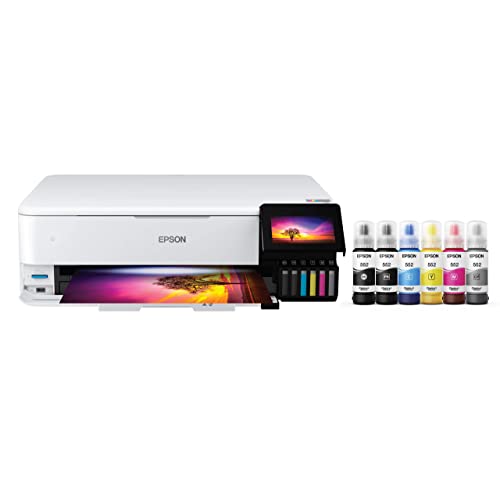
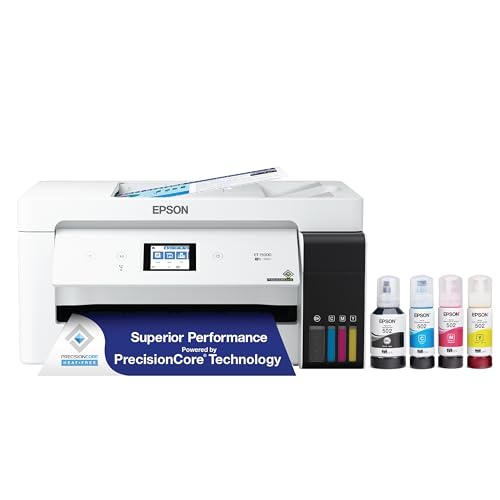
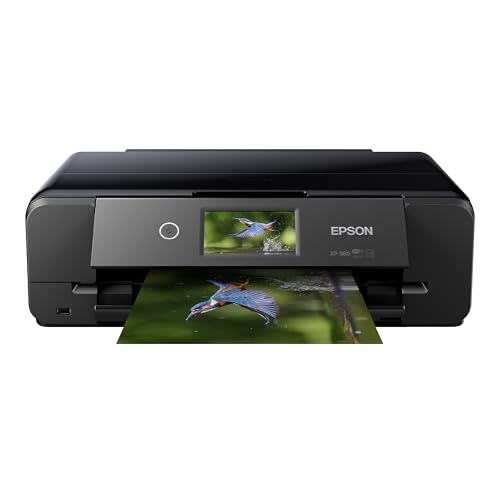
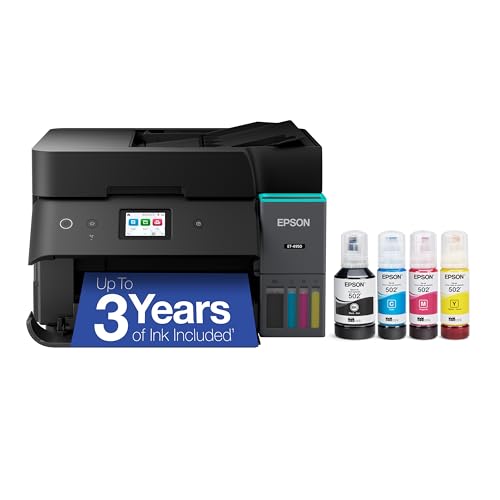
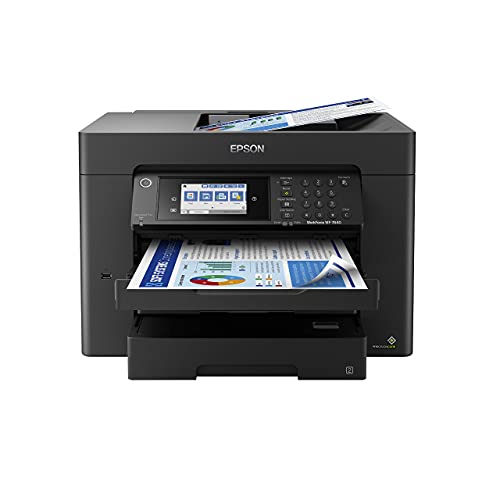
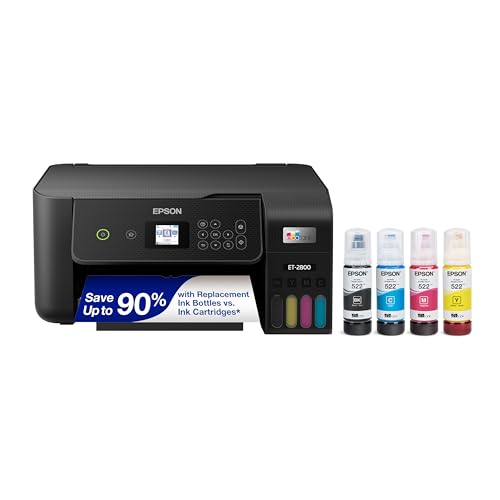
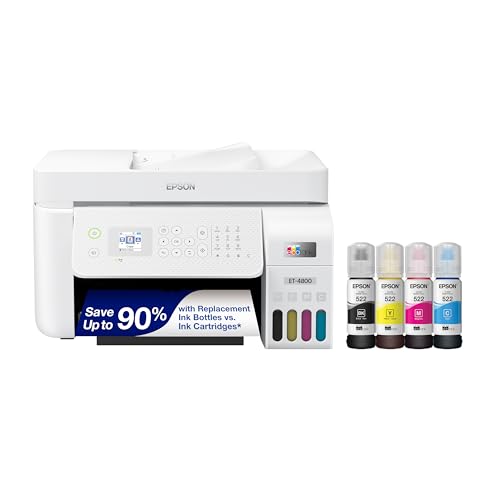
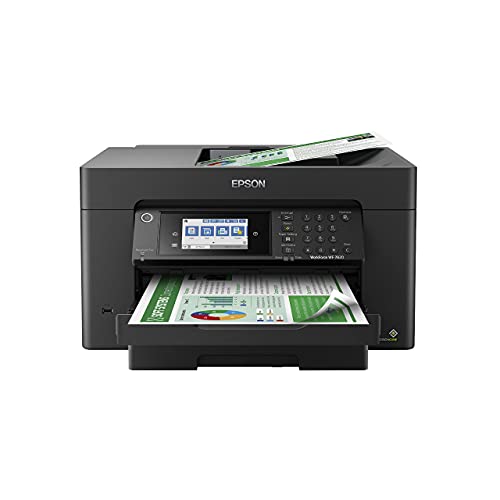
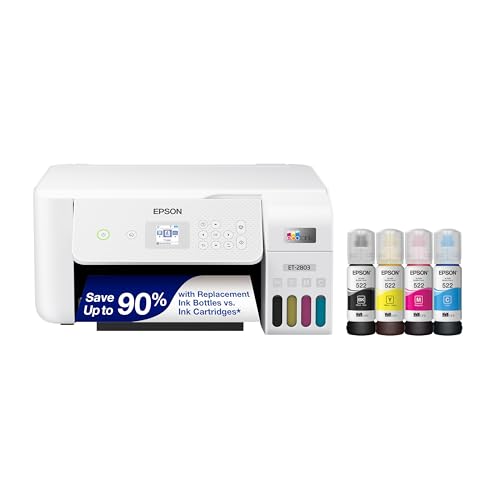
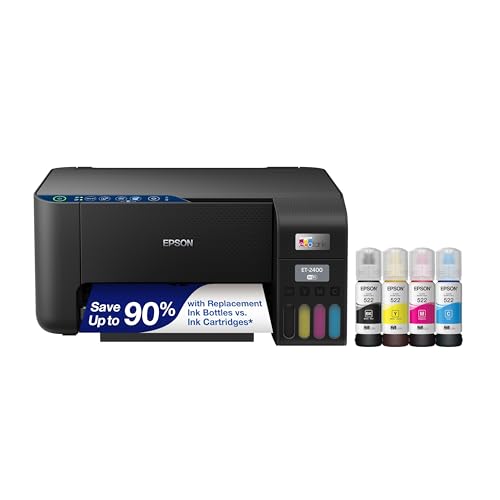
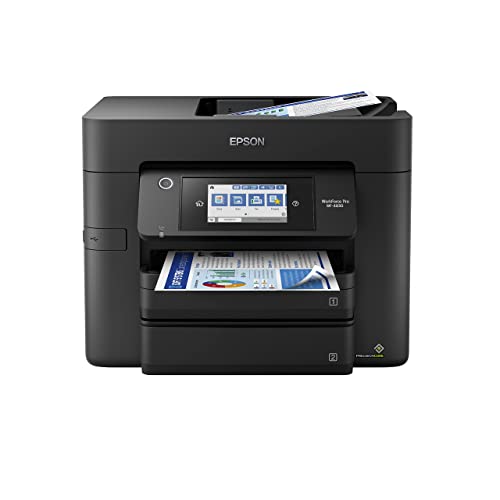
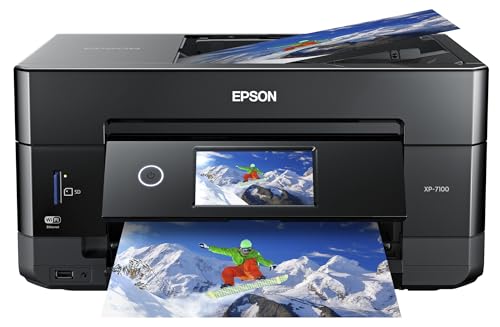
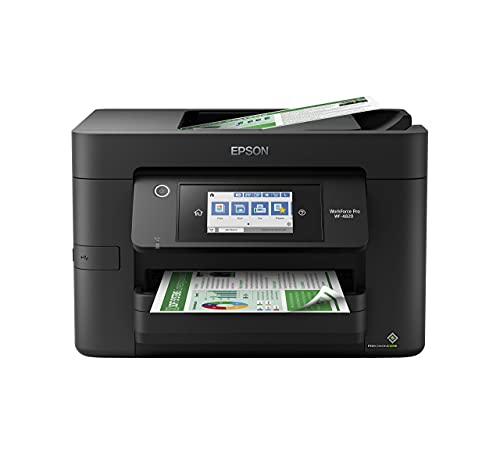
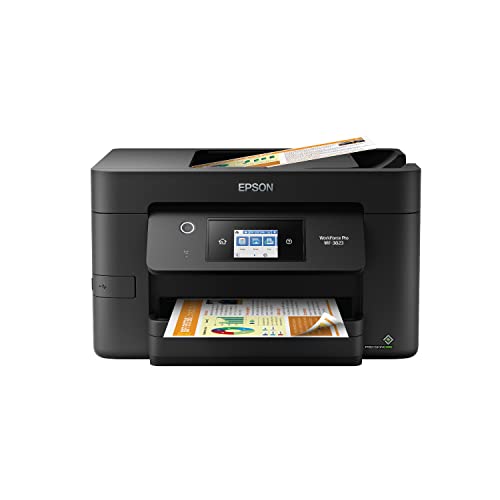
Epson's Ink System: Supertank vs. Cartridge
The single biggest fork in Epson's lineup is the ink system, and it shapes almost everything else about the printer, including price, size, and long-term cost. Understanding this distinction first makes every other decision easier.
How Supertank (EcoTank-Style) Ink Works
Supertank printers use large refillable ink reservoirs instead of small disposable cartridges. You fill each tank from a bottle rather than clicking in a new cartridge every few hundred pages, and one set of bottles can print thousands of pages before needing a refill. The tradeoff is a higher upfront price, since you are paying for the ink capacity and the refillable hardware at the time of purchase rather than a little at a time.
This ink system tends to make the most sense for households or small offices that print often. If a printer sits idle for weeks between print jobs, though, the ink inside those tanks can dry out at the print head, leading to clogged nozzles and streaky pages. Frequent, regular use is what keeps a supertank printer performing well.
How Cartridge-Based Models Compare
Cartridge-based all-in-ones cost less upfront and are usually smaller and lighter, which suits buyers who print occasionally, such as the odd form, boarding pass, or homework assignment. The catch is that replacement cartridges add up quickly if you print in any real volume, and per-page costs run noticeably higher than a supertank system over time.
Neither ink system is objectively better. The right one depends entirely on how many pages you expect to run through the machine each month and how consistently you print. A light, sporadic printer is often better served by cartridges, while a household that prints constantly usually saves money with a supertank model within a year or so. This tradeoff is really the starting point for anyone comparing options for a best epson all in one printer purchase, since it affects price, size, and running cost all at once.
Functions You Actually Need: Print, Scan, Copy, or Fax
Not every machine labeled "all-in-one" includes every function, and this trips up more buyers than you would expect. Some models handle printing, scanning, and copying but skip fax entirely, while others include a full fax line for sending and receiving documents over a phone connection. Before you shop, list out what you genuinely need rather than assuming the label covers it.
Scanning and copying are standard on nearly every current all-in-one, so those two are safe assumptions. Fax is the function to double-check, especially if your work still requires it for contracts, medical forms, or other documents that need a traditional fax trail. If you rarely or never fax anything, skipping that feature can simplify your search and sometimes lower the price.
Also think about photo printing if that matters to you. Some Epson all-in-ones are tuned more for everyday document output, while others handle borderless photo printing with richer color reproduction. If you print family photos or creative projects regularly, this is worth weighing alongside the ink system decision above.
Connectivity and Mobile Printing
Wireless connectivity is standard across current Epson all-in-ones, but how you actually use that connection varies by household. Most models connect to your home Wi-Fi network so any device on that network can send print jobs without a cable. Many also support a direct peer-to-peer connection for printing straight from a phone or tablet when there is no router nearby, which is handy for guests or a home office in a detached space.
Mobile printing apps let you print, scan, and manage the printer entirely from a phone, which matters if you rarely use a traditional computer at home. If your household leans heavily on phones and tablets rather than a desktop, prioritize a model with solid app support and Wi-Fi Direct rather than one that assumes a computer is always nearby.
Ethernet ports are also common on higher-capacity models, which is worth checking if you plan to run the printer on a wired home office network instead of relying on Wi-Fi.
Paper Handling and Document Capacity
Paper handling is easy to overlook until you actually need it, and it varies more between Epson models than most buyers expect. An automatic document feeder, often shortened to ADF, lets you scan or copy multi-page documents in one pass instead of feeding each sheet by hand. If you regularly scan contracts, reports, or school paperwork, an ADF saves real time.
Automatic duplex printing, meaning double-sided printing without flipping the paper yourself, is another feature worth checking rather than assuming. It cuts paper use in half for long documents and is common but not universal across the lineup.
Paper tray capacity and supported sizes matter too. Some models handle only standard letter-size paper in modest quantities, while others accept larger trays, legal-size paper, or even specialty media for crafts and labels. If you print in bulk or use anything beyond standard printer paper, check the tray capacity and size support before buying, and consider pairing your printer with paper stock built for everyday documents to get consistent results.
What Epson All-in-Ones Cost to Own
Sticker price only tells part of the story with an all-in-one printer, and this is where a lot of buyers get surprised after the fact. A cartridge-based model is usually the cheaper purchase on day one, while a supertank model asks for more money upfront in exchange for dramatically lower cost per page afterward.
For a household printing around a hundred pages a month, a supertank printer typically pays back its higher purchase price within a year to a year and a half compared to an equivalent cartridge model. Print more than that, and the break-even point comes even sooner. Light, occasional printers may never reach that break-even point, which is exactly why matching ink system to actual print volume matters more than chasing the lowest sticker price.
It is also worth remembering that ink is not the only ongoing cost. Paper, occasional maintenance, and eventual replacement parts factor into total ownership cost, though ink remains the biggest recurring expense by far for most households.
Frequently Asked Questions
What is the difference between Epson EcoTank and WorkForce printers?
EcoTank refers to Epson's supertank, refillable ink system, while WorkForce is a line built around cartridge-based ink with an emphasis on office productivity features like faster duplex printing and larger paper trays. You can find all-in-one functionality in both lines; the real difference is the ink system and the audience each is tuned for.
Is an Epson EcoTank printer worth the extra cost?
It depends on how often you print. If you print regularly, the lower cost per page usually earns back the higher purchase price within a year or so. If you print only occasionally, a cartridge-based model may suit you better and avoid the risk of ink drying out from lack of use.
Do all Epson all-in-one printers have a fax function?
No. Many all-in-one models handle printing, scanning, and copying but leave out fax entirely. Always check the specific function list rather than assuming "all-in-one" automatically includes fax.
How long does ink last in an Epson supertank printer?
Supertank ink bottles are designed to print thousands of pages before needing a refill, far more than a standard cartridge. Exact page counts vary by model and by how much color versus black-and-white printing you do.
Can Epson all-in-one printers print from a phone?
Yes. Most current models support mobile printing apps and wireless connections, including direct phone-to-printer connections that do not require a shared Wi-Fi network. This makes printing from a phone or tablet straightforward on most modern models.
Are Epson all-in-one printers good for photo printing?
Many are, particularly models built with richer color reproduction and borderless printing in mind. If photo quality matters to you, look specifically for that capability rather than assuming every all-in-one handles photos equally well.
How often should you use an ink tank printer to avoid clogging?
Printing at least a small job every week or two helps keep ink flowing through the print head and prevents it from drying out. If a printer sits unused for a month or more at a stretch, occasional clogging becomes more likely regardless of brand.
What size paper can an Epson all-in-one printer handle?
Most models handle standard letter and legal sizes at minimum, and many also support envelopes and photo paper sizes. Tray capacity and maximum size vary by model, so check this against your actual printing needs before buying.
Making Your Decision
There is no single best epson all in one printer for every household, only the right match for how you print. Start with your monthly page volume to decide between supertank and cartridge ink, confirm the functions you actually need rather than assuming fax or photo quality come standard, and check connectivity and paper handling against your daily habits. Get those three decisions right, and narrowing down to a specific model becomes a much shorter list.