
Best 5G Gaming Phones for 2026: What Actually Matters Before You Buy
Disclosure: We may earn a commission when you buy through links on this page, at no extra cost to you. As an Amazon Associate I earn from qualifying purchases. Learn more
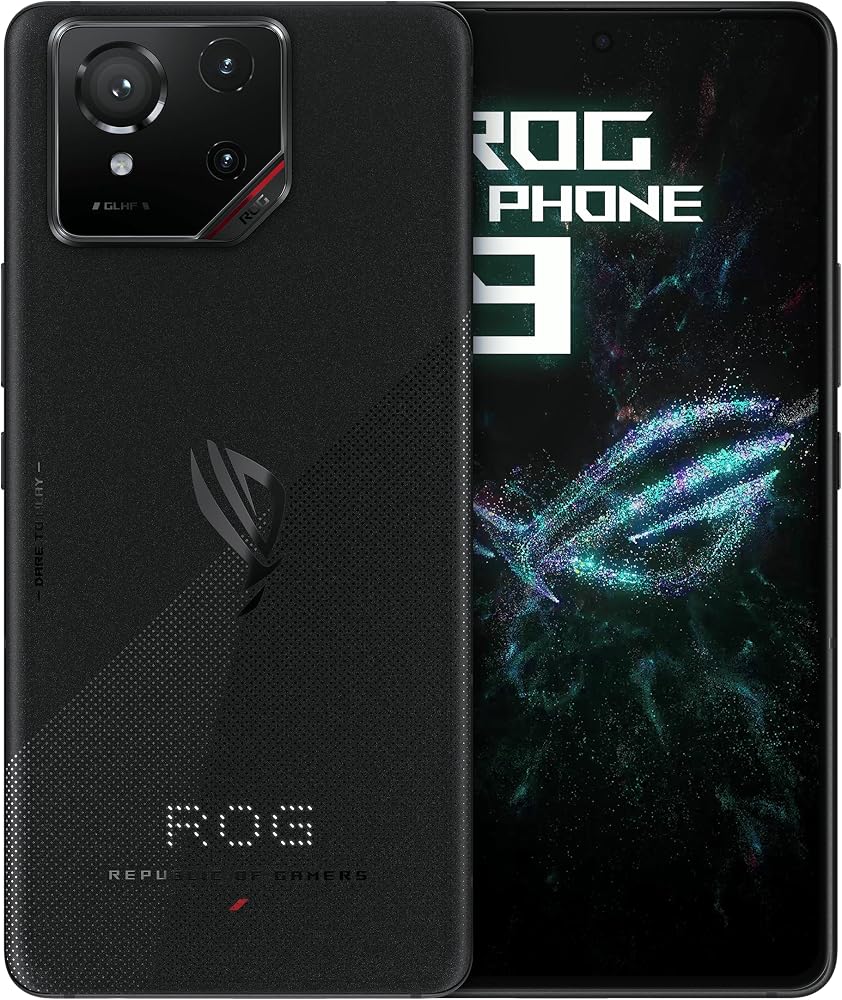
A checklist for the best 5g gaming phones: display speed, steady cooling, battery life, fast storage and US 5G band support.
A gaming phone earns its name in the second hour of play, not in the first minute. Chips slow down as heat builds, bright screens drain batteries fast, and a weak signal can ruin a match. The best 5g gaming phones hold steady frame rates while staying cool enough to hold. Use this checklist and the comparison table below to judge each model.
Start with how you play. Ranked matches reward fast touch response and a stable connection. Story games reward a bright OLED screen and strong stereo sound. Travel play rewards battery size and quick charging. The sections below turn those needs into clear thresholds.
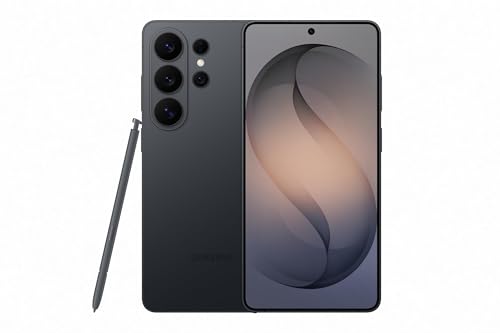

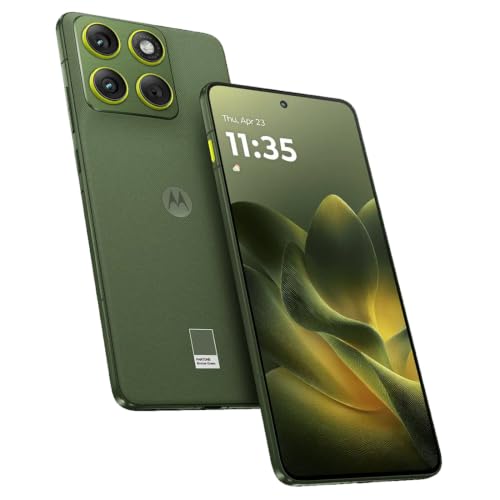
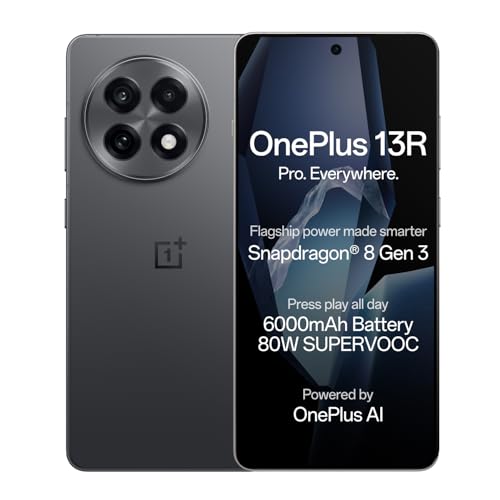
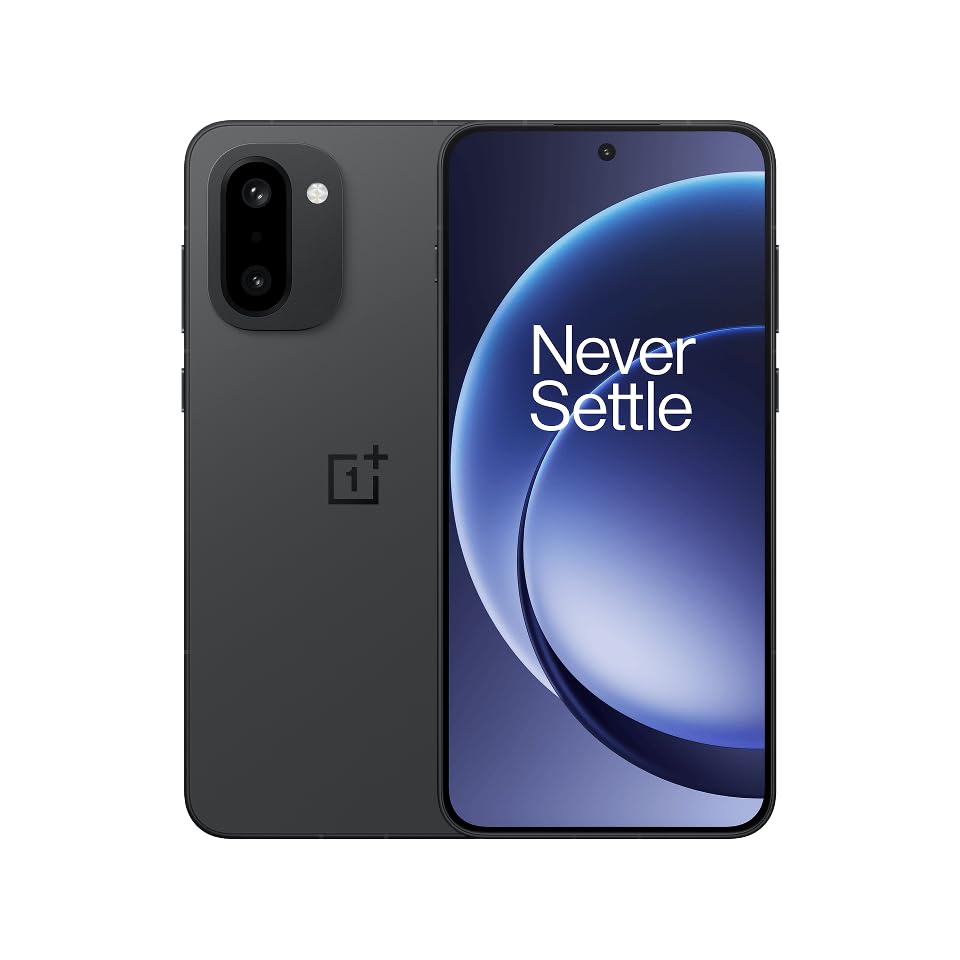
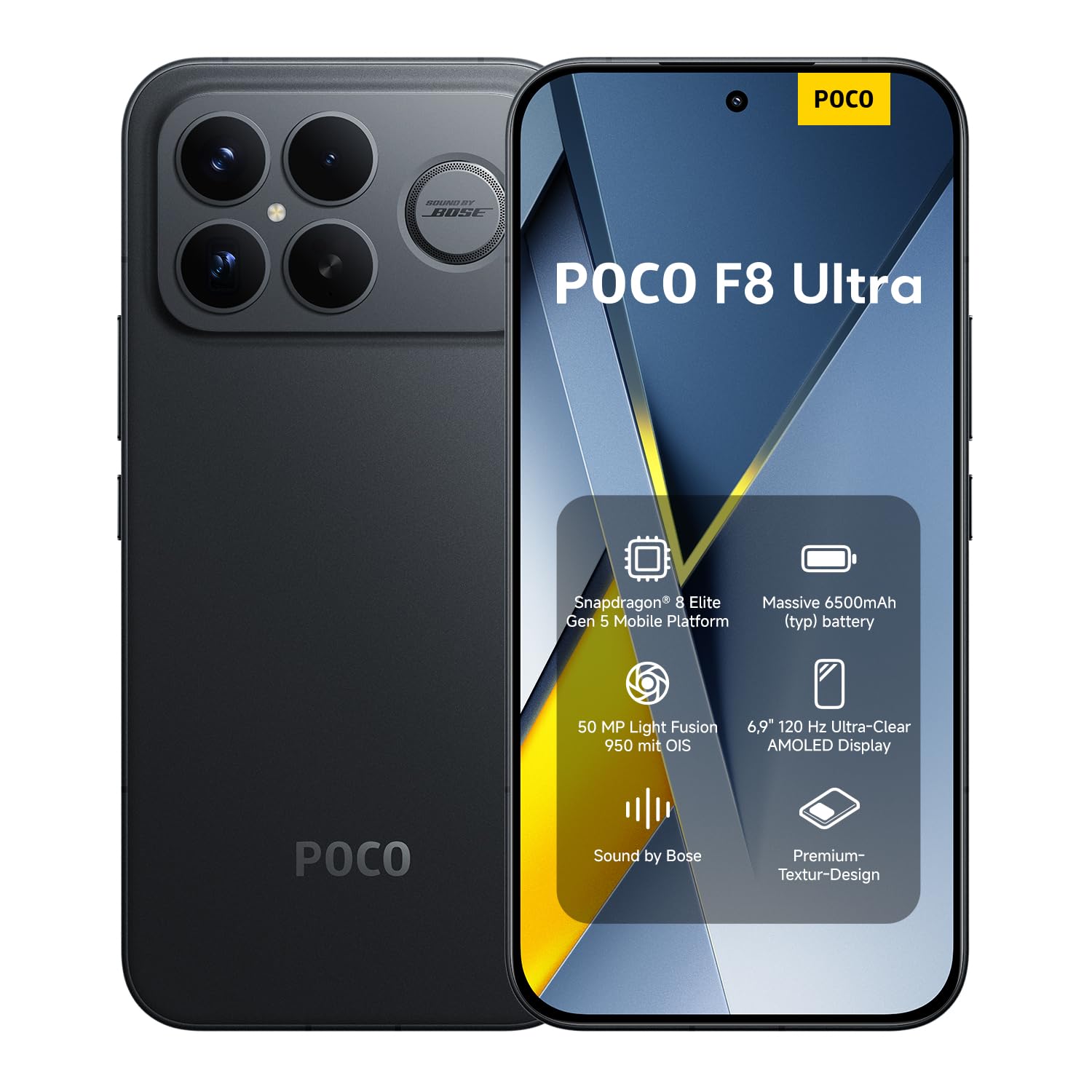


Who Should Buy Which 5G Gaming Phones?
Your game type, session length and daily routine decide which mix of speed, size and battery you need. Match yourself to one group below first.
Competitive Players in Ranked and Shooter Games
You play short, intense matches where a late touch or a dropped frame costs the round. Put touch response and connection stability first. A flat screen with firm grip edges helps your thumbs land in the same place. Shoulder triggers suit you well, since they move firing and aiming off the glass.
Long Session and Cloud Streaming Players
You play for an hour or more, and you may stream games from a cloud service instead of installing every title. Battery size, cooling and speaker quality shape your experience more than peak chip scores. If streaming is your main habit, see our guide to the best 5g phones.
Everyday Players Who Want One Phone for Everything
You game most days but also need a phone that feels normal at work and in a pocket. A flagship style model with a strong chip, a sealed build and years of updates fits you better than a bulky design. For clean Android software, see our guide to the best motorola 5g phones.
Key Features to Compare
Judge every model in the same order, starting with the parts that decide frame rates. A low price should never hide a chip that slows down or a weak battery.
Processor and Graphics Power for Sustained Play
The processor runs game logic while the graphics unit draws each frame, and both slow down once they pass a heat limit. Look for a current flagship grade chip, paired with 12 GB to 16 GB of RAM on dedicated models. Judge the frame rate after twenty minutes, not a peak score. If a listing hides the chip name, move on.
Cooling That Keeps Frame Rates Steady
Cooling spreads heat away from the chip so the phone holds its speed through a full match. A vapor chamber plate is the common solution, and a larger chamber moves heat across more of the body and away from your fingers. Choose stronger cooling if you play plugged in or record your matches, since each habit adds heat.
Display Speed, Touch Response and Brightness
An OLED panel gives deep blacks and fast pixel response, which keeps dark scenes clear as you turn. Set 120 Hz as your floor for refresh rate, with 144 Hz or 165 Hz on dedicated models if your games can use it. Look for touch sampling of 240 Hz or higher, with 360 Hz or more on play focused models. Peak brightness around 1,500 to 2,500 nits helps outdoors.
Battery Size in mAh and Charging Speed
Capacity in mAh tells you how much energy the phone carries, and gaming drains it faster than any daily task. Look for about 5,000 to 6,000 mAh if you play away from a charger. Wired charging at about 45 W or higher refills a large cell quickly. A health setting that caps charging near 80 percent helps in long sessions.
RAM, Storage Speed and Game Load Times
Fast storage loads levels and textures quickly and keeps big updates moving. Choose 256 GB as a sensible base, since one large game can take 15 to 30 GB before updates arrive. Most gaming models skip card slots, so the size you buy is the size you keep. RAM of 12 GB or more lets a game stay open while you switch apps.
5G Bands, Unlocked Choice and Connection Stability
A gaming phone needs the 5G bands your carrier uses in your city, not just a 5G logo on the box. Mid band spectrum carries most city coverage, while millimeter wave serves dense stadium zones. An unlocked phone lets you change carriers, but check its band list first. If you stay with one network, see our guide to the best 5g phones verizon. WiFi 6 or newer keeps home play smooth.
Gaming Phone Types Compared
You will find the best 5g gaming phones sold in three broad styles, and each style trades size, controls and battery life in a different way. For a broader look at Android models with fast connections, see our guide to the best 5g android phones.
Dedicated Play Phones With Triggers and Large Cooling
These models put gaming first with shoulder triggers, large cooling systems, big batteries and screens tuned for speed. They tend to be thick and heavy, and their cameras and software polish trail flagship models. Choose this style if you play daily ranked matches or stream your play.
Flagship Phones That Balance Gaming and Daily Life
Flagship phones pair a top chip with a refined screen, strong speakers and a build that suits work and travel. Many carry an IP68 rating, which means the phone is sealed against dust and can handle brief immersion in shallow water. They lack shoulder triggers, yet their cooling now suits most games at high settings.
Slim and Compact Phones for Casual Play
Compact phones are easier to hold and carry, and short puzzle, card and strategy sessions feel great on them. A small body holds a smaller battery and gives heat less room to spread, so long shooter sessions can feel cramped. Choose this style if pocket comfort comes first and sessions stay short.
Final Checks Before You Buy a Phone for Gaming
Run through these questions for any model before you pay.
- Does the listing name the exact chip, RAM size and storage size?
- Can the screen hold a refresh rate of 120 Hz or higher in your games?
- Is the battery at least about 5,000 mAh?
- Does the phone support the main 5G bands your carrier uses nearby?
- Will 256 GB hold your current games plus a year of updates?
- Does the maker promise years of system and security updates in writing?
Common Mistakes to Avoid
Most regrets come from buying errors that a careful check prevents.
- Buying on peak scores alone leaves you with a phone that slows as it warms up.
- Choosing 128 GB of storage fills up fast and forces you to delete games you still play.
- Ignoring your carrier band list can leave an imported phone stuck on slow speeds in your city.
- Playing while charging on a bed or sofa traps heat and ages the battery faster.
- Skipping a case and screen protector risks a cracked screen from one drop during travel.
- Paying for a 165 Hz screen your favorite games cannot use wastes money better spent on storage.
How to Make Your 5G Gaming Phone Last Longer
Heat is the main enemy of a gaming phone, so build habits that keep it cool. Use a case that lets the back shed warmth, and remove it for long desk sessions if the phone feels hot. Play in a cool room and keep the screen out of direct sun.
Install system and security updates promptly, since game makers tune new releases for current software. Avoid leaving the phone at a full charge in a hot car, and use the battery health cap for long plugged in play. Wipe speaker grilles and the charging port with a dry soft cloth each week.
FAQ
Do you need 5G for mobile gaming on a phone?
No, you do not need 5G for most mobile games, since a single match uses very little data. Smooth play depends on response time and a stable signal, and strong home WiFi often beats a crowded tower. 5G earns its place when you download large games away from home.
How much storage does a 5G gaming phone need for large games?
Plan on 256 GB for several large games installed at once. The system, apps and photos reserve part of every drive, so a 128 GB phone offers less room than the label suggests. Keep about a fifth of the storage free, since updates can fail on a nearly full drive. Cloud saves protect progress, but they do not shrink install sizes.
How many years of updates should a 5G gaming phone receive?
Look for at least four years of security updates, plus several major system upgrades. Check the end date the maker publishes, since support clocks often start at launch rather than at your purchase. Long support also protects the banking apps that share the phone with your games.
Is a mid price phone good enough for 5G mobile gaming?
Yes, a mid price phone can be good enough if you choose sensible game settings. Many competitive titles run well on modest chips, and a steady frame rate at medium graphics feels better than a stuttering rate at the top setting. Spend on the chip, screen and storage first, and accept simpler cameras as a fair trade off.
Should you buy an unlocked 5G gaming phone or a carrier version?
Buy unlocked if you value freedom to change carriers, travel with a local plan, or sell the phone later. A carrier version can cost less each month, but the discount often ties you to a long payment plan and slower updates. Confirm that the version you want supports eSIM or a physical SIM as your carrier requires.
Wrapping Up
Put sustained speed first, then screen response, battery size and the bands your carrier uses. Match the style to your hands, and let camera extras come last. Check your final choice against the product table above before you order.
When you judge best 5g gaming phones by how they play after an hour instead of how they score in a minute, the right model usually stands out. Pick the phone that stays cool, connected and comfortable, and your games will feel better every day.


