
Best 5g Phones: A First Time Buyer's Guide for 2026
Disclosure: We may earn a commission when you buy through links on this page, at no extra cost to you. As an Amazon Associate I earn from qualifying purchases. Learn more

A plain English guide to the best 5g phones for first time buyers: carriers, screens, storage, updates and cameras explained.
Shopping for your first modern phone can feel confusing, because every listing seems to promise faster speeds, sharper screens and longer support. The good news is that you do not need to understand every technical term to make a smart choice. The best 5g phones for a first time buyer are the ones that match your carrier, your budget and the way you actually use a phone each day. The product table can help you line up the main options side by side once you know what to look for.
This guide starts with the basics, then explains each key specification in plain English. You will learn which details matter most, which ones you can safely ignore, and which mistakes new buyers make most often. By the end, you should be able to compare options with confidence and pick a phone that feels right for the next few years, not just for the first week.
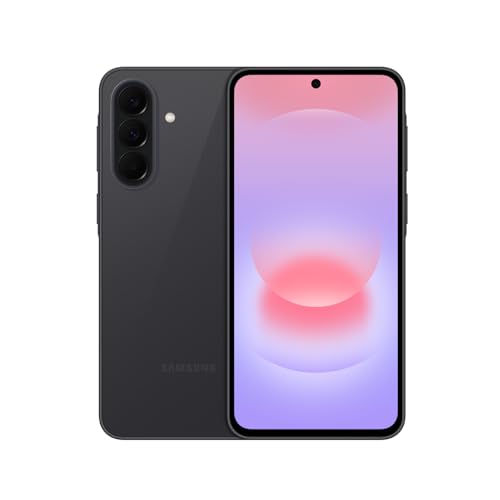

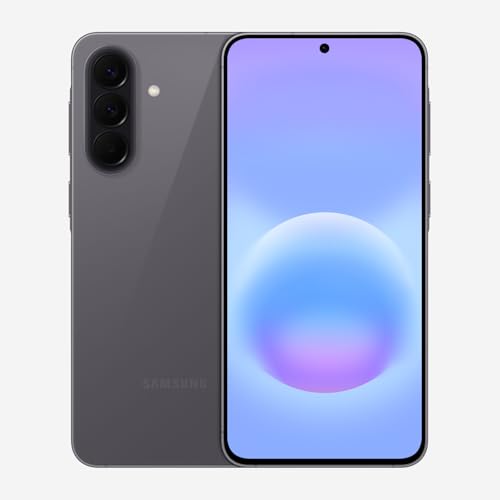
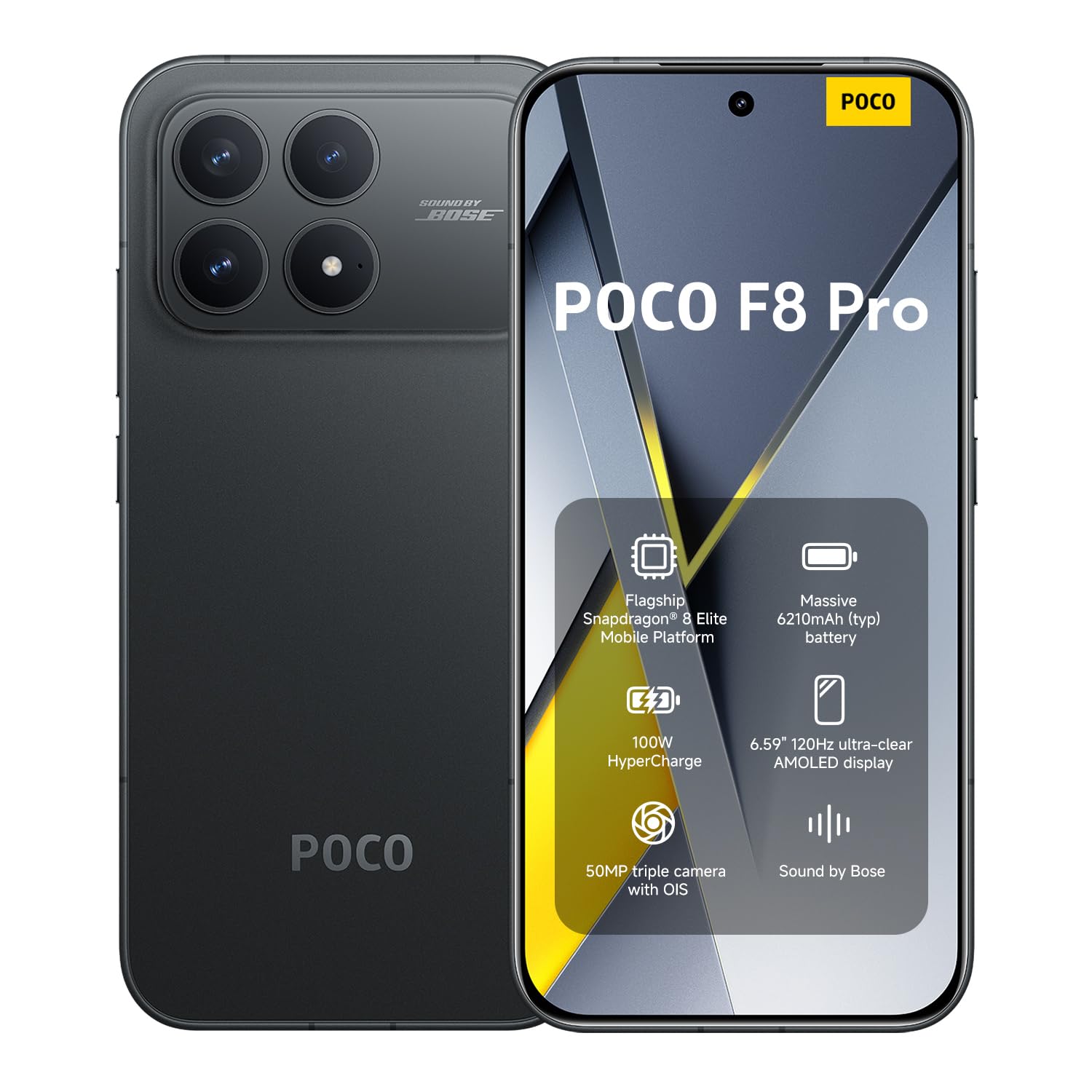
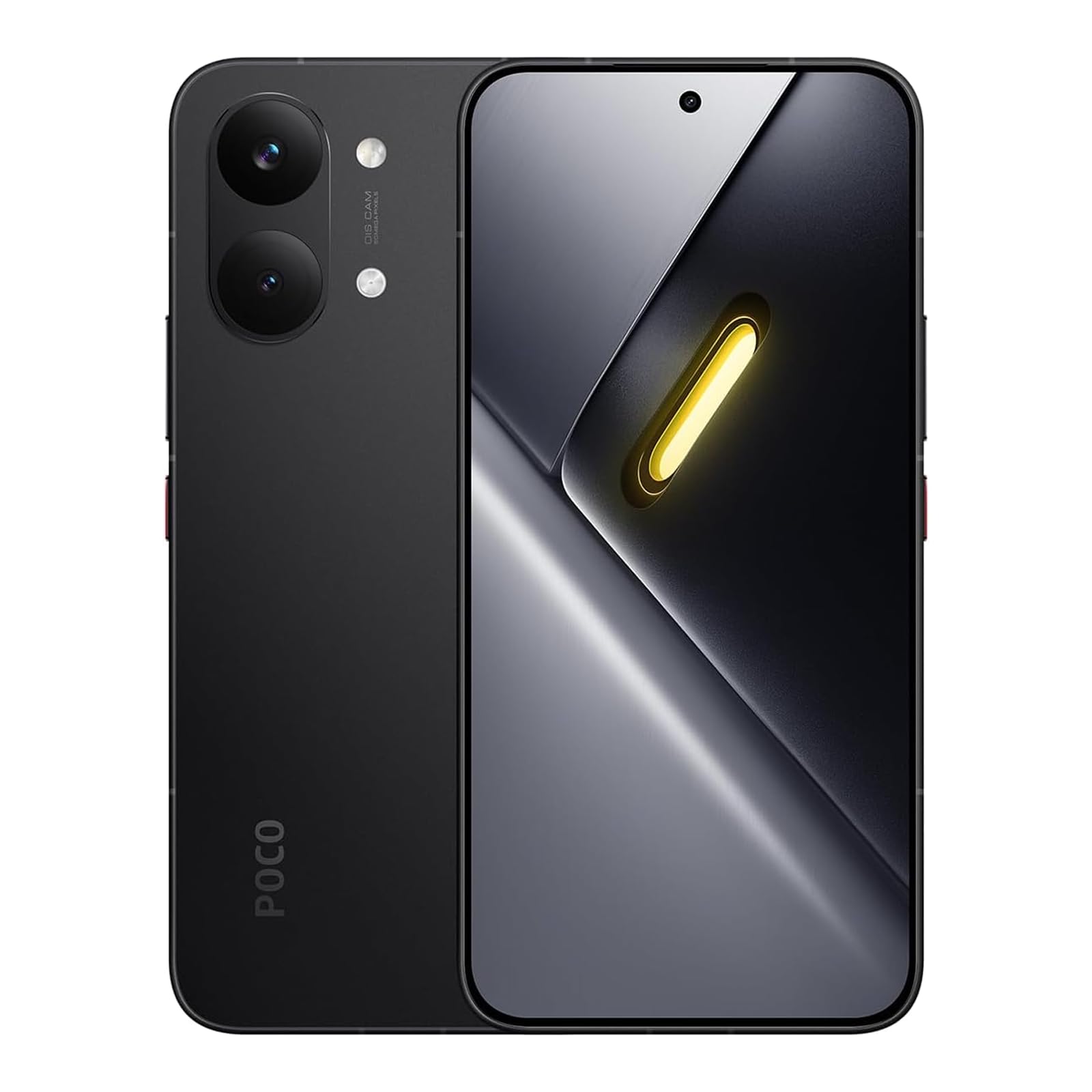


5G Phones 101: The Basics
A 5G phone is a phone that can connect to fifth generation mobile networks in addition to older 4G networks. In practice, that means faster downloads in busy places, smoother video calls, and less waiting when many people share the same network. Your actual speed still depends on your carrier, your plan, your location and the signal inside your home or office. A phone alone cannot create coverage where none exists.
Think of 5G as one part of the whole phone, not the whole story. Battery life, screen quality, camera results and software support often affect daily satisfaction more than peak network speed. A balanced phone with solid basics usually beats a phone that is fast on paper but weak in everyday use. That is why this guide treats network support as one factor among several, rather than the only factor worth checking.
Two terms come up often in listings. Unlocked means the phone is not tied to one carrier, so you can usually use it with any compatible carrier. Carrier compatibility means the phone supports the network bands your carrier uses in your area. Before you buy, check that the exact phone version works with your carrier, especially if you buy an unlocked phone or bring a phone from another seller.
Key Specs Explained in Plain English
Specifications look intimidating, but most of them answer simple questions. How clear is the screen? How long will the phone stay supported? How much room do you have for photos and apps? The sections below translate each major specification into everyday language and suggest a sensible level to aim for.
Display Size and Quality
Display size is usually measured diagonally, and most first time buyers feel comfortable with a screen around 6.1 to 6.7 inches. A larger screen is easier for reading, maps and video, while a smaller screen is easier to hold and carry in a pocket. OLED screens tend to show deeper blacks and richer colors than basic LCD screens, and they often look better outdoors.
A refresh rate of 120Hz makes scrolling and animations feel smoother, although it can use more battery than a standard 60Hz screen. Brightness matters too, so look for a screen that stays readable in sunlight if you spend time outdoors.
Carrier Compatibility and 5G
Carrier compatibility should come before almost every other feature, because a beautiful phone is little use if it cannot connect well on your network. Check the network bands for your carrier and your region, and confirm that the phone supports the 5G bands your carrier actually uses nearby. An unlocked phone gives you more freedom to switch carriers later, but you still need to confirm band support.
If you buy through a carrier, compatibility is usually simpler, although the phone may stay locked to that carrier for a set period. When in doubt, ask the carrier or seller to confirm support for your exact plan and area. If signal is weak indoors, our cell phone signal booster buying guide explains one way to improve coverage at home.
Related guides can help you narrow the field once you know your carrier and budget. For Android options, see our guide to best 5g android phones. For Motorola options, see our guide to best motorola 5g phones. For a lower cost route, see our guide to best used 5g phones.
Storage Options
Storage decides how many apps, photos, videos and downloads you can keep without constantly deleting things. For most first time buyers, 128GB is a practical starting point, while 256GB gives more breathing room if you record a lot of video or keep large games. A microSD card slot can add space on some phones, but many modern phones do not offer one, so do not assume it is included.
Cloud storage can help, but it depends on an internet connection and may add a monthly cost. Choose storage based on how you already use your current phone, and add a little extra if you plan to keep the new phone for several years.
Software Updates and Support Window
Software updates keep your phone secure, fix problems and sometimes add useful features. The support window tells you how many years of operating system updates and security updates the maker promises. A longer window usually means better long term value, because the phone stays safer and more current for longer.
For a first time buyer, a phone with several years of promised updates is often a smarter pick than a slightly cheaper phone with a short support window. Check the update promise for the exact phone version, since support can vary by region and seller.
Camera System
Most modern phones have more than one rear camera, and each lens serves a different purpose. The main camera handles most photos, an ultrawide lens captures wide scenes and group shots, and a tele lens helps with distant subjects. Night mode uses software to brighten low light photos, but results still vary with the scene and how steady you hold the phone.
Video quality matters if you record often, so check whether the phone records smooth, stable video at the resolution you need. For everyday memories, a reliable main camera and good software often matter more than a long list of extra lenses.
Processor and Everyday Performance
The processor and memory work together to keep apps opening quickly and switching smoothly. For calls, messaging, maps, social apps and streaming, most current mid range chips feel fast enough. Gaming and heavy multitasking benefit from a stronger chip and more memory, but they also use more battery.
Look for enough memory to keep several apps open without constant reloading, and pay attention to real world smoothness rather than benchmark numbers alone. A phone that stays cool and responsive during normal use will feel better day to day than one that only shines in short bursts.
Picking the Best 5g Phones for Different Uses
Different people need different strengths from a phone. A student may value battery life and a low price, while a frequent traveler may value a bright screen, strong signal and plenty of storage. A parent buying a first phone for a teen may value durable build, parental controls and a clear update promise. Start with your top two or three daily uses, then let those uses guide your shortlist instead of chasing every feature on every listing.
Best 5g Phones under 600
The phrase best 5g phones under 600 points to a useful sweet spot for first time buyers. In this price range, focus on carrier compatibility, a clear screen, reliable battery life and a solid update promise before worrying about premium extras. You may give up some camera extras or the fastest charging, but a well chosen phone in this range still handles everyday tasks smoothly. Compare the total cost too, including a case, a screen protector and any storage or cloud plan you may need.
Rookie Mistakes to Avoid
New buyers often make the same few mistakes, and most of them are easy to avoid once you know what to watch for.
- Buying for peak speed alone: a fast network number means little if the battery, screen or update support is weak.
- Skipping the carrier check: always confirm band support and plan compatibility before you order, especially for unlocked phones.
- Choosing too little storage: photos and videos add up quickly, so a small saving now can mean constant deleting later.
- Ignoring the update window: a short support period can shorten the useful life of an otherwise good phone.
- Forgetting protection and setup costs: a case, a screen protector and time to transfer data are part of the real first week experience.
Getting Started: Setup and First Use
When the phone arrives, start by charging it fully and installing available software updates before you transfer your data. Follow the maker setup guide to move contacts, photos and apps, and check that your carrier service, calls, messages and mobile data all work. Use a case and screen protector from the start, since early drops are common while you get used to a new size and weight.
Keep software updated, review privacy and backup settings, and take a few sample photos in different light to learn how the camera behaves. A calm first setup helps you spot any problem early, while returns and exchanges are still simple.
Maker electrical and care guidance applies from day one. Use the charger and cable type the maker recommends, keep the phone away from water unless the maker states a water resistance rating, and avoid leaving it in a hot car. If the battery swells, the phone overheats often, or charging behaves strangely, stop using it and contact the maker or seller for advice. Simple care habits protect both the phone and your data.
5G Phones: Your Questions Answered
Do I need 5G?
You need 5G if your carrier offers useful coverage where you live, work and travel, and if you want faster downloads and smoother service in busy places. You may not need it yet if your area still relies mainly on 4G, or if your current phone already handles calls, maps and streaming well. A 5G capable phone also gives you room to grow, since coverage tends to improve over time. Match the phone to your carrier and location, not to 5G as a label alone.
How many years of updates should a phone get?
A phone should get several years of security updates at minimum, and operating system updates for as long as the maker promises in writing. Longer support usually means better security, newer features and a longer useful life, which helps first time buyers get more value from one purchase. Short support can still be acceptable for a very low cost second phone, but it is a poor trade for a main phone you plan to keep. Always check the promise for your exact phone version, because support can differ by region and seller.
Should I buy unlocked?
You should buy unlocked if you want freedom to switch carriers, use a local SIM while traveling, or resell the phone more easily later. An unlocked phone can still require a band check, so confirm that it supports your carrier before you buy. A carrier phone can be simpler at purchase and may include financing or trade in offers, but it may stay locked for a set period.
Your best choice depends on how likely you are to switch carriers and whether you value flexibility over a carrier deal. Either route works well when compatibility is confirmed first.
Is a mid range phone good enough?
A mid range phone is good enough for most first time buyers, because current mid range chips, screens and cameras handle calls, messaging, photos, maps and streaming smoothly. You may notice differences in low light photos, zoom quality, charging speed or premium materials, but those gaps matter less than solid battery life and reliable software. A mid range phone also leaves room in your budget for a case, storage and future needs.
Choose a higher tier only when a specific need, such as heavy gaming or professional video, clearly justifies the extra cost. For everyday use, balance beats excess.
How much storage do I need?
You need enough storage for your apps, photos, videos and downloads, plus breathing room so the phone does not slow down when it gets nearly full. For many people, 128GB covers everyday use, while 256GB suits heavy photo and video takers or people who keep large games. Check how much storage your current phone uses, then choose a size above that amount if you plan to keep the new phone for years. Cloud storage can supplement local storage, but it needs an internet connection and may add cost.
Final Thoughts
The smartest first purchase balances carrier compatibility, screen quality, battery life, storage and a strong update promise. Start with your carrier and your daily uses, compare the picks in the table above with those needs in mind, and avoid paying extra for features you will rarely use. A phone that feels comfortable, stays supported and works well on your network will serve you far better than a flashy phone with one standout number. The best 5g phones are simply the ones that fit your life, your budget and your plans for the years ahead.


