Best 4K Smart OLED TV: Panel Tech, HDR & Smart TV Guide
Disclosure: We may earn a commission when you buy through links on this page, at no extra cost to you. As an Amazon Associate I earn from qualifying purchases. Learn more
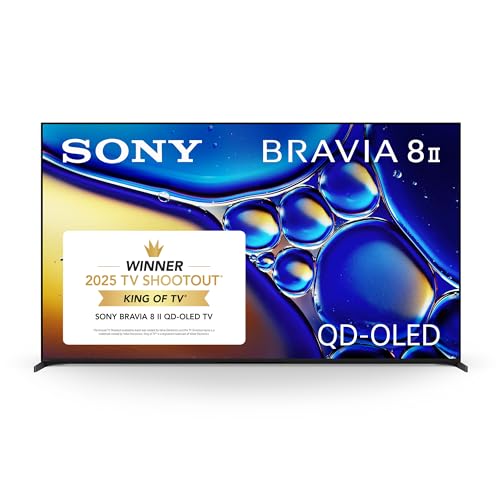
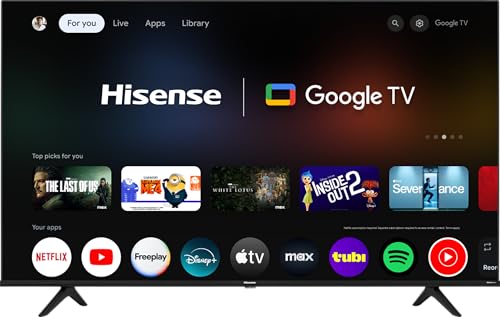
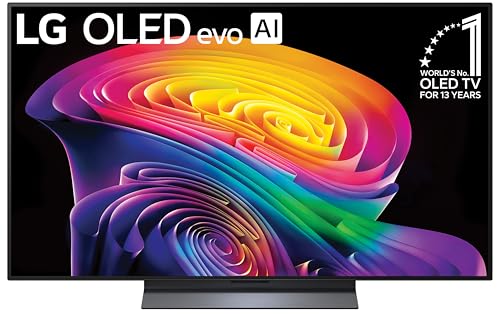
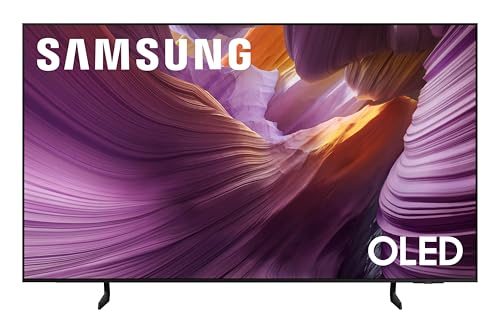
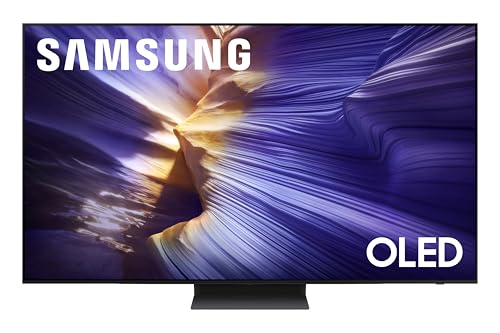
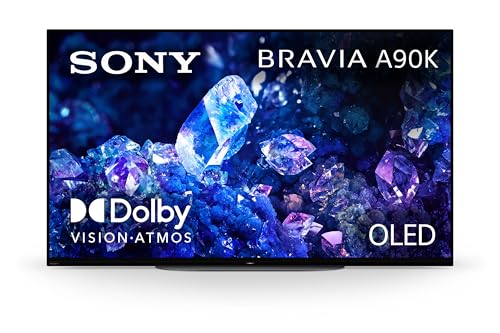
A cheap LCD panel and a genuinely great screen can carry the exact same "4K" label, and the difference only becomes obvious once the lights go down. On an OLED panel, a night scene actually looks black instead of gray, faces hold onto detail in shadow, and colors stay accurate no matter where you're sitting on the couch. That's the core appeal behind the best 4k smart oled tv options on the market: a self-emissive panel paired with a smart interface that keeps pace with how much TV watching now happens through apps instead of antennas. This guide breaks down what actually makes OLED's picture technology different, which HDR and platform features are worth prioritizing, and how much attention burn-in risk really deserves.


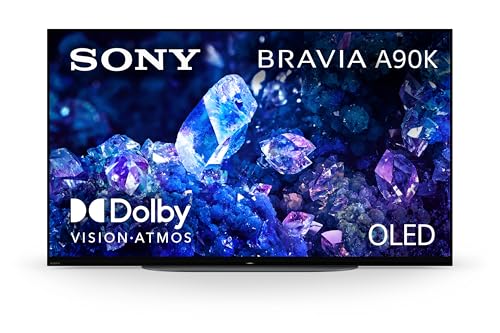
How Self-Emissive Pixels Create OLED's Picture
Every advantage people associate with OLED traces back to one design choice: there is no separate backlight. Understanding that single fact makes the rest of the shopping process much easier to reason through, and it's usually the first thing that separates a genuinely informed best 4k smart oled tv shortlist from one built on marketing copy alone.
Per-Pixel Light Control vs. Backlit Panels
Conventional LED-LCD TVs shine a backlight through a layer of liquid crystal, and even the darkest scene still has some light leaking through that layer. OLED skips the backlight entirely. Each individual pixel generates its own light and can switch off completely, which means black on screen means zero light output rather than a dim approximation of it.
Contrast and Absolute Black in Practice
Contrast, more than raw brightness, is what makes an image feel dimensional and real. A candlelit dinner scene or a night sky full of stars depends on the gap between the darkest and brightest parts of the frame. Because neighboring OLED pixels can sit right next to a bright highlight without bleeding light into it, fine shadow detail stays visible instead of collapsing into gray mush. For a side-by-side look at how different panels in this category perform against each other, our OLED TV comparison guide covers the tradeoffs across sizes and price tiers.
Viewing Angles That Hold Up Off-Center
Living rooms rarely have everyone seated dead center. OLED panels retain color accuracy and brightness far better than most LCD panels when viewed from the side, so the person in the armchair gets a picture close to whoever has the prime seat. That difference matters more than most shoppers expect until they try to watch a game with a full room.
HDR Format Support and Color Performance
High dynamic range unlocks brighter highlights and a wider color range than standard content, but not every HDR format does the same job, and panel technology only tells half the picture-quality story.
HDR10, Dolby Vision, and HDR10+
HDR10 is the baseline format every streaming service and disc supports, and it applies one static brightness setting across an entire piece of content. Dolby Vision and HDR10+ go further by adjusting brightness scene by scene, which squeezes more visible detail out of both dark and bright moments. HLG mostly shows up for live broadcast HDR. A set that handles multiple formats gives you the best odds of getting the intended picture no matter where the content originates.
Color Volume, Not Just Color Gamut
Color gamut describes how many colors a panel can display, but color volume describes how saturated those colors stay at different brightness levels, and that second number matters more in real content. Because OLED pixels can hit full brightness and full darkness within the same frame, colors keep their saturation in shadowed areas instead of washing out the way they can on some backlit panels.
Burn-In Risk on OLED Panels and How to Prevent It
Burn-in comes up in nearly every OLED conversation, and it deserves a clear, specific answer rather than vague worry passed around secondhand.
What Actually Causes Image Retention
Permanent image retention only becomes a real risk after months of displaying the exact same static graphic for many hours a day, such as a 24-hour news channel with a fixed logo and ticker bar. For a household watching a normal rotation of movies, shows, and sports, that scenario almost never happens, which is why the practical risk on a well-used best 4k smart oled tv is much smaller than the reputation suggests.
Protections Built Into Modern Panels
Current OLED panels include automatic pixel shifting that nudges the image by imperceptible amounts, along with logo dimming and periodic pixel refresh cycles that run in the background. These features detect static elements and reduce wear before it ever becomes visible to the eye, working quietly without any input from the viewer.
Simple Habits That Keep Risk Low
If you're still cautious, a few habits go a long way: avoid leaving a paused frame or a single static app open for hours at a stretch, and let the screensaver or auto-off feature do its job instead of disabling it. Households that mostly stream movies and shows with varied content rarely need to think about this at all. Viewers shopping specifically for competitive gaming, where static HUDs and scoreboards sit on screen for long sessions, should also weigh refresh rate and input lag; our guide to 4K TVs built for gaming covers those gaming-specific tradeoffs in more depth.
Smart TV Platforms: Choosing Software You Won't Outgrow
The panel decides picture quality, but the smart platform decides how much friction you deal with every single time you sit down to watch something.
App Support and Long-Term Updates
Some platforms load a huge app catalog with frequent updates, while others favor a simpler, faster launcher that covers major streaming services and skips obscure niche apps. Before buying, check whether the platform still receives active software support, since an abandoned smart TV operating system ages far worse than the hardware sitting underneath it.
Voice Control, Cameras, and Connected Home Features
A built-in microphone lets you search for a show or switch inputs without hunting for the right remote button, and platforms that plug into your existing smart speakers or lighting setup save a surprising number of small daily frustrations. Some smart TV platforms also build in a camera for video calling or gesture control, which is worth understanding before it ends up mounted in your living room; our breakdown of which smart TVs actually include a camera walks through what to check.
Room Lighting: Where OLED Shines and Where It Struggles
Panel technology and room lighting interact more than most shoppers expect, and it's worth being honest about where OLED performs best.
Dark and Moderate Lighting Conditions
OLED performs at its best in dimly lit or moderately lit rooms, exactly where its contrast advantage shows up most clearly. Evening movie nights, a den with blackout curtains, or a bedroom setup are all situations where OLED's per-pixel black levels have the biggest visible impact on the picture.
Bright Rooms and Glare
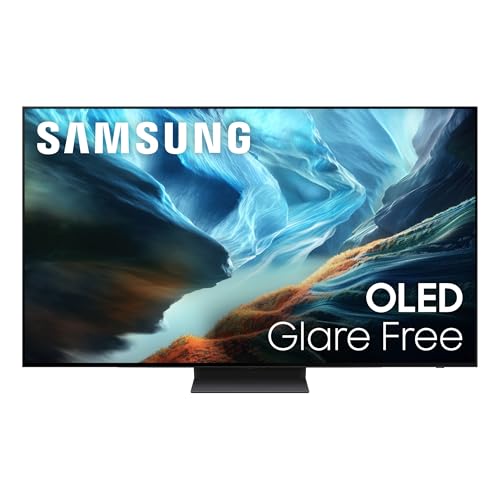
In rooms with lots of direct sunlight, peak brightness and glare handling start to matter more than contrast. OLED panels have historically trailed backlit alternatives on sustained brightness, though newer panels with brighter peak output and anti-reflective coatings have narrowed that gap considerably. Direct sunlight hitting the screen for extended periods is also worth avoiding regardless of panel type, since it can leave lasting marks on any display over time.
Frequently Asked Questions
Is a 4K OLED TV worth it for a smart TV setup?
For most households prioritizing picture quality, yes. True blacks, wide viewing angles, and a modern smart interface deliver a noticeably better everyday experience than budget LCD alternatives, even though OLED sets typically cost more upfront.
Do OLED TVs still get burn-in?
Burn-in is technically still possible, but it requires extended exposure to the exact same static image for many hours daily over a long stretch of time. Normal mixed viewing combined with built-in pixel-shifting protections makes it a non-issue for the vast majority of owners.
What's the real difference between OLED and QLED?
OLED panels generate their own light at the pixel level and can switch individual pixels off entirely for true black. QLED is a variation of LCD technology that pairs a backlight with a quantum dot layer for brighter, more saturated colors, but it can't match OLED's per-pixel black levels.
Do I need Dolby Vision, or is HDR10 enough?
HDR10 alone still delivers a solid HDR picture on any compatible content. Dolby Vision adds scene-by-scene brightness adjustments that can pull out more detail in especially dark or bright moments, making it a nice bonus rather than a strict requirement.
Are OLED TVs good for bright rooms?
OLED performs best in moderately lit or dark rooms where its contrast advantage really shows. In very bright rooms with lots of direct sunlight, sets built specifically for high sustained brightness may hold up slightly better against glare.
How long do OLED panels typically last?
Modern OLED panels are rated for tens of thousands of hours of use, which works out to many years under normal daily viewing habits. Gradual brightness decline over a long lifespan is a more realistic consideration than sudden failure.
Can I use voice control without buying extra smart home devices?
Yes. Most modern smart TVs include a built-in microphone in the remote that handles basic voice search and playback commands right out of the box, with no separate smart speaker required.
Weighing OLED Against Your Actual Viewing Habits
Picking the best 4k smart oled tv for your household comes down to matching panel strengths to how you actually watch. If most of your viewing happens after dark with movies, shows, and streaming in the mix, OLED's contrast and color performance are hard to beat. Pay attention to HDR format support and a smart platform that still receives updates, take burn-in seriously without being paranoid about it, and be honest about how much daylight hits your screen, and you'll end up with a TV that holds up well past the first few months of ownership.