
Best 50 Inch TVs under 1000 Made Simple: A Clear Buying Guide for 2026
Disclosure: We may earn a commission when you buy through links on this page, at no extra cost to you. As an Amazon Associate I earn from qualifying purchases. Learn more
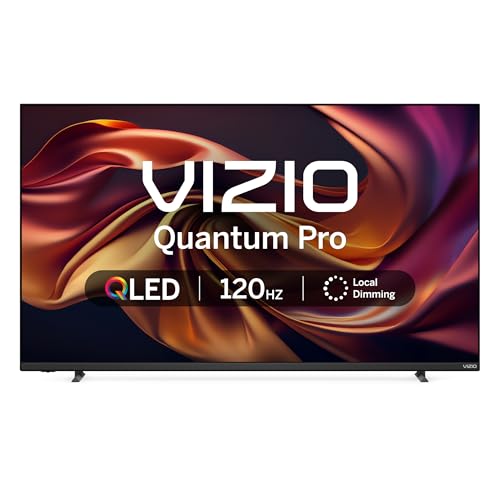
Shopping for the best 50 inch tvs under 1000 for the first time? Learn the terms, compare options, and avoid rookie mistakes with this easy guide.
Buying your first TV can feel confusing because every listing throws around terms like refresh rate, HDR, and panel type. This guide slows all of that down. It explains the basics in plain English, shows what your budget can realistically buy, and helps you match a screen to your room and your habits.
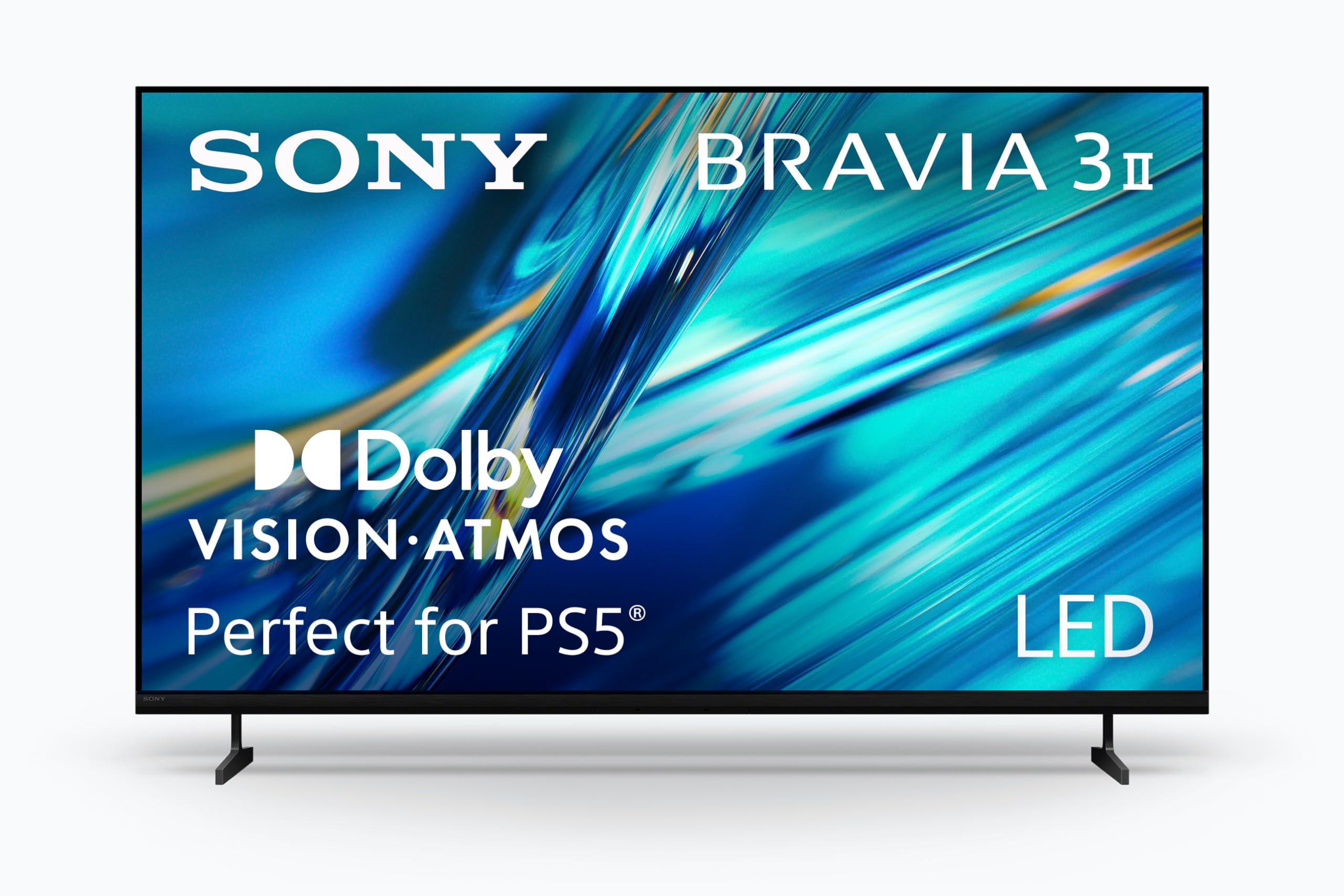
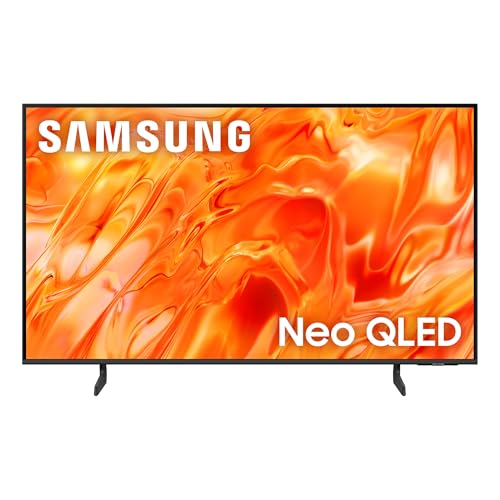
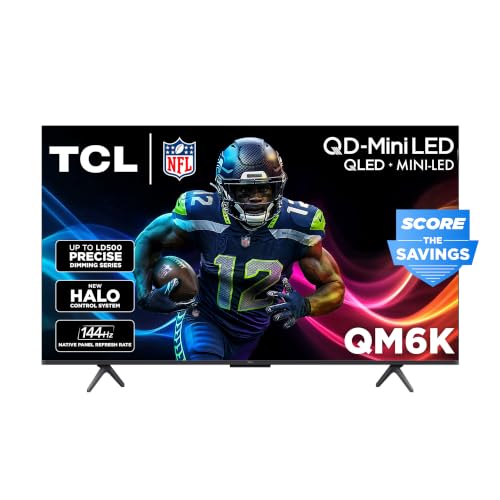
If you are shopping for the best 50 inch tvs under 1000, you are in a sweet spot. Fifty inches suits most living rooms and large bedrooms, and a budget under $1000 covers a wide range of capable 4K models. Use the comparison table below to see how the main options differ once the terms make sense.

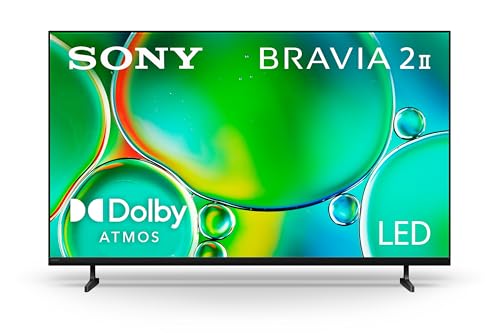


50 Inch TVs 101: The Basics
A 50 inch TV measures 50 inches from corner to corner across the screen, not including the frame. In practice the screen is about 43.6 inches wide and 24.5 inches tall, so measure your stand or wall space before you order. Most sets at this size now use an LED backlit LCD panel, and a smaller number use OLED panels where each pixel makes its own light.
Resolution describes how many pixels form the picture. At this budget, nearly every 50 inch set is 4K, which means about 3,840 pixels across and 2,160 down. More pixels give a sharper picture when you sit at a normal distance, and streaming services now deliver most new shows and films in 4K.
The smart platform is the software that runs apps such as Netflix, YouTube, and Disney Plus. It matters because you will use it every day, so a layout you find simple is worth real money. Sound comes from small built in speakers on most sets, which is why many owners later add a soundbar.
Key Specs Explained in Plain English
What You Can Realistically Get Under $1000
Under $1000 you can expect a sharp 4K picture, a familiar smart platform, HDR support, and at least three HDMI ports. Many models in this range also add local dimming, which improves contrast by dimming parts of the backlight in dark scenes. What usually gets trimmed is peak brightness, the fanciest motion processing, and premium sound. Do not save money by giving up HDMI ports or a platform you like, because you will feel those cuts daily. Panel quality and brightness are the places worth stretching toward the top of the budget.
Panel Technology (IPS, VA, OLED, Mini LED)
VA panels are the most common choice at this size and price. They deliver deep blacks and strong contrast, which suits films and evening viewing, but the picture can wash out when you sit far to the side. IPS panels keep color accurate from wide angles, which helps in broad seating areas, though their blacks look more gray in a dark room. OLED gives perfect blacks and fast response, but at 50 inches it often sits near or above this budget and needs care with static images to reduce burn in risk. Mini LED uses many tiny backlights for bright, punchy HDR and is worth a look when a model fits the budget.
Connectivity and Ports
Count the HDMI ports before you buy and aim for at least three, or four if you own a console, a streaming box, and a soundbar. One port should support eARC, which sends high quality audio to a soundbar through the same cable. Gamers should look for HDMI 2.1 on at least one port, since it allows 4K at 120Hz from current consoles. USB ports let you play media from a drive or power a small streaming stick. An optical output is a useful backup for older audio gear, and an Ethernet port gives a steadier stream than WiFi in a busy home.
HDR and Brightness
HDR, short for high dynamic range, lets a TV show brighter highlights and deeper shadow detail at the same time. HDR10 is the baseline format, while Dolby Vision adjusts the picture scene by scene and often looks better when a service offers it. Brightness is measured in nits, and higher numbers help in sunlit rooms and make HDR highlights stand out. As a rough guide, around 300 to 400 nits suits a dim room, while 600 nits or more is better for daytime viewing. Check that the TV supports the formats your main apps actually use.
Smart Platform and Sound
Google TV, Roku, webOS, and similar platforms all carry the major apps, so choose based on the layout and remote you prefer. A voice remote saves time when you search by title, and a simple home screen matters more than a long list of minor apps. Check that the platform still receives updates, because app support fades on abandoned software. Built in sound is usually fine for news and dialogue at modest volume, but films will sound thin. Budget around $100 to $250 later for a soundbar if your room is large or you watch a lot of movies.
Stand, Mounting, and Ergonomics
Check the stand design before you buy. Some sets use two feet set wide apart, which need a stand nearly as wide as the TV, while a center pedestal fits narrower furniture. If you plan to mount the set, look for a VESA pattern, commonly 200 by 200 or 300 by 300 at this size, and confirm your mount matches. Leave a little space behind the panel for cables and airflow. Also note the height of the screen on its stand, because a soundbar placed in front should not block the picture or the remote sensor.
Picking the Right 50 Inch TV for Different Uses
Start with how the room is used most. A family room with seats spread wide favors a panel with good viewing angles, while a movie focused setup rewards contrast and brightness for HDR. Gamers should put HDMI 2.1, low input lag, and adaptive sync near the top of the list, since those features shape how responsive play feels. If the set is mostly for news and casual shows, a simple platform and clear dialogue matter more than peak specs. Sports fans should value motion handling, because fast camera pans reveal blur quickly.
Best 4K 50 Inch TVs under 1000
When you compare best 4k 50 inch tvs under 1000, three criteria separate the field. First, look for solid upscaling, because much of what you watch, from cable to older streams, still arrives below 4K. Second, favor a panel with strong native contrast so 4K detail holds up in dark scenes. Third, confirm the set handles Dolby Vision or HDR10 Plus if your services offer them. A 4K badge alone means little, so weigh processing and panel quality above the resolution number itself.
Rookie Mistakes to Avoid
- Buying on screen size alone. A 50 inch set that is too dim for a bright room will disappoint more than a slightly smaller but brighter one.
- Ignoring the stand width. Wide feet can overhang your furniture, so measure the footprint as well as the screen.
- Forgetting port counts. Running out of HDMI ports means swapping cables by hand, which gets old within a week.
- Leaving the vivid picture mode on. Store style settings oversaturate color and crush detail, so switch to a movie or filmmaker mode at home.
- Skipping the return window check. Panel flaws like dirty screen effect only show at home, so buy where returns are simple. If your budget is tighter, our guide to the best 50 inch tvs under 500 shows what changes at that lower price.
Getting Started: Setup and First Use
Unbox the TV with a second person, keep the screen upright, and lay it face down only on a soft blanket if you must attach the feet. Connect your main sources first, then power on and follow the setup prompts to join your WiFi and sign in to your apps. Turn off the vivid or dynamic picture mode and choose the movie setting, then adjust brightness so the picture suits your room light rather than a store floor.
Next, check for a software update in the settings menu, because updates often improve app speed and fix early bugs. If you chose an OLED model, run the pixel refresh function the menu offers and avoid leaving a static image on screen for hours. Finally, test one film scene, one sports clip, and one game if you play, and tweak motion smoothing until movement looks natural to your eyes.
50 Inch TVs: Your Questions Answered
Can you get a good 50 inch TV under $1000?
Yes, this budget covers many genuinely good 50 inch TVs. You can expect a 4K panel, HDR support, a current smart platform, and enough ports for typical gear. What you give up versus pricier sets is mainly peak brightness, the most advanced backlight control, and louder built in sound. If a slightly smaller screen suits your room, our guide to the best tvs under 50 inches covers the sizes just below this one.
Is 4K worth it on a 50 inch TV?
Yes, 4K is worth it at this size for most viewers. At a typical seating distance of about 6 to 8 feet, the extra pixels make text, faces, and fine textures look cleaner than on a 1080p set. The benefit grows because streaming services and game consoles now default to 4K output. It matters less if you mostly watch broadcast channels from far away, but since 4K is standard at this price, there is little reason to choose anything lower.
What TV size should I get for my room?
For most rooms, match the screen to your seating distance first. A 50 inch TV works well from about 5 to 8 feet, which covers many living rooms and bedrooms. If your sofa sits 9 feet or more from the screen, a larger set will feel more immersive, so look at our guide to the best 65 inch tvs under 1000 for the same budget in a bigger size. Also measure doorways and stairs before choosing a much larger box.
How long do 50 inch TVs last?
Most modern TVs last about 7 to 10 years of typical use. The panel itself rarely fails first; more often the smart platform slows down or apps lose support, which a low cost streaming stick can fix. Backlight brightness fades slowly over the years, so a set used at moderate brightness tends to age well. Keep vents clear of dust, use a surge protector, and avoid leaving static images on screen for long stretches to help any panel type last longer.
Does refresh rate matter for people who do not game?
It matters less, but it still affects how smooth motion looks. A native 60Hz panel handles news, dramas, and most streaming without trouble. A 120Hz panel can make sports and fast action look cleaner and reduces blur during camera pans. Be careful with marketing numbers, since some brands quote an effective rate that is double the real panel rate. If you never game and rarely watch sports, put your money toward brightness and contrast instead of a higher refresh rate.
IPS vs OLED: which is better for a 50 inch TV?
Neither is better for everyone, because they trade different strengths. OLED gives perfect blacks, instant response time, and wide viewing angles, which makes films look superb in a dim room. IPS LCD sets cost less, get bright, and carry no burn in concern, but their blacks look gray in the dark. At this budget, a good LED set with local dimming is the practical pick for bright rooms, while OLED suits movie fans who can stretch the budget and vary what they watch.
The Bottom Line
Focus on three things: a panel type that suits your room light and seating, enough HDMI ports for your gear, and a smart platform you enjoy using daily. Brightness and HDR format support come next, and they matter more than inflated refresh rate claims. If a much larger screen tempts you, our guide to the best 75 inch tvs under 1000 shows the trade offs at the same budget. Compare the product table above against those criteria, and the best 50 inch tvs under 1000 for your home should stand out clearly.


