
Best 4K Dual Monitors: Budget, Midrange, and Premium Pair Guide for 2026
Disclosure: We may earn a commission when you buy through links on this page, at no extra cost to you. As an Amazon Associate I earn from qualifying purchases. Learn more

Compare the best 4k dual monitors by budget, panel, ports and desk fit, plus GPU and dock needs, scaling choices and the total cost of two screens.
A pair of 4K screens can cost about $500 or well over $2,000. The best 4K dual monitors for you depend on where extra money improves your day, and this guide shows what each price level gives you so you can read the comparison table below with a clear plan.
Start with how you work. Two screens change your desk, your cabling, and the load on your computer. The sections below match user types, price tiers, and panel and port choices to real desk setups.
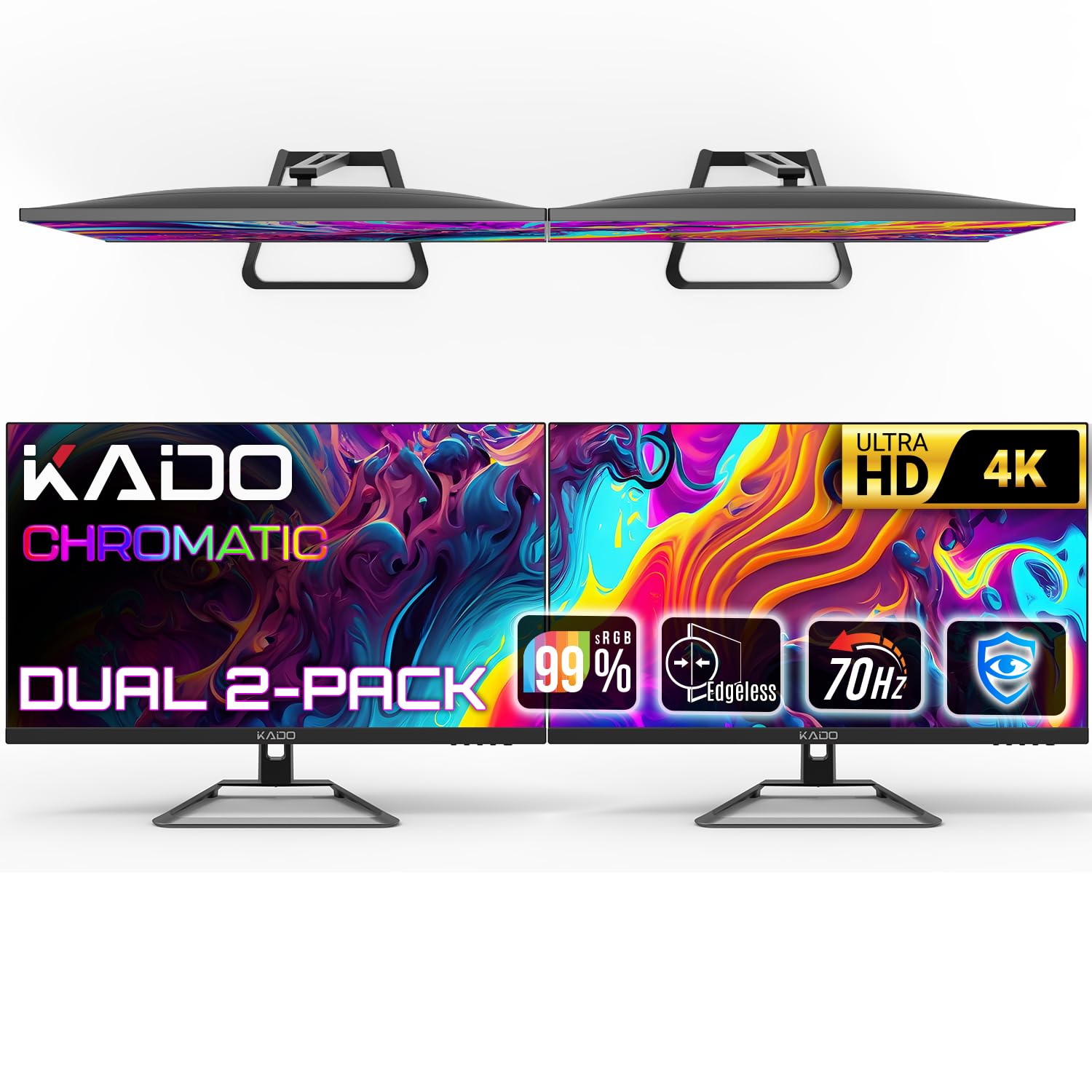
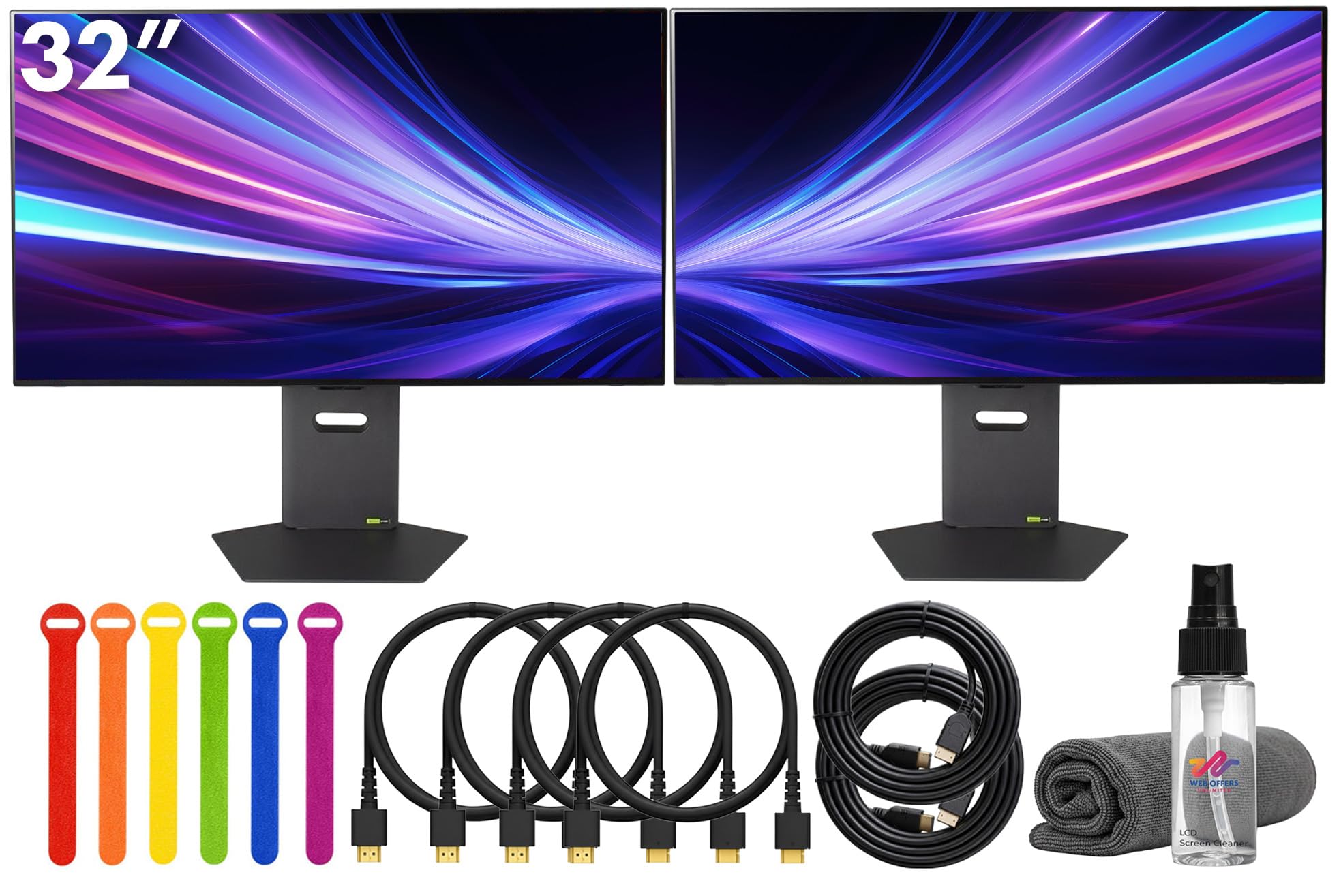

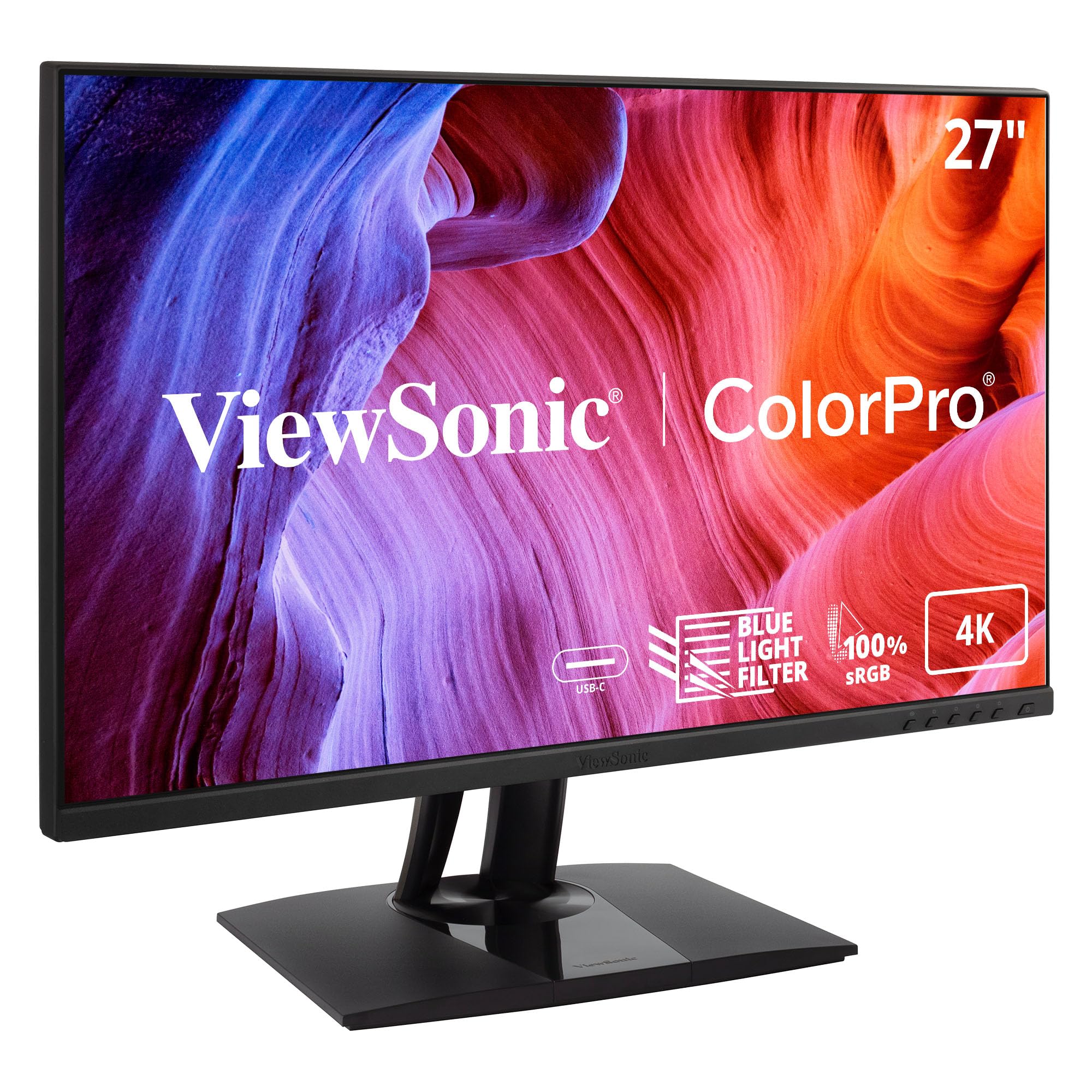
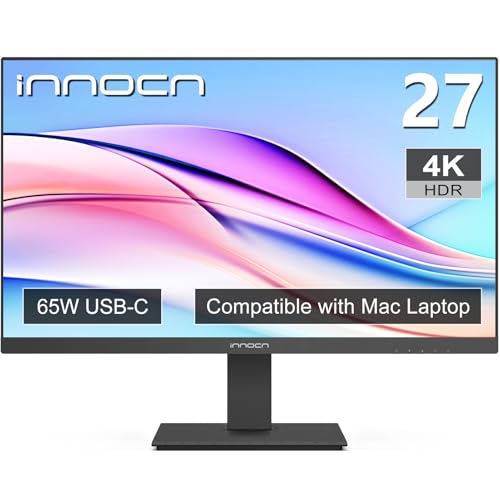
Who Should Buy a Dual 4K Monitor Setup?
Two 4K screens give you about 16.6 million pixels of workspace, which helps most when your work splits across windows.
Office and Remote Workers Who Live in Documents and Calls
You keep a document or spreadsheet on one screen while calls, mail, and chat sit on the other, so you stop resizing windows. Sharp text is your main gain, because 4K at a 27 inch size stays crisp at normal scaling. Pick a matched pair with comfortable brightness for long days.
Creators Who Edit Photos and Video Across Two Screens
You place your timeline or photo library on one screen and a clean preview on the other, which keeps tools from covering your image. Color match between the panels matters more for you than for most buyers, because a color that shifts as you drag a window across screens makes editing uncertain. Buy the same model twice and use one color mode on both.
Gamers Who Play on One Screen and Multitask on the Other
You play on your main screen while a guide, chat, or stream view stays open beside it. That main panel carries the fast motion, so it deserves the larger share of your budget. The second screen can be plainer, as long as text stays sharp.
What Your Money Gets You at Each Price Tier for a Pair
Always price the pair, not the single screen. Shoppers comparing the best 4K dual monitors often forget the arm, cables, and dock a two screen desk may also need. Each tier below states a typical total for two screens only.
Budget Tier: Plain Pairs That Handle Daily Work
A budget pair costs about $500 to $700. Expect IPS or VA panels at 60 Hz, brightness around 300 nits, and basic stands that tilt but do not rise. These budget displays suit documents, browsing, and video, and the trade off is modest color range and weak HDR.
Midrange Tier: Better Color and Stands for Long Days
A midrange pair costs about $800 to $1,200. You gain wider and more accurate color, brightness around 400 nits, stands that adjust for height and pivot, and often a USB C input that carries video and charges a laptop. For most buyers this tier feels comfortable for eight hour days, because posture and color improve together.
Premium Tier: Reference Color and Fast Panels for Demanding Work
A premium pair costs about $1,400 to $2,400. This level adds factory calibration, very wide color for photo and video grading, high refresh panels or OLED and Mini LED options, and larger built in hubs. Spending more pays off when clients see your color work or fast games are a daily habit.
Key Features to Compare
Compare a pair as a system, because mixed panels, weak ports, or a shallow desk can ruin a strong spec list.
Panel Type and Color Accuracy for Matched Screens
IPS panels hold color well at an angle, which matters because your second screen sits turned toward you. VA panels give deeper blacks for video but their color can shift more at wide angles. OLED panels give the strongest contrast and near instant response, but static toolbars shown all day raise the risk of image retention. Both screens should share one panel type, because mixed types rarely match.
Screen Size, Scaling, and Desk Depth
A 27 inch pair is the common choice, and most people run it at about 150 percent scaling so text stays readable. A 32 inch pair gives larger text at about 100 to 125 percent scaling, but two screens span about 57 inches and crowd a small desk. A desk depth of about 28 to 32 inches lets you see both screens without constant head turning.
Brightness, Contrast, and HDR That Actually Helps
Brightness around 300 to 350 nits suits a shaded room, while a bright room with windows calls for about 400 nits or more and a matte finish to cut glare. A pair with at least about 600 nits and local dimming shows a clear HDR step up in movies and games, while a dim HDR label adds cost without a visible gain.
Ports, Cables, and the Computer Behind the Pair
Each screen needs its own video feed at 4K and 60 Hz or higher. DisplayPort handles this readily, HDMI 2.1 handles it on newer gear, and USB C can carry the picture if the port supports DisplayPort alternate mode. Check your graphics hardware first, and see our guide to the best video card for dual 4k monitors if your computer has only one suitable output. Many laptop users add a dock, and our guide to the best docking station for dual 4k monitors explains which docks drive two 4K screens at full refresh.
Refresh Rate, Response Time, and Adaptive Sync
Refresh rate tells you how often the picture updates each second. A 60 Hz pair is fine for documents and video, while 120 Hz or 144 Hz panels make fast games and rapid scrolling look smoother. Lower response time values reduce blur in motion. Adaptive sync lets the screen match the output of your graphics card, which cuts tearing in games. Gamers should buy speed on the main screen first.
How to Set Up a Matched Pair and Check It on Day One
Decide your layout first. If one screen is your main focus, center it on your chair and angle the second one inward. If you use both equally, center the join between them and angle both inward. Most dual arms use a VESA mount of 100 by 100 mm, and the arm must be rated for the combined weight of both screens.
Connect one screen at a time, set each to 4K at the same refresh rate, then match brightness and color mode against a plain white page. If your laptop will drive the pair each day, see our guide to the best laptop for dual 4k monitors for the port and power needs involved. If you still weigh two screens against one very wide screen, see our guide to the best monitors for dual monitor layouts.
Common Mistakes to Avoid
Most dual screen regrets come from the pairing and the desk, not from the panels themselves.
- Buying two different models leaves you with mismatched color and brightness that no setting fully fixes.
- Assuming any dock can drive two 4K screens at 60 Hz leaves the second screen stuck at a lower refresh rate.
- Choosing a 32 inch pair for a shallow desk puts both screens too close and forces constant head turning.
- Paying extra for an HDR label on a dim panel adds cost without any visible improvement in games.
- Forgetting cable length and arm load limits leaves screens that sag or lose signal when adjusted.
Care and Maintenance for Dual 4K Monitors
Clean both screens with the power off, using a dry microfiber cloth first and a slightly damp cloth only for marks that remain. Never spray liquid straight onto a panel, because moisture can seep past the lower edge. Keep vents clear of dust and papers.
Recheck the pair every few months. Tighten arm joints that droop, confirm both screens still share the same brightness and color mode, and replace a frayed video cable at the first sign of flicker.
4K Dual Monitors: Your Questions Answered
Is 4K resolution worth it for a dual monitor desk setup?
Yes, 4K resolution is worth it for desk workers who read text all day. The gain is clearest in small fonts, code, and spreadsheets, where letters stay sharp instead of fuzzy. The gain shrinks if you mostly watch video in a small window, because streamed video rarely fills the screen at full detail.
Does refresh rate matter for people who do not game on dual 4K monitors?
A higher refresh rate is a comfort extra rather than a need for people who do not game. Dragging windows and scrolling long documents look smoother at 120 Hz, and the cursor tracks with less blur. Your documents gain no new function, though, so office buyers should fund stands and brightness first.
What monitor size works best for a dual 4K desk setup?
A 27 inch pair works best for most desks, and you can test the fit before you buy. Cut cardboard to the width and height of the screens you want, tape it in place, and sit at your desk. If you keep turning your head to read the outer edges, the size is too large for that desk.
Should you choose IPS or OLED panels for a dual 4K setup?
Choose IPS panels if your screens show static work apps all day, and consider OLED only if movies and games dominate your evenings. Buying two OLED panels doubles the exposure to image retention from fixed toolbars. A single OLED beside an IPS screen rarely matches in color, so most pairs should stay with one panel type.
How long do dual 4K monitors usually last?
Dual 4K monitors usually last about five to eight years of daily use. The panel itself rarely fails first. Backlights dim slowly with age, and two screens age at slightly different rates, so a pair can drift apart in brightness after several years. Matching brightness again at each check keeps the pair usable longer.
Final Thoughts
Put your money in this order: a matched panel type, a desk fit you have measured, and ports your computer can truly feed. Use the product table above to check size, ports, and pair price against that order.
When you judge best 4K dual monitors as a working pair rather than as two separate bargains, the right tier is usually clear. Buy the plainest pair that meets your needs, and keep the savings for a solid arm and proper cables.


