
Best 3D Printers Under 600 2026: Budget Guide
Disclosure: We may earn a commission when you buy through links on this page, at no extra cost to you. As an Amazon Associate I earn from qualifying purchases. Learn more

Clear checks on features, price and upkeep to help you choose the best 3d printers under 600.
A budget limit focuses the mind, and 600 dollars still buys a very capable 3D printer. The best 3d printers under 600 cover most home and hobby projects well, though they cut corners you should understand before buying. This guide explains what budget printers do well, where they compromise, and how to choose the strongest value.
The product table shows the main budget styles side by side. Later sections cover build volume, reliability, assembly, materials, and the upgrades that genuinely improve a budget printer.
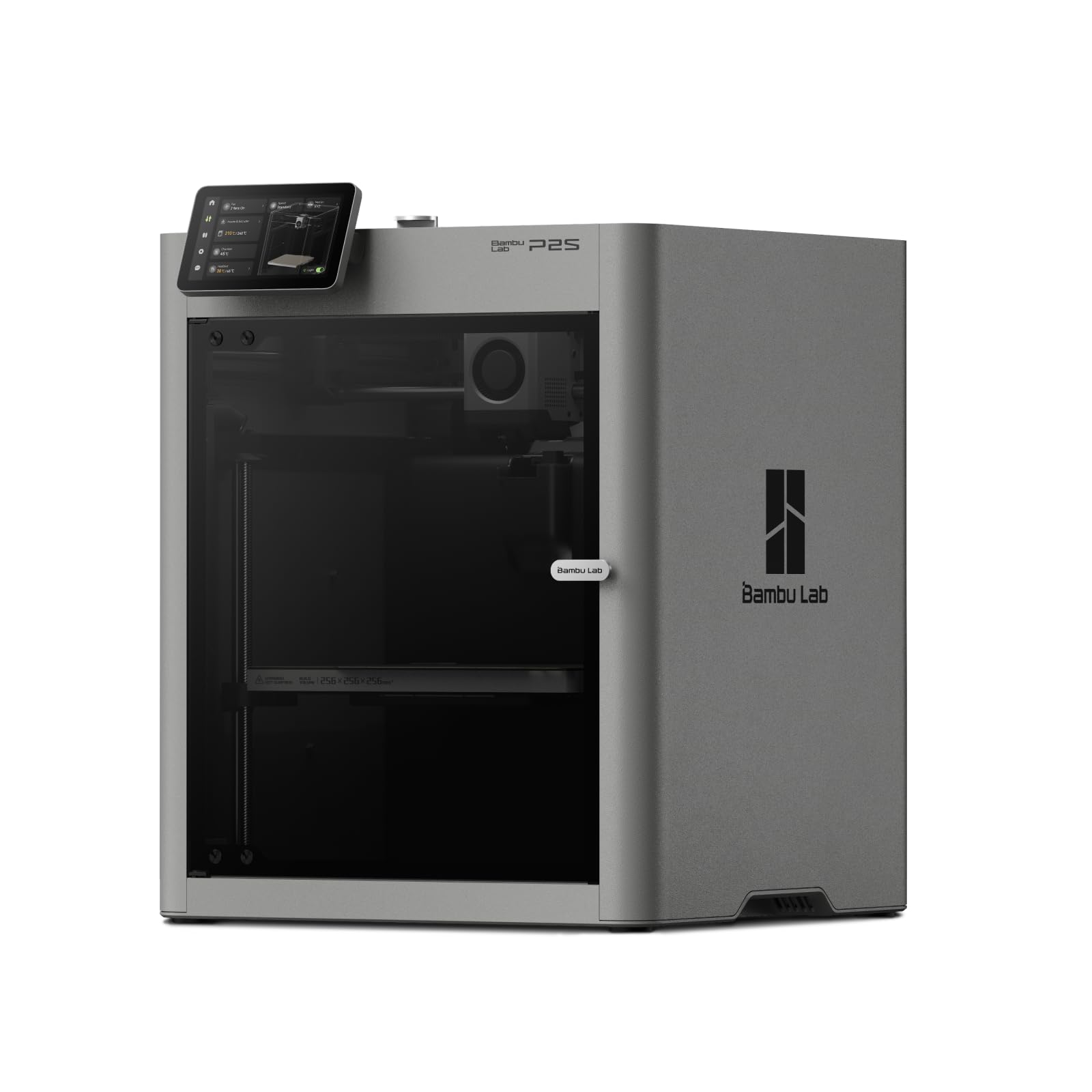
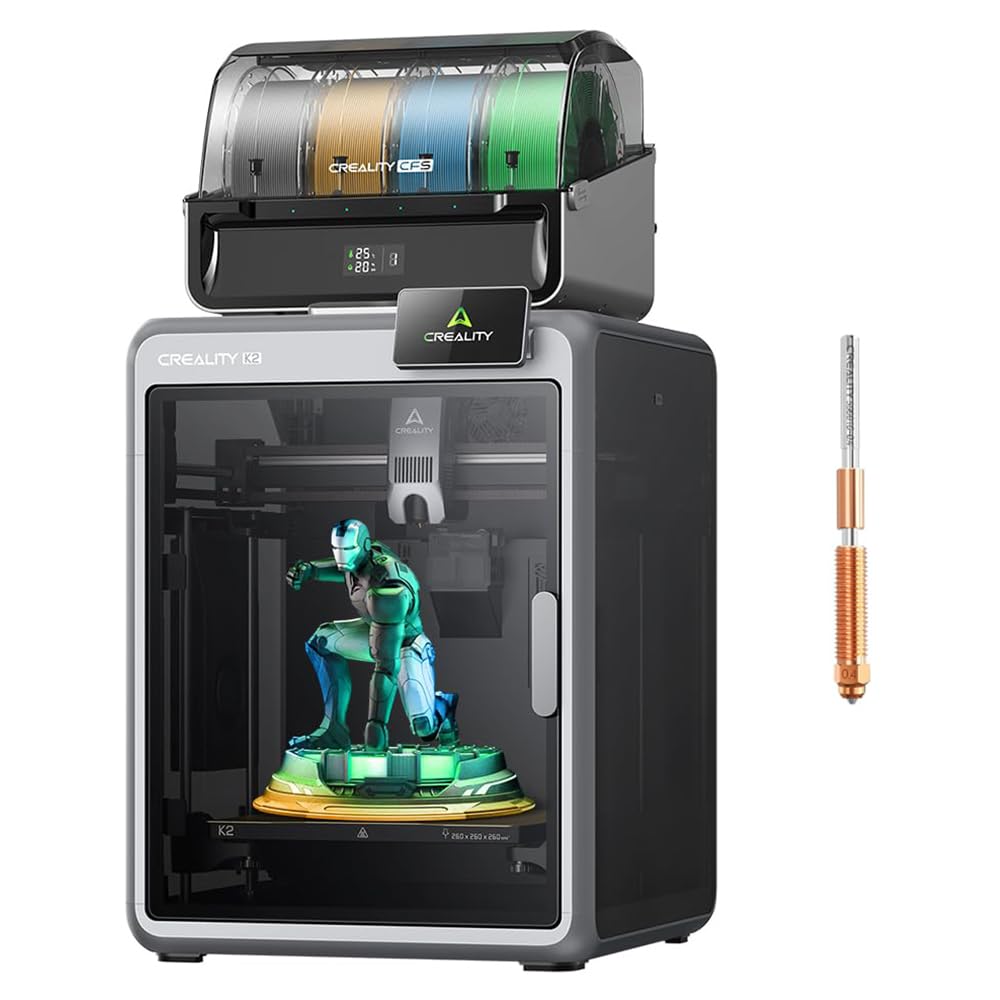


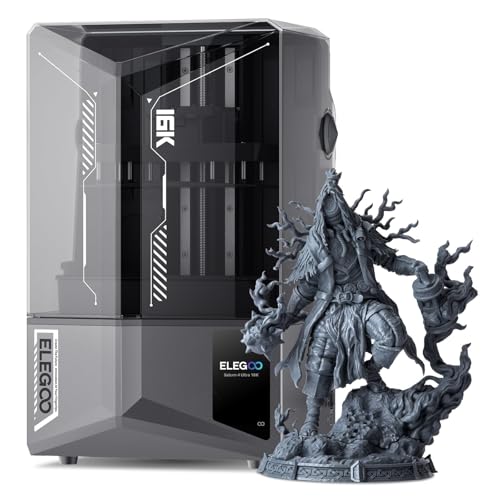
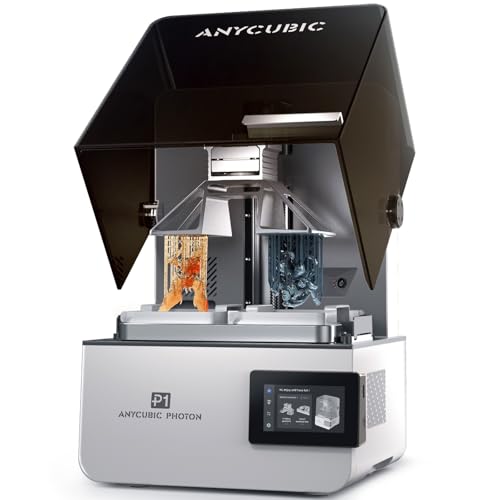

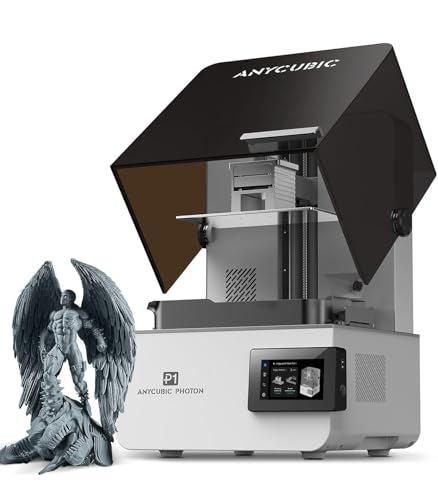
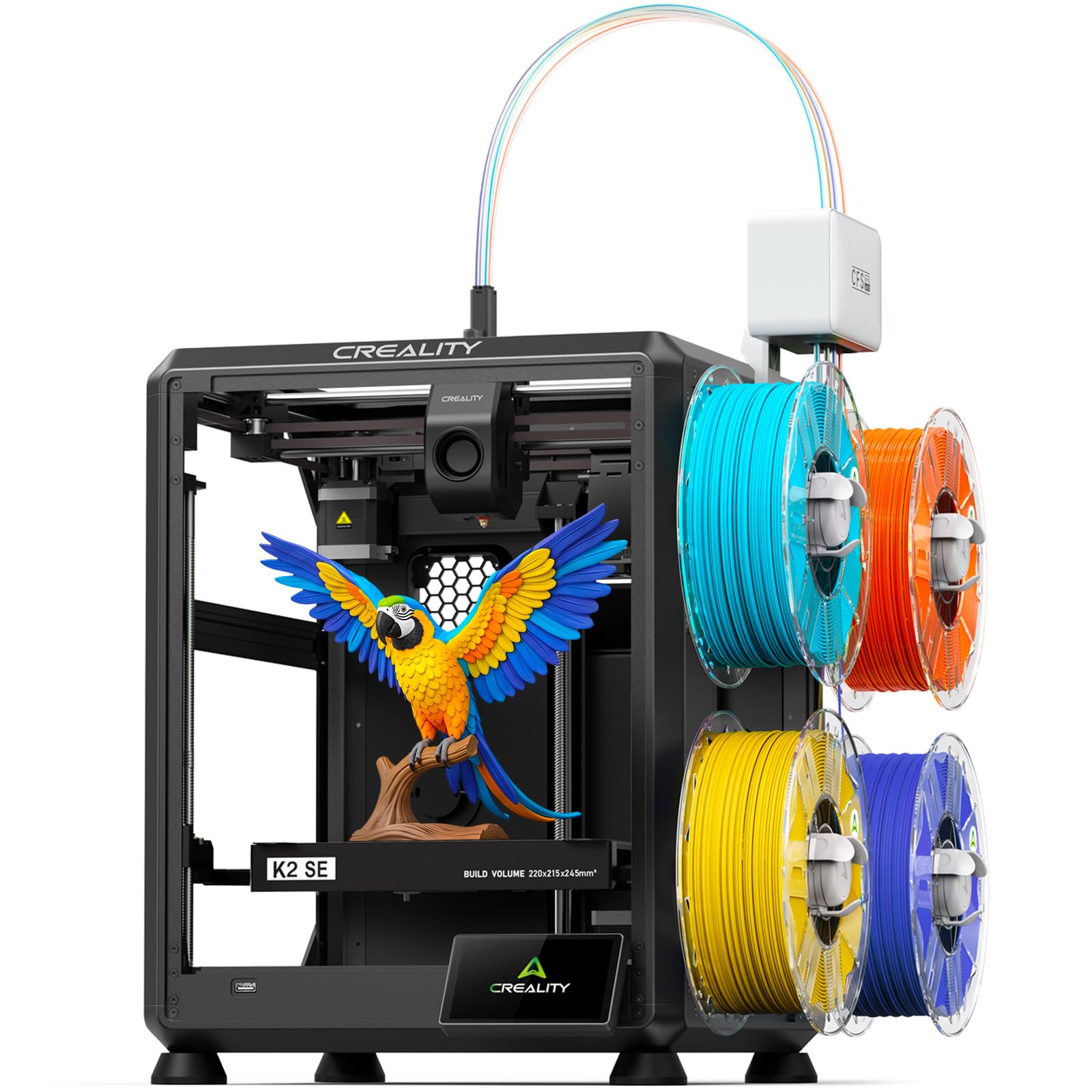
What 600 Dollars Buys in 3D Printing
Under 600 dollars, you can buy a solid filament printer with automatic bed levelling, a decent build volume, and a strong user community. Print quality from a well tuned budget printer rivals premium machines for most household and hobby objects, since the same basic technology drives both. The gap shows in speed, enclosure, materials range, and refinement rather than basic capability.
What you usually give up is an enclosure, a larger build volume, premium components, and polished software. None of these blocks good printing, but each adds convenience or capability that heavier users miss. Judge budget printers on reliability and community support first, since a cheap printer that prints reliably beats a flashy one that jams weekly.
Build Volume and Print Size
Build volume is the maximum object size the printer can make, and budget models commonly offer around 220 millimetres cubed. That handles most household items, toys, and brackets comfortably. Larger models under 600 dollars exist but often trade build quality or community support for size, so check reviews carefully before chasing volume.
Think about your largest realistic project, not your dream project. A printer that handles your usual work well is better than a huge printer with a wobbly frame. You can also split large models into parts and join them, which makes a medium volume printer more versatile than its size suggests.
Assembly: Kit, Semi Assembled, or Ready to Print
Budget printers range from full kits needing hours of assembly to semi assembled models needing under an hour, to ready printers that work from the box. Kits cost less and teach you the machine deeply, which helps later repairs, but they frustrate buyers who want to print immediately. Semi assembled models balance price and convenience for most buyers.
Check assembly time honestly against your patience and skill. A kit assembled badly prints badly, so follow instructions carefully and check frame squareness and belt tension. If you dislike assembly, spend a little more for a semi assembled or ready model rather than buying a kit you resent.
Reliability: What Breaks First on Budget Printers
Budget printers most often suffer from bed adhesion problems, inconsistent extrusion, and worn nozzles, all fixable with tuning and cheap parts. A solid frame, a reliable extruder, and good bed levelling matter more than a large screen or fancy casing. Read long term owner reports, not just first week praise, to learn which models stay reliable after months.
Keep spare nozzles, a spare build plate surface, and a little maintenance time in your budget. Regular cleaning, belt checks, and lubrication prevent most budget printer problems. A printer you maintain prints well for years, while a neglected premium printer fails just as surely.
Materials and Speed on a Budget
Budget printers handle PLA excellently and PETG well with tuning, which covers most home and hobby needs. Flexible filaments and high temperature materials like nylon need upgrades or enclosed machines, so do not buy a budget printer expecting easy nylon printing. Match material ambitions to the machine you can afford.
Print speed on budget machines is moderate, since pushing speed too far hurts quality on lighter frames. Accept slightly longer print times in exchange for reliable results, and use overnight printing for large jobs. Speed matters less than a finished print you do not need to redo.
Upgrades Worth Buying Later
The best first upgrades for a budget printer are a better build plate surface, a quality nozzle set, and dry filament storage, all cheap and effective. A camera for remote monitoring and a simple enclosure for temperature stability help later, once you print regularly. Avoid upgrading everything at once, since each change complicates troubleshooting.
Skip cosmetic upgrades and exotic hot ends until you hit a real limit in your printing. Upgrade to solve a problem you actually have, such as poor adhesion or a worn extruder, rather than chasing specifications. Thoughtful upgrades turn a good budget printer into a long term tool.
Guides That Pair With This One
Hobby models are compared in our guide to best hobby 3d printers, which overlaps heavily with the under 600 range. Hobby guides help you compare value across similar machines.
Cheaper tiers appear in our guide to best 3d printers under 1000 for the wider budget ceiling. The under 1000 range adds enclosure and size options worth comparing.
Lower budgets are covered in our guide to best 3d printers under 300 for the cheapest capable machines. Under 300 models suit tinkerers and second printers.
Also see our guide to best 3d printers under 200 for entry level options with clear limits. These suit curious beginners who accept trade offs.
Finally, our guide to best 3d printers under 400 bridges the gap between entry and midrange budgets. Compare it against this under 600 guide to find your sweet spot.
Community Help and Learning Resources
The user community is a budget printer greatest asset, offering free profiles, troubleshooting guides, and upgrade designs. Join a forum or user group for your exact model before problems arise, and search existing answers before posting, since most beginner issues have been solved many times. A helpful community turns a budget printer into a supported product.
Video tutorials and maker blogs teach tuning skills step by step, from bed levelling to slicer settings. Work through one tutorial at a time rather than binge watching, and test each lesson with a small print. Structured learning beats random tips, and a few hours of guided practice saves many hours of failed prints later.
One final tip: save your successful slicer profiles with clear names for each filament brand, since switching brands without adjusting settings causes avoidable failures. A small profile library is free and saves hours of retuning.
Back up your slicer profiles occasionally, since losing tuned settings after a computer change wastes hours of careful work.
Frequently Asked Questions About Best 3D Printers Under 600
Can a printer under 600 dollars print well?
Yes, a well tuned printer under 600 dollars prints household and hobby objects with quality close to premium machines for most uses. Print quality depends more on tuning, filament, and model settings than on price alone. Budget machines give up speed, enclosure, and refinement rather than basic capability. Choose a reliable model with a strong community and learn basic tuning for the best results.
What is the best budget 3D printer for beginners?
The best budget beginner printer is a semi assembled filament model with automatic bed levelling, a standard build volume, and a large user community. Automatic levelling removes the hardest setup step, and community support answers beginner questions quickly. Avoid full kits unless you enjoy assembly, and favour reliability reports over feature lists. A simple reliable printer teaches faster than a complex one.
Should I buy a kit or a ready printer?
Buy a kit if you enjoy building, want to learn the machine deeply, and accept several hours of assembly. Buy a semi assembled or ready printer if you want to print quickly with less fuss. Kits cost less but print badly if assembled poorly, so follow instructions and check frame squareness. Most first time buyers are happier with semi assembled models.
What materials can budget printers use?
Budget printers handle PLA excellently and PETG well with tuning, covering most home and hobby needs. Flexible filaments work on some models with direct drive extruders. High temperature materials like nylon and polycarbonate usually need enclosures and upgrades beyond a basic budget machine. Start with PLA, add PETG once comfortable, and match material goals to your printer.
How much does it cost to run a budget printer?
Running costs are modest: filament at a low price per spool, small electricity use per print, and occasional nozzles and build surfaces. Most small prints cost well under a dollar in filament. Budget for a few spools, spare nozzles, and dry storage in the first year. Total running costs stay low compared with the printer price for typical home use.
Final Thoughts
Under 600 dollars, prioritise reliability, automatic bed levelling, and community support over maximum size or flashy features. Accept moderate speed and an open frame, and spend later on cheap upgrades that solve real problems. Check the product table against your largest realistic project before ordering.
A good budget printer opens the world of making without a premium price, and many owners never need more. Buy carefully, tune patiently, and your under 600 printer will produce useful, satisfying objects for years.
When you compare best 3d printers under 600, weigh fit and daily use above headline features.


