
Best 4 Inch Studio Monitors at Every Price in 2026: What Your Money Really Gets You
Disclosure: We may earn a commission when you buy through links on this page, at no extra cost to you. As an Amazon Associate I earn from qualifying purchases. Learn more

Learn how to choose the best 4 inch studio monitors by budget, bass reach, flat tuning, inputs and desk placement for clear mixes in a small room setup.
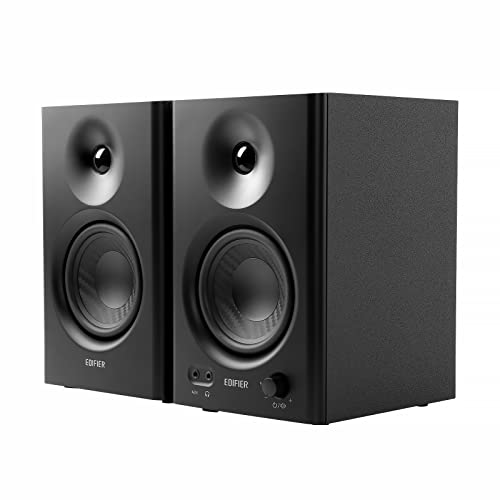
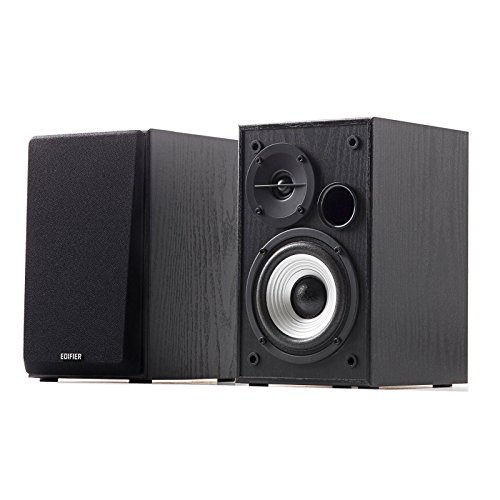
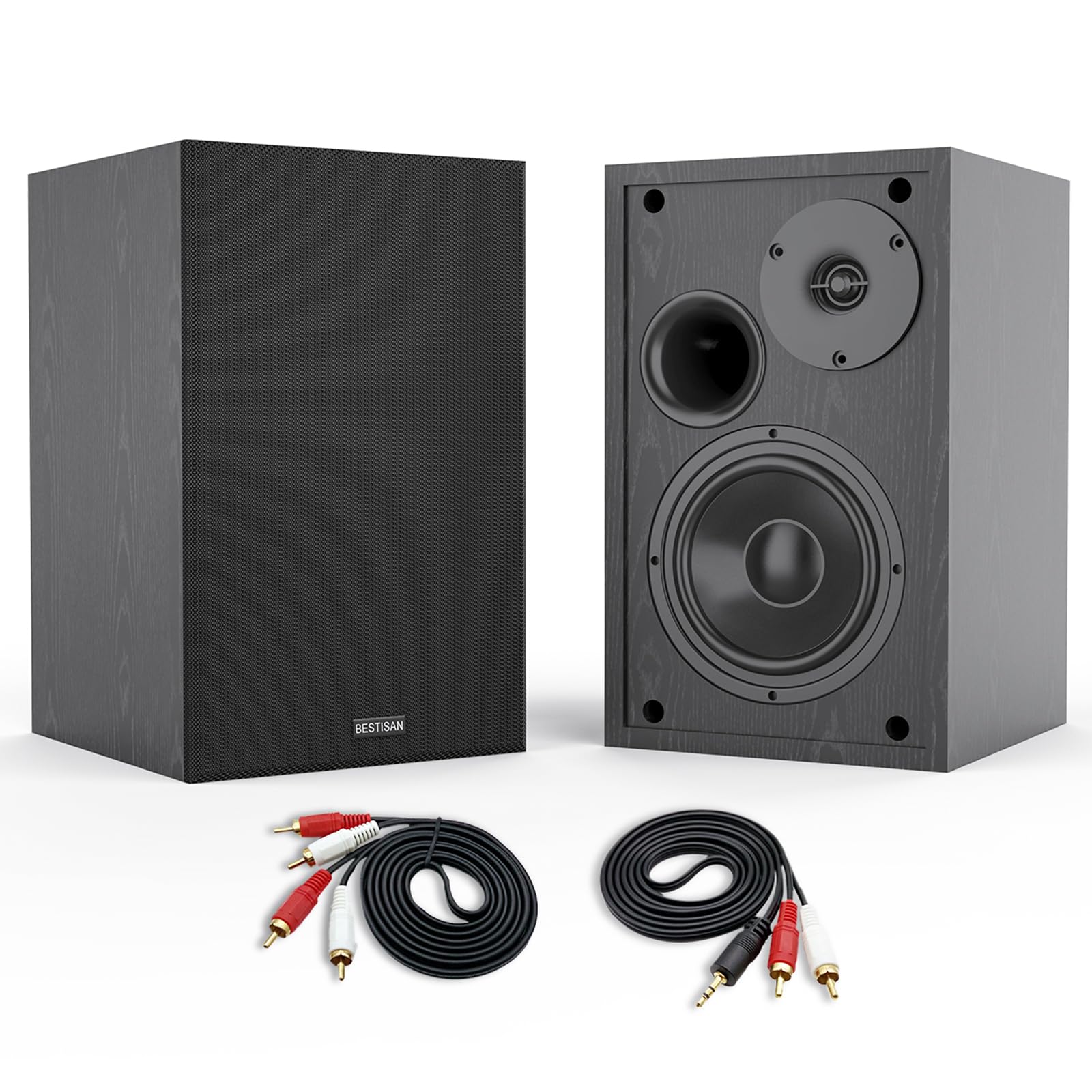
Prices for small studio speakers stretch from a modest desk upgrade to a serious mixing tool, and the gap is not obvious from a photo. The best 4 inch studio monitors share one job: they present voices, guitars and drums honestly at close range so your mixes hold up elsewhere. Use the product table to sort price from real value.
Start with your room and your listening distance. A 4 inch woofer suits a small desk and a modest volume, but it will not move air like a larger cabinet. This guide shows who benefits, which specs matter at each budget, and where extra money helps.

Who Should Buy 4 Inch Studio Monitors?
The three groups below cover most small room buyers. Choose by your desk, your distance from the speakers and the hour when you usually work.
Bedroom Producers Working at a Desk
You record and mix within about 2 to 4 feet of the speakers, often in a room that also holds a bed. A compact cabinet leaves room for a keyboard and a laptop while still giving you a clear stereo picture. Pick a front port design if your desk sits against a wall, and accept lighter bass as the trade for size.
Video Editors Who Need Clear Dialogue
You cut speech, music and effects and need words to stay intelligible at low volume. A small monitor with a smooth midrange helps you hear edits, breaths and room noise without pushing the level up. Look for a volume knob on the front, so you can adjust speech quickly while your eyes stay on the timeline.
Apartment Creators Who Mix at Modest Volume
You share walls and often work in the evening, so clean sound at a low level matters more than sheer loudness. A 4 inch cabinet can give you detail without filling the room with bass that travels to neighbors. Choose tuning controls that tame extra low end near corners, and check deep bass on headphones instead of turning the speakers up.
Key Features to Compare
Compare these points in the same order each time, because a small cabinet leaves little room for error.
A 4 Inch Woofer Sets a Clear Limit on Bass
A 4 inch woofer moves less air than a larger driver, so most models roll off somewhere around 60 to 80 Hz and the deepest notes feel lighter than they sound. That limit is fine for voice, acoustic guitar and many pop arrangements, but dance and film work will hide low notes you cannot hear. Judge bass by clarity at your normal volume, not by a boosted low end that flatters the speaker.
Tweeter Detail and Sound Spread
The tweeter carries cymbals, vocal edges and the small cues that place sounds left and right. A smooth tweeter lets you work longer without fatigue, while a harsh one pushes you to soften details that were fine. Dispersion matters at a desk, because you move your head as you work. Choose a design that keeps tone steady across small head moves, so the mix stays stable as you lean.
Power and Headroom at Your Desk
Most small active monitors carry about 25 to 50 watts per speaker, split between the woofer and the tweeter. At a desk that power is usually enough, because you sit close and need clarity more than room filling volume. Headroom is the real prize, since a stronger amp keeps drums and loud vocal peaks clean instead of strained. Dense tracks benefit most from that headroom.
Flat Tuning and Controls That Suit Your Room
A studio monitor should sound flat, with no part of the range pushed forward to impress you. Flat tuning helps a mix travel to cars, phones and larger speakers without surprises. Useful controls include a high frequency trim, a low frequency trim and a boundary setting for desks near walls. Each control solves one placement problem, so value them only if your room creates that problem.
Port Position and Inputs That Keep Noise Low
A port helps a small cabinet produce more bass, but its position shapes placement. A port on the front lets the cabinet sit closer to a wall, while a port on the back needs open space behind it, so measure the gap behind your desk before you buy. For inputs, balanced XLR or TRS plugs reject noise along the cable, while unbalanced RCA suits short runs from a phone or a small interface. Match the whole chain, because a balanced input only helps if the source is balanced too.
What Higher Prices Add in Compact Studio Speakers
Prices below are for a pair unless a listing says otherwise, and some brands price each speaker alone. That is why the best 4 inch studio monitors at higher prices must show their value in tuning, noise and consistency, not only in a nicer cabinet finish.
Entry Tier: Honest Basics for About $100 to $200
Expect simple cabinets, basic RCA or unbalanced inputs and few or no tuning controls. Sound can still be clear for learning, editing and first mixes, as long as you sit close and keep volume modest. The main trade is consistency, because the left and right speakers may match less tightly. This tier suits a first desk where placement matters most.
Step Up Tier: Tuning Controls for About $200 to $350
This range usually adds balanced inputs, room tuning switches and stronger amps with cleaner peaks. Those gains help in a bedroom or office, where walls and desks color the sound and you cannot treat the room fully. For most home producers this is the practical place to land, because each extra dollar addresses a problem you can hear.
Upper Tier: Tighter Matching for About $350 to $600
Higher prices tend to buy tighter pair matching, lower self noise, better built cabinets and a wider area where the stereo picture stays stable. Those traits matter when you mix for clients or edit all day, because small errors become easier to trust and fix. You still get a 4 inch bass limit, so budget for placement first.
Placement and Setup Checklist for a Desk
Place the two speakers and your head in a triangle with roughly equal sides, about 3 feet apart at a small desk. Aim each cabinet slightly toward your ears and raise it so the tweeter sits near ear height when you are seated. Foam pads or small stands lift the cabinet off the desk and reduce buzz from the surface.
Room size should guide any move away from this size. If your desk is shallow, see our guide to the best 3 inch studio monitors for a smaller footprint. If you can sit farther back, see our guide to the best 5 inch studio monitors for a step up in bass, or our guide to the best 8 inch studio monitors for larger rooms.
Common Mistakes to Avoid
Each of these errors is easy to avoid before you order.
- Buying a 4 inch monitor for deep bass leaves low notes unchecked and leads to mixes that boom on larger systems.
- Placing a rear port cabinet flush against a wall thickens the bass and hides detail in voices and guitars.
- Setting the two speakers at different heights shifts the stereo picture and makes centered sounds wander.
- Turning small monitors up to fill a large room strains the amps and makes peaks sound hard and tiring.
- Skipping the check of whether a price covers one speaker or a pair can double the real cost.
Care and Maintenance for 4 Inch Studio Monitors
Dust the cabinets with a dry soft cloth and keep liquids away from the cones and the amp panel on the back. Never push on a woofer or tweeter, because a dented dome can change how high notes spread. Keep vents clear, since active amps warm up during long sessions.
Power the speakers down when you move cables, and plug or unplug leads with the volume low to avoid loud pops. Check cables for loose plugs or crackle when you touch them, and replace a damaged lead promptly. A monitor that cuts out, hums loudly or smells hot should be switched off and checked by a qualified technician before further use.
FAQ
Can 4 inch studio monitors work without an audio interface?
Yes, 4 inch studio monitors can run straight from a computer or phone when they offer RCA or a 3.5 mm input. The catch is control, because your device volume becomes the master level and unbalanced runs can pick up faint noise. An interface later adds one steady volume knob and a headphone output.
Do 4 inch studio monitors need a subwoofer in a small room?
No, 4 inch studio monitors do not need a subwoofer for voice, guitar and most editing work. Add one only when you regularly mix music with real content below the woofer range, and place it carefully, because a poorly placed sub adds boom that masks clarity and makes low levels hard to judge.
Are 4 inch studio monitors loud enough for a small bedroom studio?
Yes, 4 inch studio monitors are loud enough for a small bedroom studio when you sit within a few feet of them. Loudness falls fast as you move away, so a pair that feels full at a desk can sound thin from a sofa across the room. Judge volume at your chair, and leave headroom rather than running them near maximum.
Should I buy 4 inch studio monitors as a matched pair?
Buy 4 inch studio monitors as a matched pair when you mix in stereo. A pair bought together is more likely to match in tone and volume, so centered sounds stay stable. A single speaker can suit voice editing, but add the matching partner soon, because one speaker cannot show stereo width or panning errors.
Final Thoughts
Match the speakers to your desk, your distance and your room first, then choose the price tier that fixes your biggest limit, whether that is noise, tuning or headroom. Use the product table to confirm inputs, port position and pair pricing.
When you judge best 4 inch studio monitors by what you can hear at your chair, the right tier becomes clear. Spend on control and consistency, and a small pair can serve your mixes for years.


