
Best 3D Printers for Minis: Every Type Explained Side by Side for 2026
Disclosure: We may earn a commission when you buy through links on this page, at no extra cost to you. As an Amazon Associate I earn from qualifying purchases. Learn more

A clear guide to the best 3d printers for minis, comparing resin and FDM detail, layer height, build plate size, and the safety steps resin needs.
Miniatures are unforgiving. A cloak fold, a sword edge, or a face at 28 mm scale shows every flaw a printer makes, so the technology you choose matters more here than in almost any other kind of printing. At the same time, shop pages mix resin and filament machines together as if they were interchangeable, which they are not.
This guide explains each type plainly so you can choose the best 3d printers for minis for your desk, your budget, and your tolerance for mess. You will learn where the detail really comes from, what the marketing numbers mean, and which type suits figures, terrain, or both. Keep the product table below in view as the types come into focus.
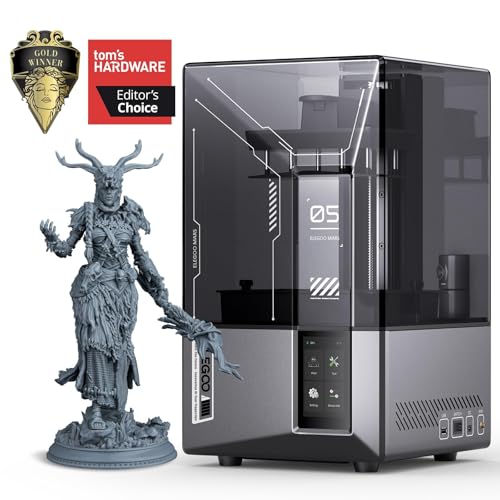


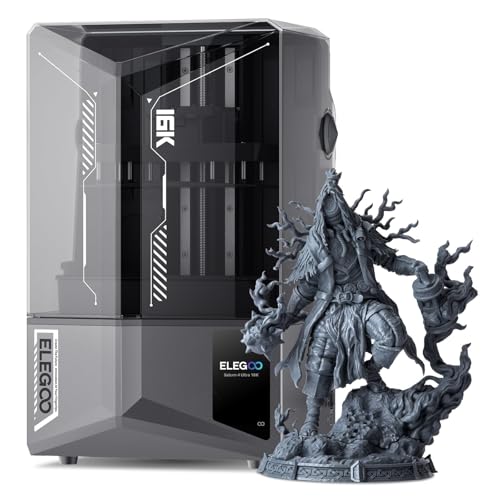


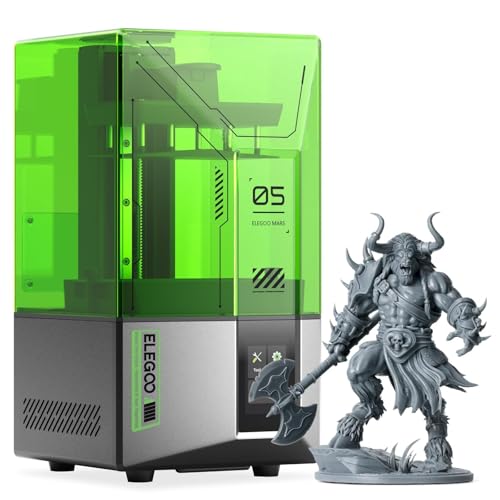
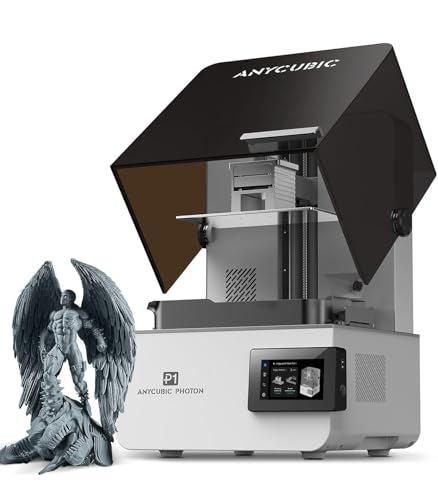
Types of 3D Printers Compared
Resin Printers
Resin printers harden liquid resin with light from a screen, building each layer as a flat image. Because the light exposes a whole layer at once and the pixels are tiny, resin captures detail that filament machines simply cannot: crisp facial features, fine chainmail texture, and thin parts that survive handling.
The costs are real. Uncured resin irritates skin, prints need washing in alcohol and a final cure under ultraviolet light, and the workspace needs ventilation. For display figures and gaming miniatures where detail is the whole point, resin is the standard choice and the one most miniature painters rely on.
FDM Printers
FDM printers melt plastic filament through a nozzle, drawing each layer as a line. Even with a small nozzle and thin layers, those lines remain visible on curved miniature surfaces, and tiny features blur.
What FDM does brilliantly is everything around the figures: terrain, buildings, scatter pieces, storage trays, and large monsters where a resin version would cost a fortune in material. Filament is cheap, tough, and needs no washing or curing. Many hobbyists run FDM for the table and resin for the heroes on it, a split that plays to both strengths.
Large Build Plate Resin Printers
A larger resin printer uses the same light based process with a bigger screen and plate, so you can print a full unit of troops, several heroes, or an oversized centerpiece model in one run. The detail per figure stays identical to a smaller machine with the same pixel size, which surprises many buyers. What changes is throughput and resin volume per job, plus a heavier plate to handle during washing. Choose this type when you print warbands, armies, or batches for friends, and buy a wash and cure station sized to match, since small accessories bottleneck a big printer quickly.
Compact Resin Printers
Compact resin models shrink the footprint for desks, apartments, and shared hobby rooms. Their plates fit a handful of standard miniatures per run, which is plenty for painters who print a few figures at a time.
Smaller machines also use less resin per fill and are easier to move to a ventilated spot for printing sessions. The tradeoff is batch size, not quality: a compact printer with fine pixels produces display quality figures. For many painters this is the sensible entry point, and it pairs naturally with the machines listed among the best starter 3d printers for learning the workflow.
Resin vs FDM: Which Should You Choose?
Compare the two on the points that decide miniature work. Detail: resin wins by a wide margin, holding features under a millimeter that FDM smears. Strength: FDM parts bend and survive drops, while standard resin is brittle, though tougher resin blends narrow the gap. Cost per figure: resin uses a few cents of material per mini but adds alcohol and gloves; FDM terrain costs pennies and needs nothing else. Use these points to judge any of the best 3d printers for minis.
Mess and safety: FDM is clean and dry, resin demands a disciplined routine. Batch speed: resin prints a full plate in the time of one figure, since layers expose together. For character minis choose resin, for terrain choose FDM, and for a full gaming table, plan on both eventually.
How to Choose 3D Printers for Minis
Reliability and Support
Miniature printing runs many small jobs, so reliability shows up as consistent first layers and screens that last. Look for a maker with clear replacement parts, especially screens and vat film, since both are consumables on resin machines. Active community groups matter more than glossy marketing, because miniature specific settings for exposure and supports spread through hobbyist channels. A machine with a loyal user base effectively comes with a library of proven profiles for the exact figures you want to print.
Screen Size, Pixels, and Real Detail
Detail on a resin printer comes from pixel size, often called XY resolution, measured in microns. Around 50 microns is the common standard and already very sharp; figures near 35 microns or below look crisper on faces and fine texture.
Beware of judging by screen size alone or by headline numbers like 4K or 8K, because the same pixel count spread over a larger screen gives larger pixels and softer detail. Divide the screen width by its pixel count to get the real figure. Serious miniature painters also compare notes with the best 3d printers for dnd minis, since tabletop figures are the strictest detail test of all.
Footprint and Noise
Resin printers are small but they claim more room than their footprint suggests. You need space beside the machine for the wash container, the cure station, gloves, and a tray for dripping parts, plus a window or vent path for fumes.
Budget a clear work zone, not just a printer slot. Noise is rarely an issue since fans are the main sound, which makes resin workable in a spare room or garage corner. Keep the whole setup away from food preparation areas and out of reach of children and pets.
Features That Matter for Minis
Miniature work rewards a specific short list. Layer heights down to about 0.025 mm to 0.05 mm let you balance detail against print time. A monochrome screen prints faster and lasts longer than older color screens.
A rigid Z axis rail prevents the faint layer shift lines that ruin smooth cloaks and armor. Heated or temperature stable printing spaces help in cold rooms, because cold resin flows poorly and fails more often. Finally, check that common miniature file formats and popular slicers support the machine, since presupported files are often tuned for mainstream models, a point owners of the best hobby 3d printers raise often.
Tips to Get the Most From Your 3D Printer
Support placement decides miniature quality as much as hardware. Angle figures back about 30 to 45 degrees so supports touch the underside rather than the face and chest, and use lighter supports on delicate parts like swords and fingers.
Keep resin at comfortable room temperature, shake the bottle before pouring, and filter resin back into the bottle after any failed print to catch cured fragments. Wear nitrile gloves for every handling step, cure waste resin fully before disposal, and never pour liquid resin down a drain. For FDM terrain, a clean build plate wiped with isopropyl alcohol and a fresh first layer check prevent most failures before they start.
3D Printers: Your Questions Answered
What features matter most in 3d printers for minis?
Pixel size matters most, with smaller microns giving sharper faces and texture. Next come a monochrome screen for speed, layer heights near 0.025 mm to 0.05 mm, and a rigid frame that keeps layers aligned. Build plate size only decides how many figures print at once. Chasing the largest plate while ignoring pixel size is the classic beginner mistake in this category.
Are larger resin printers better for miniatures?
Not for quality, only for quantity. A large printer with the same pixel count as a small one produces softer detail, because its pixels are physically bigger. Buy larger only when you regularly print full units or oversized models, and check the pixel size figure rather than the screen marketing label before assuming any detail gain.
Which 3D printer type is easiest for beginners printing minis?
A compact resin printer with a monochrome screen is the easiest route to good looking figures. Presupported files remove most slicing guesswork, and small plates keep early mistakes cheap. The learning curve is the safety and washing routine, not the printing itself, so set up your gloves, ventilation, and cure station before the first run, not after.
What does cost per print mean for miniatures?
Cost per print is the resin or filament, consumables, and power behind one figure. A standard gaming mini uses only a few cents of resin, but alcohol, gloves, and vat film wear add to the real total. The figure still lands far below the price of a comparable retail miniature, which is why printing whole armies stays economical even with supplies counted.
Can FDM printers handle 28 mm miniatures?
They can print them, but the results suit background troops more than heroes. With a 0.2 mm nozzle, thin layers, and slow speeds, FDM figures read clearly on the table yet show layer lines under paint and close viewing. Many gamers accept that tradeoff for large units and keep resin for characters, a strategy also common among owners of the best inexpensive 3d printers building armies on a budget.
Our Verdict
Let pixel size lead your decision, then match plate size to how many figures you print at once, and give FDM the terrain work. Resin for characters, filament for the world they stand on: that division delivers the best tables for the least money. With those rules set, the best 3d printers for minis in the product table above narrow down quickly, and if you want the broad category view as well, the overview of the best 3d printers shows how miniature machines compare with general purpose models.


