
Best 3D Printers for Cookie Cutters: Types Compared and How to Choose for 2026
Disclosure: We may earn a commission when you buy through links on this page, at no extra cost to you. As an Amazon Associate I earn from qualifying purchases. Learn more

The best 3d printers for cookie cutters compared by type, ideal uses and price range, with food contact care tips.
Cookie cutters look like one of the simplest things you can print, yet the printer type you choose changes the detail, the cleanup, and even how safely the finished cutter can touch food. This guide to the best 3d printers for cookie cutters compares the realistic options in plain language, so bakers and gift makers can pick with confidence. The product table shows the main choices side by side once you know what each type does well.
The short version is that filament printing fits this job best, but the reasons matter. Food contact habits, cutter wall design, and print size all shape the right purchase.


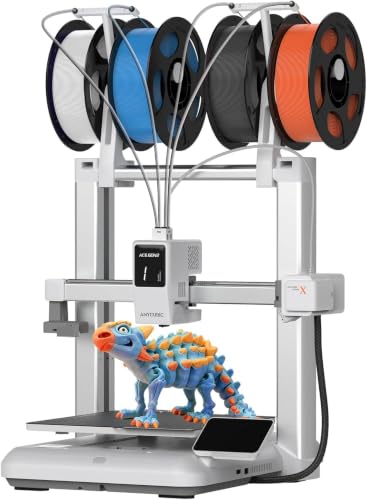
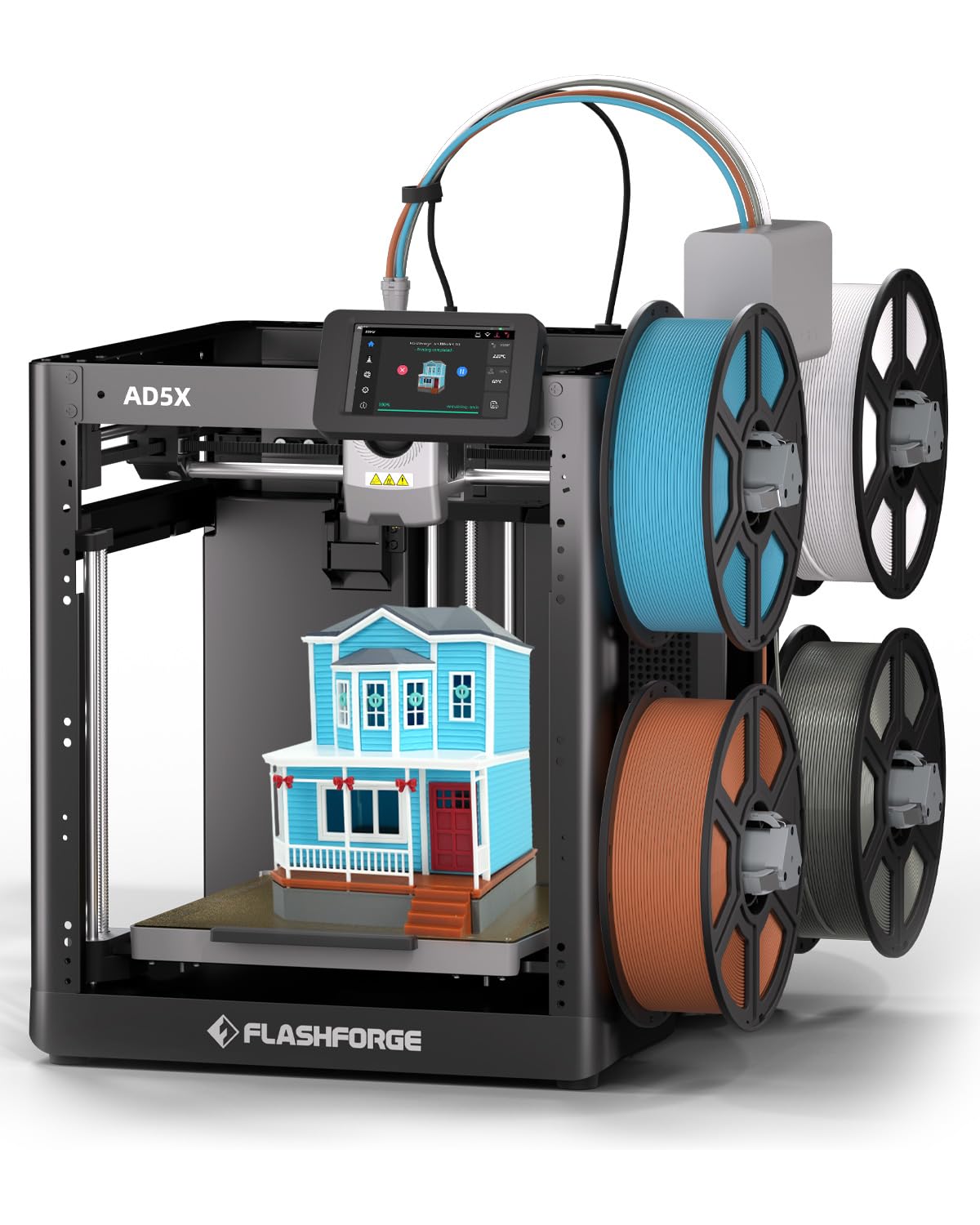
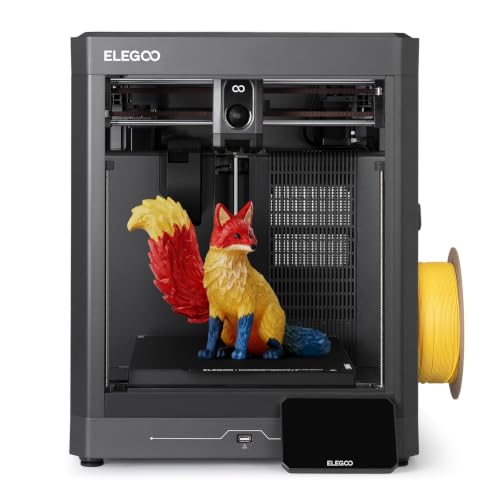
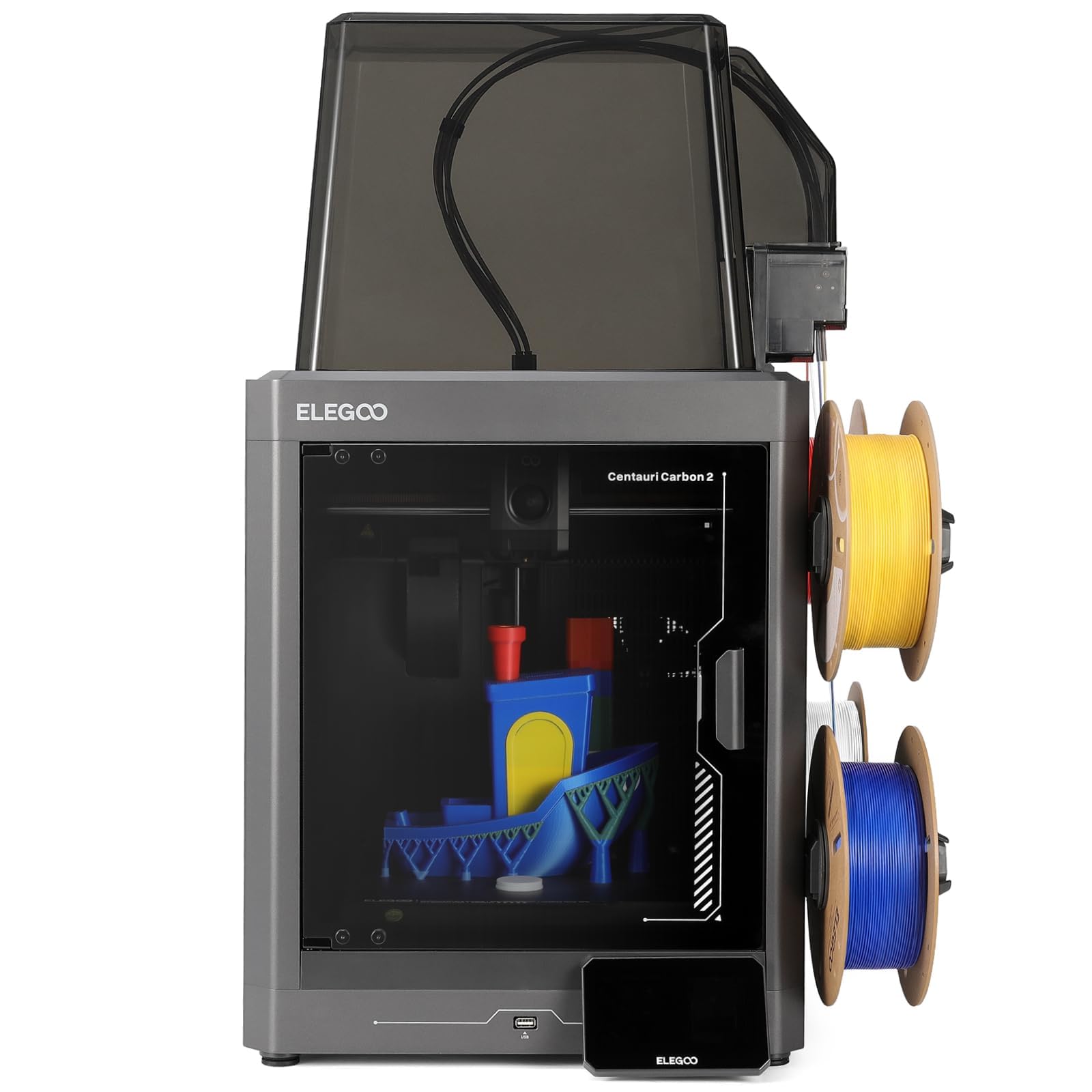

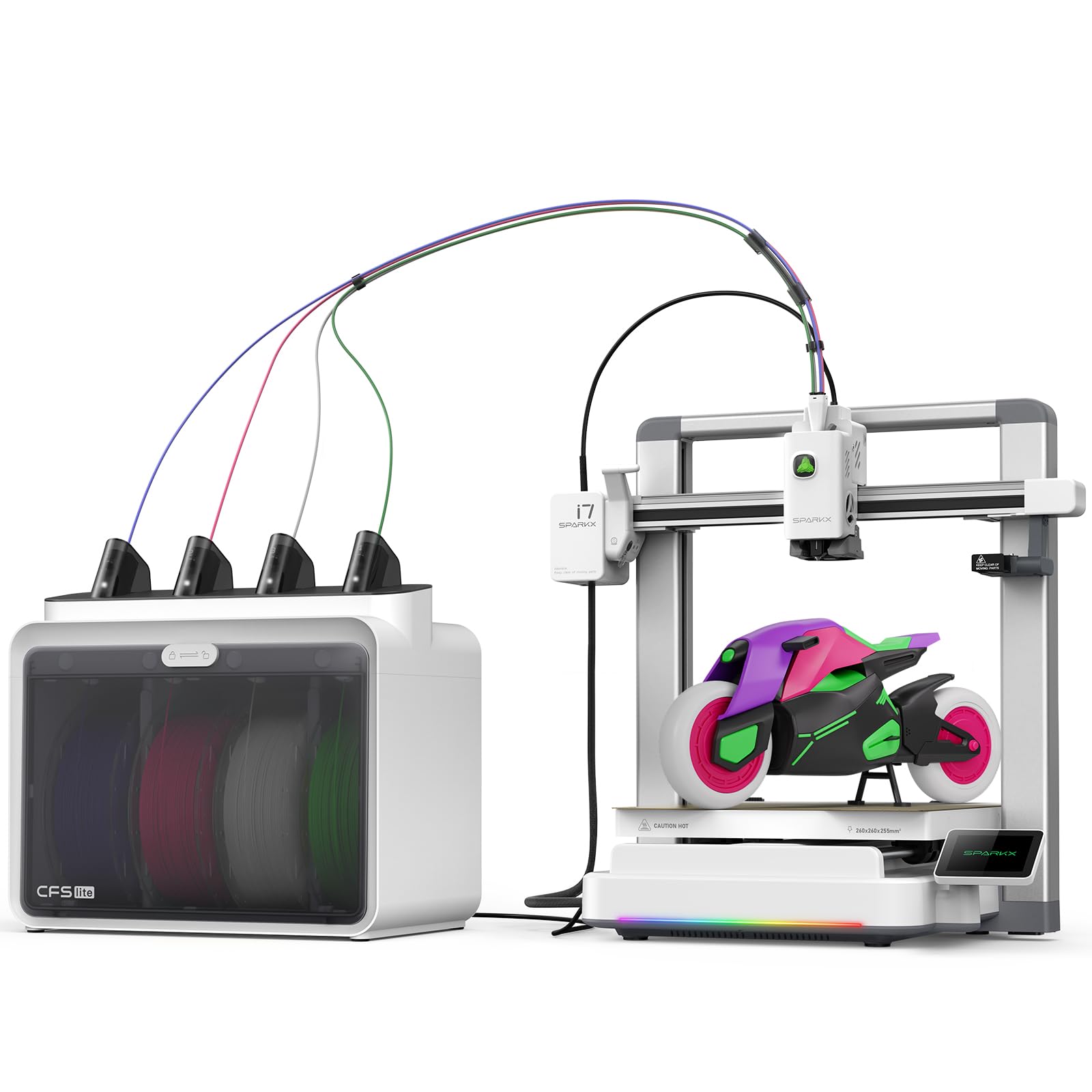
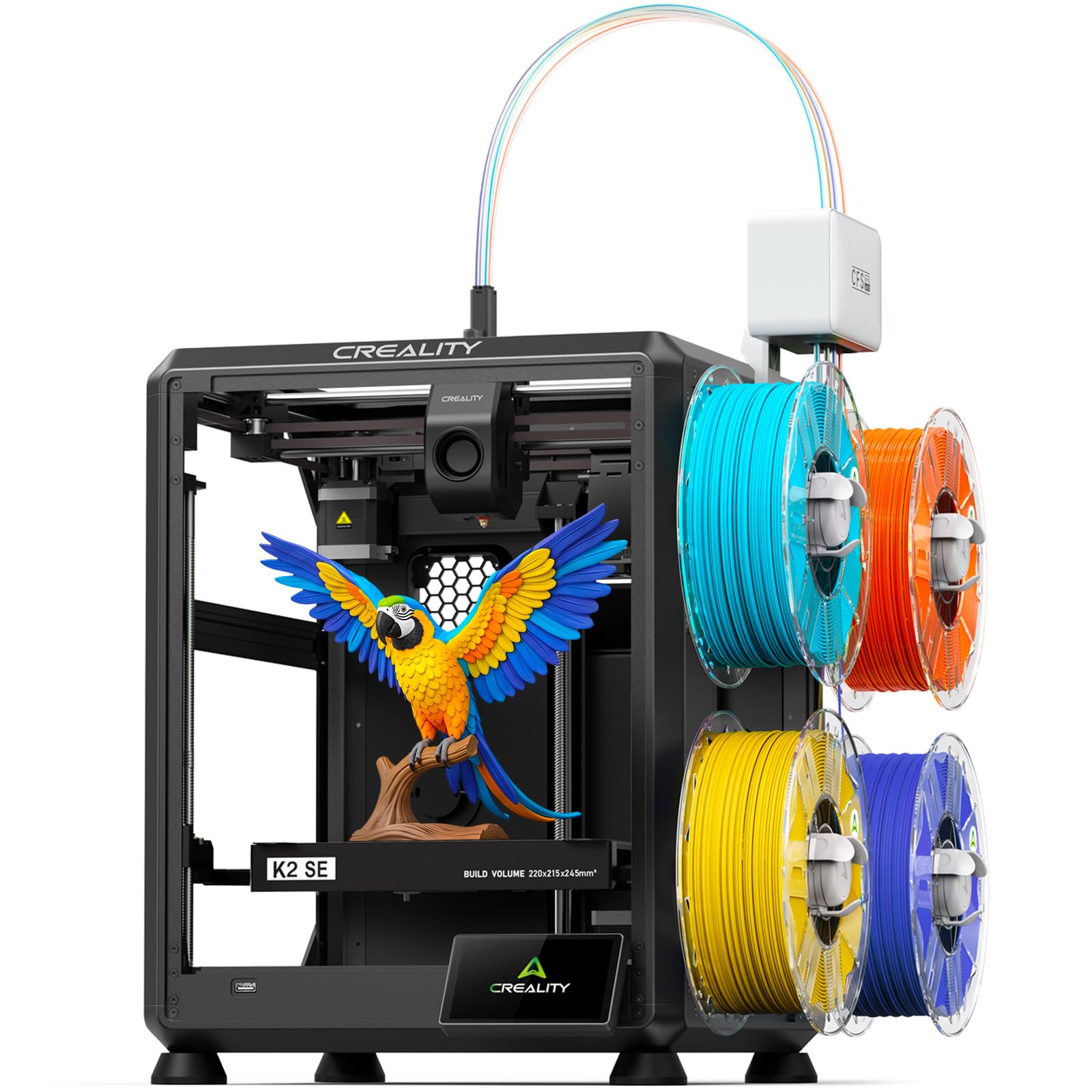
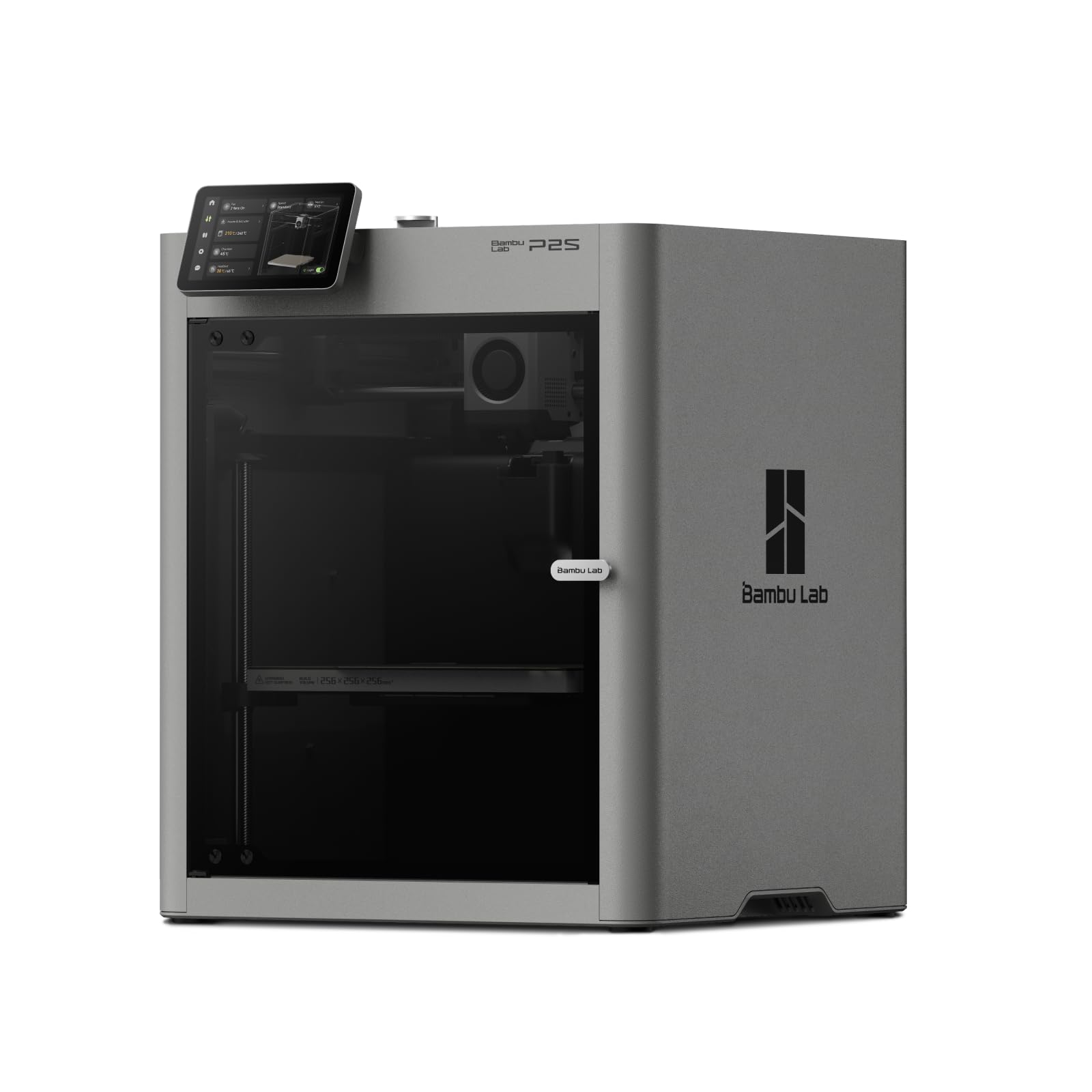
Types of 3D Printers Compared
Think of the types below as tools with different strengths. Only one of them makes sturdy, low cost cutters as an everyday task, while the others serve narrow roles or no role at all in a kitchen project.
FDM 3D Printers
FDM printers melt a spool of filament, usually PLA for this job, and build the cutter wall layer by layer. They are affordable, easy to run, and big enough for wide cutters, stamp and cutter sets, and seasonal shapes in batches. Cutting edges print as a thin, slightly rounded wall, which releases dough well when the design is sensible. Layer lines remain visible, and that texture is the main food safety talking point covered later in this guide. For home bakers, party favors, and small bakery side projects, FDM is the practical default.
Resin 3D Printers
Resin printers cure liquid resin with light and produce very smooth, sharp detail. That sounds ideal for tiny cutter features, but standard resins are not made for food contact, and uncured residue is a real concern around anything edible. Resin also costs more per piece and adds washing and curing steps. A narrow use exists: printing a master shape to make a silicone mold, where the printed piece never touches dough. If direct food contact is the plan, skip resin and choose filament instead.
Why Laser and Paper Printers Do Not Make Cutters
Laser printers, inkjet printers, and all in one paper printers sometimes appear in mixed comparison listings, along with terms like ink tank and duplex. They print text and images on paper and cannot form a plastic cutter of any kind. A paper stencil can guide hand cutting for a one off shape, and that is the limit of their role. When a listing blends paper printer specs into cutter advice, treat it as a formatting mix up and return to filament criteria.
FDM vs Resin: Which Should You Choose?
On detail, resin wins for miniature shapes with fine inner lines. On food use, FDM wins clearly because PLA cutters are the community standard and resin pieces should stay away from dough. On cost, FDM wins again, since a spool yields many cutters for a few dollars of material each. On cleanup, FDM parts come off the bed ready for a quick wash, while resin needs washing, curing, gloves, and careful disposal of rinse liquid.
Choose FDM unless your only goal is a mold master. That conclusion holds for beginners and for sellers at craft fairs alike. If your interest grows beyond cutters into general making, our guide to the best 3d printers maps the wider landscape of home machines.
How to Choose the Right 3D Printer
Footprint and Noise
Many bakers print in or near a kitchen, so size and sound matter more than raw speed. A compact FDM printer fits a counter corner or a utility shelf, while larger enclosed models demand dedicated space. Fan and motor noise varies a lot between models, and quiet stepper drivers make evening printing far more pleasant. Measure the full footprint including bed movement front to back. Also check where the spool sits, since a side mounted spool can add surprising width to a small machine.
Build Volume
Build volume decides your largest single piece cutter. A bed around 220 mm square handles most round and shaped cutters, platter sized designs printed in sections, and sets of small cutters printed together for efficiency. Paper handling terms such as trays and duplex do not translate here; the build plate is your work area. Height matters less for cutters, which are usually shallow, but a little extra height helps if you also print stamps, presses, and storage boxes for your baking tools.
Features That Matter for Cookie Cutters
Look for a removable flexible build plate, because thin walled cutters pop off cleanly without bent edges. Auto bed leveling keeps the first layer even, which sets the sharpness of the cutting edge all around the shape. A standard 0.4 mm nozzle is ideal, and easy nozzle swaps let you fit a wider nozzle for fast, strong walls on simple shapes. Reliable extrusion matters more than top speed, since gaps in a thin wall ruin a cutter. PLA support in slicer profiles should be excellent, as PLA will be your main material.
Cutter fans often pair a printer with ready made designs, and our guide to the best cookie cutters is a handy reference for the shapes and edge styles worth copying in your own designs.
Printer Type, Settled Simply
Among printer types, FDM with PLA is the combination that fits cookie cutters on cost, size, and food workflow. Resin stays a specialist tool for masters and display miniatures. Paper printer families, whether inkjet, laser, or tank based, belong to document work only. If a seller bundles cutter claims around any other type, ask what material actually forms the cutter and how it is cleaned. Clear answers signal a listing worth trusting, while vague ones are a reason to move on.
Budget shoppers can compare entry options in our guide to the best inexpensive 3d printers, where the focus is on value without flimsy parts.
Food Safety and Care Tips
Food safety deserves direct words. Layer lines on printed plastic can hold moisture and crumbs, so treat printed cutters with care. Many home bakers use a thin layer of plastic wrap or foil between cutter and dough as a simple barrier, wash cutters by hand in warm soapy water right after use, and dry them fully before storage. Do not put PLA cutters in a dishwasher, since heat warps them. If you sell baked goods, check your local food rules before selling printed tools or cookies made with them, and consider printed cutters for home use only.
- Print with plain PLA. Choose simple filament without unknown additives or glitter for anything that nears food.
- Keep the bed clean. Wipe the build plate so the food facing edge starts smooth and free of residue.
- Wash, dry, and inspect. Retire any cutter that cracks or develops rough, hard to clean spots.
- Store shapes flat. Thin walls bend in a crowded drawer, and a bent cutter cuts uneven cookies.
First time owners will find gentler setup paths in our guide to the best starter 3d printers, and hobbyists planning more than baking can browse the best hobby 3d printers guide for versatile home machines.
3D Printers: Your Questions Answered
What features matter most in 3d printers for cookie cutters?
A flexible removable build plate, auto bed leveling, and steady extrusion matter most. Together they produce thin walls with a clean, even cutting edge and let you remove finished cutters without bending them. One extra feature worth seeking is a direct drive extruder if you later print flexible stamps. For cutters alone, though, simple and reliable beats fast and flashy every time.
Which 3D printer is easiest for beginners?
An FDM printer with auto leveling and a guided first print is easiest for beginners. PLA loads without fuss, failed prints cost pennies, and cutter designs forgive small errors. Start with a simple round or heart shape at a generous wall thickness. Once that cuts cleanly, move to detailed shapes with inner bridges, which test both the printer and the design.
Are ink tank printers worth it?
Ink tank printers can be worth it for printing many paper pages, such as recipe cards or labels for cookie boxes. They cannot make cutters, so judge them only if your bakery needs documents and packaging prints. For the cutter itself, value means low filament cost per piece and few failed prints. A dependable FDM machine prints a typical cutter for well under a dollar of PLA.
Inkjet or laser: which is cheaper long term?
Laser usually costs less per page for text, while inkjet handles color labels better. Both are paper tools and sit outside the cutter decision itself. Long term cutter costs are simpler: a spool of PLA, an occasional nozzle, and a build plate surface now and then. Your real expense is design time, so pick a printer whose slicer profiles work well from day one.
What does cost per page mean?
Cost per page is the paper printing cost of ink or toner for one sheet. For cutters, translate it into cost per cutter: the grams of PLA in the walls plus a share of failed prints. Weigh a finished cutter, price that weight from your spool cost, and you have a true per piece number. Most simple cutters land in the range of cents rather than dollars.
Wrapping Up
Choose an FDM printer with auto leveling, a flexible plate, and a bed big enough for your widest designs, and print cutters in plain PLA. Handle food contact thoughtfully, wash and dry each cutter well, and use the product table above to compare sizes and prices against those basics. With the best 3d printers for cookie cutters criteria in hand, your next batch of shapes can be as personal as the cookies themselves.


