Best 32 Inch Monitor with Speakers of 2026: Complete Buying Guide
Disclosure: We may earn a commission when you buy through links on this page, at no extra cost to you. As an Amazon Associate I earn from qualifying purchases. Learn more
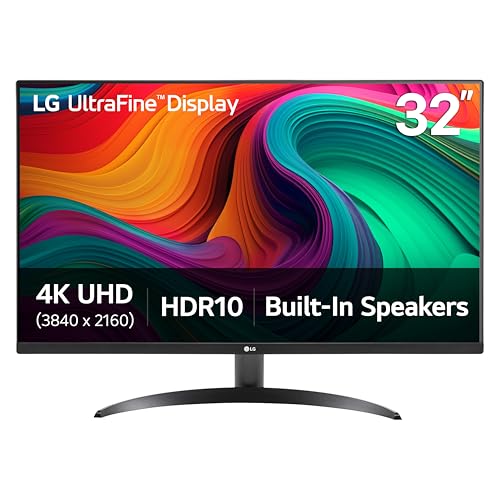
Find a 32 inch monitor with speakers that fits your desk, with clear advice on panels, built in sound, ports, refresh rates, HDR and setup basics.
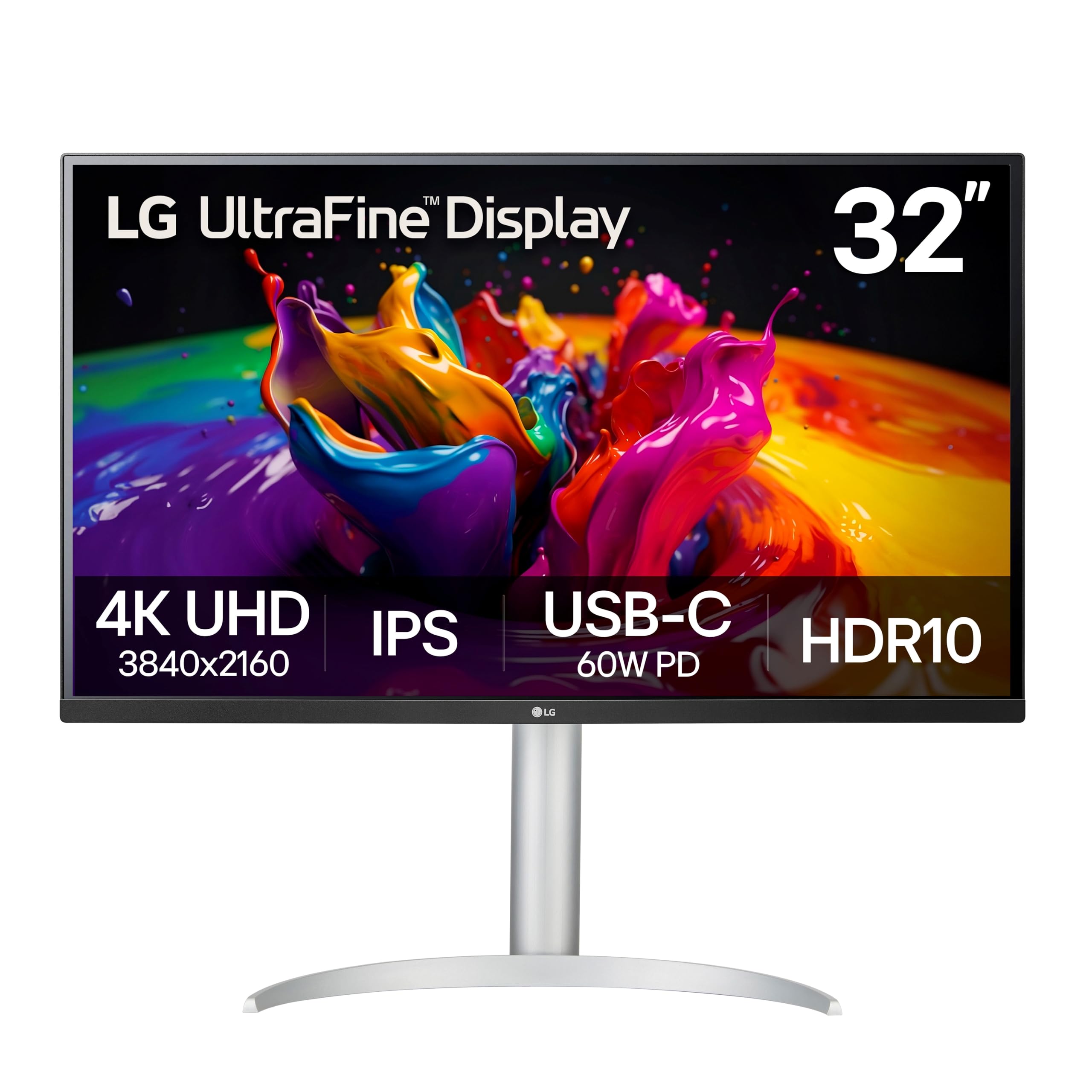
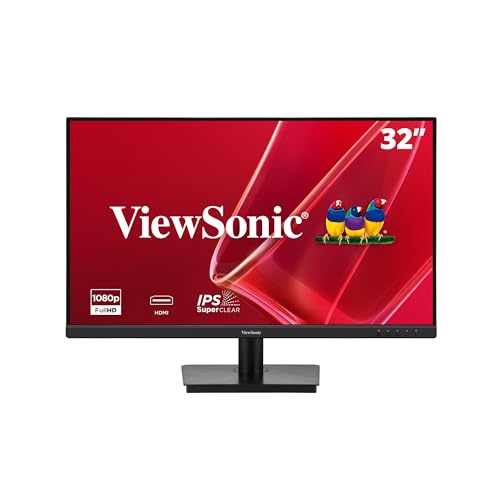
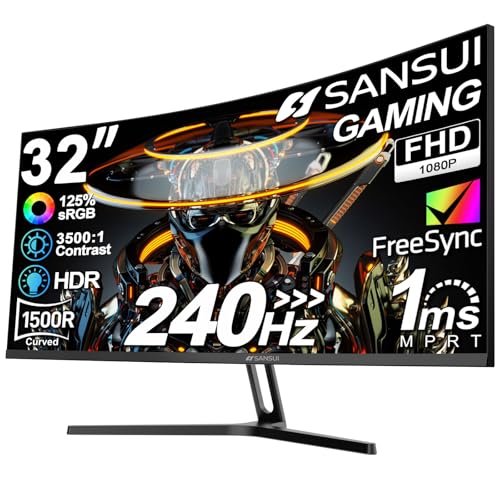
A best 32 inch monitor with speakers search usually starts with a simple goal. You want a large, clear screen and sound from the display itself, so your desk stays free of extra boxes and cables. The comparison table below brings the main options together for a quick side by side look.
Built in speakers vary widely. A small pair rated at about 2 watts can handle alerts and short calls, while a stronger set makes dialogue and music easier to follow. This guide explains speaker power, panel choice and ports, and how to match them to work, viewing and play.

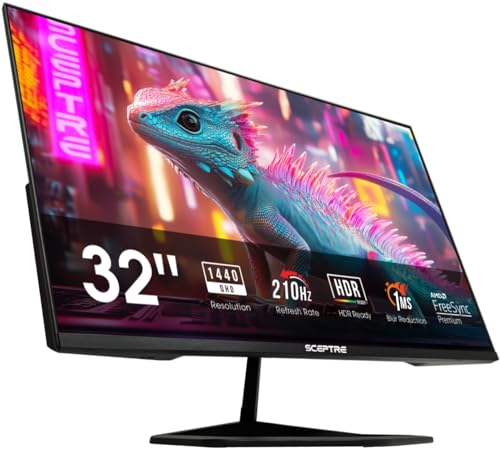

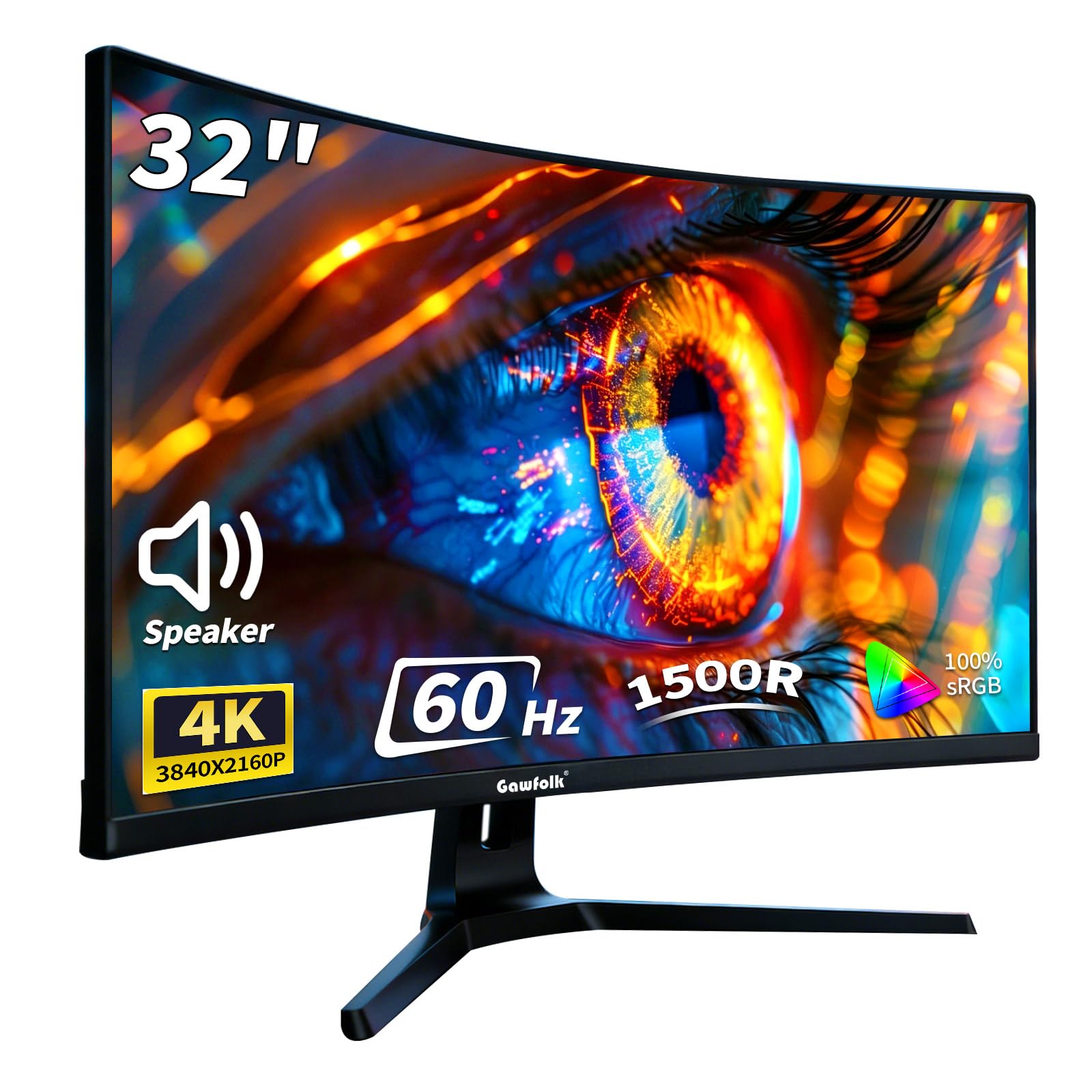
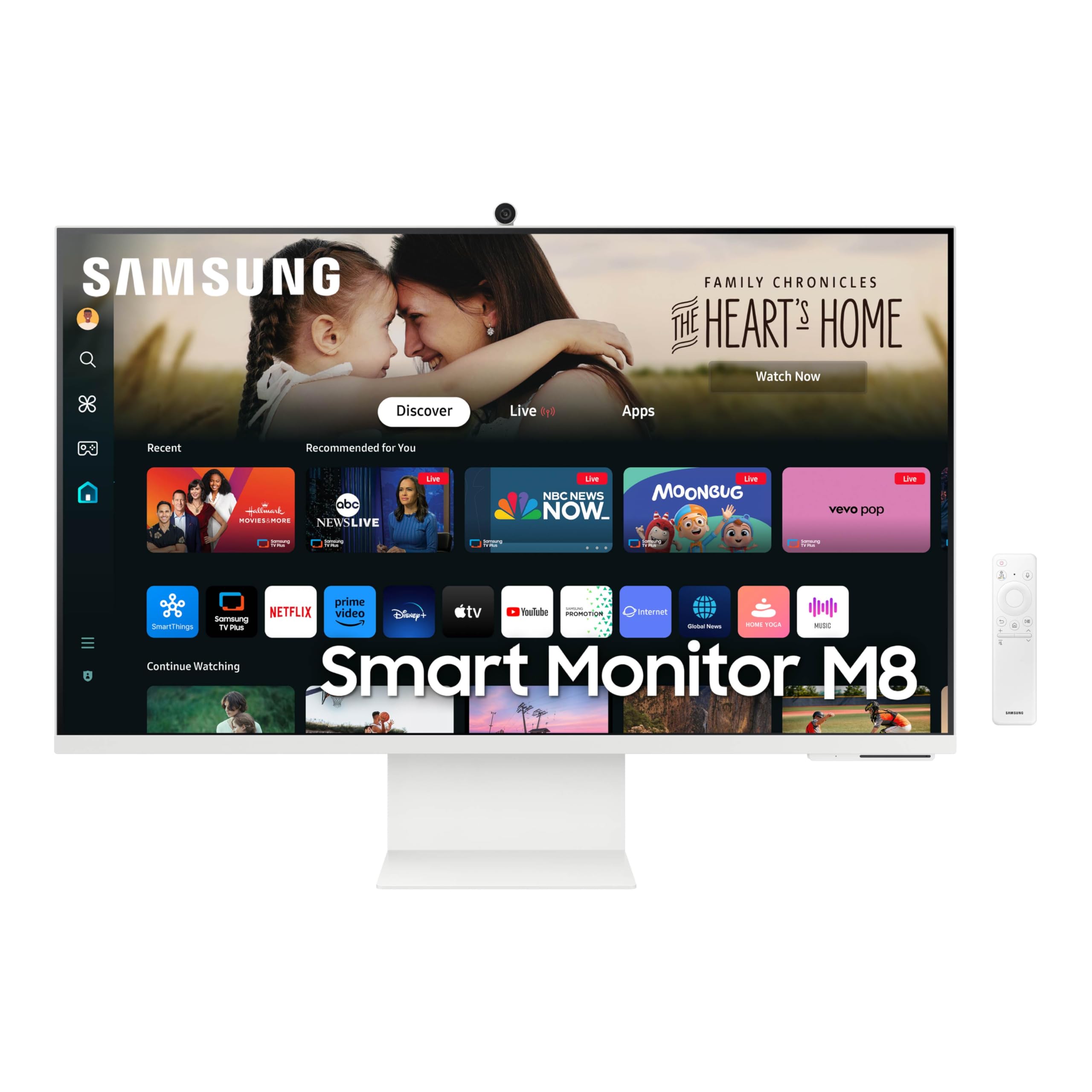
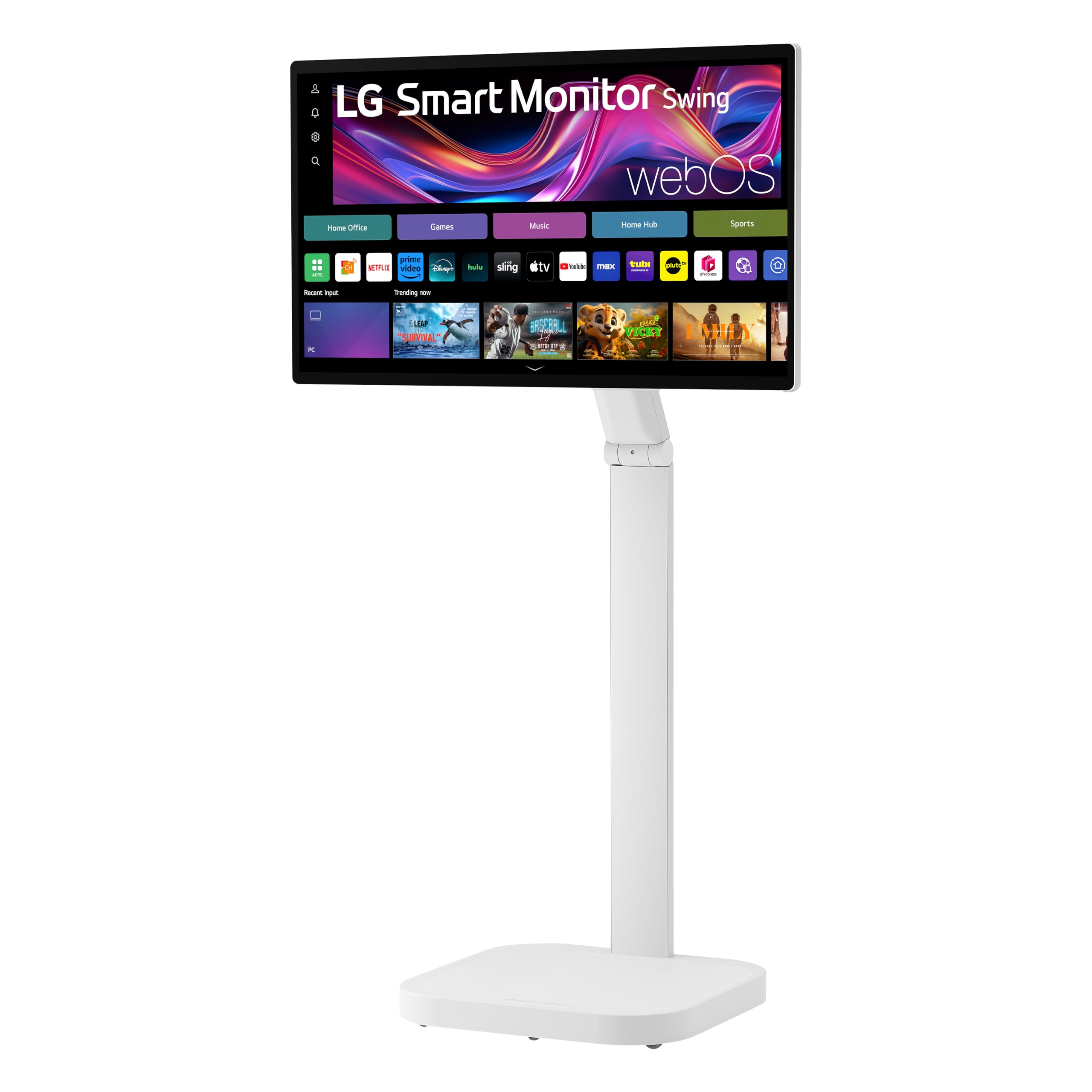
Who Should Buy a 32 Inch Monitor With Speakers
Home Office Workers Who Want a Clear Desk
You join calls all day, watch training clips and keep your desk clear for paperwork. Built in audio removes a separate speaker set, so you gain space and lose two cables. Your microphone stays on your laptop or webcam. If meetings fill your day, see our guide to the best 32 inch monitors for work.
Viewers and Casual Players in Small Rooms
You watch shows, sports and films in a bedroom where separate speakers would crowd the space. A 32 inch screen feels large at about 3 to 5 feet, and forward facing speakers keep voices clear at modest volume. One menu controls both picture and sound. For this group, dialogue clarity matters more than deep bass.
Students and Families Sharing One Screen
You share one screen for lessons, homework, family calls and light entertainment. Built in speakers keep the setup portable. Volume controls on the monitor help younger users keep sound sensible. Choose clear speech at low volume, plus a headphone jack for quiet hours.
Key Features to Compare
Start with sound, since audio is the reason this category exists, then work through picture and connections. A best 32 inch monitor with speakers choice balances those parts rather than one headline number.
Built In Speaker Power and Placement
Speaker output is listed in watts per channel, and most models offer about 2 to 5 watts per side, with stronger sets near 10 watts per side. Higher wattage gives clean volume before voices sound strained. Placement matters as much. Front facing speakers send speech toward you, while down firing sets bounce sound off the desk and can muffle words. For dialogue heavy viewing, choose forward placement and a dialogue sound mode.
Panel Technology and HDR Picture Quality
IPS panels give wide viewing angles and steady color. VA panels give deeper contrast for films in dim rooms. OLED panels give true black levels and fast response, and Mini LED sets use many small backlight zones for bright HDR highlights. HDR only helps when brightness and dark area control are both strong. OLED owners should also run the pixel refresh routine on schedule.
Resolution and Desk Distance at 32 Inches
At 32 inches, 2560 by 1440 looks sharp at a desk distance of about 24 to 30 inches, and text stays readable. A 3840 by 2160 screen adds finer detail for photo work and dense spreadsheets, and it fits two documents side by side. That sharpness costs more and asks more of your graphics hardware. If it appeals to you, see our guide to the best 32 inch 4k monitors.
Motion Specs on a Big 32 Inch Speaker Screen
Refresh rate shows how often the screen draws a new image. 60Hz suits office work and video, while 120Hz or higher makes scrolling and play feel smoother. Response time shows how fast pixels change, and lower numbers reduce blur behind moving objects. Adaptive sync matches the screen rate to your source, which removes tearing in games. If fast play is your focus, see our guide to the best 32 inch gaming monitors.
Connectivity, HDMI 2.1 and USB C Ports
Most desks need two HDMI inputs and one DisplayPort, so a computer, a console and a streaming stick can stay connected. HDMI 2.1 carries more bandwidth than older HDMI, which you need for 4K at 120Hz from a console or strong graphics card. A USB C port with power delivery can send picture from a laptop and charge it through one cable.
Stand Adjustment and VESA Mounting
A 32 inch screen is heavy enough that a wobbly stand becomes a daily annoyance, so look for a firm base and height adjustment that places the top of the screen near eye level. Tilt helps when your chair sits low. Most models use a 100 by 100 mm VESA pattern for arms and wall mounts. Check the weight limit of any arm, since speaker housings add weight.
Types of 32 Inch Monitors With Speakers
For a wider look at the size class before you choose a type, see our guide to the best 32 inch monitors.
OLED Displays for Films and Dark Rooms
OLED displays light each pixel on its own, so black scenes stay truly black and films gain real depth. They suit movie fans and players. Prices sit at the top, and static images can leave marks over time, so vary content and use panel care tools.
Budget Displays for Everyday Work and Calls
Budget displays pair an IPS or VA panel at 1440p with speakers of about 2 to 3 watts per side. They suit students, spare rooms and offices where sound means calls and short clips. You give up high refresh rates and strong HDR, but you keep a large screen and simple audio for about $200 to $350.
Gaming Displays With Fast Panels and Clear Audio
Gaming displays add refresh rates of 144Hz or more, low response times and adaptive sync, and some add stronger speakers for game dialogue and chat. They suit players who want one screen for solo sessions and voice chat without a headset all evening. Expect to pay about $350 to $700.
Curved and Flat Screens for Wider Desks
Curved screens wrap the edges slightly toward you, which can feel natural on a wide desk where you sit close and centered. Flat screens suit shared viewing and wall mounting, since more seats get a clean angle. Both shapes include speakers, though curved models often place them low on the back.
Common Mistakes to Avoid
- Choosing by screen size alone and skipping the speaker rating, so calls and dialogue end up too quiet.
- Assuming all speaker sets sound the same, so you miss the gap between alert level audio and voice tuned sets.
- Buying a 4K model for a shallow desk, so you sit too close and turn your head all day.
- Forgetting to count your devices, so a console or laptop has no free port and you swap cables daily.
- Mounting the screen on an arm without checking its weight limit, so the screen slowly tilts down during use.
- Leaving the picture on a vivid preset, so colors look harsh and skin tones look wrong in films.
Setup and Care Tips
Place the screen so the top edge sits at or just below eye level, about an arm length away. Turn off the vivid preset, choose a standard or movie mode, and set brightness so whites look clean without glare.
- Use a quality HDMI 2.1 cable for 4K at 120Hz, since older cables can cause dropouts at that bandwidth.
- Run the pixel refresh routine on OLED models as the maker directs, and let it finish without cutting power.
- Clean the screen with a dry microfiber cloth only, and press lightly.
- Dust the speaker grilles with a soft brush, since blocked openings make voices sound dull.
- Keep drinks behind the screen line, so a spill cannot reach the lower speakers or ports.
After any desk move, press each cable fully into its port, since a loose cable is the most common cause of lost sound.
Frequently Asked Questions
Is IPS or OLED better for a 32 inch monitor with speakers?
IPS is the safer all round choice for most desks, and OLED is better for films and games in dim rooms. IPS panels resist image retention, cost less and stay bright in daylight. OLED gives stronger contrast and faster response, but static toolbars call for panel care habits. Judge the audio rating separately, since speaker quality follows its own rating.
Does refresh rate matter for a 32 inch monitor used for office work?
Refresh rate matters a little for office work, and it matters a lot for play. At 60Hz, documents and video look fine, but a 120Hz screen makes scrolling and moving windows feel calmer. Office users on a tight budget gain more from better speakers and a height adjustable stand.
What desk depth suits a 32 inch monitor with speakers?
A desk depth of about 28 to 32 inches suits most people using a 32 inch screen. That depth leaves room for the stand, a keyboard and a comfortable viewing distance. On a shallower desk of about 24 inches, a VESA arm can pull the screen back. Down firing speakers also need a clear desk surface below them to sound their best.
How long does a 32 inch monitor with speakers last?
A 32 inch monitor with speakers typically lasts about five to eight years of daily use. The panel and backlight age slowly, and the speakers often outlast the electronics around them when volume stays moderate. Heat is the main enemy, so keep the rear vents clear. A fading backlight or a failed port usually appears before any speaker fault.
Is 4K worth it on a 32 inch monitor with speakers?
4K is worth it on a 32 inch screen if you edit photos, read dense data or watch high resolution video. At this size, the finer pixel grid keeps small text clean. For email, browsing and calls, 1440p looks nearly as sharp and costs less. 4K sets also often carry stronger speakers, since makers pair better audio with premium panels.
The Bottom Line
Weigh speaker power and placement first, then panel type and resolution, and let refresh rate follow your habits. Office users can settle happily at 1440p with clear voice tuned audio, while film fans and players gain most from OLED contrast or a fast gaming panel. Check the product table above, and choose the best 32 inch monitor with speakers that fits your desk, your devices and your daily listening.