Best 2k 144hz Monitors for Every Need in 2026: How to Pick the Right One
Disclosure: We may earn a commission when you buy through links on this page, at no extra cost to you. As an Amazon Associate I earn from qualifying purchases. Learn more

Compare the best 2k 144hz monitors by panel, size, ports and adaptive sync, with a simple checklist for gaming, work and study.
There is no single monitor that suits every desk, because a fast game, a long workday and a small study space ask for different things. The best 2k 144hz monitors share a sharp 2560 by 1440 picture and smooth motion, but they differ in panel type, size, ports and price. Use the product table below to match those differences to how you work or play.
Start with your main use, then check the specs that change that use most. A creator should care about color first, a gamer about motion, and a student about value and desk fit.


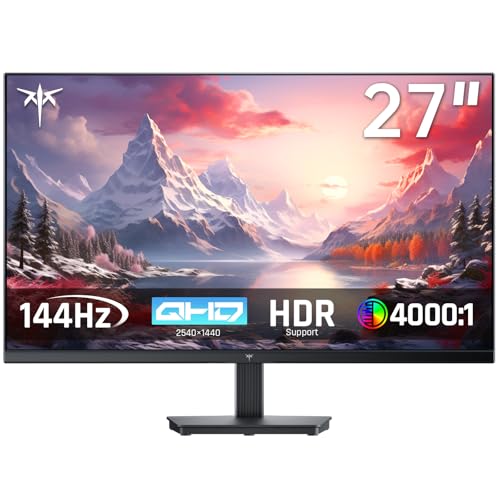
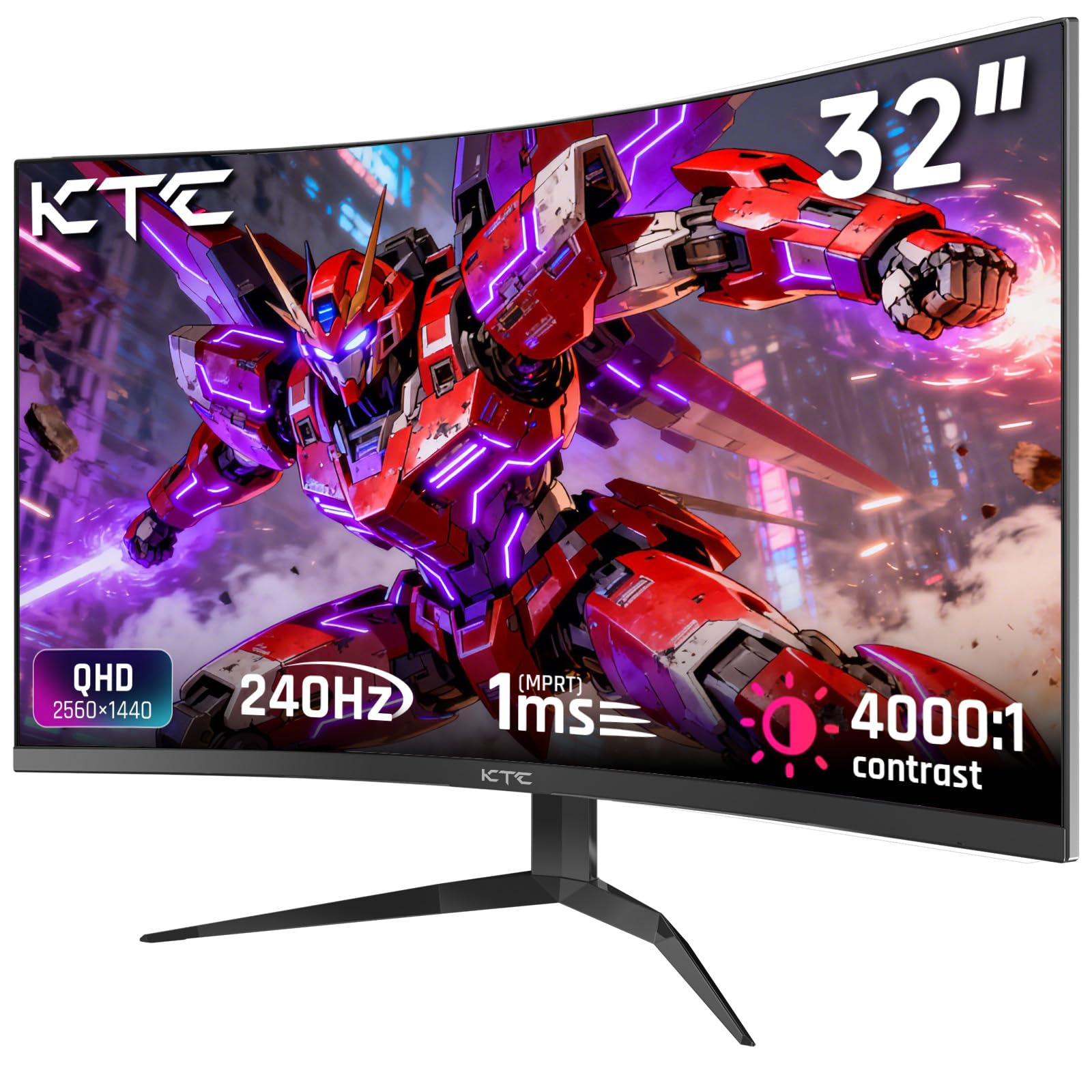
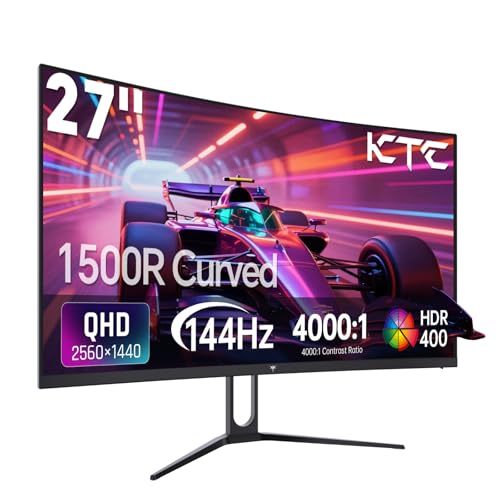
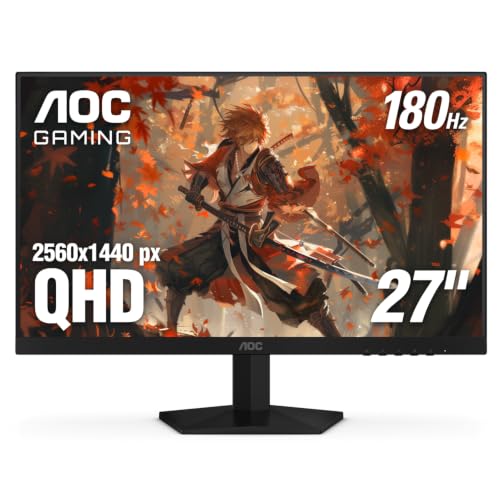
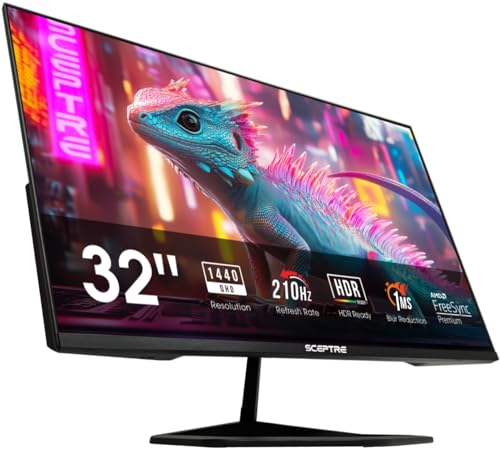
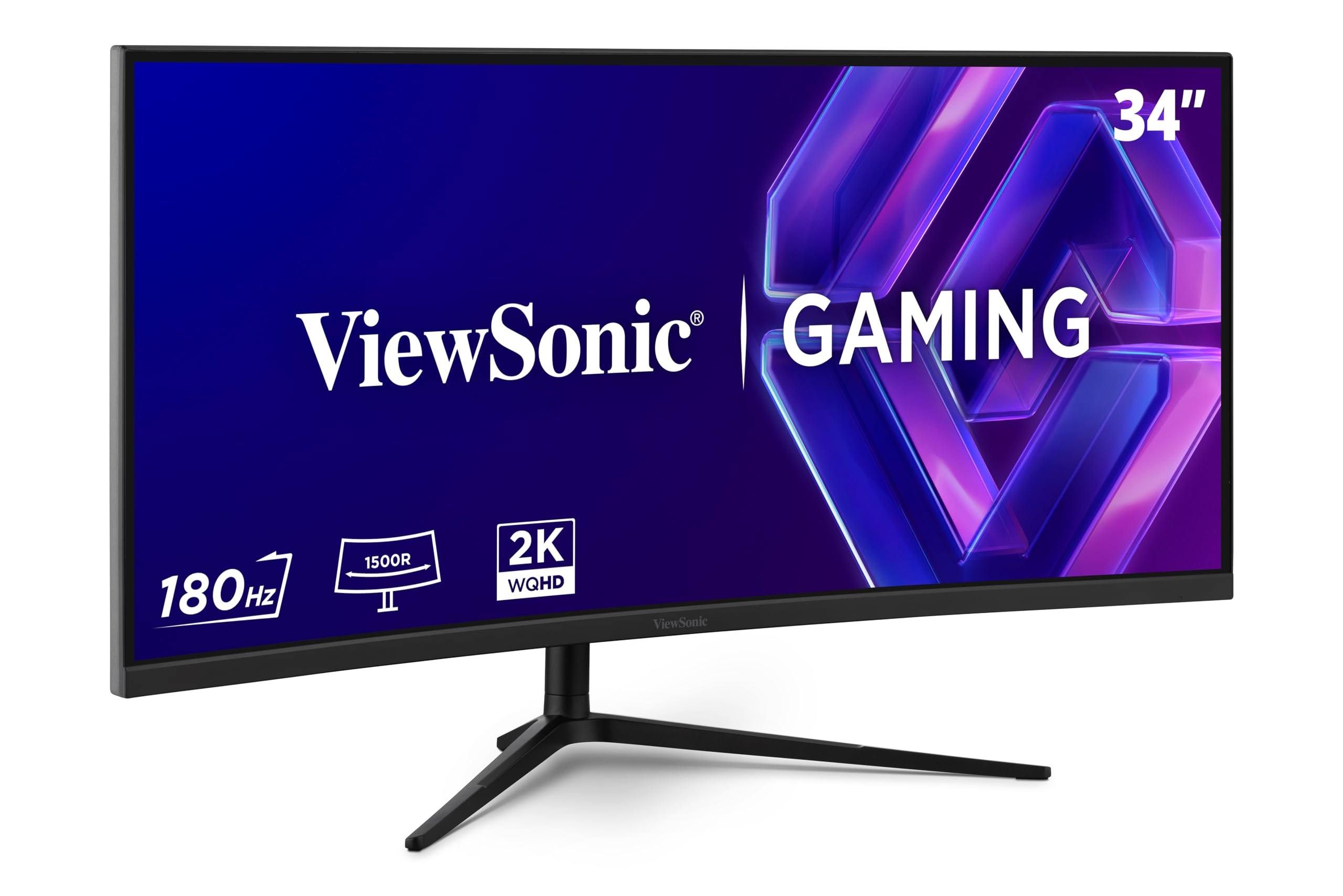
Who Should Buy Which 2k 144hz Monitors?
Your routine decides which tradeoffs are worth paying for. Read the group closest to your day and use its priorities as your filter below.
For Students and Everyday Users
You need a clear screen for reading, classes and video, with occasional casual games. Prioritize a 27 inch IPS panel, comfortable brightness, and simple controls. Budget displays in this class are often enough, so spend first on a steady stand and a size that leaves room for books and a laptop.
Home Office Workers Who Edit and Create at 144 Hz
You spend long hours with text, photos or video, so color accuracy, sharp text and a comfortable position matter more than the fastest motion. Look for wide color coverage, a matte surface, and USB C input if one cable from your laptop should carry picture and power. A height adjustable stand helps you keep the screen near eye level.
For Console Players Who Also Use a PC
You switch between a console and a computer on the same desk, so inputs and sound matter as much as the picture. Choose two HDMI inputs plus DisplayPort, an audio output, and adaptive sync that works over the connection you plan to use. Check that each source can reach the rate you expect, because consoles and PCs may set different limits.
Competitive Players Chasing High Frame Rates at 2K
You play fast games, so motion clarity and a responsive feel come first. Prioritize fast response time, adaptive sync, and an overdrive setting that sharpens moving objects without pale trails. If gaming is your main use, see our guide to the best gaming monitors to compare how this class balances speed, size and price.
Key Features to Compare
Compare these factors in order, from basic fit to the ports and sync your devices need.
Panel Technology in IPS, VA, OLED and Mini LED
IPS panels give wide viewing angles and steady color when you sit off center, which suits work and mixed use. VA panels give deeper contrast and darker blacks for movies, though moving dark objects can smear more. OLED gives the strongest contrast and fastest response, but static images left on screen for many hours raise the risk of burn in. Mini LED backlights add strong brightness and local dimming for HDR, at a higher price.
Resolution and Screen Size for a 2k Picture
On these monitors, 2k means 2560 by 1440 pixels, often called 1440p or QHD. At 27 inches that density keeps text crisp while leaving room for two windows side by side. A 32 inch screen feels more immersive, but needs more desk depth. Smaller screens look very sharp, yet text can feel small. If you want this resolution without high refresh, see our guide to the best 2k monitors for simpler office focused choices.
144 Hz Motion, Response Time and Sync at 2K Resolution
A 144 Hz screen can show up to 144 frames per second, so scrolling and games look smoother than at 60 Hz when your device sends enough frames. Response time describes how fast pixels change color, and lower values reduce blur behind moving objects. Adaptive sync matches the screen rate to the frame rate, which reduces tearing and stutter. To compare screens built around speed, see our guide to the best 144hz monitors and note which sync systems each supports.
Connectivity and Ports You Will Actually Use
DisplayPort is the usual first choice for a PC at 1440p and 144 Hz, while HDMI serves consoles and a second computer. HDMI 2.1 matters most if a device needs its extra bandwidth. USB C with power delivery can charge a laptop and carry its picture on one cable, and a USB hub keeps a keyboard lead on the desk. Count your devices first, because a switch added later costs money and space.
Desk Fit, Stand Movement and Mounting a 2K 144 Hz Screen
A good stand adjusts for height and tilt, and better ones add swivel and pivot. Height adjustment matters most, because a fixed stand that sits too low pushes you toward stacking books under the base. Most models use a VESA mount, commonly 100 by 100 mm, so a monitor arm can free desk space and set distance precisely. Check the weight limit of any arm first.
HDR, Brightness and Color for Work and Play
Brightness around 250 to 350 nits suits most rooms, while higher figures help in bright rooms and give HDR highlights more punch. HDR only looks convincing when the panel or backlight can darken and brighten separate areas, so a basic HDR label tells you little. For photo and video work, look for wide color coverage and a calibration report in the box. For games, accurate color matters more than the widest range.
How to Set Up a 2k 144hz Monitor So It Runs at Full Speed
A high refresh screen often arrives set to 60 Hz. Once you have shortlisted the best 2k 144hz monitors for your desk, plan ten minutes for this check before you judge the picture.
Connect the PC with the DisplayPort cable supplied in the box, then open your display settings and set the resolution to 2560 by 1440 and the refresh rate to 144 Hz. Turn on adaptive sync in the monitor menu and your graphics software, then scroll quickly and look for tearing.
Most people sit about 60 to 90 cm from a 27 to 32 inch screen, close enough for detail and far enough to see the corners. Place the top third of the screen near eye level, and keep a window to the side rather than behind you, where reflections fall on the panel.
Common Mistakes to Avoid When Buying 2k 144hz Monitors
Most regrets come from a mismatch between the screen and the desk, device or room.
- Buying on price alone can leave you with a dim panel and a fixed stand that make daily use tiring.
- Ignoring panel type can give a creator washed out color or a gamer visible smearing in dark scenes.
- Choosing a 32 inch screen for a shallow desk puts the edges too close and strains your neck.
- Assuming every cable and port runs at 144 Hz can leave a console or laptop limited to a lower rate.
- Skipping the warranty and pixel policy can leave you paying for faults a better policy would have covered.
How to Make Your 2k 144hz Monitor Last Longer
Leave the vivid picture mode behind after setup, because it pushes brightness and color past accurate levels and runs the backlight harder than needed. Set a comfortable brightness, use the pixel refresh tools on an OLED screen when the menu prompts you, and let a sleep timer blank the picture when you step away.
Clean the screen only with a soft microfiber cloth, dry or barely damp, and never spray liquid straight onto the panel. Support the screen while you adjust the stand, and keep the original box, since it is the safest way to move the monitor later.
FAQ
Does a 144 Hz refresh rate matter for non gamers using a 2k monitor?
Yes, a 144 Hz rate can matter for non gamers, because everyday motion looks calmer. Long documents scroll with less blur, window dragging feels steadier, and the pointer tracks your hand more closely. The benefit is about comfort rather than sharper text, since resolution controls text clarity. For mostly static reading, the gain is smaller than the gain from a better stand.
How long does a 2k 144hz monitor usually last?
A 2k 144hz monitor usually lasts about five to eight years before brightness loss or new connection needs push a replacement. Backlights fade gradually, so an older screen may still work but look duller beside a new one. Before you buy, check the dead pixel policy and warranty length, because a bright pixel near the center distracts far more than one near a corner.
What size 2k 144hz monitor should you get for your desk?
Choose 27 inches for most desks, because it balances sharp text, immersion and desk depth. Before ordering, tape the screen outline on the wall behind the desk, including space for speakers. That mock up reveals clashes a tape measure can miss, such as a shelf blocking a tall stand. A monitor arm can also rescue a deep screen on a shallow desk by removing the base.
Is 4K worth choosing over a 2k 144hz monitor?
For most buyers, 4K is not worth choosing over 1440p at 144 Hz, because it costs more and demands much more from the graphics card. Games that hold high frame rates at 1440p may drop sharply at 4K, and desktop text at 4K usually needs scaling. If that trade fits your system, see our guide to the best 4k 144hz monitors for the sharper step up.
Is IPS or OLED better for a 2k 144hz monitor?
Neither IPS nor OLED is better for every 2k 144hz monitor buyer, because the right choice depends on your room and content. Many OLED screens use a glossy surface, which can mirror lamps in a bright room, while matte IPS screens scatter that light. If your screen shows the same spreadsheet or taskbar most of the day, IPS also avoids the burn in worry that comes with static layouts.
Our Verdict
Match the panel to your content, the size to your desk depth, and the ports to the devices you own today. Those three checks matter more than a long spec list, and explain most of the price gap between budget displays and premium ones. Use the product table above to confirm refresh support, VESA size and warranty.
Chosen that way, the best 2k 144hz monitors give you a sharp picture and smooth motion without paying for features you will never use.