Best 2560x1600 Monitors Made Simple: A Clear Buying Guide for 2026
Disclosure: We may earn a commission when you buy through links on this page, at no extra cost to you. As an Amazon Associate I earn from qualifying purchases. Learn more

Shopping for the best 2560x1600 monitors for the first time? Learn the terms, compare options, and avoid rookie mistakes with this easy guide.
Shopping for your first taller monitor can feel confusing, because the numbers and terms pile up fast. The best 2560x1600 monitors give you more vertical room than a standard wide screen, so documents and timelines fit with less scrolling. This guide starts with the basics and explains each spec in plain words, so you can read the comparison table below with confidence.
You do not need to chase the highest number on every line of the spec sheet. A good match depends on your desk, your computer and the work or play you do most often. Note the two or three specs that matter most for that use, and compare prices after that. Most desktop models cost about $250 to $650, while portable models cost about $120 to $300.
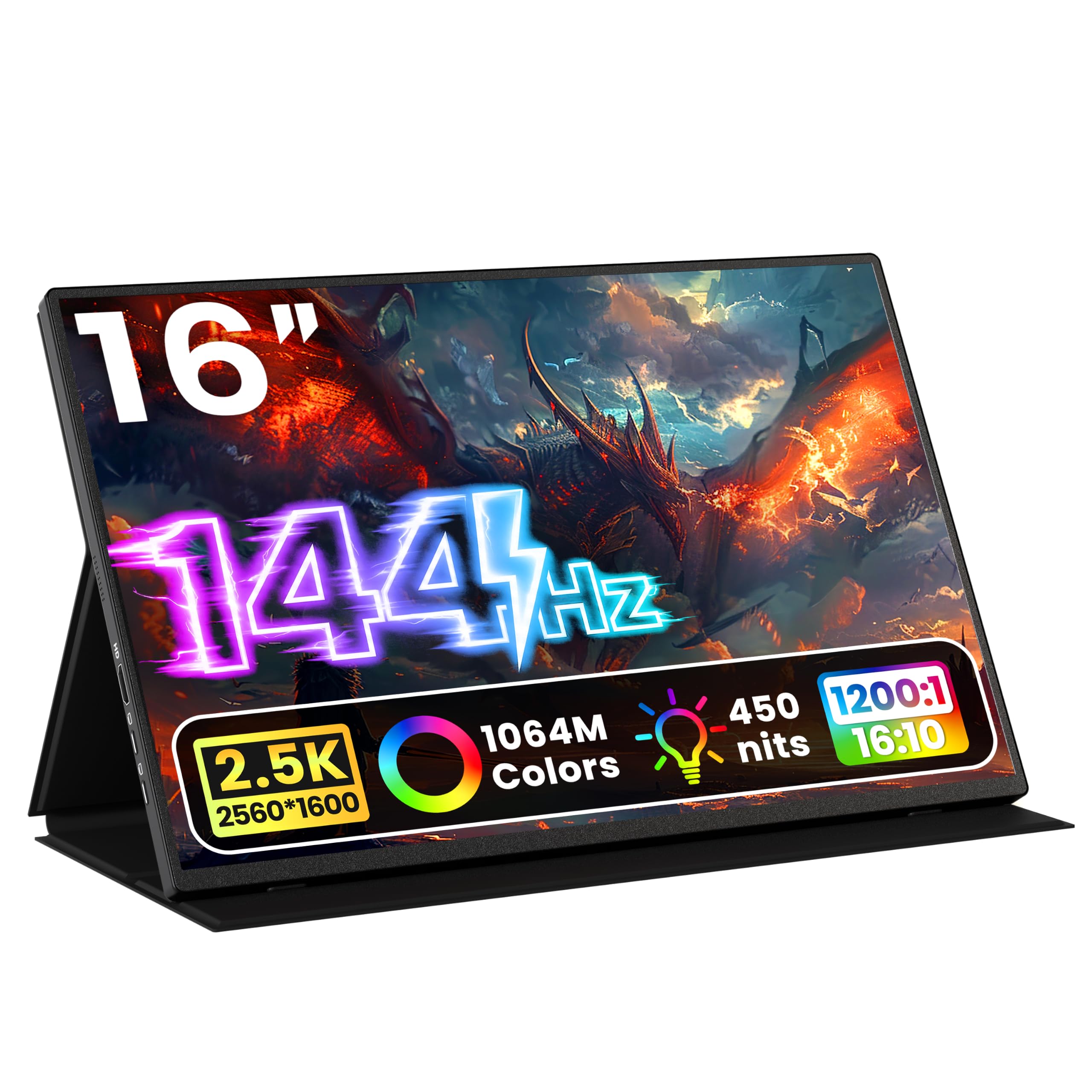


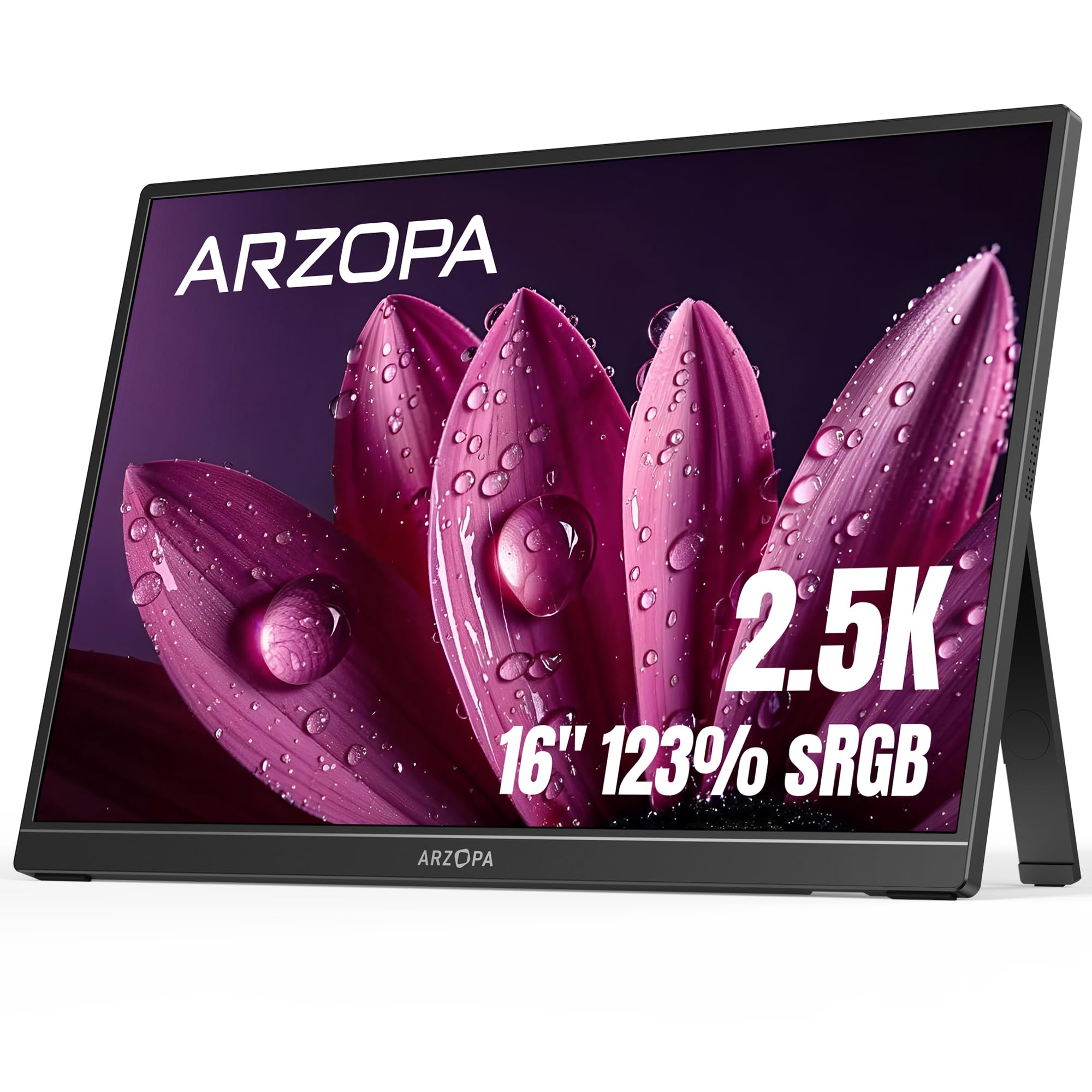
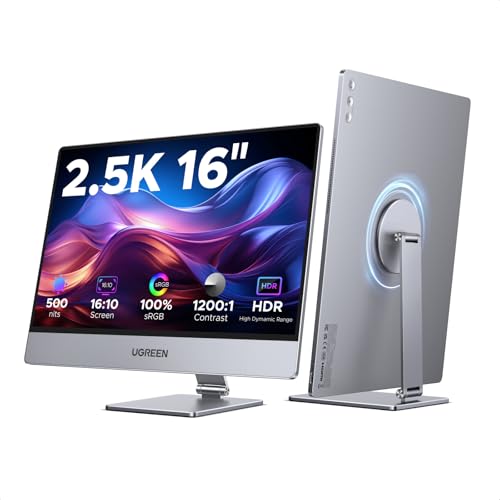

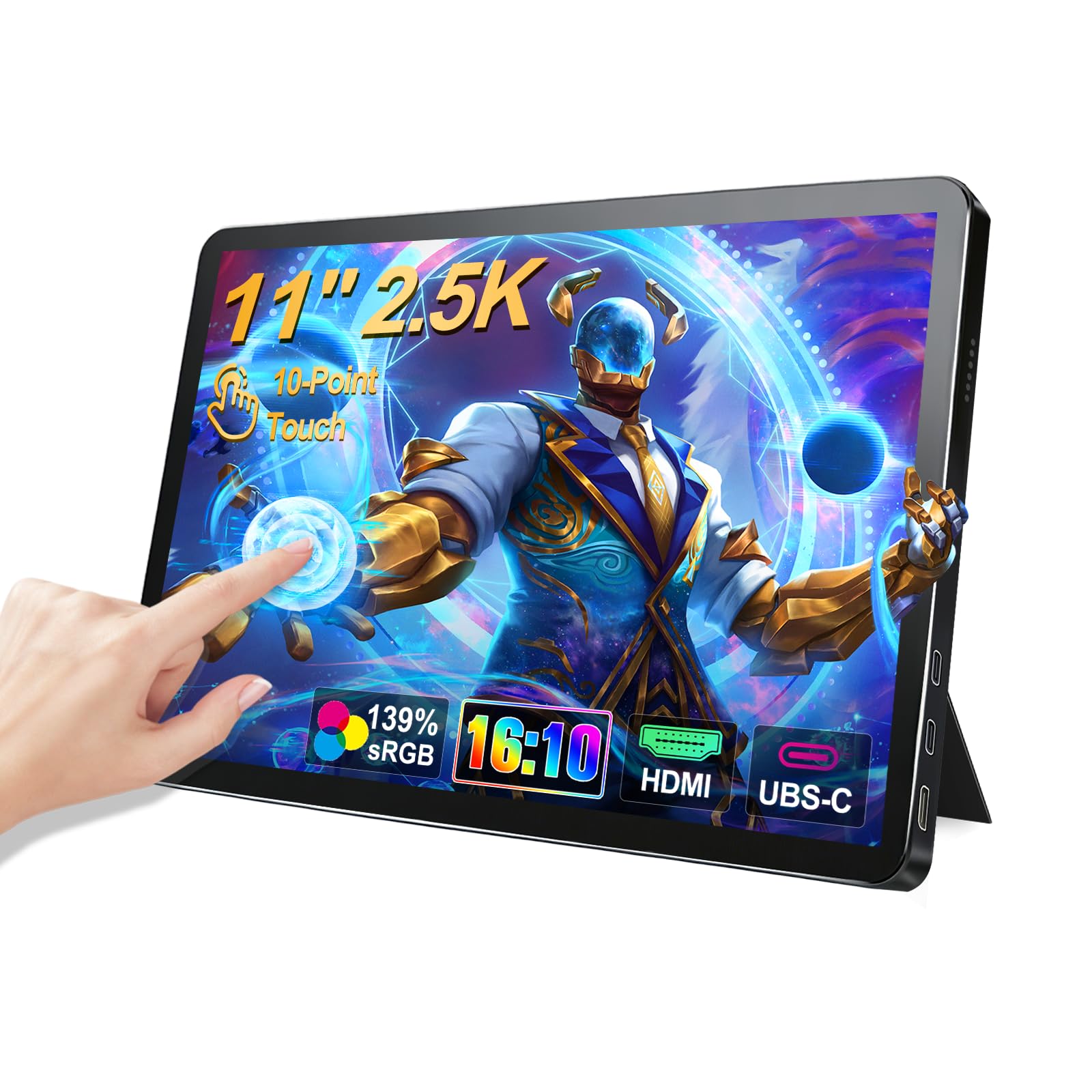
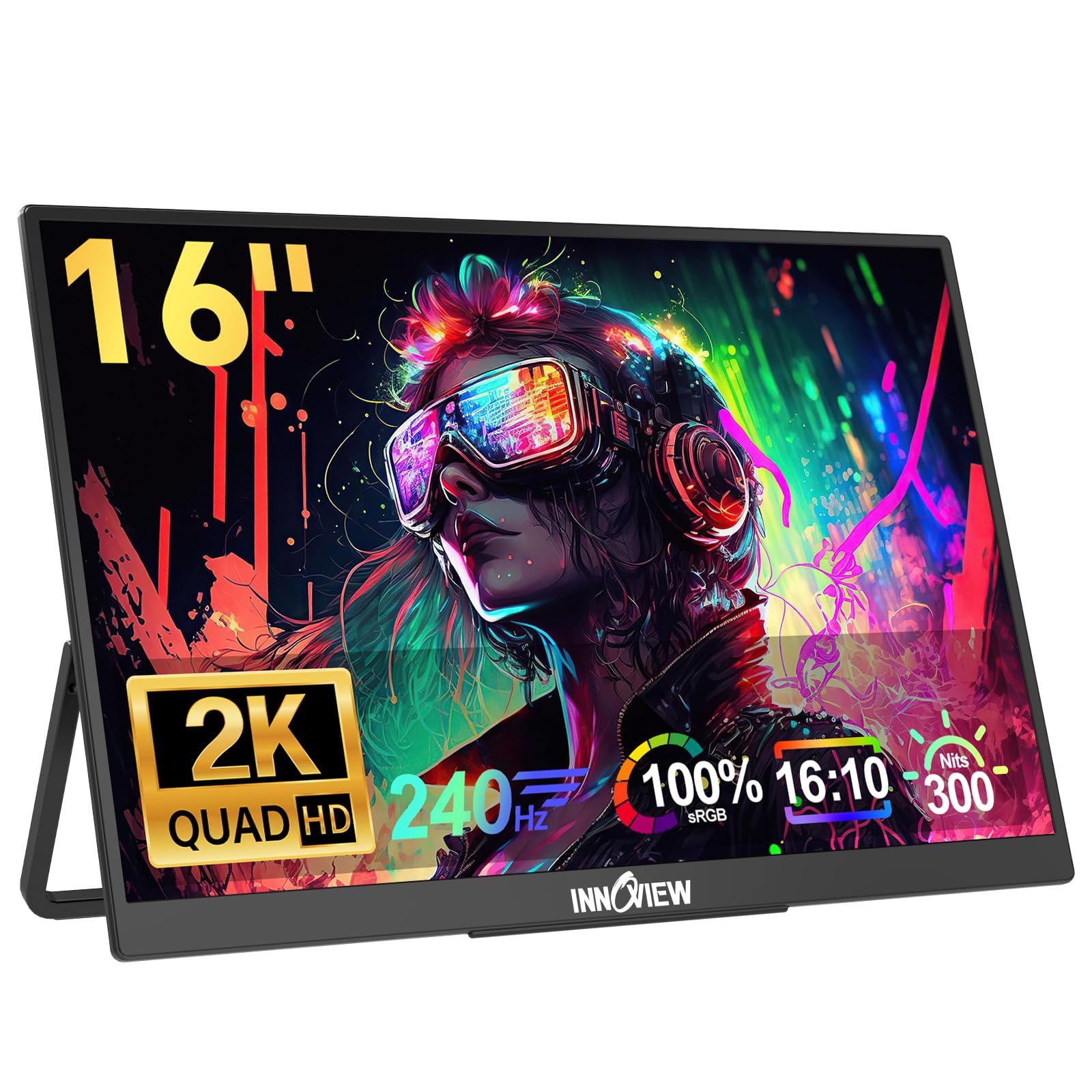

Who Should Buy a 2560 by 1600 Monitor?
Choose by the task you repeat each day.
Office Workers and Students Who Read Long Documents
You read pages, spreadsheets and slides for hours, and vertical room is your main gain. The taller shape shows more rows and lines at once, so you scroll less. A matte IPS panel around 27 inches will suit most desks like yours.
Photo Editors, Designers and Video Editors
Your work depends on color you can trust. The added height keeps layers and timelines visible while the image stays large in the middle. Put panel quality and color coverage at the top of your list, and treat gaming speed as a bonus.
Gamers Who Want a Wider View Without a Huge Desk
You want fast motion and a larger view than a basic office screen. A fast panel fills your view and still leaves room for speakers. If gaming comes first, see our guide to the best gaming monitors to compare speed focused choices beside these taller screens.
2560 by 1600 Monitor Basics for First Time Buyers
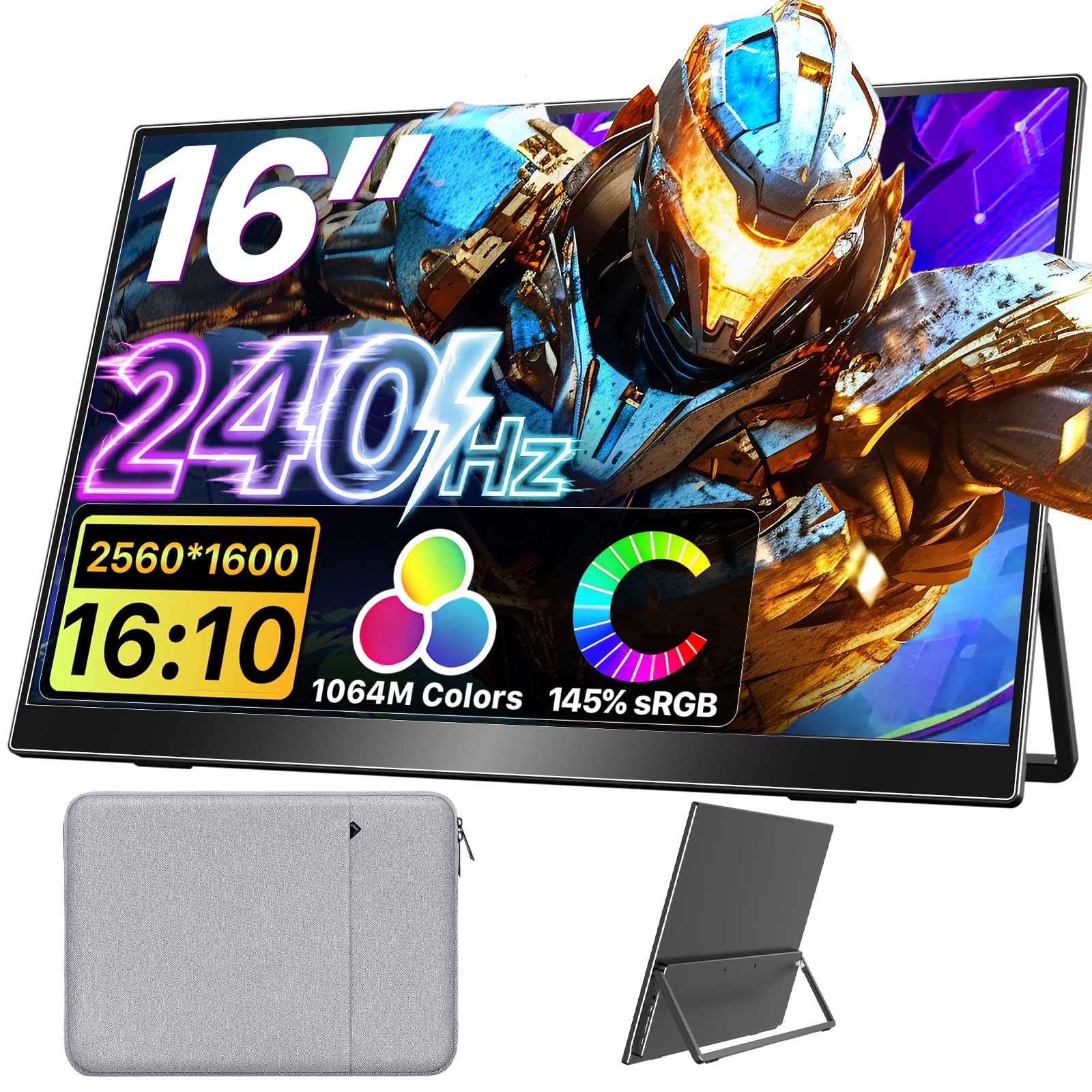
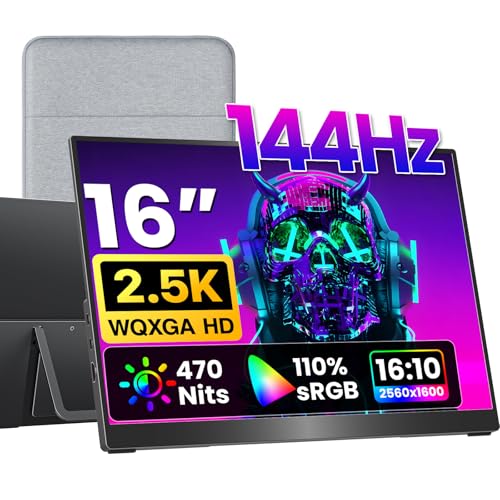
Resolution counts the tiny dots, called pixels, that form the picture. A 2560 by 1600 screen has 2560 pixels across and 1600 down, about 4.1 million in total. Its shape is 16 by 10, taller than the 16 by 9 shape used by most TVs and many monitors. Compared with a 2560 by 1440 screen of the same width, you gain 160 extra rows, so a long page shows more before you scroll.
When you compare best 2560x1600 monitors side by side, every model shares that same pixel count, so your choice comes down to screen size, panel type, speed and ports rather than resolution alone.
Understanding the Specs of the Best 2560x1600 Monitors
Read these six specs in order and any product page will start to make sense.
Panel Choices for a Tall 2560 by 1600 Display
The panel is the layer that makes the picture, and each type trades color, contrast and price differently. IPS panels give accurate color and wide viewing angles, which suits photo work. VA panels give deeper contrast for movies at a lower price, but color can shift at an angle. OLED displays give perfect blacks and fast response, yet they cost more and need care with static images. Mini LED backlights raise brightness and improve HDR on IPS panels. If picture quality leads your list, see our guide to the best quality monitors.
Connectivity and Ports on a 2560 by 1600 Monitor
Ports decide how the full picture reaches the screen. DisplayPort is the most reliable choice for a desktop computer at high speed, and a current HDMI port handles this resolution with ease for consoles and laptops. USB C can carry the picture, data and laptop charging power in one cable on models that support it, which keeps a small desk tidy.
Stand, Mounting and Ergonomics for a Taller Screen
A taller screen puts more weight above your desk, so the stand matters. Look for height adjustment so the top of the screen sits near eye level, plus tilt for glare. Many models also pivot vertical, which suits long documents and code. The VESA pattern, often 75 by 75 mm or 100 by 100 mm, tells you which desk arms and wall mounts will fit.
Refresh Rate and Response Time on a 2560 by 1600 Monitor
Refresh rate counts how many times the picture redraws each second, written in hertz. A 60 Hz screen suits office work, while 144 Hz or higher makes fast games feel much smoother, and many consoles top out at 120 Hz. Response time, written in milliseconds, describes how fast pixels change color, and low numbers reduce blur behind moving objects. If fast play matters, see our guide to the best computer monitors for gaming.
Resolution and Screen Size Together on a 2560 by 1600 Monitor
The same pixel count looks very different at each size. On a portable screen of about 16 inches the pixels sit close together, so text looks very sharp up close. On large screen options of about 27 to 30 inches the picture feels roomy, and most people add about 125 percent scaling in system settings to keep text comfortable.
Adaptive Sync and Gaming Features on a 2560 by 1600 Monitor
Adaptive sync lets the monitor match its redraw speed to the frame rate your game produces, which removes the tearing lines that appear when the two fall out of step. G Sync and FreeSync are the two main systems, so check that the monitor matches your graphics card. See our guide to the best monitors for PS5 if a console shares your desk and needs 120 Hz play.
Getting Started: Setup and First Use of a 2560 by 1600 Monitor
Unbox the monitor on a soft, flat surface and attach the stand before you lift it. Connect the cable that matches your computer, then open your display settings and confirm the resolution shows 2560 by 1600. In the advanced settings, set the refresh rate to the highest value your model offers, because many computers start at 60 Hz until you change it.
Next, open the picture menu and turn off the vivid mode that many screens ship with, because it pushes color and brightness past natural levels. Choose a standard mode and set brightness so white on screen feels close to paper on your desk. On an OLED model, run the pixel refresh cycle the menu offers after your first long session, and let it finish before you unplug the screen.
Rookie Mistakes to Avoid With a 2560 by 1600 Monitor
Most first time regrets come from a short list of simple oversights.
- Buying on resolution alone leaves you with a dim panel or weak color that no setting can fix.
- Using an old cable that cannot carry the full signal leaves the screen stuck at a lower refresh rate.
- Skipping the system refresh setting leaves a fast monitor running at 60 Hz without any warning on screen.
- Choosing a small portable size for full time desk work forces constant zooming and leaning toward small text.
- Ordering a desk arm before checking the VESA pattern can leave you with a mount that will not attach.
Care and Cleaning for a 2560 by 1600 Screen
Turn the monitor off and let it cool before you clean it. Dust the screen with a dry microfiber cloth, then wipe marks with the same cloth made slightly damp with plain water. Paper towels can scratch the surface coating, and strong glass cleaners can dull a matte finish, so keep both away from the screen.
Keep the rear vents clear of dust with a soft brush, and leave space behind the monitor so warm air can escape. On OLED models, let the built in pixel refresh run when the screen asks, because skipping it often can raise the risk of image retention over time.
Frequently Asked Questions
Is IPS or OLED Better for a 2560 by 1600 Monitor?
Neither type wins for every buyer, because OLED leads on contrast while IPS leads on value for static work. OLED suits movies and games in a dim room. IPS costs less at larger sizes and carries no worry about static toolbars staying on screen all day. Your room light and budget settle this choice faster than any spec sheet.
What Size 2560 by 1600 Monitor Should You Choose for Your Desk?
Choose the largest size that leaves room for your keyboard and a natural viewing distance. Measure your desk depth before you order, because a 30 inch screen on a shallow desk can sit too close. A screen of about 27 inches suits a fixed desk where you sit an arm length away.
Does Refresh Rate Matter on a 2560 by 1600 Monitor if You Do Not Game?
Yes, a higher refresh rate still helps a little, because scrolling pages and moving the mouse look smoother. The gain is modest for documents and email. Video plays at its own fixed frame rate, so films look the same at 60 Hz and 144 Hz. Spend on panel quality first, and treat extra speed as a comfort extra.
How Long Does a 2560 by 1600 Monitor Usually Last?
A monitor like this usually lasts about five to ten years of regular use before brightness fades or faults appear. Check your new screen on the first day for dead pixels, because return windows are the easiest time to swap a faulty unit. A line that stays on screen, flicker after warm up, or a backlight that dims in patches are signs the panel needs service.
Is 4K Worth It Compared With a 2560 by 1600 Monitor?
For most first time buyers, 4K is not worth the extra cost over this resolution. A 4K screen shows native detail in 4K video and gives very sharp text at large sizes, which helps some editors. Games at 4K need a much stronger graphics card to stay smooth, and small interface text often needs heavy scaling. The taller shape here also keeps the vertical room that 1440p screens give up.
The Bottom Line
Start with size and pixel density. Then pick the panel for your main task, confirm the ports match your computer, and add speed only if you play fast games or share the desk with a console.
Use the product table above to check size, panel and ports, and the best 2560x1600 monitors for your desk will stand out quickly. Buy for the work you do most, and enjoy the extra room.