
Best 17 Inch Laptops Under 1000: Every Type Explained for 2026
Disclosure: We may earn a commission when you buy through links on this page, at no extra cost to you. As an Amazon Associate I earn from qualifying purchases. Learn more

Compare the best 17 inch laptops under 1000 by type, with pros, cons, ideal users and price ranges, so you can choose the right style.
A big screen and a budget under $1,000 sounds simple until you see how many kinds of 17 inch laptops exist. Convertibles fold, gaming models bulk up, Chromebooks strip down, and ultraportables slim down, and each type spends your money on different things. This guide compares the types first, then the specs, so you can shop for the best 17 inch laptops under 1000 with a clear idea of which style fits your day. Start with the product table, then read the type breakdowns to see what each style gives up.
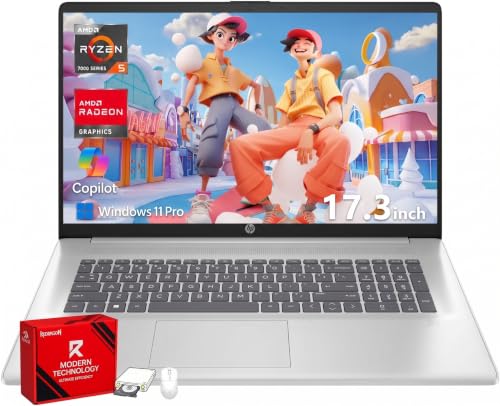
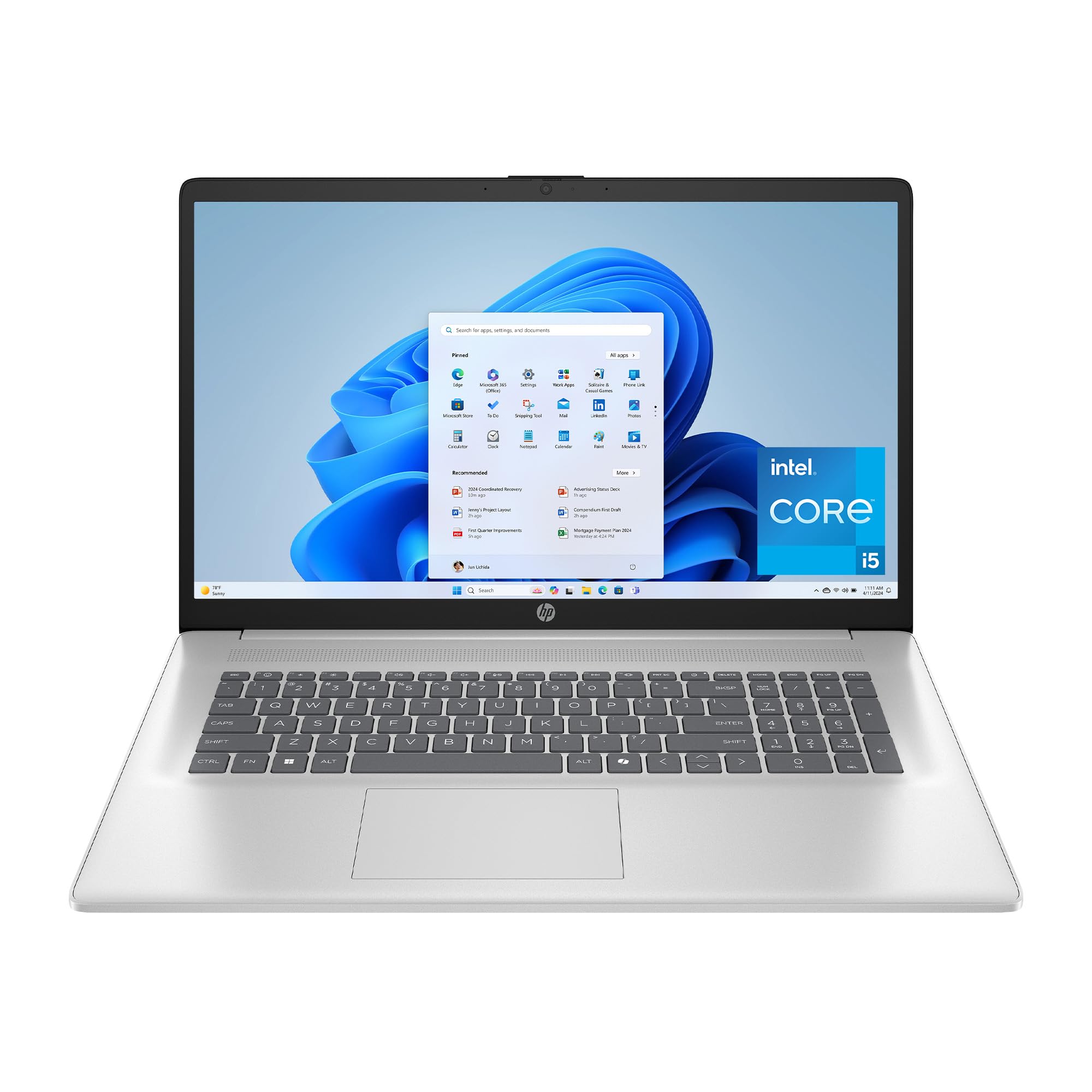

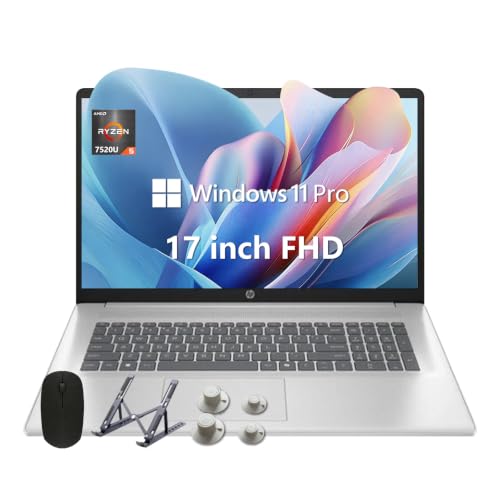
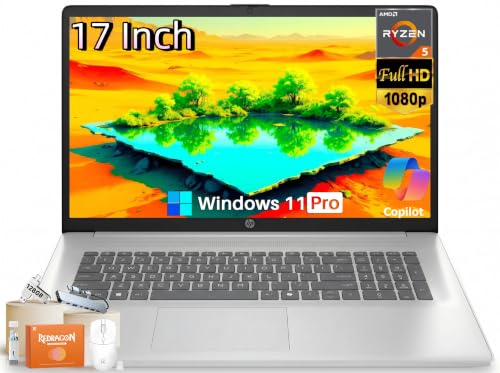


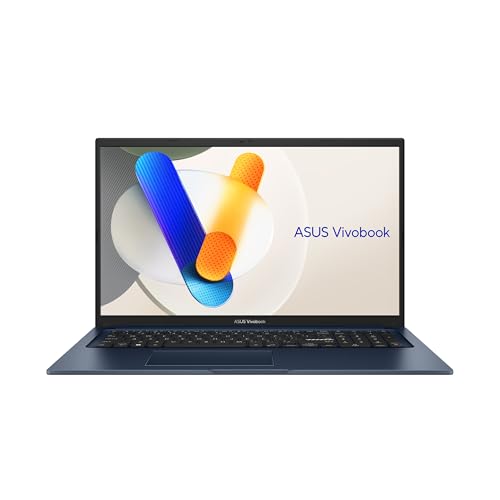
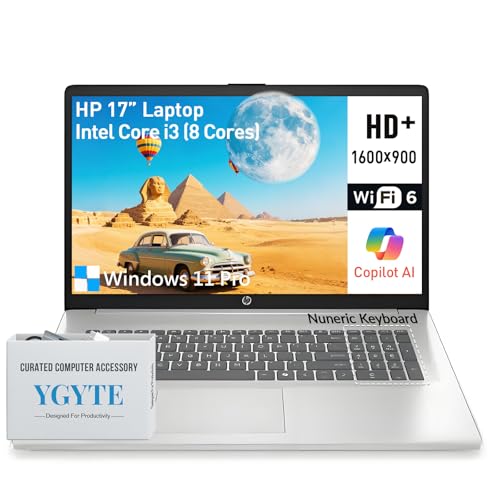
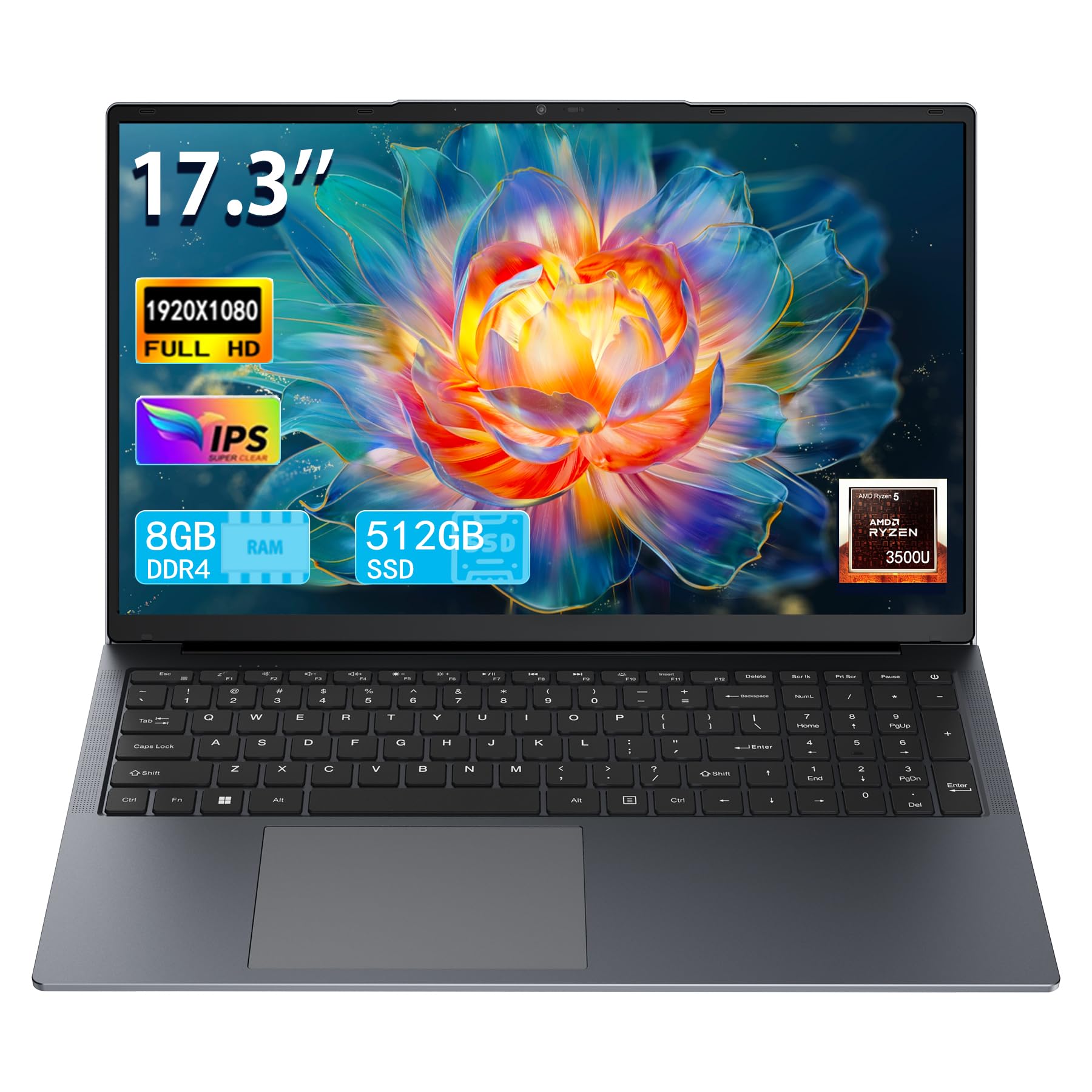
Types of 17 Inch Laptops Compared
Think of the four types below as four different answers to the same question: what should a large screen laptop do best? Typical prices run about $500 to $700 for Chromebooks, about $600 to $1,000 for convertibles and ultraportables, and about $800 to $1,000 for gaming models at this size. The right choice depends on whether you value flexibility, power, simplicity, or portability most.
2 in 1 Convertibles
A 2 in 1 convertible has a hinge that folds the screen a full 360 degrees, turning the laptop into a thick tablet for reading, presenting, or marking up documents with a pen. The big screen makes split screen work and sketching genuinely pleasant, and tent mode suits video calls and kitchen counter recipes. The trade offs are weight and cost: the reinforced hinge and touch layer add bulk, and some of your budget goes to the folding hardware instead of processor power. Choose this type if you annotate, present, or share the screen often. Skip it if the machine will live on a desk, where the hinge earns nothing.
Gaming Laptops
Gaming laptops pair a dedicated graphics card with a fast refresh rate display, usually 120 Hz or 144 Hz, and the stronger cooling that both demand. At 17 inches you get a full size keyboard with a number pad and a screen that makes games and detailed timelines easy to read. Prices near $1,000 buy entry level gaming power, enough for popular titles at medium to high settings. The costs are real: these are the heaviest machines in this guide, often over 5.5 lb, with the shortest battery life and the loudest fans. Choose one if you play games or edit video weekly.
Chromebooks
A 17 inch Chromebook runs ChromeOS instead of Windows, which means it boots fast, updates quietly, and handles browsing, documents, and streaming with modest hardware. That efficiency lets makers spend the budget on the large screen itself, so this type often has the nicest display per dollar. The limits are firm: no full Windows programs, weak offline capability for some apps, and little gaming beyond streaming services. Chromebooks suit students and households whose work lives entirely in a browser. If a required program only exists for Windows, this type is off the table no matter how good the price looks.
Ultraportables
Ultraportables chase thin cases and low weight, and at 17 inches that means a big screen you can still carry between rooms, offices, or classrooms without a workout. Expect metal shells, good keyboards, and long battery life, with integrated graphics and few ports as the compromise. Under $1,000, you usually trade a little processor speed for that slim build. This type fits commuters and anyone who works in several places a day. If smaller and lighter matters more than screen size, our guide to the best 14 inch laptops under 1000 covers compact options in the same budget.
2 in 1 Convertibles vs Gaming Laptops: Which Should You Choose?
These two types sit at opposite ends of the 17 inch market. On power, the gaming laptop wins easily, with a dedicated graphics card and cooling built for sustained loads. On flexibility, the convertible wins, folding for notes, presentations, and media in ways a rigid gaming shell cannot. Battery life favors the convertible by hours, while screen speed favors the gaming model, with its high refresh rate panel. Weight favors the convertible modestly, though neither is light. Decide by your most frequent task: creating and playing games points to gaming, while presenting, annotating, and all day meetings point to the convertible.
How to Choose the Right 17 Inch Laptop
What You Can Realistically Get Under $1000
A budget of $1,000 at this size buys a current mid range processor, 16 GB of RAM, and a 512 GB SSD if you shop carefully, but something always gives. Usually it is the display brightness, the case material, or the graphics. Do not economize on RAM or storage, because those shape daily speed for years, while a slightly dimmer screen only matters outdoors. If your real ceiling is lower, our guides to the best 17 inch laptops under 600 and the best 17 inch laptops under 500 show what those tighter budgets can honestly deliver.
Processor and Performance Tier
Intel Core Ultra and AMD Ryzen chips in their mid range tiers power most laptops in this guide, and they handle office suites, heavy browsing, and video calls easily. Gaming models add a dedicated graphics card on top of a similar processor, while Chromebooks run well on far weaker chips because ChromeOS is light. Match the tier to your software: creative apps and games want the strongest processor you can afford, while browser based work does fine a tier down. Avoid processors that are already several generations old, even at a discount.
Battery Life in Real World Use
Manufacturer battery claims assume dim screens and light tasks, so expect less in practice. A 17 inch ultraportable might deliver about 8 to 10 hours of mixed work, a convertible about 6 to 8 hours, and a gaming laptop about 3 to 5 hours away from the outlet. Screen brightness is the biggest single drain, so dropping to about 60 percent brightness buys real time. USB C charging, when supported, lets you top up from compact travel chargers instead of a heavy brick.
RAM and Storage
Sixteen gigabytes of RAM is the sweet spot under $1,000, keeping many tabs, documents, and chat apps open together smoothly. Eight gigabytes appears on cheaper models and will feel tight within a couple of years, especially on Windows. For storage, 512 GB in SSD form gives room for apps and media while keeping everything fast; 256 GB fills quickly once games or video files arrive. If you mostly stream and store in the cloud, a Chromebook with less local storage is a reasonable exception.
Setup and Care Tips
Keep the operating system and firmware updated from day one, since updates carry security fixes and battery improvements. Avoid running at 100 percent charge all the time if the laptop stays plugged in; use the built in charge limit setting if your model offers one. Use a padded sleeve when commuting, because a 17 inch screen flexes more than a small one and deserves the protection. If the machine will mostly stay home but you want easier carrying between rooms, our guide to the best 15 inch laptops under 1000 covers a slightly smaller step down.
FAQs
Can you get a good 17 inch laptop under $1000?
Yes, as long as good matches your workload. Office work, study, streaming, and even casual gaming are all well served under $1,000, with 16 GB of RAM and an SSD available at this price. What you cannot get is a premium metal build, a top tier graphics card, and a color accurate bright screen all at once. Pick the two qualities that matter most and let the third go.
Is a Chromebook enough for school?
For schools built around browser apps and online classrooms, yes, a Chromebook covers homework, research, and video lessons comfortably. The risk appears in later grades and college courses that require Windows only software for labs, statistics, or design. Check the school or course software list before buying. When in doubt, a Windows laptop in this budget is the safer all purpose choice.
How long should a 17 inch laptop last?
Plan on about five to seven years from a well chosen model, with battery capacity fading first. Chromebooks carry a printed update expiration date, so check that date before buying one, since updates stop entirely after it. You can extend any laptop life by keeping vents dust free, leaving some storage space empty, and replacing the battery instead of the machine when runtime drops.
Should I buy a laptop or a tablet?
Buy the laptop if you write long documents, juggle files, or need desktop class software, because the keyboard, trackpad, and full operating system still win for sustained work. A tablet is better for reading, casual browsing, and media in bed or on a plane. A 2 in 1 convertible splits the difference, though at 17 inches the tablet mode is more of a tabletop feature than something you hold for long.
How much RAM do I need?
Most buyers at this size and price should choose 16 GB, which handles heavy multitasking now and leaves headroom as software grows. Eight gigabytes can work on a Chromebook or a single purpose Windows machine for email and writing. If you edit video or keep dozens of tabs plus creative apps open, look for 32 GB, but expect to sacrifice something else in the budget to get it.
Wrapping Up
Choose the type first, because that decision locks in your weight, battery life, and flexibility before specs even enter the picture. Then insist on 16 GB of RAM and an SSD, and use the product table to compare the best 17 inch laptops under 1000 that fit your chosen type. A big screen should make work easier for years, and the right type match is what makes that happen.


