Best 14 Inch Laptops under 1000: A Clear Buying Guide for 2026
Disclosure: We may earn a commission when you buy through links on this page, at no extra cost to you. As an Amazon Associate I earn from qualifying purchases. Learn more

Students and office buyers can pick the best 14 inch laptops under 1000 with plain advice on processors, memory, storage, and screens.
Buying your first laptop can feel like reading a foreign language, with processors, memory, and storage figures competing for your attention. The good news is that the best 14 inch laptops under 1000 share a clear pattern, and once you know a handful of terms, the choices sort themselves quickly.
This guide starts with the basics, explains each key spec in plain English, and ends with the mistakes first time buyers most often make. Follow it in order, compare your shortlist with the picks in the product table, and you will know exactly where your money should go.
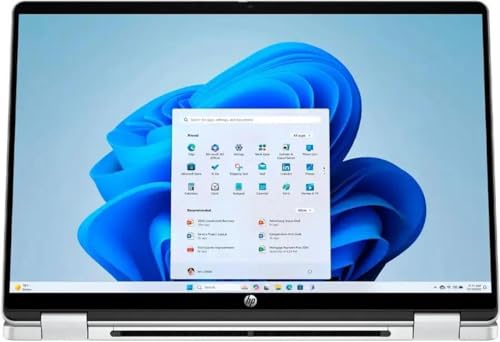
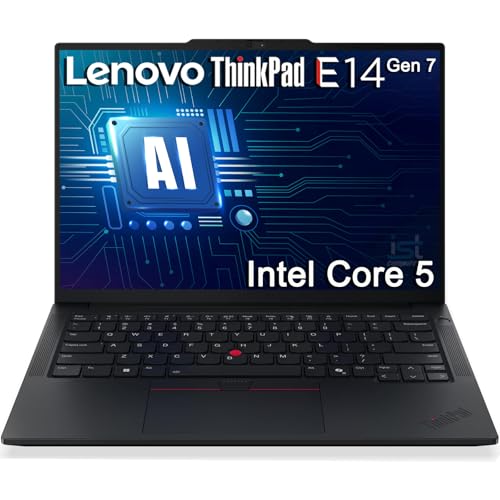
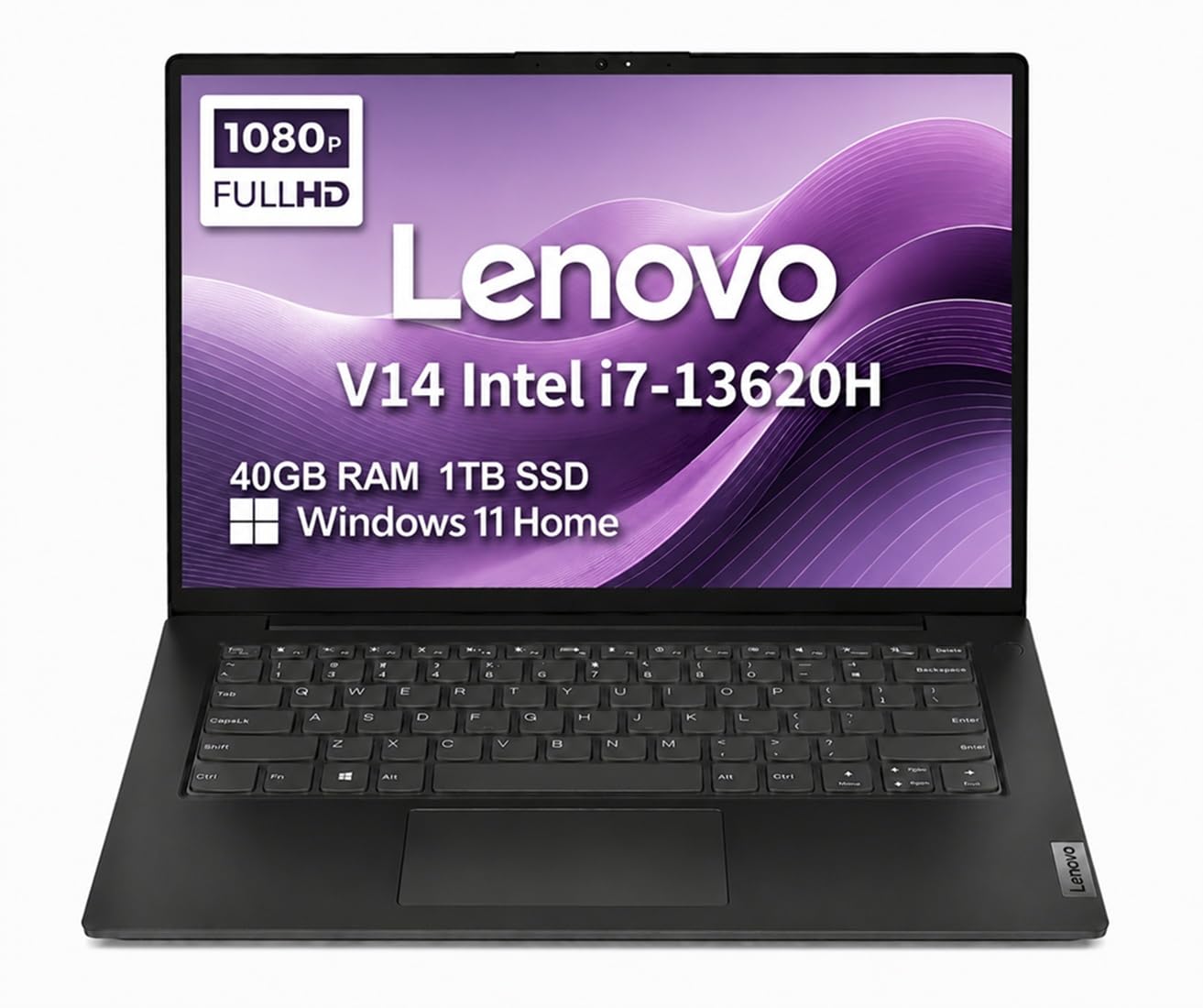
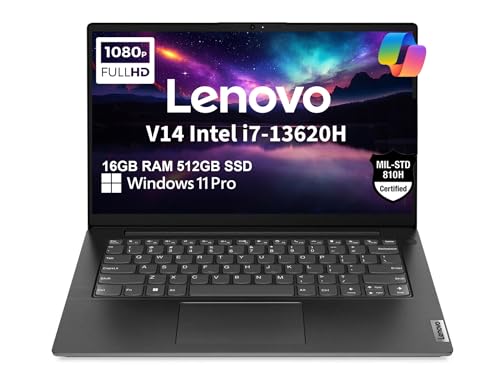
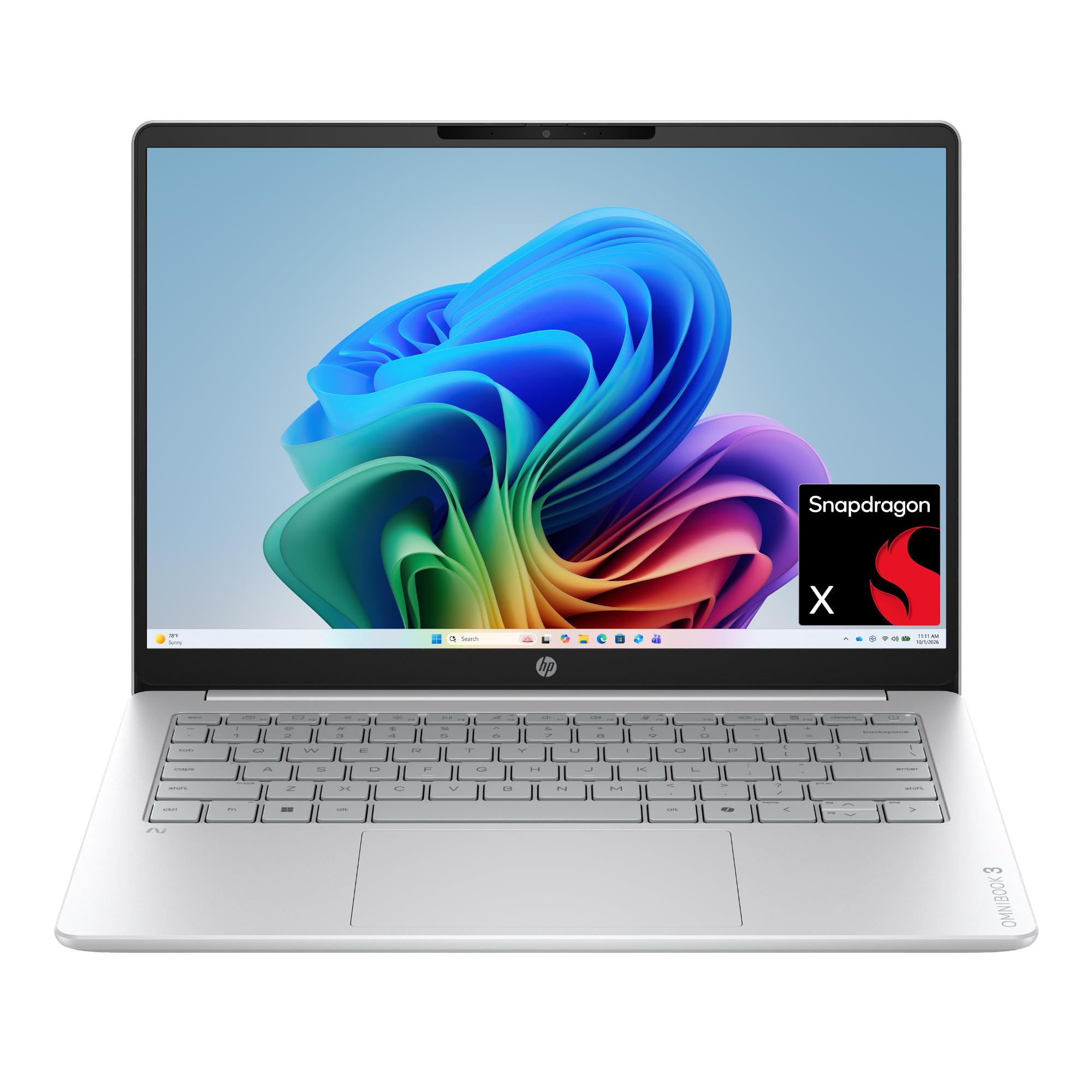

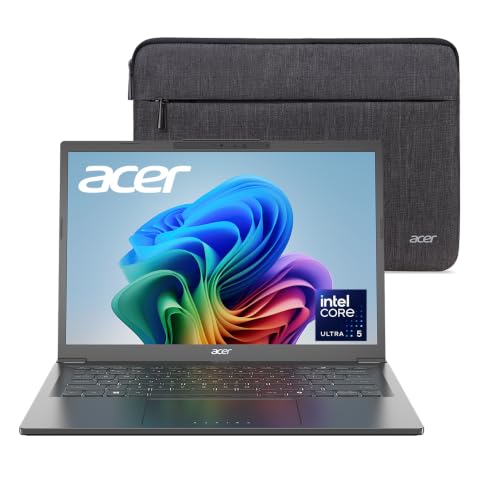
14 Inch Laptops 101: The Basics
A 14 inch laptop measures its screen diagonally at about 14 inches, a size that balances a roomy display with a body light enough to carry daily, usually around 2.8 to 3.5 pounds. It is the most popular size for students and office workers because it fits standard bags, works on small desks, and still shows two documents side by side comfortably.
If you are unsure whether this size suits you, our guide to the best laptops under 14 inches covers the smaller options and what you give up with them. Compared with larger machines, a 14 inch model trades some screen space and often a number pad for portability, while compared with smaller ones it gains a more comfortable keyboard and better cooling.
Key Specs Explained in Plain English
What You Can Realistically Get Under $1000
At this budget, expect a modern midrange processor, 16 GB of memory on many models, and a fast solid state drive of 512 GB. Screens are usually bright and sharp, cases mix aluminum and sturdy plastic, and battery life of 8 to 12 hours is common for light work.
What gets cut is equally predictable. Dedicated graphics cards are rare, the finest color accurate displays cost more, and very light premium designs start above this price. Do not save money on memory or storage to afford a fancier case, because those two specs decide how the laptop feels every single day.
Processor and Performance Tier
The processor is the brain of the laptop, and it sets the ceiling for everything else. Current Intel Core and Core Ultra chips, AMD Ryzen 5 and Ryzen 7 chips, and Apple M series chips all handle browsing, documents, video calls, and photo editing smoothly at this price.
For simple office and school work, any current midrange chip is plenty, and core counts beyond that point matter little. Choose a higher tier only if you edit video, work with large spreadsheets or data sets, or run engineering or design software, where stronger processors shorten waiting time in visible ways.
RAM and Storage
RAM, or memory, is the workspace where open apps live. With 8 GB, the laptop copes with light use but slows when many browser tabs and apps compete. With 16 GB, multitasking stays smooth for years, which is why 16 GB is the recommendation for nearly every buyer at this budget.
Storage holds your files and programs, and every model here should use an SSD, which makes the laptop start and load apps in seconds. Choose 512 GB if you store photos, videos, or games, and know that 256 GB fills quickly once large apps and updates arrive.
Graphics (Integrated vs Dedicated GPU)
Integrated graphics are built into the processor and handle everyday visuals, streaming, casual games, and light photo work without extra cost or heat. Modern integrated graphics are far stronger than their reputation, and they also protect battery life.
A dedicated graphics card is a separate chip made for gaming and heavy creative work. It adds price, weight, and fan noise, and models with one under $1000 usually compromise on screen or build quality. Most students and office buyers should skip it and enjoy the quieter, lighter machine.
Keyboard, Trackpad, and Build
You will touch the keyboard and trackpad more than any spec sheet item, so they deserve real attention. Look for keys with comfortable travel and clear lettering, a backlight if you type in dim rooms, and a large trackpad that clicks evenly across its surface.
Build quality shows in small ways. An aluminum lid or deck feels firm and resists flex, hinges should open smoothly without wobbling, and the whole laptop should feel solid when you pick it up by one corner. Ports matter too, so confirm you get USB C, standard USB, HDMI, and a headphone jack in the mix.
Display Size, Resolution, and Brightness
Resolution describes how many pixels the screen shows. Full HD, written as 1920 by 1080, is the sensible minimum at 14 inches and looks sharp for work and video. Higher resolutions look crisper still but use more battery, so they suit photo and design work more than everyday tasks.
Brightness is measured in nits, and about 300 nits or more keeps the screen readable near windows. If screen size tempts you upward, our guides to the best 15 inch laptops under 1000 and the best 17 inch laptops under 1000 explain what the extra space costs in weight and portability.
Choosing the Best 14 Inch Laptops under 1000 Dollars for Your Situation
Tips for First Time Buyers
When the budget is stated in dollars, the same shortlist logic applies, so focus on three things. First, protect 16 GB of memory and a 512 GB SSD before paying for style. Second, buy from the current or previous model generation, since last generation designs often drop in price while keeping nearly identical speed. Third, if money gets tight, our guide to the best 14 inch laptops under 500 shows which compromises are safe at half the budget.
Rookie Mistakes to Avoid
- Chasing the fastest processor and starving memory. A strong chip with only 8 GB of memory feels slower in daily multitasking than a midrange chip with 16 GB.
- Ignoring the screen. A dim, dull display tires your eyes for years, so brightness and resolution deserve as much attention as speed.
- Forgetting your accessories. Budget for a case, a mouse if you want one, and any adapters your monitor or printer needs.
- Skipping the return window. Buy from a seller with a clear return policy, then check the keyboard, speakers, and battery during the first week.
- Paying for a gaming card you will not use. That money buys a better screen, more storage, or a longer warranty instead.
Getting Started: Setup and First Use
Unbox the laptop and charge it fully before your first session. Turn it on, connect to your home WiFi, and let the setup assistant create your account and sign you in. Then keep the operating system and firmware updated, running every pending update before you install your own apps, because early updates often fix battery and fan behavior.
Next, uninstall trial programs you do not want, turn on automatic backups to a cloud service or external drive, and set a screen lock password. Avoid running the battery at 100 percent charge all the time if the laptop lives on a desk, since a battery limit setting near 80 percent, when offered, slows long term wear.
Frequently Asked Questions
Can you get a good 14 inch laptop under $1000?
Yes, you can get a genuinely good laptop at this price, and it is the sweet spot of the market. Expect a capable processor, 16 GB of memory on many models, a sharp screen, and all day battery for light work. What you give up is mainly premium materials, top tier graphics, and the very finest displays.
Is a dedicated GPU worth it?
Only if you play demanding games or edit video and 3D work regularly. For study, office tasks, browsing, and streaming, integrated graphics are enough and give you a lighter, quieter laptop with longer battery life. Spending the same money on memory, storage, or screen quality benefits everyday users far more.
How much RAM do I need?
Most buyers need 16 GB of RAM. That amount keeps many tabs, documents, and apps open at once without slowdowns, and it keeps the laptop feeling fast for years. Eight GB suits only very light use such as email and simple browsing, while 32 GB is for heavy creative or technical workloads.
Should I buy a laptop or a tablet?
Buy a laptop if you type essays, build spreadsheets, or run full desktop programs, because its keyboard, trackpad, and file system make long work sessions easier. A tablet suits reading, drawing, and media on the move. Many students start with a laptop, since coursework assumes a real keyboard and standard software.
Is a Chromebook enough for school?
Yes, a Chromebook is enough for school when your work lives in a browser, such as documents, email, research, and learning platforms. It is not enough if your courses need specific Windows or Mac software, offline apps, or serious gaming. Check your school software list before choosing, because that list decides the answer.
How long should a 14 inch laptop last?
A well chosen laptop at this price should last about 4 to 6 years. Memory of 16 GB and a 512 GB SSD extend useful life the most, since they delay the slowdowns that push people to replace machines. Battery capacity fades gradually, but a replacement battery or desk use keeps an older laptop useful.
Wrapping Up
Keep your priorities in order: enough memory and storage first, a bright screen second, and a comfortable keyboard and solid build third. Everything else is a bonus. Look back at the product table to compare your finalists side by side, and you will choose the best 14 inch laptops under 1000 for your work, study, and budget with confidence.