
Best 15 Inch Windows Laptops: The Buyer Checklist for 2026
Disclosure: We may earn a commission when you buy through links on this page, at no extra cost to you. As an Amazon Associate I earn from qualifying purchases. Learn more

A clear checklist for choosing the best 15 inch windows laptops: processor, display, RAM, ports, and red flags to avoid.
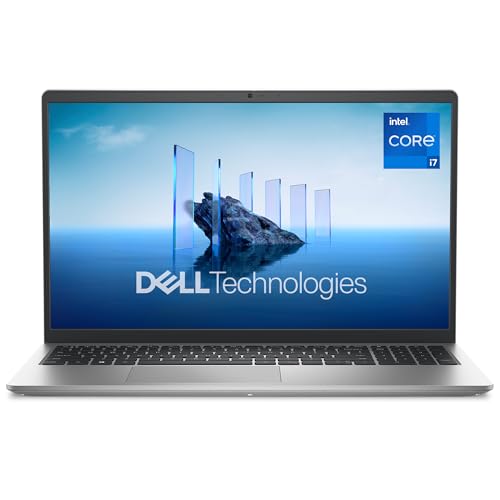
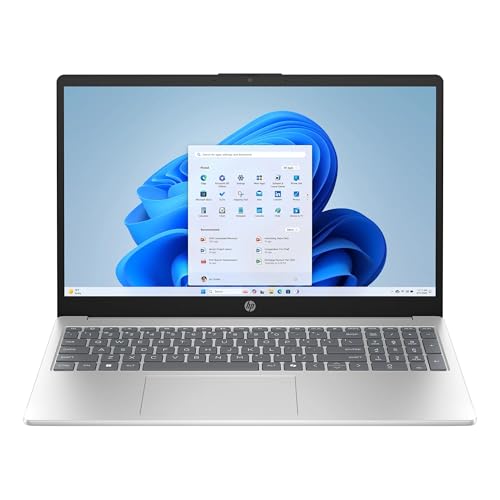
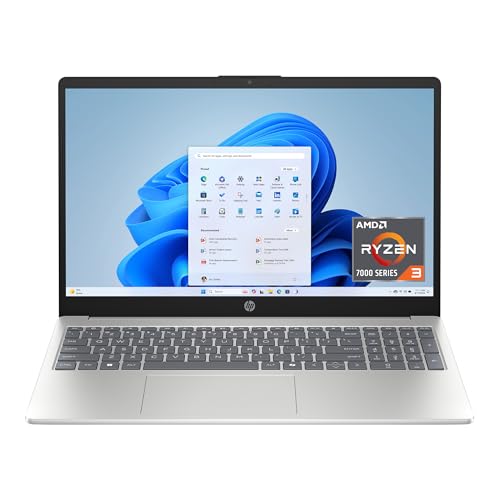
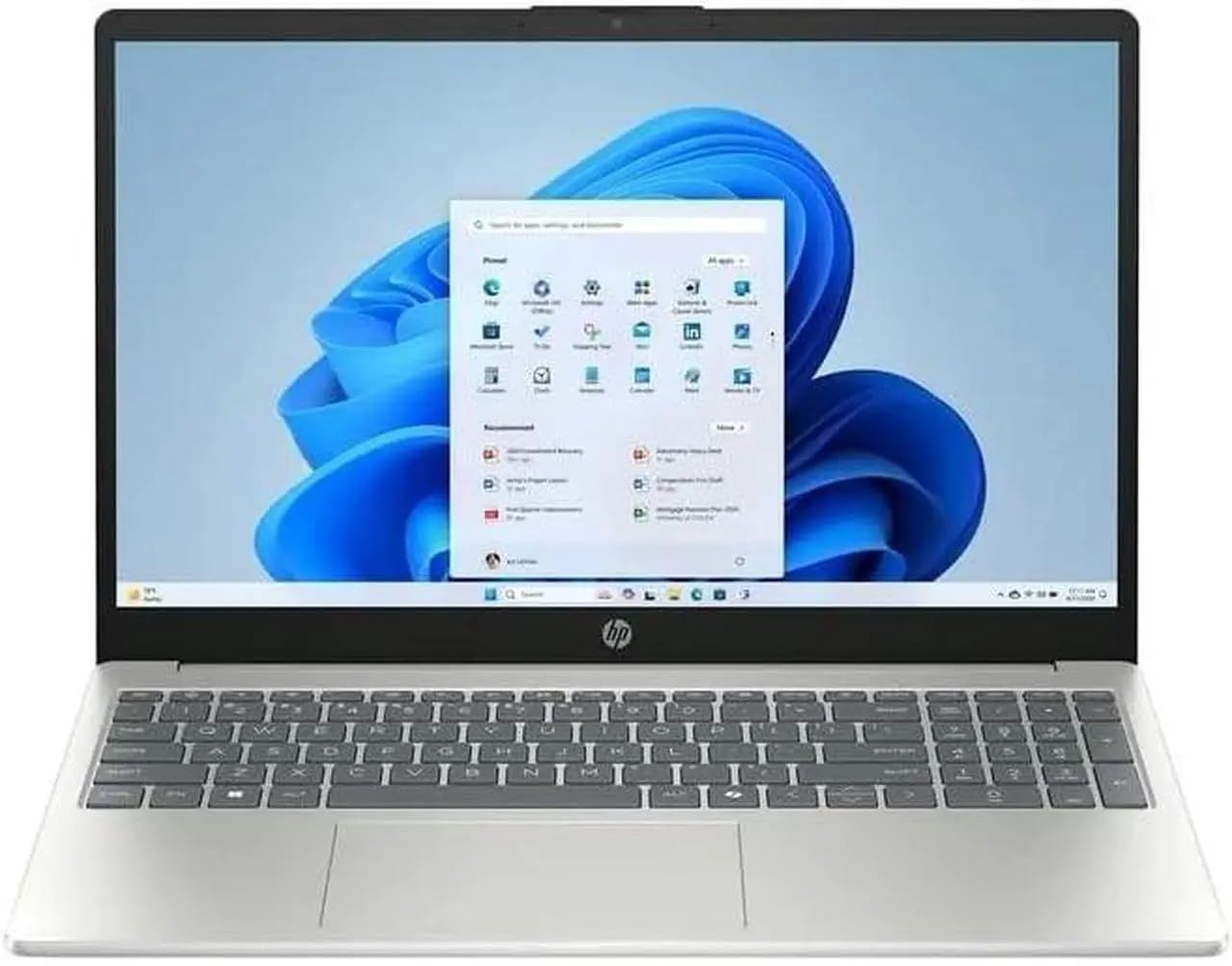
Spec sheets make almost every laptop sound fast, bright, and ready for anything, which is exactly why a checklist helps. This guide scores the best 15 inch windows laptops against the same criteria you can apply to any machine in this size class, from processor tier down to port selection. Work through each section before you buy and you will know which numbers matter for your routine and which ones are just marketing filler. The product table gathers current options in one place so you can check them against these standards as you read.

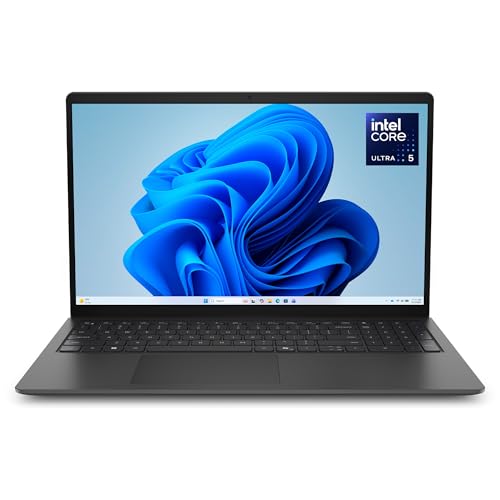


How to Evaluate 15 Inch Windows Laptops
A 15 inch screen sits in the sweet spot between portability and working space, so the bar for this class is balance. No single spec earns a pass on its own. A machine needs adequate power, a screen you can look at all day, enough memory for the next few years, and a weight you will not resent carrying.
Processor and Performance Tier
Current Intel Core Ultra and AMD Ryzen processors handle office work, browsing with many tabs, and video calls without breaking a sweat, even in their mid range tiers. Step up within those families if you edit photos, compile code, or run heavier spreadsheets, because clock speed and core count show up most in sustained tasks. Treat older generation chips sold at small discounts as a warning sign. A processor that is already two generations behind will feel slow long before the rest of the machine wears out.
Weight and Portability
Weight decides whether a 15 inch laptop actually leaves your desk. Under about 3.5 lb feels easy in a backpack, while machines over 5 lb mostly make sense as desk bound replacements for a desktop. Add the charger to the scale in your head, since bulky power bricks can add another pound. If you travel often, compare carrying options too, and see our guide to the best bags for 15 inch laptops for padded choices that fit this size.
Operating System
This guide covers Windows machines, and the version matters more than many buyers expect. Windows 11 in its standard edition suits most people, while the Pro edition adds business tools such as remote desktop hosting and drive encryption management. Avoid laptops still shipping with an older Windows release and no clear upgrade path. Also check that the listing does not quietly substitute a restricted mode of Windows that limits you to one app store, unless that simplicity is exactly what you want.
Display Size, Resolution, and Brightness
At 15 inches, a resolution of 1920 by 1080 or higher keeps text crisp without shrinking interface elements. Brightness of at least 300 nits works indoors, while 400 nits or more helps near windows and in bright classrooms. A refresh rate of 120 Hz makes scrolling and pen input feel smoother, though 60 Hz is fine for office work. OLED panels deliver deeper contrast but can cost more and draw more power at high brightness. For a wider look at screen focused models, see our guide to the best laptops with 15 inch screen.
Ports and Connectivity
Two USB C ports, at least one full size USB port, and an HDMI output cover most desks without a dock. USB C charging is a real convenience because one charger can then serve your phone and laptop on trips. WiFi 6E or WiFi 7 keeps speeds strong on modern routers, and Bluetooth 5.3 or newer pairs more reliably with mice and headsets. Count the ports you truly use each week, because a slim machine that needs a dongle for everything gets old quickly.
Graphics (Integrated vs Dedicated GPU)
Integrated graphics in current processors run office apps, streaming video, and light photo editing without trouble, and they sip power while doing it. A dedicated graphics card earns its cost and weight if you play modern games, edit video with effects, or work in 3D design tools. Everyone else pays for heat, fan noise, and shorter battery life with little benefit. Match the graphics to your most demanding weekly task, not to a hobby you might try once next year.
RAM and Storage
Sixteen gigabytes of RAM is the comfortable standard for this class, keeping browsers, chat apps, and documents open together without slowdowns. Eight gigabytes only makes sense on the tightest budgets and will feel cramped within a couple of years. For storage, a solid state drive of at least 512 GB gives room for apps, photos, and offline files, and an SSD makes boot times and app launches dramatically faster than any spinning drive. Check whether memory can be upgraded later, because soldered RAM locks in your choice on day one.
Price Tiers That Pass the Checklist
Rather than chase specific models that change every season, use price tiers to set expectations. Each tier below describes what a machine at that level should deliver if it passes the checklist above.
The Balanced Tier
Machines around $800 to $1,200 usually offer the strongest mix for most buyers: a current mid range processor, 16 GB of RAM, a 512 GB SSD, and a bright screen in a body near 4 lb. This is the tier to pick for a family laptop, a work machine, or a student computer that must last a full degree program. The honest limitation is graphics, since most balanced models rely on integrated graphics and will not run demanding games at high settings.
The Value Tier
Value models around $450 to $800 cut costs in the screen, the case materials, and sometimes the processor generation. You can still find honest machines here if you hold firm on 16 GB of RAM and an SSD, and accept a dimmer display and a heavier plastic body. Writers on a budget often do well in this tier, and our guide to the best 15 inch laptops for writers explains which comforts matter most for long typing sessions. Skip any value model that pairs a modern price with an old spinning hard drive.
The Compact Tier
Compact 15 inch models, often around $900 to $1,400, trade raw power for thin cases, low weight, and long battery life. They suit commuters and frequent flyers who open documents and browsers far more than heavy creative apps. Expect fewer ports and no dedicated graphics at this size, and expect to pay more per unit of performance. If even these feel bulky, our guide to the best laptops under 15 inches covers smaller machines that trade screen space for easier carrying.
Quick Buyer Checklist
Run through these yes or no questions before you pay. A good candidate should earn a yes on nearly all of them.
- Does it have a current generation Intel Core Ultra or AMD Ryzen processor?
- Does it include at least 16 GB of RAM and a 512 GB SSD?
- Is the screen at least 1920 by 1080 with 300 nits of brightness or more?
- Can you carry the laptop and its charger comfortably every day?
- Does it offer USB C charging plus HDMI without a dongle?
- Is the warranty at least one year with clear service options?
- Does the keyboard layout include the keys you use most, such as a number pad if you enter data often?
Red Flags to Watch For
Some listings fail the checklist in ways that only show up after the return window closes. Watch for vague spec sheets that hide the exact processor model or panel brightness, because sellers omit numbers that would hurt the sale. Be wary of storage described only as fast without naming an SSD size, and of memory listed without saying whether it can be upgraded. Extremely short warranties, such as 90 days on a new machine, signal low confidence from the maker. Finally, treat clusters of glowing reviews posted within a few days of each other with suspicion and weight detailed, mixed reviews more heavily.
Tips to Get the Most From Your 15 Inch Windows Laptop
Keep the operating system and firmware updated, since updates fix security flaws and often improve battery behavior. Avoid running at 100 percent charge all the time if the laptop lives on a desk; many machines offer a charge limit setting that slows battery wear. Use a padded sleeve when commuting, and if you carry the laptop daily, look at the best backpacks for 15 inch laptops for structured padding and a separate laptop compartment.
15 Inch Windows Laptops: Your Questions Answered
Is a Chromebook enough for school?
For younger students working in browser based apps, a Chromebook can be enough, but it is not a Windows laptop. Many high school and college courses require Windows software for science, business, or design classes, and Chromebooks cannot run those programs. Check the course software list before choosing. A budget Windows machine that passes the RAM and SSD checks above is the safer default for mixed coursework.
Is a dedicated GPU worth it?
It is worth it only if your weekly work includes gaming, video editing with effects, or 3D modeling. For documents, browsing, streaming, and photo touch ups, integrated graphics perform well and keep the machine lighter and quieter. One more factor is heat: dedicated graphics cards vent more hot air, which matters if you often work with the laptop actually on your lap.
How much RAM do I need?
Choose 16 GB for almost every buyer in this class, since it covers heavy browsing, office suites, and light creative work with room to spare. Eight gigabytes can work for a single purpose machine used for email and writing, but it leaves no headroom as apps grow heavier. If you edit large photo libraries or run virtual machines, 32 GB is worth the upgrade while configuring, especially when the memory is soldered.
Should I buy a laptop or a tablet?
Buy a laptop if you type long documents, manage files, or need full desktop software, because a real keyboard and trackpad still beat add on accessories for sustained work. A tablet suits reading, note taking with a pen, and media on the couch. Some households keep both, but if the budget allows only one device for school or work, the laptop covers more tasks without workarounds.
How long should a 15 inch windows laptop last?
A well chosen machine should stay useful for about five to seven years, with the battery usually the first part to fade. You can stretch that life by keeping storage below about 90 percent full, cleaning dust from vents once or twice a year, and replacing the battery rather than the whole laptop when capacity drops. Software support matters too, so a current processor generation protects your timeline.
The Bottom Line
Start with the processor, RAM, and screen, because those three decide how a laptop feels every single day. Then confirm the weight and ports fit your routine, and use the product table above to compare the best 15 inch windows laptops that clear those bars. A machine that passes the full checklist will still feel capable years from now, long after a flashier spec sheet bargain starts to frustrate you.


