
Best 144hz Monitors for PS5 of 2026: Complete Buying Guide
Disclosure: We may earn a commission when you buy through links on this page, at no extra cost to you. As an Amazon Associate I earn from qualifying purchases. Learn more

Compare the best 144hz monitors for ps5 by resolution, HDMI ports, panel type and size, with a clear checklist for smooth 120Hz console play.
Your PS5 can send a 120Hz signal, but only if the monitor can accept that signal through the right port and at the resolution you play. The best 144hz monitors for ps5 pair a fast panel with the ports, scaling and sync support the console actually uses. This guide shows you what to check before you compare the picks in the product table.
One point shapes every choice here. A monitor rated at 144Hz runs at 120Hz on a PS5, because 120Hz is the highest output the console offers. Console value comes from clean 120Hz support, low input lag and a picture that suits your room.
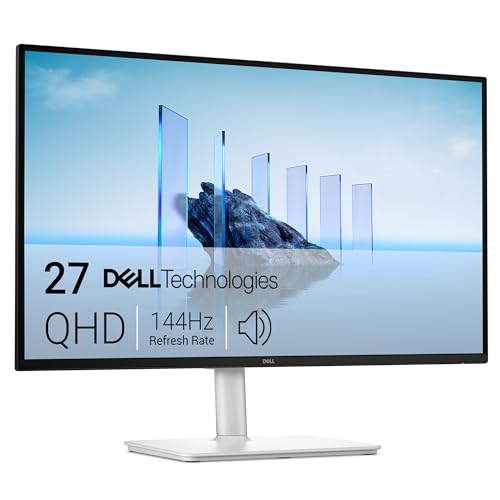
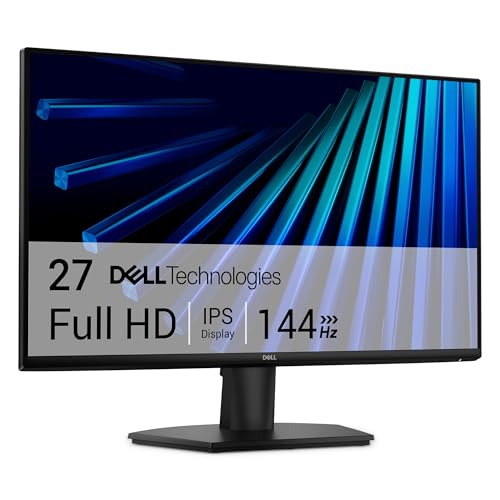
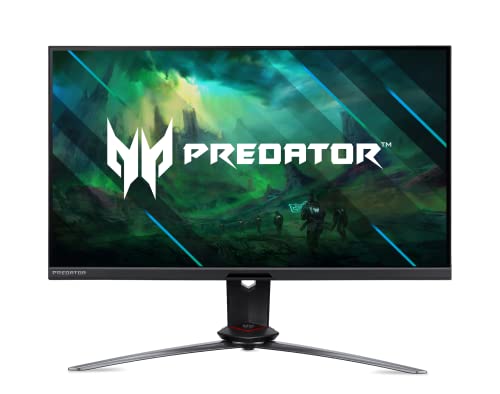
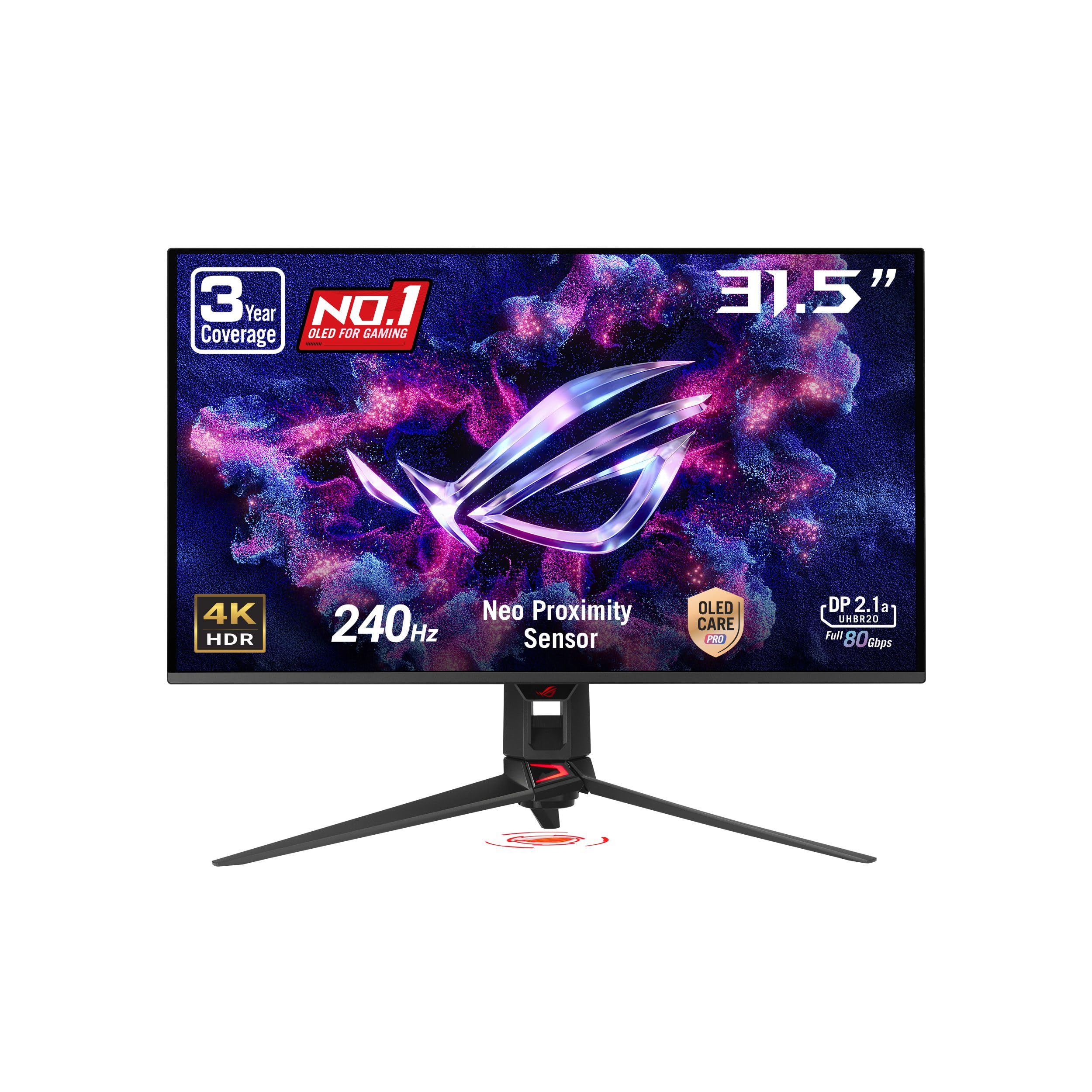
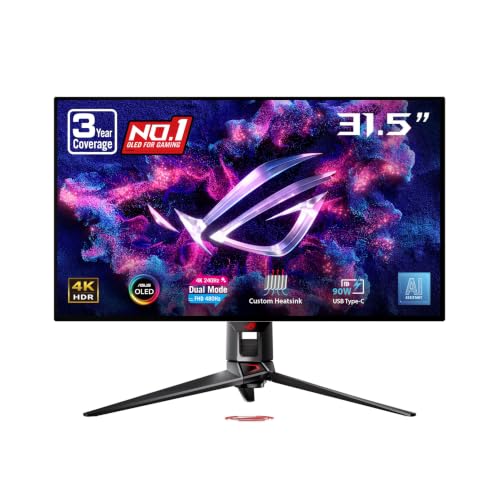
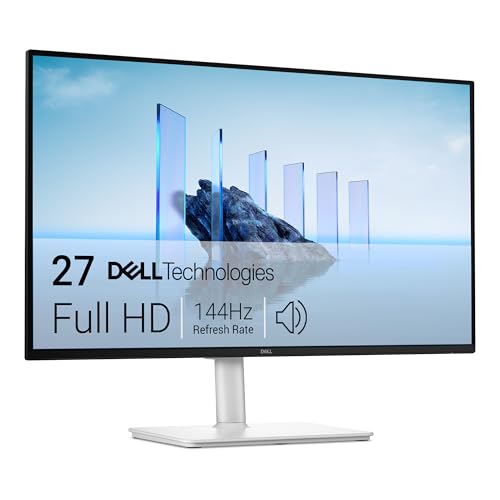
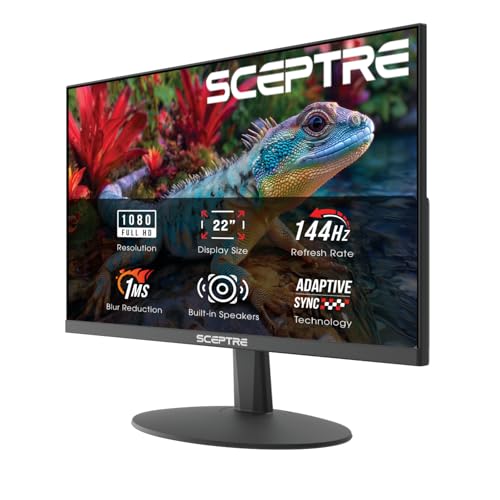
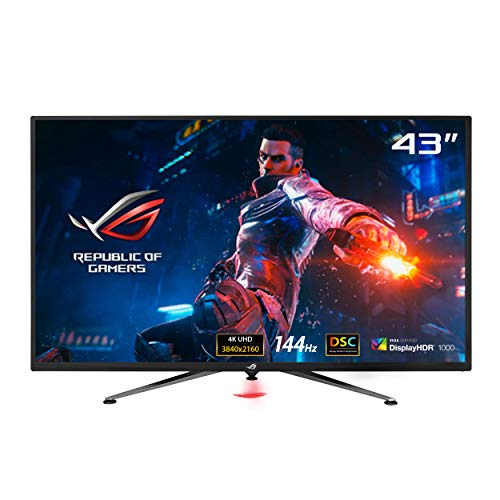


Who Should Buy Which 144Hz Monitor for PS5 Play?
Start with the games you play most and where you sit. A desk player chasing ranked wins needs different traits than a couch player after dark.
Competitive Players Who Play at a Desk
You play shooters, racers and sports titles where a late turn costs you the round. Choose a 27 inch 1440p panel with a fast response time, low input lag and variable refresh rate support. For more console focused options, see our guide to the best gaming monitors for ps5 for related picks by play style.
Story Game Players Who Want 4K Detail
You play open world adventures and cinematic titles, and you notice texture and rich color more than raw speed. Choose a 32 inch or larger 4K panel with strong HDR and local dimming if your budget allows. You will use 120Hz in titles with a performance mode, and enjoy sharper 60Hz play the rest of the time.
Players Who Share One Monitor With a PC
You switch between the PS5 and a computer on the same desk, so one screen serves work, PC games and console games. Choose at least two HDMI ports plus DisplayPort. Your PC can use the full 144Hz rate while the console uses 120Hz. For a wider view, see our guide to the best 144hz monitors and note which models carry the HDMI support a PS5 needs.
Key Features to Compare
When you shop for the best 144hz monitors for ps5, work through these factors in order, because a fast panel cannot make up for the wrong port.
HDMI 2.1 Ports and 120Hz Support
HDMI 2.1 is the port standard that carries a 4K signal at 120Hz from the PS5, so it is the first spec to confirm on any 4K model. A 1440p or 1080p monitor can often accept 120Hz through HDMI 2.0, yet support varies by model and some panels limit refresh rate by port. Check the specs for each input, not only the headline rate.
Resolution and Screen Size for Your Viewing Distance
Resolution sets how sharp the picture looks at your seat. At a desk, 1440p on a 27 inch screen looks crisp and costs less than 4K, while 4K earns its price at 32 inches and above. The PS5 can output 1080p, 1440p and 4K, and scales the signal to your panel. If 4K is your priority, see our guide to the best 4k monitors for ps5.
Panel Technology IPS, VA, OLED and Mini LED
Panel type controls contrast, color shift and motion clarity. IPS panels keep color steady at wide viewing angles and suit bright rooms. VA panels give deeper blacks at a lower price, though dark scenes can smear on cheaper models. OLED panels switch each pixel almost at once and give true black, but static game elements held for hours raise a burn in concern. Mini LED backlights improve HDR zones, at a higher price.
Accepting the 120 Hz Console Signal Without Tearing
Refresh rate tells you how often the panel can draw a new frame, and a 144Hz rating confirms the screen can accept the 120Hz signal the PS5 sends. Response time describes how fast pixels change, and a low figure reduces blur behind moving objects. Adaptive sync, sold as variable refresh rate on the PS5, lets the monitor match the frame rate the game delivers, which cuts tearing when output dips.
HDR and Brightness for Console Games
HDR widens the gap between dark shadows and bright highlights, so a torch lit cave or a sunlit track carries more depth. The PS5 uses HDR10, and the console walks you through a calibration screen that sets tone mapping for your monitor. Brightness around 400 to 600 nits suits most rooms, while stronger HDR needs higher peaks plus local dimming. A dim panel that claims HDR shows little gain.
Stand Adjustment, VESA Mounting and Audio
Comfort details decide how the monitor feels across a long session. Look for height and tilt adjustment so the screen center sits just below eye level, and check the VESA mount pattern, often 100 by 100 mm, if you plan an arm. Speakers in gaming monitors tend to sound thin, so many players use a headset through the controller.
Types of 144Hz Monitors for PS5 Play
Most models fall into a few broad types. Match the type to your room first, then sort models inside that type.
Budget Displays for Small Desks
Budget displays at 1080p or 1440p, often priced about $180 to $300, give you 120Hz console play without paying for 4K or strong HDR. They suit students and second setups where the screen sits close. Expect modest brightness and basic stands, and spend savings on port and sync support.
Productivity and Ultrawide Displays Shared With Work
Productivity and ultrawide displays appeal if your desk doubles as an office, since the wide screen holds documents side by side. Know the console limit first. The PS5 outputs a 16 by 9 picture, so an ultrawide screen shows black bars on both sides. Choose this type for work first and console play second. For standard shapes, see our guide to the best monitors for ps5.
Large Screen Options for Couch Play
Large screen options at 42 inches and above turn the monitor into the center of a living room setup. At that size 4K matters, since you sit farther away and pixels stay hidden. Check that the stand feet fit your media unit, because wide feet can overhang shallow furniture.
OLED Displays for Dark Rooms
OLED displays suit players who game and watch films in a dim room, where true black and strong contrast change the whole scene. Prices often start around $600 and climb with size. They reward care, since a static score bar held for very long sessions can leave a faint mark over time.
Common Mistakes to Avoid
- Buying a 4K monitor with only HDMI 2.0 ports leaves you capped at 60Hz at that resolution.
- Expecting the PS5 to output 144Hz leads to confusion when settings show a 120Hz ceiling.
- Choosing an ultrawide panel for console only play leaves black bars beside every PS5 game.
- Ignoring variable refresh rate support means frame rate dips show as tearing and stutter.
- Using an old HDMI cable from a drawer can limit bandwidth and block 4K at 120Hz.
- Judging HDR by the label alone can land you a dim panel with no local dimming.
Setup and Care Tips for a PS5 Monitor
Setup takes a few minutes inside the console menus. Use the HDMI cable supplied with the PS5, then open the Screen and Video settings and set the 120Hz output to automatic. Choose performance mode in the Game Presets menu so supported titles favor frame rate, and run the Adjust HDR screens in your normal room light. Turn off the vivid picture preset, since it pushes color past what the game sends.
Care is simple and gentle. Clean the screen with a dry microfiber cloth only, and never spray cleaner straight onto the panel. On an OLED model, run the pixel refresh cycle the menu offers and let it finish without unplugging the screen. Keep the rear vents clear and check the cable seats if the picture drops.
Frequently Asked Questions
Can a PS5 run at 144Hz on a 144Hz monitor?
No, a PS5 tops out at 120Hz, so a 144Hz monitor displays console games at 120Hz at most. The game itself must also offer a performance mode, since many titles still run at 30 or 60 frames per second by design. Check the mode options inside each game, because the console setting alone cannot raise a locked frame rate.
Is 4K worth it on a 144Hz monitor for PS5 games?
Yes, 4K is worth it if you sit within about four to six feet of a 32 inch or larger screen and play games with a quality mode. Many titles use dynamic resolution that shifts with scene load, so the gain is clearest in menus and slower scenes. At a small desk screen, 1440p often looks near identical during motion.
Does a 144Hz monitor for PS5 gaming need HDMI 2.1 at 1440p?
Not always, since many 1440p monitors accept a 120Hz signal over HDMI 2.0 from the PS5. The catch is that support differs by model, and the console runs a check at 1440p before it enables the setting. Run that check after setup, and if 120Hz fails to appear, try the other HDMI port.
Should PS5 players choose IPS or OLED for a 144Hz monitor?
Choose based on your room light and your game mix rather than on contrast figures alone. IPS suits bright rooms and long sessions with the same static display elements on screen. OLED suits varied games and films in a dim room. One extra point: viewing distance changes the verdict, since glow around bright objects on OLED shows most when you sit very close.
How long do 144Hz monitors for PS5 gaming usually last?
Most 144Hz monitors last about five to eight years of regular home use before the backlight dims or parts age. Your habits matter, since high brightness around the clock shortens backlight life on LCD models. Before you buy, read the warranty terms for dead pixel coverage, because policies differ sharply and a bright pixel near the center can bother you daily.
Wrapping Up
Sort your shortlist by port support first, then resolution and size for your seat, then panel type for your room light. Use the product table to confirm ports, size and price side by side. When the best 144hz monitors for ps5 on your list clear those three checks, the right one for your desk or couch is usually easy to spot.
