Best 1440p 165hz Monitors 2026: Matching the Right Model to Your Routine
Disclosure: We may earn a commission when you buy through links on this page, at no extra cost to you. As an Amazon Associate I earn from qualifying purchases. Learn more

Shoppers who want the best 1440p 165hz monitors can match panel, size and ports to work, play and study needs.
There is no single model that suits every desk and every daily routine. The best 1440p 165hz monitors for you depend on how you split your time between games, work documents, video and study, and on what your graphics card can deliver.
This guide starts with your routine, then compares panel types, size, ports and stand design in plain terms. Use the product table to check prices and core specs side by side, then read on for tradeoffs a spec list alone cannot show.
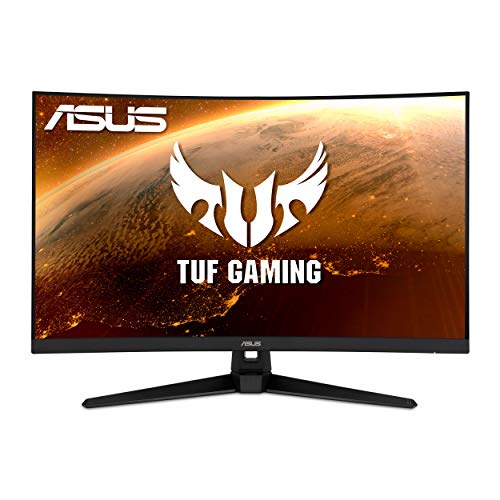


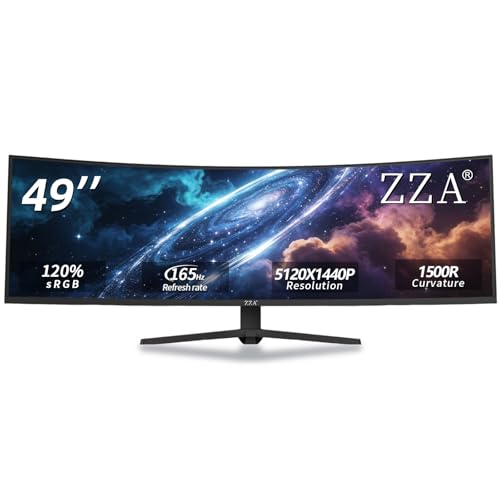
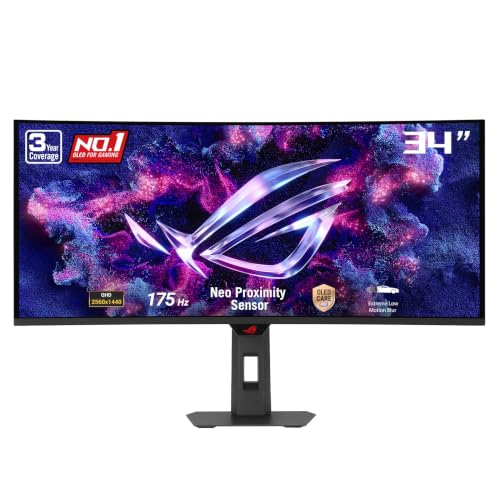
Who Should Buy Which 1440p 165hz Monitors?
Start by naming your main use, because that one habit should drive most of your budget. The groups below show which features deserve priority.
Working From Home and Creating at 1440p
You spend long hours with text, spreadsheets and browser windows, and you may also edit photos or video. Prioritize clear text at 27 inches, accurate color and a stand that lifts the screen to eye level. USB C input with power delivery can charge a laptop through one cable and reduce desk clutter. If color work is central to your job, see our guide to the best 1440p ips monitors for panels known for stable color.
Fast Play and Demanding Graphics Cards
You play fast games and notice blur or delay during quick camera moves. Prioritize genuine frame delivery at 165Hz, adaptive sync that works with your graphics card and low input lag in the mode you will actually use. A 27 inch screen keeps the whole scene in view without constant head turns. For fast panels built mainly for play, see our guide to the best gaming monitors 1440p.
For Students and Everyday Users
You write papers, attend online classes, stream video and play games in the evening, often on a tight budget. A 27 inch IPS or VA model with basic height adjustment usually gives the best balance of price, clarity and comfort. Built in speakers can help where desk space is scarce. Favor a solid stand, a clear warranty and ports that match the laptop you already own.
For Console Players on a Desk
You connect a console as well as a computer, and you sit closer than a typical TV viewer would. Check that one HDMI port accepts the full signal your console sends at 1440p, because some ports limit the refresh rate or color format. A headphone jack and easy input switching save daily friction when you move between work and play.
Key Features to Compare
Panel Technology on 1440p 165Hz Monitors
IPS panels give consistent color when you lean back or share the screen, which suits work, study and mixed use. VA panels give deeper contrast for dark scenes in films and games, but color can shift more at wide angles. OLED panels give the strongest contrast and fastest pixel changes, yet they cost more and need care with static images held on screen for hours. Mini LED backlights raise brightness and local contrast, though halos can appear.
Refresh Rate and Response Time at 165Hz
A 165Hz refresh rate redraws the image up to 165 times each second, so motion looks smoother than at 60Hz when your computer can supply enough frames. Response time describes how fast pixels change color, and slow changes can leave faint trails behind moving objects. Watch for overshoot, because aggressive speed settings can add bright halos. Your graphics card sets the real ceiling, so a modest card may deliver 80 to 120 frames in demanding games rather than the full rate.
Resolution and Screen Size for Your Viewing Distance
At 1440p, a 27 inch screen gives sharp text and room for two windows side by side at a desk distance of about 24 to 30 inches. A 32 inch screen feels more immersive for games and video, but the same pixel count spreads wider, so text looks slightly less crisp up close. Ultrawide 34 inch models add space for timelines, yet they need more desk depth and a stronger card.
Connectivity and Ports for PCs and Consoles
DisplayPort is the most reliable route to the full 165Hz rate at 1440p from a desktop computer, so confirm your graphics card has a free output before you buy. HDMI ports vary by version and model, and a port that looks identical can cap the rate lower than you expect. USB C with video input suits laptop users, while a small USB hub can keep a keyboard and mouse plugged in when you swap machines.
Adjusting the Stand and Using a VESA Mount
A good stand adjusts in height, tilt and swivel, so you can place the top of the screen near eye level and keep your neck relaxed through a long session. Pivot rotation helps for long documents read in a tall layout. VESA mounting holes, most often 100 by 100 mm, let you fit a separate arm and free desk space for notebooks or speakers. If the stand only tilts, budget for an arm from the start.
How to Match a 1440p 165Hz Monitor to Your GPU and Desk
The smartest purchase pairs the screen with the hardware and space you already have. Work through this sequence before you spend.
- List the frame rates your graphics card reaches in your main games, at the settings you prefer.
- Measure desk depth from wall to chair, leaving room for stand feet or a mounting arm.
- Count the devices you connect each week and match them to DisplayPort, HDMI and USB C inputs.
- Decide whether color accuracy, deep contrast or motion clarity matters most, since no panel leads on all three.
- Set a total budget that includes any arm, longer cable or adapter you need.
If your card sits in a midrange tier, the best 1440p 165hz monitors for your setup are ones with adaptive sync that stays smooth when frame rates dip in busy scenes. Readers who mainly want sharper text than 1080p can also see our guide to the best 1440p monitors, while players focused only on speed can see our guide to the best 165hz monitors.
Adaptive sync needs one clear check before you buy. The monitor and card must share a standard, and the feature often works over only one input, most often DisplayPort. Turn it on in both menus, then try a familiar game. If brightness pulses at low frame rates, a wider sync range feels calmer.
Common Mistakes to Avoid
- Buying for the 165Hz label alone can waste money, because your graphics card may never feed that rate in your games.
- Ignoring stand adjustment leads to neck strain, because a fixed low screen forces your gaze down for hours.
- Choosing a 32 inch screen for a shallow desk puts the image too close, so text looks coarse and head turns grow tiring.
- Assuming every HDMI port gives the full rate can limit your console or laptop to a lower refresh rate than expected.
- Skipping warranty terms leaves you exposed if dead pixels appear, since panel defect policies vary widely by brand.
- Paying for OLED for static work screens raises image retention risk and wastes money better spent on ergonomics.
How to Make Your 1440p 165hz Monitor Last Longer
Set the picture mode to a standard or custom setting rather than a vivid store mode, because extreme brightness shortens backlight life and tires your eyes. Lower brightness to match your room light. On OLED models, run the built in pixel refresh when prompted and vary your content, so static toolbars do not sit in one place for months.
Clean the screen only with a dry or slightly damp microfiber cloth, and never spray liquid directly onto the panel. Keep vents clear of dust and papers, since trapped heat stresses electronics over time. Use a surge protector where power is unstable.
FAQs
Does a 165Hz refresh rate matter for non gamers using a 1440p monitor?
Yes, a 165Hz rate can help non gamers through smoother scrolling and calmer window movement in long work sessions. The gain is subtle, so office users should still rank stand comfort and text clarity first. Try dragging a window in wide circles and watch whether edges stay steady or smear.
Is IPS or OLED better for a 1440p 165Hz monitor?
Neither type is better for every 1440p 165Hz monitor buyer, because the right choice follows your room and content. OLED wins on contrast and motion clarity in a dim room, while IPS wins on price, brightness in sunny rooms and freedom from worry about static images. Desks that show the same spreadsheet layout all week suit IPS. Desks mixing games, films and work in a darker room often suit OLED.
Is 4K worth choosing over 1440p at 165Hz for desk use?
For most desk users, 4K is not worth giving up the 165Hz rate and lower cost that 1440p brings. A 4K screen needs a much stronger graphics card to hold high frame rates, and at 27 inches the extra sharpness is hard to see in games. Photo editors who crop deeply may value 4K. For wider context, see our guide to the best gaming monitors.
How long does a 1440p 165Hz monitor usually last?
A 1440p 165Hz monitor usually lasts about five to eight years of daily use before brightness fades or newer ports make it feel dated. The panel often outlives the backlight, so gradual loss of brightness is the most common age sign. Plan around your next two computers, since varied inputs keep a monitor useful for years.
What monitor size works best for a 1440p 165Hz desk setup?
A 27 inch monitor works best for most 1440p 165Hz desk setups, because it balances sharp text, game immersion and price at a typical sitting distance. Choose 32 inches only if your desk is deep and you sit farther back, or if films matter more than fine text. Measure with the stand included, since wide feet claim extra room.
Our Verdict
Match the panel to your main habit, confirm your graphics card can feed the rate, and insist on a stand that fits your posture and desk. When you are ready, the best 1440p 165hz monitors for your routine will be clear from the product table, and you can order with confidence.