Best 3k Laptops: Every Type Explained Side by Side for 2026
Disclosure: We may earn a commission when you buy through links on this page, at no extra cost to you. As an Amazon Associate I earn from qualifying purchases. Learn more

Compare every type of 3K display laptop side by side so you can choose the best 3k laptops for your desk, travel, and creative work with confidence.
A 3K display sits in a sweet spot, sharper than standard full HD yet easier on the battery than 4K, and laptop makers now offer that resolution in almost every form factor. That variety is exactly the problem, because the best 3k laptops include convertibles, ultraportables, Chromebooks, and tablets that all promise the same crisp screen. This guide compares the types side by side so the screen is the last thing you worry about, not the first.
Decide which type fits your work, then use the product table to check the details that differ within that type, such as weight, ports, and battery size. The sections after the types explain each buying factor in plain terms.

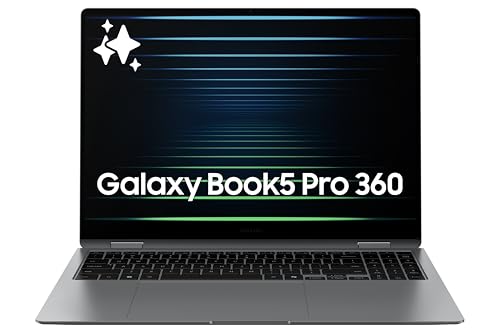
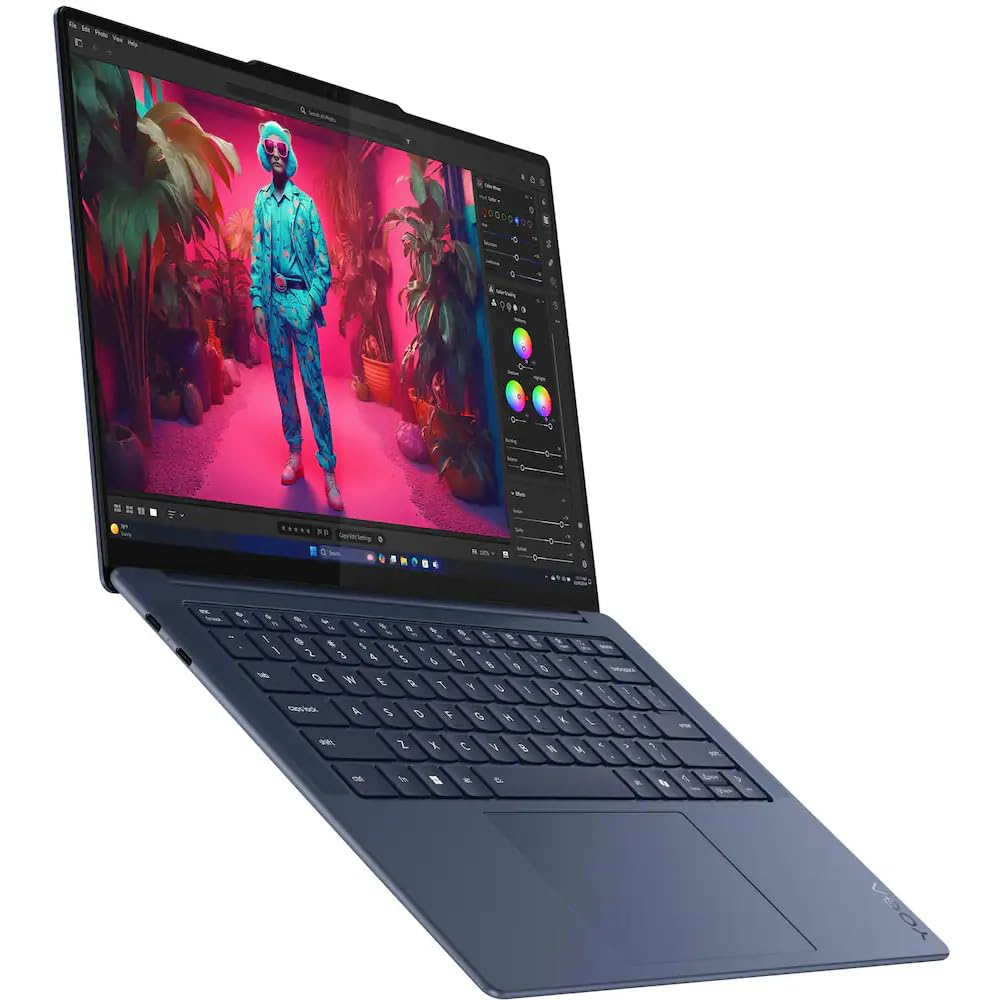
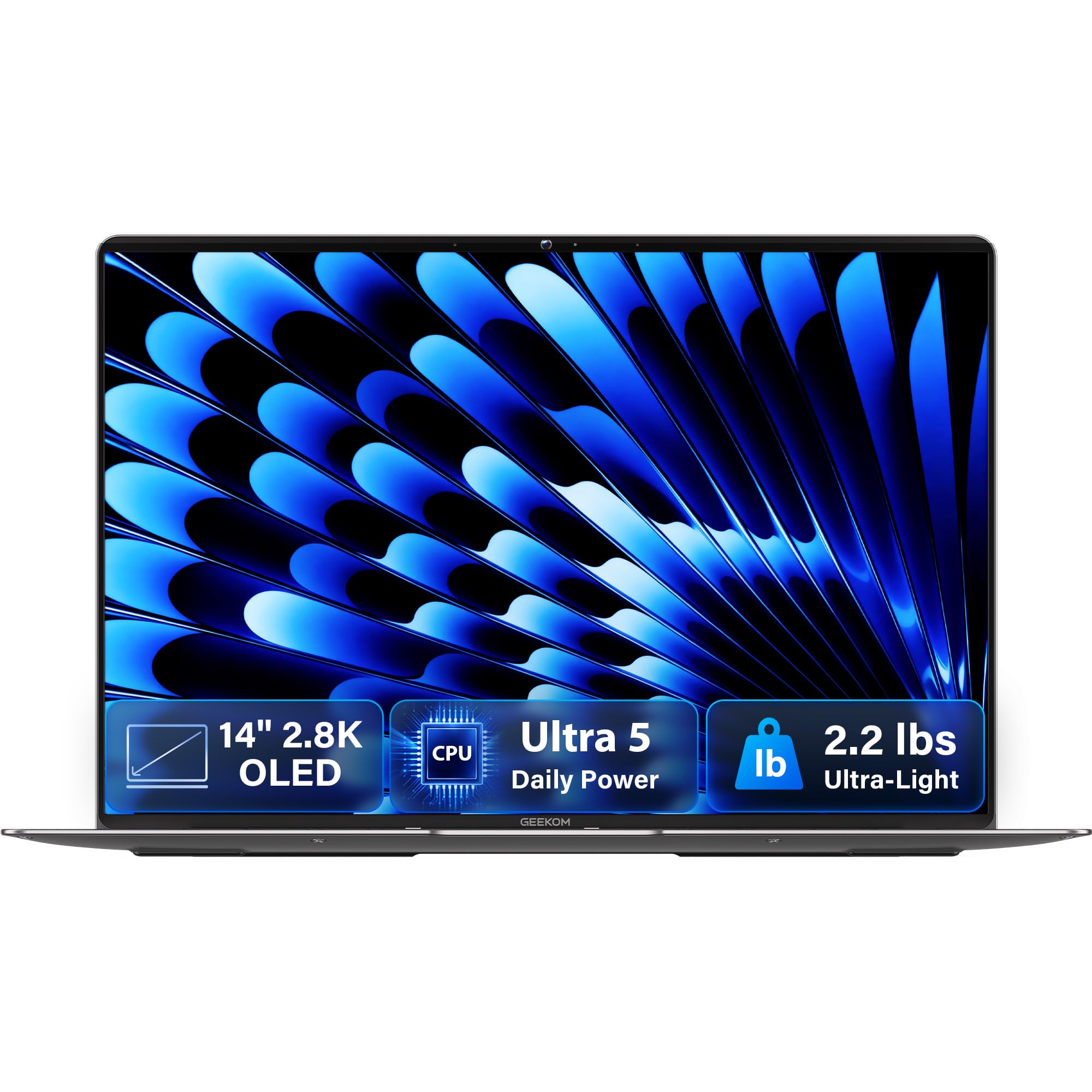

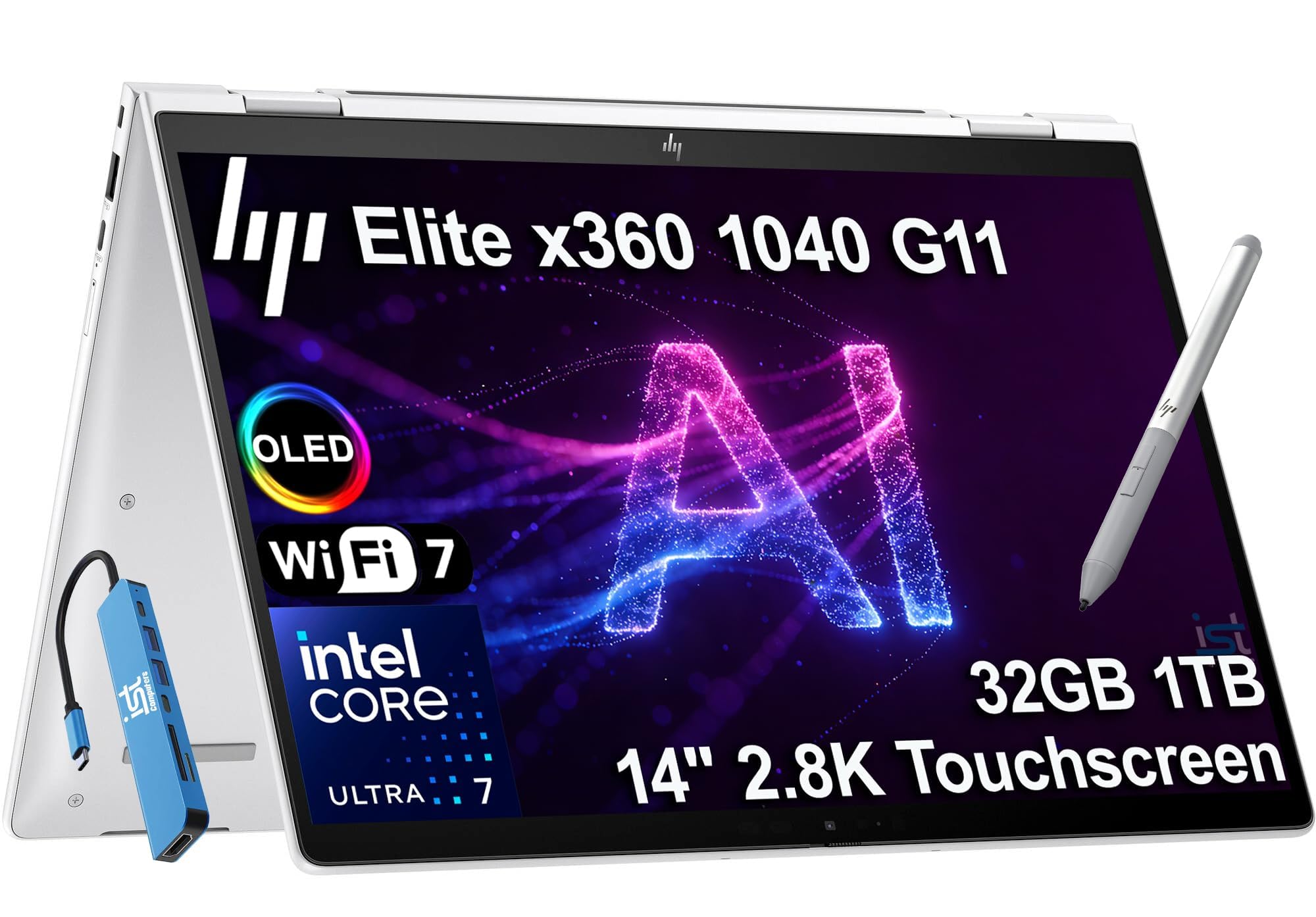

Types of 3k Laptops Compared
All four types below can carry a 3K class panel, meaning roughly 2880 by 1620 pixels or a similar count, but they serve very different days. Prices range widely, from about $500 for a modest Chromebook to about $2,000 or more for a premium ultraportable, so type and budget must be chosen together.
Chromebooks
Chromebooks run ChromeOS, a light system built around the browser, web apps, and Android apps. A 3K screen makes text and documents look print sharp, and the simple software keeps even midrange chips feeling fast. They suit students, writers, and anyone whose work lives in email, docs, and video calls. The limits are real, though: full desktop programs for engineering, advanced photo work, or offline gaming are not available. Students comparing options should also read our guide to the best laptops for college for workload based advice.
2 in 1 Convertibles
Convertibles fold their keyboard behind the screen or detach it entirely, turning the laptop into a tablet for reading, drawing, or presenting. The 3K panel earns its keep here, because pen strokes and fine diagrams stay crisp at close tablet distances. The trade offs are a slightly heavier hinge design, a higher price than a plain laptop with the same chip, and fans that work harder in the thinner body. Choose this type if you annotate documents, sketch, or present to small groups every week.
Ultraportables
Ultraportables are thin, light clamshell laptops built for travel, usually under three pounds with metal bodies and large batteries. Paired with a 3K screen, they are the default choice for professionals who write, code, present, and edit photos on the move. You pay for the thinness with fewer ports and no way to upgrade memory later, so buy the RAM and storage you need on day one. If classic notebook form appeals most, our guide to the best notebook laptops covers the wider family.
Tablets
Tablets with 3K class screens and detachable keyboards blur the line with laptops, offering the lightest carry and instant wake for notes and media. They shine for reading, markup, and travel entertainment, and their cameras and touch apps beat any laptop. The compromises are lap comfort, smaller screens, and desktop software gaps, since mobile systems still handle heavy multitasking and complex file work poorly. Treat a tablet as a laptop replacement only if your work is truly light and mostly cloud based.
Chromebooks vs 2 in 1 Convertibles: Which Should You Choose?
On software, Chromebooks win for simplicity and price, while convertibles running a full desktop system win for program choice. On input, the convertible pen and folding screen suit drawing and markup, while the Chromebook fixed keyboard suits long typing days. On price, comparable 3K Chromebooks often cost about $200 to $400 less than convertibles with similar screens. On battery, Chromebooks usually last longer per charge because their system does less in the background. Choose the Chromebook for browser based school or office work, and the convertible if you need desktop programs or pen input weekly. Keep these points in mind throughout your search for the best 3k laptops.
How to Choose the Right 3k Laptop
Operating System
Your programs decide the system, not the other way round. Windows offers the widest software and game support, macOS suits users already invested in Apple devices and creative tools, and ChromeOS offers the simplest and cheapest route for browser based work. Android and iPadOS tablets work as companions rather than full replacements for most people. List your three essential programs first, confirm each runs well on the system you favor, and only then compare hardware, because a perfect screen cannot rescue missing software.
Weight and Portability
Under three pounds is the comfort line for daily carrying, and every half pound shows up in a shoulder bag by the end of a week. Remember the charger adds weight too, so a compact USB C charger can save real bulk. Screen size drives weight more than any other factor: a 13 or 14 inch 3K laptop balances sharpness and portability, while 16 inch models suit a desk that occasionally moves. If you commute by train or bike, weigh your current bag setup before choosing.
RAM and Storage
Take 16 GB of RAM as the comfortable standard for a laptop you plan to keep for years, with 8 GB acceptable only on a Chromebook or a strict budget. Storage should start at 512 GB if you keep photos, projects, or games locally, since screens at this level often come on machines that cannot be upgraded later. Fast SSD storage is universal in this class, so differences show up in capacity rather than speed. Cloud storage can extend a smaller drive, but only where your connection is reliable.
Ports and Connectivity
Two USB C ports are the practical minimum, ideally with charging on both sides of the machine, plus one older USB port and an HDMI output if you present often. Modern WiFi standards matter for crowded offices and campuses, where older radios struggle at peak hours. A headphone jack and a card reader still save daily friction for photographers and anyone who joins calls with wired headsets. Dongles solve missing ports, but they add cost, weight, and one more thing to forget at home.
Processor and Performance Tier
Current midrange and premium mobile processors from the major chip families all drive a 3K screen smoothly for office work, browsing, and media. Step up a tier if you edit video, compile large projects, or keep dozens of heavy tabs and apps open at once, because the screen resolution also raises graphics demand slightly during gaming and 3D work. A dedicated graphics chip is worth it only for gaming, 3D design, or heavy video effects. For writing, browsing, and spreadsheets, integrated graphics are quieter, cooler, and cheaper.
Tips to Get the Most From Your 3k Laptop
Set display scaling so text is comfortable rather than tiny, because forcing yourself to lean in wastes the comfort the resolution should give you. Keep the system and firmware updated, since makers often improve battery behavior and fan tuning after launch. Avoid leaving the laptop at full charge on a desk for months at a time where the battery settings allow a charge limit, and use a padded sleeve when commuting. A know how point: lower the screen brightness a notch or two indoors, because a bright 3K panel is the single largest battery drain in normal use. Shoppers timing a purchase may also like our guide to the best time to purchase laptops.
3k Laptops: Your Questions Answered
Should I buy a laptop or a tablet?
Buy a laptop if you type for hours, manage many files, or need full desktop programs, because keyboards, ports, and windowing still favor laptops heavily. Buy a tablet if your work is reading, markup, light notes, and media, and you value the lightest possible bag. Many people end up happiest with a modest laptop plus no tablet at all, since a good 3K laptop screen covers reading and video duties well at home.
Is a Chromebook enough for school?
Yes, for most schoolwork a Chromebook is enough, covering documents, research, video lessons, and classroom platforms that run in a browser. Check two exceptions before buying: any course that requires specific installed software, such as engineering or design tools, and any exam system that demands Windows or macOS. If either applies, choose a full laptop instead. Otherwise the Chromebook lower price and longer battery life are genuine advantages for a school day.
Is a dedicated GPU worth it in a 3k laptop?
Only if your work or play actually uses it, namely gaming, 3D modeling, or heavy video editing with effects. For office work, coding, and photo editing, integrated graphics handle a 3K display comfortably and keep the laptop thinner, quieter, and cheaper. A dedicated chip also cuts battery life and adds fan noise under load. Spend the same money on more RAM or storage instead, which you will feel every day rather than only in specific programs.
How long should a 3k laptop last?
A well bought 3K laptop should serve four to six years, with the battery as the part most likely to need service first. Choosing 16 GB of RAM and a current processor extends that life more than any other decision, because software demands grow steadily. The screen itself rarely wears out in normal use. Plan a battery replacement around year three or four for heavy daily use, and the machine will usually repay the small cost with years of extra service.
How much RAM do I need in a 3k laptop?
Most buyers need 16 GB, which covers heavy browsing, office suites, video calls, and light creative work running together without slowdowns. Eight gigabytes still works on Chromebooks and very light Windows use, but it is the first thing that will feel old. Choose 32 GB only for video editing, virtual machines, or large data work. Since most thin laptops cannot be upgraded later, buy for the work you expect in three years, not just today.
Wrapping Up
Choose the type first, then insist on 16 GB of RAM, a current processor, and a weight you can carry happily. The screen brought you here, but those three basics decide whether the laptop still pleases you in year three. The best 3k laptops balance that sharp display with honest everyday comfort rather than chasing the highest pixel count. Compare the models in the product table, and if value matters most, our guide to the best reasonable laptops is a sensible next read.