
Best 14 Inch Laptops at Every Price: What Your Money Really Gets You for 2026
Disclosure: We may earn a commission when you buy through links on this page, at no extra cost to you. As an Amazon Associate I earn from qualifying purchases. Learn more

Compare the best 14 inch laptops at every price point. Learn what you get at budget, midrange, and premium levels and where spending more pays off.
The best 14 inch laptops strike a balance that 13 inch models and 15 inch models often miss: a screen big enough for real work, in a body light enough to carry every day. Because the category covers everything from low cost Chromebooks to premium business machines, two laptops of the same size can feel completely different. This guide shows what changes between price tiers and which specs deserve your attention. The product table below lists current options to compare as you read.
Start with how you will use the laptop, then match the tier and the features to that use. A student who writes papers and streams video needs a different machine from a developer who compiles code or a traveler who works from airports.


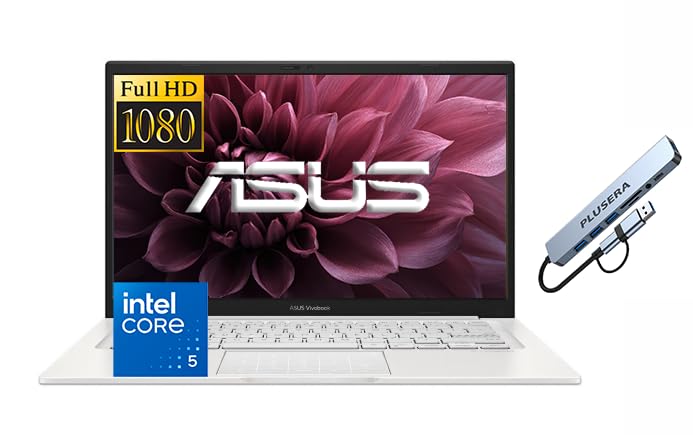
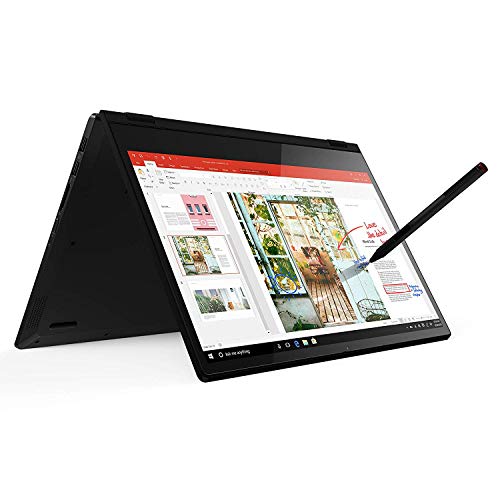

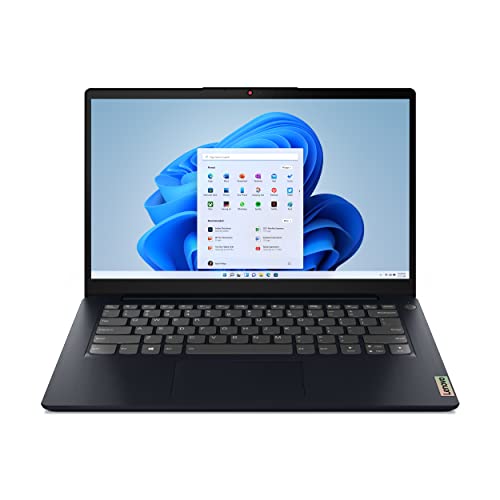
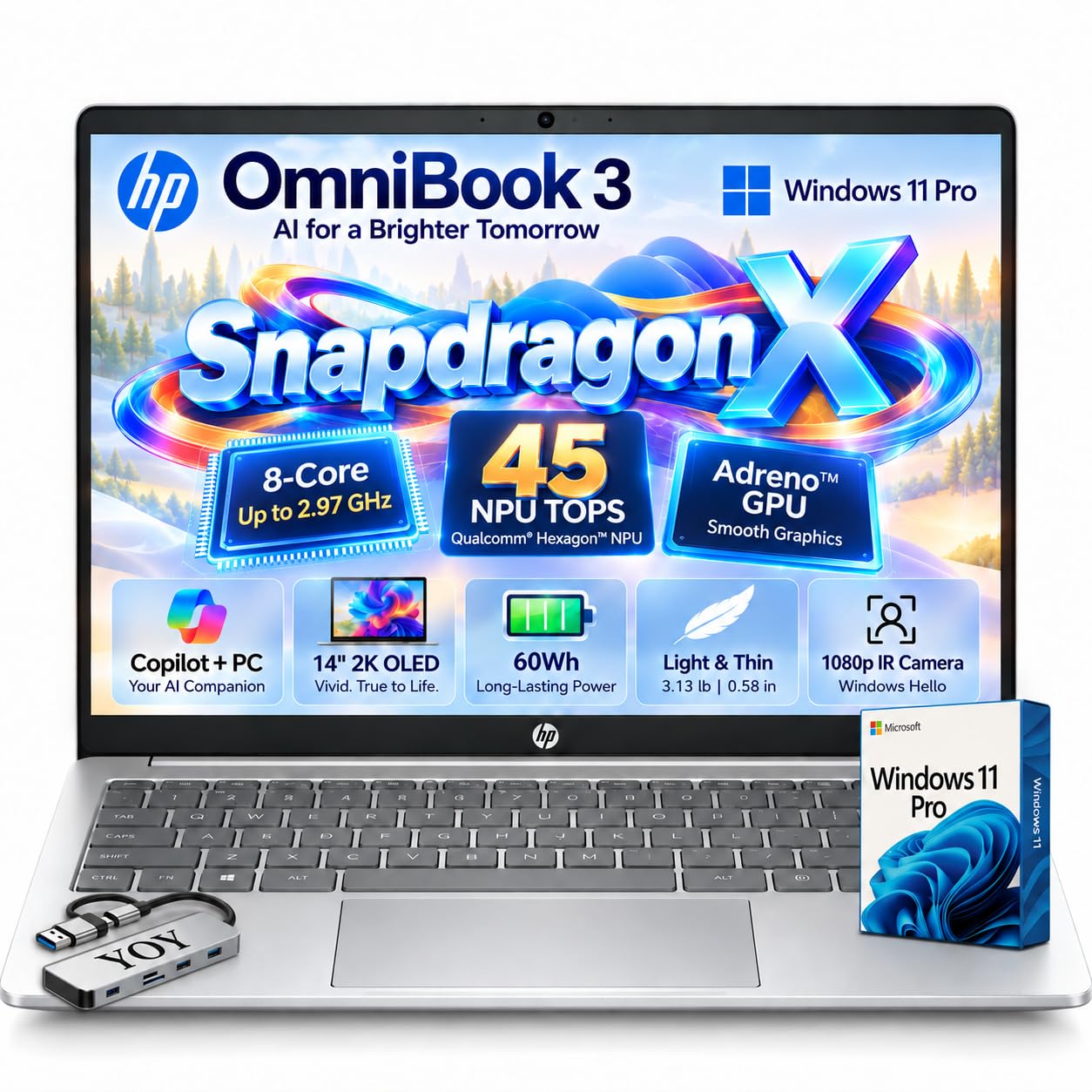
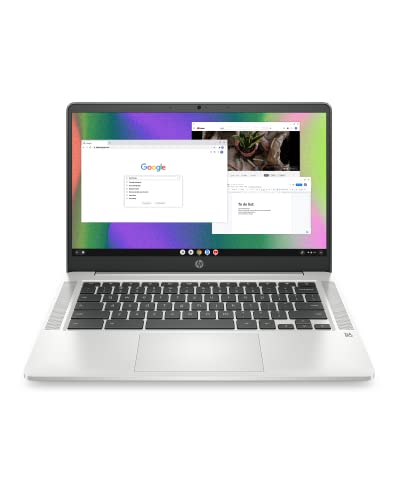


What You Get at Each Price Tier
Under $400: Basic Everyday Laptops
Laptops in this tier handle web browsing, email, documents, and video calls without trouble. Expect an entry level processor, 4 to 8 GB of memory, a modest storage drive, and a display with limited brightness. Chromebooks are common here and run well on little hardware. The trade offs are slower multitasking, plastic bodies, and screens that look washed out outdoors. This is a sensible choice for light use or as a second computer.
$400 to $900: The Sweet Spot for Most Buyers
This range is where most people should look for the best 14 inch laptops. You can find 8 to 16 GB of memory, fast solid state storage, a full HD display, and processors that handle multitasking and light photo editing. Build quality improves, with more metal in the chassis, better keyboards, and longer battery life. Many 2 in 1 convertibles that fold into tablets sit here too.
$900 and Up: Premium and Business Models
Spending more buys a brighter and sharper display, often an OLED panel, along with thin and light bodies, stronger processors, and better speakers and webcams. Business lines add durable chassis, privacy features, and longer warranty options. These laptops suit people who work on them all day and will notice the difference in keyboard feel and screen quality.
Key Features of the Best 14 Inch Laptops
Display Quality
The screen is what you look at all day, so give it priority. A full HD resolution of 1920 by 1080 is the baseline, while 1920 by 1200 gives you a little more vertical room, which helps with documents and web pages. Look for brightness of about 300 nits or more for indoor use, and higher if you work near windows. An OLED screen delivers deeper blacks and richer color but costs more and can drain battery faster. Touchscreens matter mostly on 2 in 1 designs.
Processor and Memory
The processor sets how fast the laptop feels. Entry level chips are fine for browsing, while mid range chips from Intel Core, AMD Ryzen, or Apple handle multitasking and creative apps. Memory matters as much: 8 GB is the minimum for comfortable use, and 16 GB gives you room for many browser tabs and larger files. Check whether the memory is soldered, since many thin models cannot be upgraded later.
Battery Life and Weight
Fourteen inch laptops typically weigh between 2.5 and 3.5 pounds. Lighter models are easier to carry, but they may give up ports or cooling. Manufacturer battery claims are measured in light use, so real world results are often lower. If you travel, look for models rated for 10 hours or more, and check that the charger supports USB C so one cable can serve other devices.
Ports and Connectivity
Thin laptops sometimes offer only a couple of USB C ports. Check that the model has the ports you use daily, such as USB A, HDMI, and a headphone jack, or plan to buy a small dock. Wi-Fi 6 or newer gives faster and steadier wireless performance, and Bluetooth is standard on nearly all models.
Keyboard and Trackpad
You will type on it for hours, so comfort counts. Look for good key travel, a backlight, and a trackpad that is large and responds well. Business laptops are known for strong keyboards, and many include a physical pointing stick as well.
Operating System
Windows laptops offer the widest choice of hardware and software. ChromeOS devices are simple, secure, and affordable, and work best if you rely on web apps. MacBooks run macOS and suit users who already live in the Apple ecosystem. Pick the system that runs the apps you need before you compare hardware.
Choosing a 14 Inch Laptop for Your Use
Students
Students benefit from a light body, a battery that lasts through a school day, and a durable build. A Chromebook or a mid priced Windows laptop with 8 GB of memory covers most coursework. Choose a comfortable keyboard for long essays.
Programming and Creative Work
For coding, aim for 16 GB of memory, a fast processor, and a sharp display. A good keyboard and an accurate screen also help if you edit photos or video. Dedicated graphics are only needed for heavy rendering or game development.
Business and Travel
Business models offer durable builds, strong webcams and microphones, security features, and longer warranties. Light weight, USB C charging, and dependable battery life make them easy to carry on trips. For compact gaming options, see our guide to the best 14 inch gaming laptops.
Small Budgets
If your budget is tight, a Chromebook or an entry level Windows model delivers the basics. If you are comparing slightly smaller screens, our guide to laptops under 14 inches is a useful next step, and you can browse the best Asus 14 inch laptops if you prefer a single brand.
Common Mistakes to Avoid
- Buying 4 GB of memory to save a little, then finding the laptop slows down with a few tabs open.
- Ignoring the display, so a dim and low resolution panel ruins an otherwise good laptop.
- Trusting battery claims without checking the battery size and independent reviews.
- Skipping the port list, which leaves you buying adapters after the laptop arrives.
- Choosing a laptop with soldered memory and minimal storage that cannot be upgraded later.
Long Term Costs to Factor In
A laptop costs more than its price tag. Budget for a protective sleeve, a spare charger if you travel, and an extended warranty if you rely on the machine for work. Keep the operating system and drivers updated to maintain security and battery life. Laptops with good build quality and standard parts hold their value better when you resell them.
Frequently Asked Questions
How much RAM do I need in a 14 inch laptop?
8 GB is enough for everyday browsing and office work. Choose 16 GB if you multitask heavily, edit photos, or write code.
Is a 14 inch screen big enough for work?
Yes. It shows a full page of a document and two windows side by side comfortably, and it stays easy to carry. If you need more space, connect an external monitor at your desk.
Should I buy a laptop or a tablet?
A laptop is better for typing, multitasking, and full desktop apps. A tablet is lighter and better for reading and media, though a 2 in 1 laptop can serve as both.
Is a Chromebook enough for school?
For most coursework, yes. Chromebooks handle web apps, documents, and video calls well, but check that your school does not require software that only runs on Windows or macOS.
How long should a 14 inch laptop last?
Most laptops stay useful for four to six years with normal care. Good build quality, enough memory, and a replaceable battery extend that lifespan.
Wrapping Up
Decide your budget and your main use first, then compare display, memory, battery, and ports using the product table above. Done this way, the best 14 inch laptops are easy to spot, because the right one matches how you work and still feels right after months of daily use.


