
Best Big Laptops in 2026: Which Type Is Right for You?
Disclosure: We may earn a commission when you buy through links on this page, at no extra cost to you. As an Amazon Associate I earn from qualifying purchases. Learn more

Confused by your options? Compare each type of big laptop by screen, power and weight so you can choose the best big laptops for your desk, work and budget.
Big laptops now span gaming machines, creative workstations, simple home models and convertibles, all with screens of 16 inches or more and very different strengths. Choosing the best big laptops starts with type, not brand, because the type decides weight, power, noise and price more than any single spec. This guide compares each type plainly, and the product table gathers the core differences.
If you have ever bought screen size and regretted everything attached to it, this type first approach will save you from repeating that mistake.
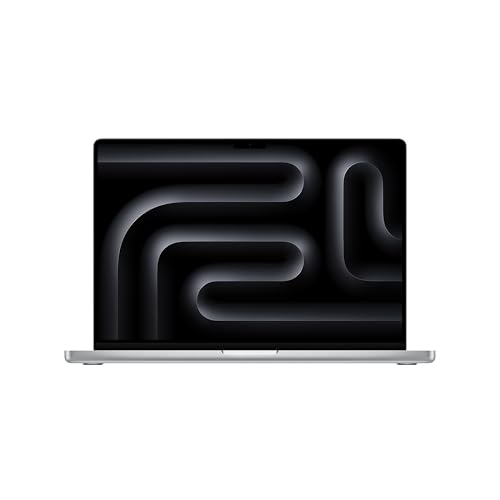
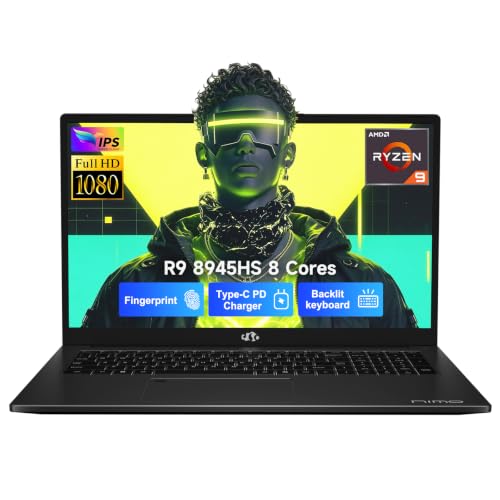
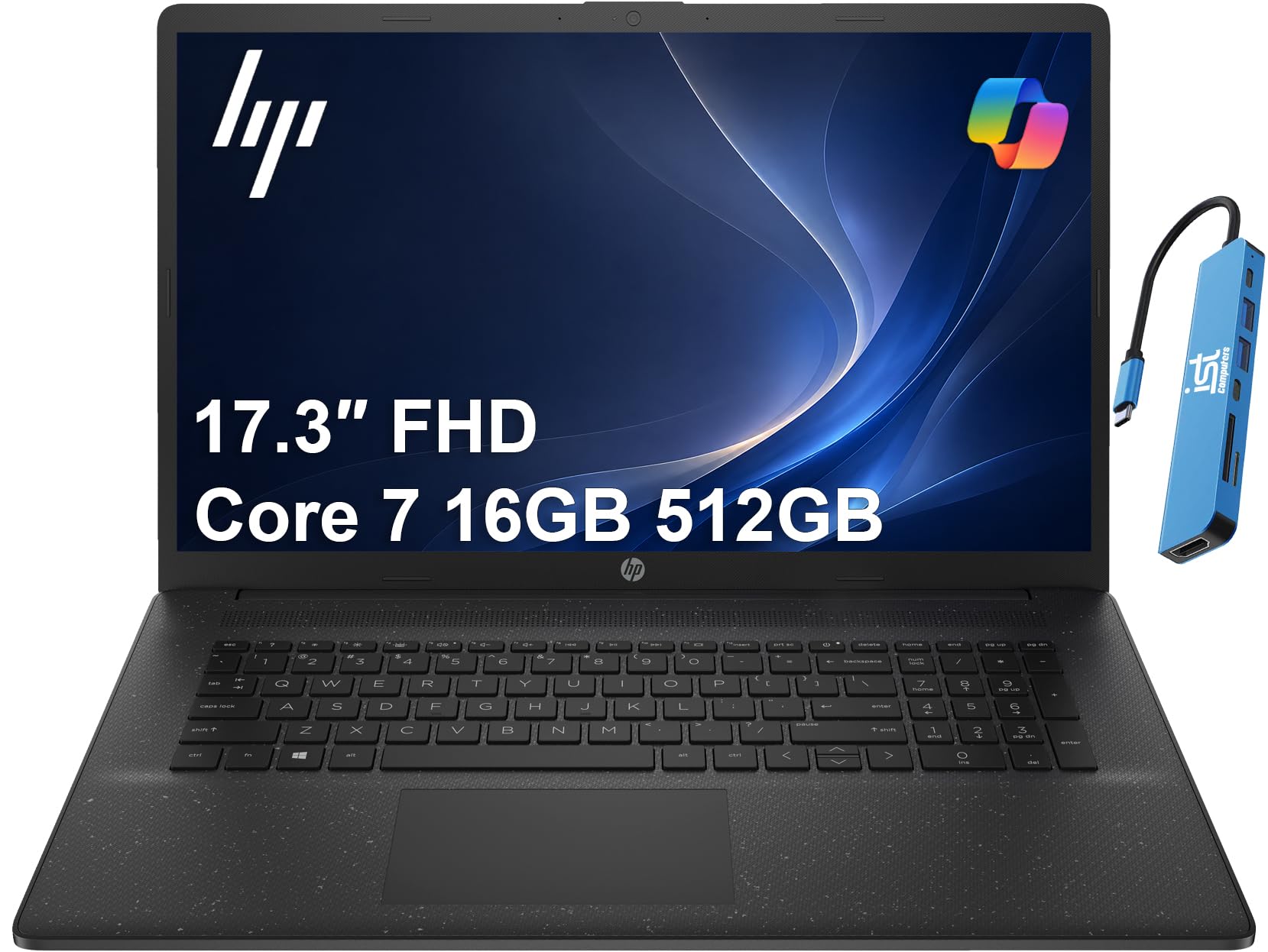
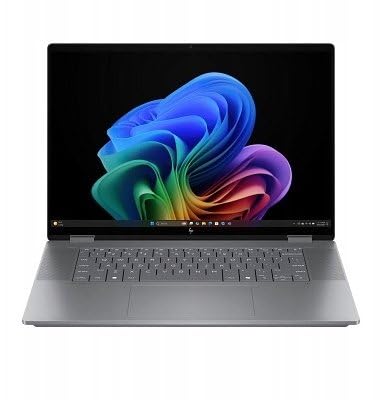
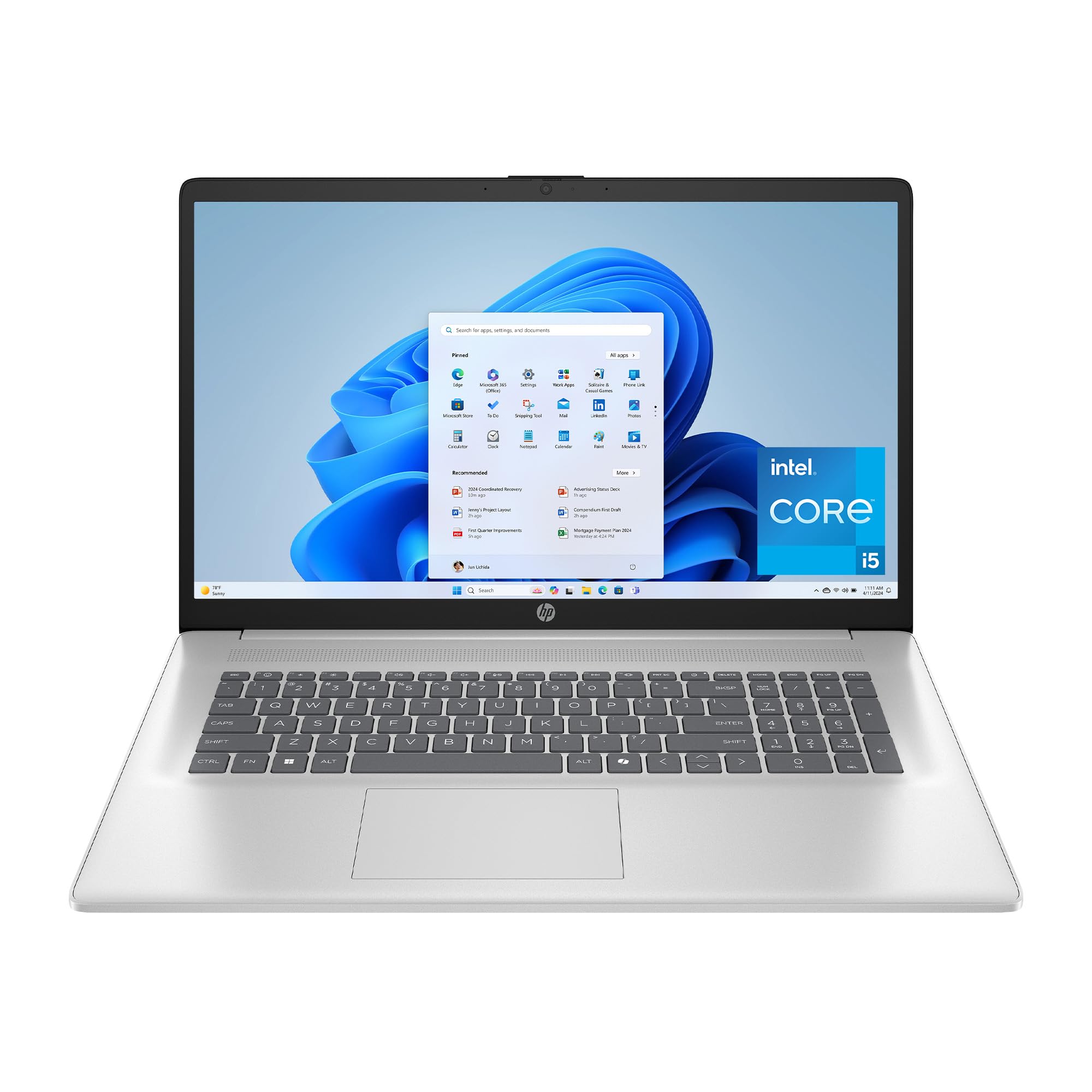
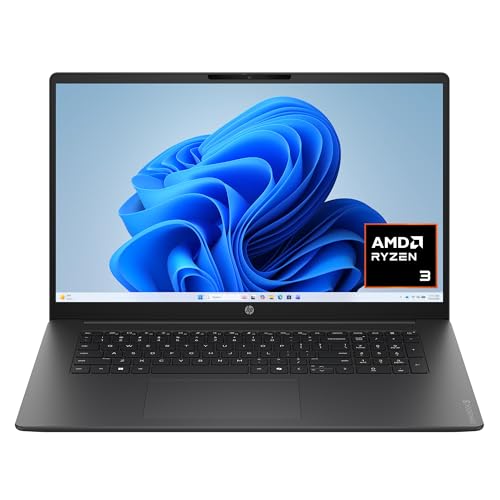

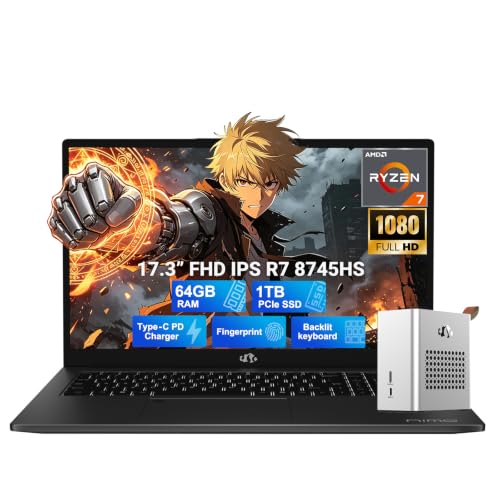
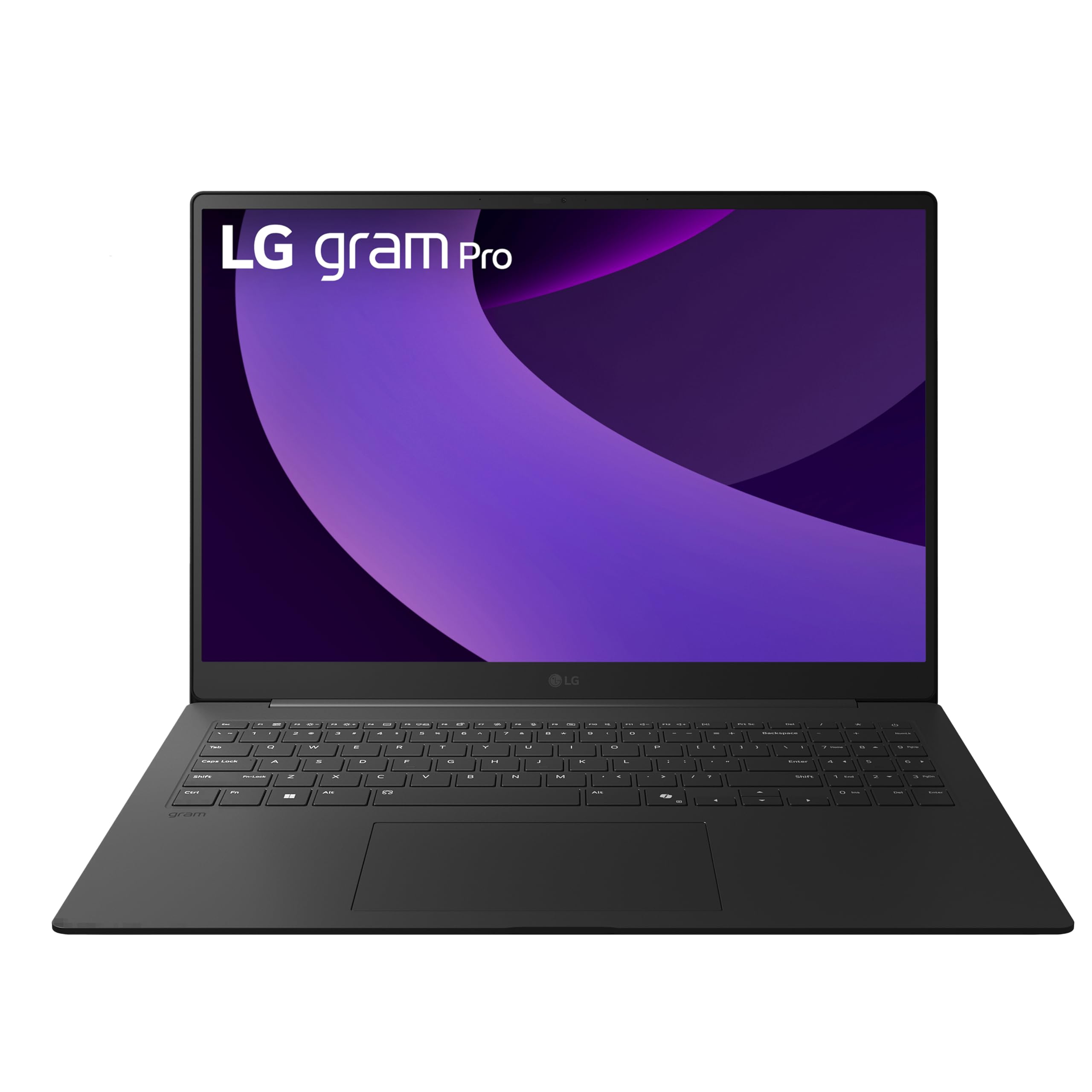
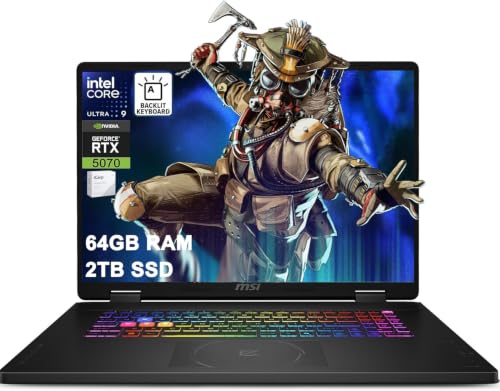
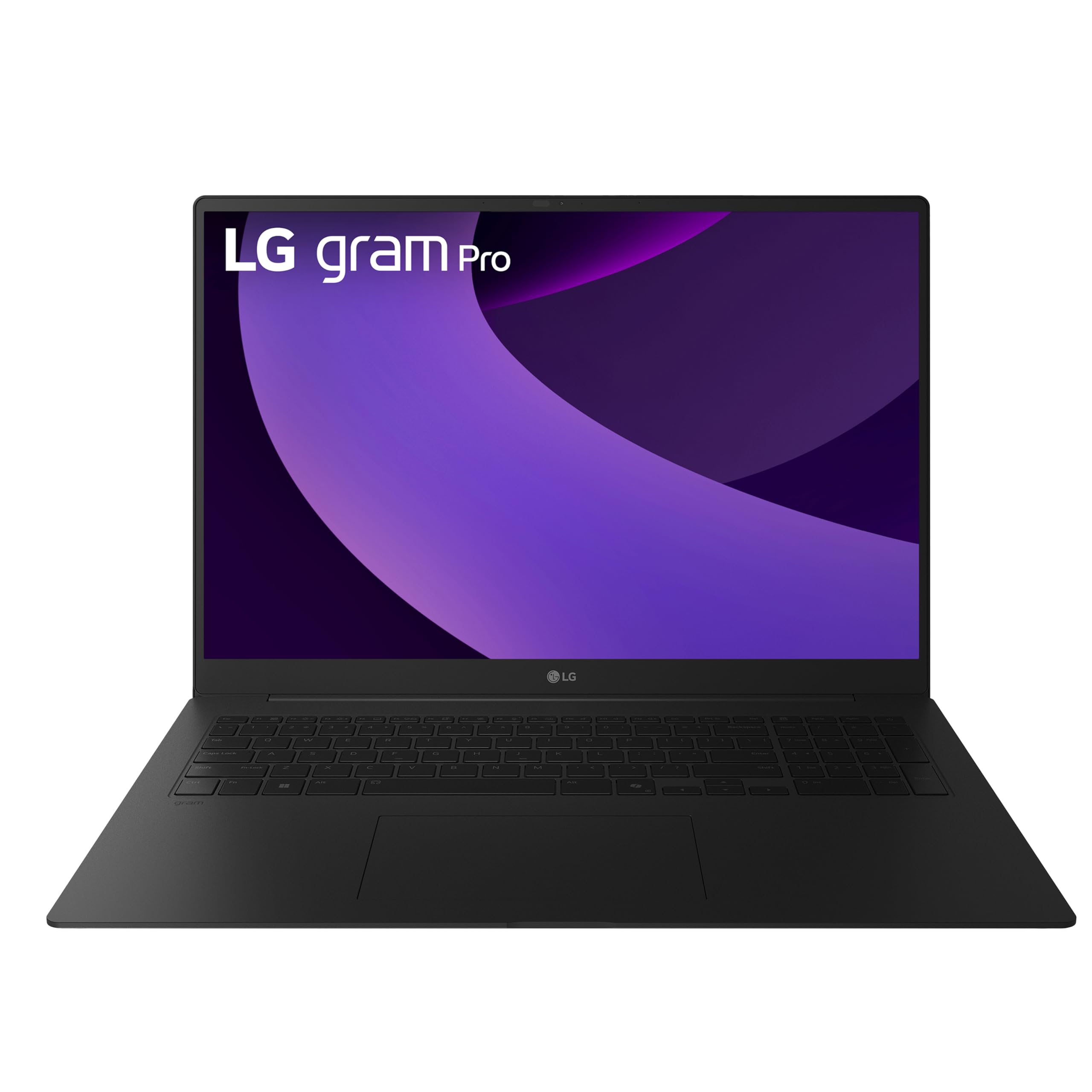
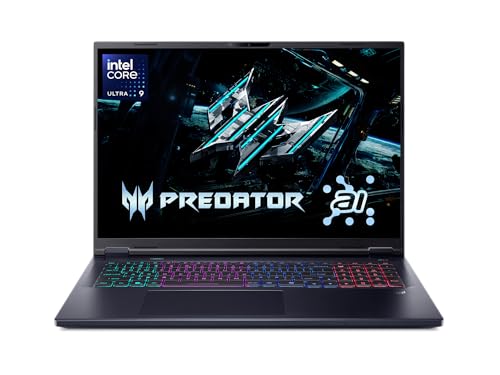
Types of Big Laptops Compared
Use this summary as your map. Gaming models favor graphics power and cooling, creator models favor display quality and sustained power, convertibles favor flexible use, and budget models favor price and basic tasks. Typical prices run from around $400 for basic big models to around $2000 or more for strong gaming and creative machines, with most home and office buyers landing around $700 to $1200.
Gaming Laptops
Gaming laptops pair a dedicated graphics card with strong cooling and high refresh rate displays, often 144 Hz or more. That makes them the right type for modern games, video editing and 3D work on a big screen. Screens at 16 to 18 inches show detail well and give the keyboard room for a number pad on many designs.
The costs are weight, noise and battery life. Many weigh 5 to 7 lb, fans get loud under load, and unplugged gaming time is often short. Buy this type if graphics power is your main job for the machine. If you mostly write, browse and stream, you will carry the weight and pay the price without using the power.
Creator and Workstation Laptops
Creator laptops pair a large, color accurate display with a strong processor, plenty of RAM and fast storage for photo, video and design work. Screens at 16 inches or more give timelines and toolbars room to breathe, and many models add an SD card slot and fast ports.
The limits are price, weight and fan noise under load. Choose this type if color and sustained performance matter to your work or hobby. For email and documents, it is far more machine than you need. Our guide to the best notebook laptops helps if you decide a slimmer classic design fits better.
2 in 1 Convertibles
Convertibles fold the screen back so the laptop can act as a large tablet for reading, presenting or marking up documents. At 16 inches, tent and stand modes are more useful than holding the device flat for long, since the weight adds up in your hands. Pen support and touch input are the real reasons to choose this type.
You pay a bit more than a similar standard laptop and accept hinges and a glossy touch screen as trade offs. For teachers, sales roles and anyone who annotates documents weekly, that flexibility earns its keep. For pure desk work with an external mouse and monitor, a standard clamshell is usually better value.
Budget Laptops
Budget big laptops, often around $400 to $700, give you a 16 or 17 inch screen for home, school and office basics without gaming hardware. Expect integrated graphics, 8 to 16 GB of RAM, a 512 GB SSD on better models, and a display that is fine indoors but not especially bright or color rich. Build quality is mostly plastic, which keeps weight and price down.
This type is right when the screen is the point and the tasks are light. It is wrong for heavy video work, large data jobs or gaming beyond older or simple titles. Spend your limited budget on RAM and an SSD before a faster sounding processor, because those two shape daily speed most at this level.
Gaming Laptops vs Standard Big Laptops: Which Should You Choose?
Choose a gaming laptop for power, strong cooling, many ports and a real keyboard. It runs demanding programs without compromise, drives external monitors well and can often be upgraded in storage or RAM. It loses on weight, heat and battery life, and it needs a desk more than a couch.
Choose a standard or budget big laptop for travel, school and office work, where lower weight, quiet fans and longer battery life matter more than raw graphics power. The deciding question is simple. List the three programs you must use weekly, and check their system requirements. If any needs a dedicated graphics card, buy the gaming model.
How to Choose the Right Big Laptop
Operating System
Windows offers the widest software and gaming support and the most big screen choices at every price. macOS suits buyers invested in Apple devices and creative apps, with strong battery life on current models, though screen sizes and prices are more limited. ChromeOS is simple, secure and affordable for browser based school and home use, but it cannot run most traditional desktop programs.
Match the system to the software you already own and the phone you already use, because file sharing and messaging are smoother inside one ecosystem. Switching systems for a small price saving often costs more time than it saves money.
Ports and Connectivity
Count the ports you use weekly before you buy. A practical big laptop should offer USB C for charging or data, at least one older USB A port for common accessories, HDMI for an external display or TV, and a headphone jack. Card readers matter to photographers, and wired ethernet still helps for stable calls and large downloads in some homes.
WiFi 6E or WiFi 7 support helps on busy home networks, though your router must support the same standard to gain the benefit. USB C with Thunderbolt or full display support lets one cable run a monitor and charge at a desk, which is a real quality of life gain. If a thin model lacks a port you need daily, budget for a hub and carry it in the cost.
Processor and Performance Tier
For email, documents and streaming, a current mid range processor with 16 GB of RAM feels fast for years. For photo and video work, step up to a stronger processor, 32 GB of RAM if you edit large files, and fast storage. For data heavy work, core count and RAM matter more than a small clock speed edge, a point covered further in our guide to the best laptops for big data.
Do not buy processor names alone. The same chip can run slower in a thin chassis that cannot cool it, and faster in a thicker one with better fans. Screen, RAM and SSD choices you notice every day often matter more than the badge gap between two nearby processor tiers.
Graphics: Integrated vs Dedicated GPU
Integrated graphics, built into the processor, handle office work, streaming, light photo editing and older games well, while using less power and running cooler. A dedicated GPU is a separate graphics processor with its own memory, and it is the right call for modern gaming, 3D modeling, heavy video effects and some data and AI workloads.
The trade off is cost, weight, heat and battery life. If you game or create in 3D weekly, pay for the dedicated card and the cooling that comes with it. If you do not, that money buys a better screen, more RAM or a lighter chassis, all of which you will notice more. Screen size fans can compare display led options in the best laptops with big screens guide.
Measuring for Size and Portability
Big means 16 to 18 inches of screen, and the bag must match. Measure your current bag or backpack laptop sleeve before ordering, because many bags rated for 15 inches will not close over a thick 17 inch gaming model. Weight ranges from about 3.5 lb for slim 16 inch models to over 7 lb for large gaming machines, before the power brick.
Count the brick. Gaming power supplies can add another 1.5 to 2 lb and a lot of bulk, which decides whether the laptop truly travels or mostly lives on one desk. A practical know how tip is to weigh your full carry setup once, laptop, brick, mouse and bag together. That total, not the laptop alone, is what your shoulder judges.
How to Make Your Big Laptop Last Longer
- Keep the operating system and firmware updated, since updates fix security issues and often improve battery and fan behavior.
- Avoid running at a full charge all the time if the maker offers a battery limit setting for desk use, which can slow battery wear.
- Use a padded sleeve when commuting, and keep vents clear on soft surfaces such as beds and sofas where fabric blocks airflow.
- Clean fans and vents gently with air a few times a year if your home is dusty, and back up important files before any major upgrade.
- Leave some free space on the SSD, because a nearly full drive can slow updates and everyday file work.
Big Laptops: Your Questions Answered
How much RAM do I need?
For most home and office use, 16 GB is the right amount, giving you room for many tabs, documents and calls at once. Choose 8 GB only on a tight budget for light tasks. Choose 32 GB for heavy photo and video editing, virtual machines, large spreadsheets or data work. RAM you cannot upgrade later should be bought generously at purchase time.
Is a Chromebook enough for school?
A Chromebook is enough for school when the work is browser based, documents live online and the school supports that system. It is not enough when a course needs specific Windows or Mac software, offline exam tools or heavy media projects. Check the school software list first, then decide, because the cheapest laptop is expensive if it cannot run a required program.
How long should a big laptop last?
A well chosen big laptop should last four to six years for home and office use, and longer for light tasks. Battery capacity fades first, often noticeably after three years of daily cycles. Choosing 16 GB of RAM, a decent SSD and a screen you like extends useful life more than chasing the fastest processor, because slow storage and low memory are what make old laptops feel old.
Is a dedicated GPU worth it?
A dedicated GPU is worth it if you play modern games, edit video with effects, model in 3D or run workloads that use GPU acceleration weekly. It is not worth it for documents, browsing and streaming, where it adds cost, heat and weight without visible gain. Be honest about weekly use rather than a project you might try once a year.
Should I buy a gaming laptop or a standard big laptop?
Buy a gaming or creator laptop if you game, edit video or model in 3D weekly. Buy a standard big laptop for documents, browsing, streaming and school, where it saves weight, noise and money. If your work has any must run program with graphics requirements, check its specs before you decide.
The Bottom Line
Pick the type first, then set RAM and screen quality, then check weight with its power brick and the ports you use weekly. The product table lays those choices side by side for quick scanning. Judged that way, best big laptops give you a large screen without the regret of the wrong kind of machine attached to it.


