
Best Affordable Small Laptops: How to Choose a Compact Budget Laptop for 2026
Disclosure: We may earn a commission when you buy through links on this page, at no extra cost to you. As an Amazon Associate I earn from qualifying purchases. Learn more

Compare the best affordable small laptops by size, RAM, storage, and battery life to find a compact budget laptop for school, work, or travel.
A small laptop is the one you actually carry: to class, to a coffee shop, or from the couch to the kitchen table. The best affordable small laptops trade raw power for weight, battery life, and a screen between 11 and 14 inches, and at a budget price the details that matter are the processor, memory, storage type, and how the keyboard feels.
Use the product table above for current options, and read on to see which specs deserve your money, which compromises are fine, and which models suit students, remote workers, and light creators.
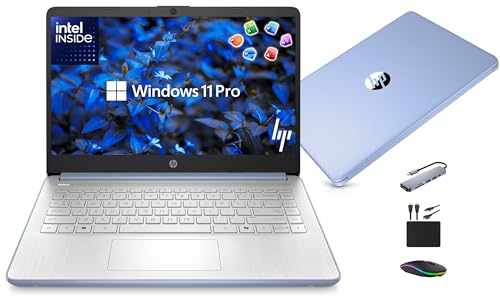


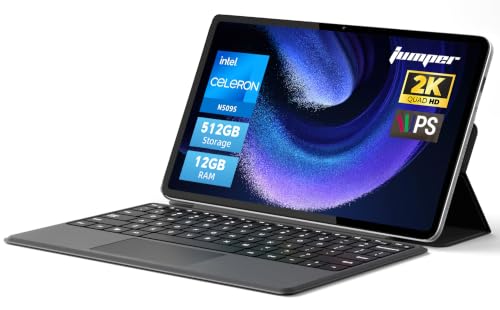
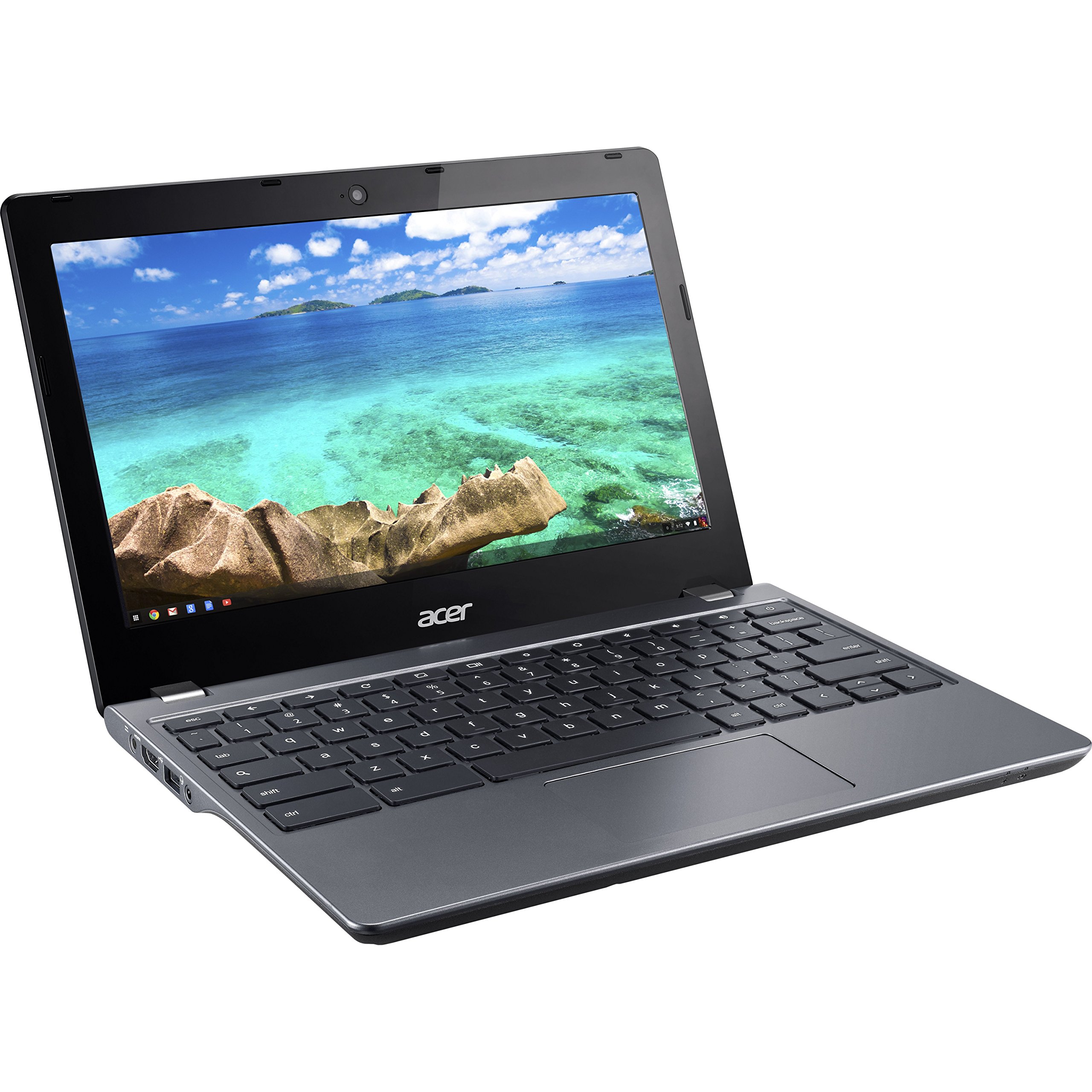
Who Should Buy Affordable Small Laptops?
Students and Everyday Users
For email, web research, video calls, and documents, an 11 to 14 inch Chromebook or a basic Windows laptop is plenty. Put battery life and a comfortable keyboard first, since you will type on it every day and want it to last through classes without a charger.
Remote Workers and Light Creators
If you work in browser tools and office apps, look for 8 GB of RAM and an SSD, which keep many tabs responsive. A bright screen and a good webcam matter more than benchmark scores for calls. Photo editing and video work call for a stronger processor than most budget small laptops offer.
Travelers and Second-Laptop Buyers
A small, light laptop makes a handy backup for trips. Check the weight (many small models sit between 2.5 and 3.5 pounds) and whether the charger is compact. A USB-C port that charges the laptop lets you share a charger with your phone.
Key Features to Compare for the Best Affordable Small Laptops
Size and Portability
An 11 or 12 inch laptop fits tight bags and airplane trays, but the keyboard is cramped. A 13 or 14 inch model is a better balance for most people, with a roomier keyboard and a more comfortable screen. For the wider category, see our guide to the best small laptops.
Processor and Memory
Entry-level processors handle browsing and documents well but slow down with many tabs and heavy apps. Aim for 8 GB of RAM if the budget allows, since 4 GB models can feel slow once several tabs are open. Chromebooks run lighter software and cope better with less memory.
Storage: SSD, eMMC, and UFS
A real SSD loads apps and wakes the laptop faster than eMMC or UFS storage, and 128 GB is the practical floor for Windows. Chromebooks rely more on the cloud, so 32 GB to 64 GB can be enough.
Screen, Keyboard, and Battery
Look for a Full HD screen where possible, since low-resolution panels look washed out. Read reviews for keyboard comfort and battery life, and favor models that advertise 8 or more hours of use. If you are comparing slim notebooks across several sizes, our guide to notebook laptops adds more context.
Ports and Connectivity
Check for USB-C, USB-A, a headphone jack, and Wi-Fi 6 or newer. Small laptops often skip an SD card slot or HDMI port, so plan for an adapter if you need one.
Chromebook or Windows Laptop?
Chromebooks start fast, update themselves, and cost less, which makes them a strong pick for school and web-based work. Windows laptops run desktop programs and suit people who need specific software. If you want a deeper comparison of low-priced models, see our guide to the best and affordable laptops.
Common Mistakes to Avoid
- Buying 4 GB of RAM with a Windows machine and expecting smooth multitasking.
- Choosing the smallest screen without trying the keyboard size first.
- Expecting gaming performance from a budget small laptop (for that, read best gaming laptops affordable).
- Ignoring the return policy, which matters when a keyboard or screen feels wrong.
- Skipping a sleeve or case for a laptop you plan to carry daily.
Care Tips for a Small Laptop
- Keep the vents clear and use the laptop on a hard surface to avoid heat build-up.
- Install system updates so the battery and security stay in good shape.
- Avoid draining the battery to zero often, and unplug when it is full if you can.
- Wipe the screen with a soft microfiber cloth and a little water, not harsh cleaners.
Frequently Asked Questions
How much RAM do I need in an affordable small laptop?
For Windows, 8 GB is the comfortable minimum. A Chromebook can manage well with 4 GB for light use, but 8 GB gives more room for tabs.
Should I buy a laptop or a tablet?
A laptop wins for typing, multitasking, and file management. A tablet is lighter and better for reading and video. A small laptop with a touchscreen can cover both.
Is a Chromebook enough for school?
Yes for most schoolwork that runs in a browser or Google apps. Check whether your school requires specific Windows or Mac software first.
How long should a small laptop last?
Budget laptops usually last three to five years. A replaceable-feeling keyboard, a healthy battery, and enough storage stretch that time.
Is a dedicated graphics card worth it in a small laptop?
Rarely at this price. Integrated graphics are enough for video, office work, and light photo edits, and a dedicated GPU adds weight, heat, and cost.
Final Thoughts
Pick a screen size you can type on comfortably, make sure the RAM and storage match your daily tasks, and compare battery life before price. Use the product table above to shortlist the best affordable small laptops for your needs, check the return policy, and choose the one that feels right in your bag and on your desk.


