Best 1080p Monitors for PS5: A First Time Buyer's Guide for 2026
Disclosure: We may earn a commission when you buy through links on this page, at no extra cost to you. As an Amazon Associate I earn from qualifying purchases. Learn more

Shopping for the best 1080p monitors for ps5 for the first time? Learn the terms, compare options, and avoid rookie mistakes with this easy guide.
Buying your first monitor can feel confusing, because the spec sheet mixes PC terms with console terms. The best 1080p monitors for ps5 are not the ones with the longest feature list. They match how the PS5 outputs video, fit your desk, and stay comfortable for long sessions. This guide starts with the basics, so you can read the product table with clear eyes.
You do not need a huge screen or a high price for a sharp, smooth picture here. You need the right refresh support, ports, and a panel that suits your room.
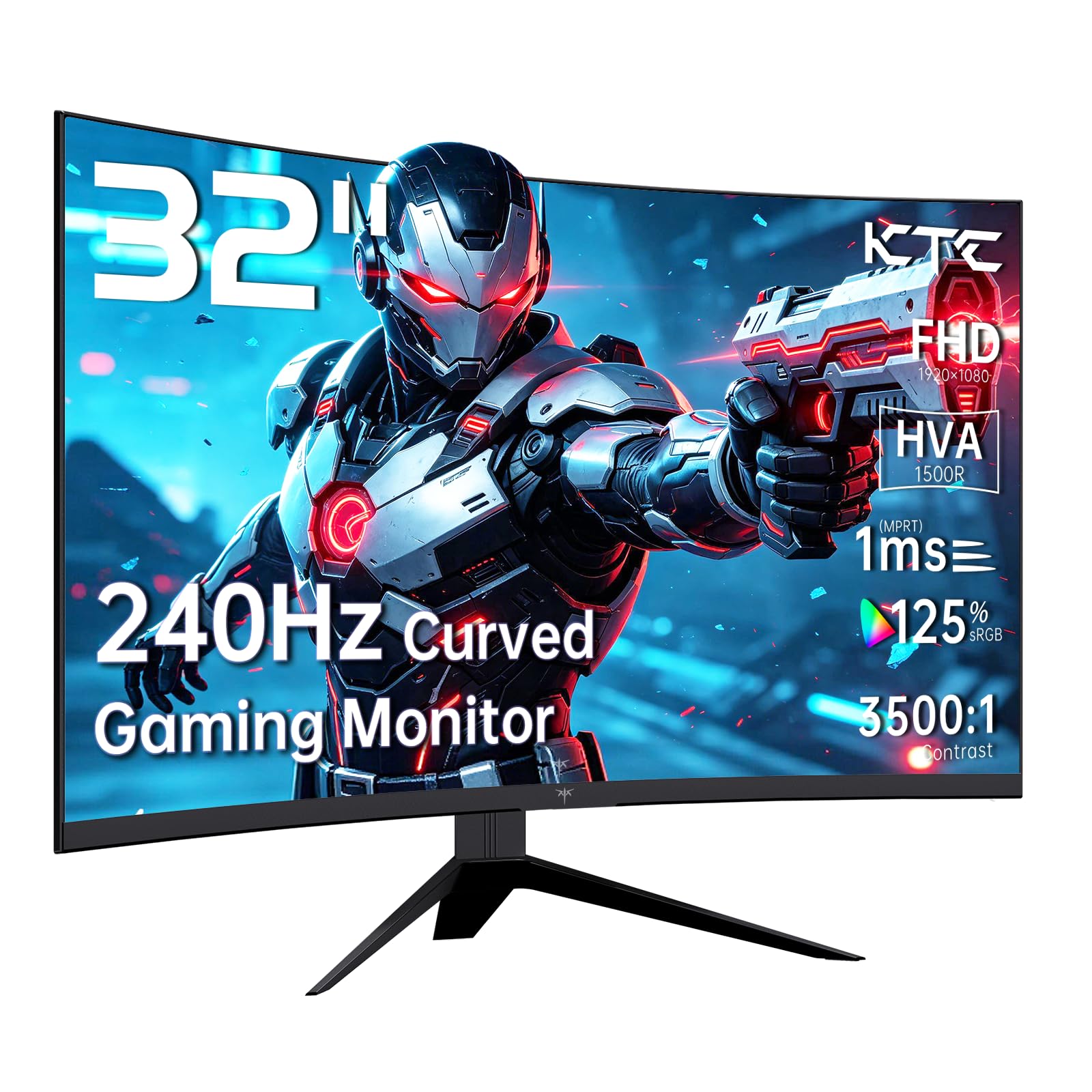


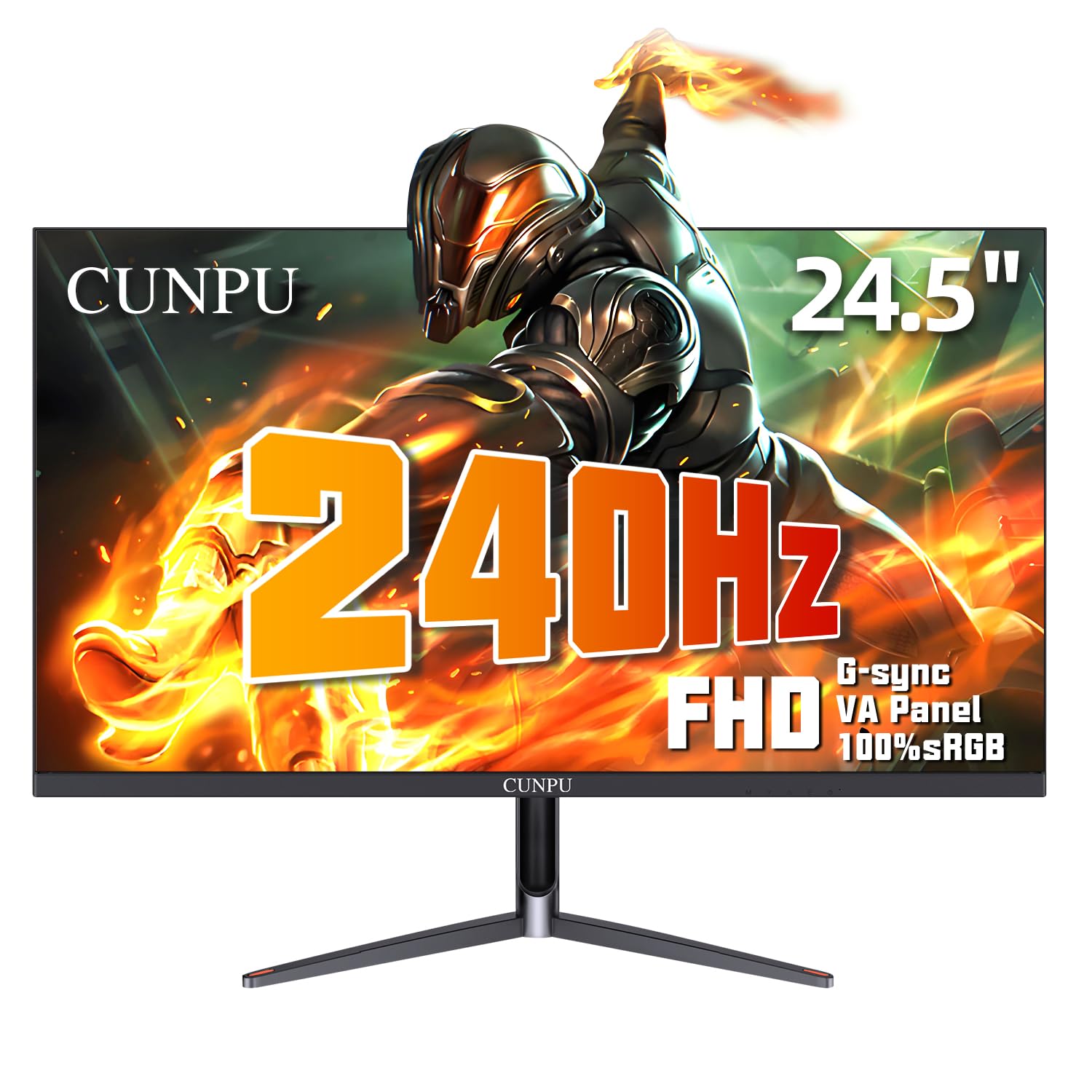


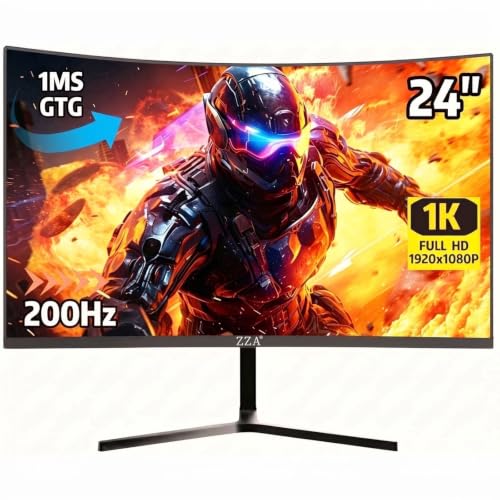
Who Should Buy a 1080p Monitor for PS5 Play?
A 1080p monitor suits PS5 players who value speed, desk comfort, and value more than fine detail on a large screen.
Competitive PS5 Players Who Want 120 Hz Play
You play shooters, racers, or sports titles where supported games offer a 120 Hz mode, and you want camera movement to feel direct. Choose a fast panel with VRR support and low input lag. Players comparing console and PC play can also see our guide to the best gaming monitors.
PS5 Players at a Small Desk or in a Bedroom
You play where you study or work, and a large TV does not fit. A 24 inch or 25 inch monitor keeps the whole screen in view from about two to three feet away and leaves space for the console. Choose height adjustment, because a screen set too low strains your neck.
First Time Buyers Moving from a TV to a Monitor
You are used to a living room TV and want a smaller, faster screen of your own. A monitor usually responds faster than an older TV and sits closer, so the picture can feel sharper at the same resolution. Expect weaker built in speakers, and plan for a headset.
1080p Monitors 101: The Basics for PS5 Players
A 1080p screen shows 1920 by 1080 pixels. The PS5 can output a native 1080p signal, so console and screen match pixel for pixel with no scaling in between. Text and game worlds look clean at desk distances, and the console can often hold higher frame rates here than at 4K.
That balance is why the best 1080p monitors for ps5 pair a fast panel with console friendly ports, rather than chasing size alone. For other display routes, see our guide to the best monitors for ps5. Readers who also need a PC screen can see our guide to the best 1080p monitors for office use.
Key Features to Compare in Plain English
Read each spec below as a question about your own play, not a contest for the biggest number.
PS5 Support for 120 Hz Output and HDMI Ports
The PS5 outputs up to 120 frames per second at 1080p, so your monitor must accept a 120 Hz signal over HDMI for that mode to appear. Most 144 Hz monitors with HDMI 2.0 or HDMI 2.1 ports can do this. HDMI 2.1 matters more for VRR, because the PS5 sends its variable refresh signal through that standard. Check the port version, not only the headline refresh rate.
Panel Types and What They Mean for PS5 Games
The panel decides color, contrast, and viewing angles. IPS panels give accurate color and stay clear when you sit slightly off center. VA panels give deeper blacks for less money, but fast dark movement can smear. OLED gives true blacks and instant response, yet 1080p OLED models are rare and costly, and static game bars need care to limit burn in. Most buyers choose IPS or VA.
Screen Size and Viewing Distance at 1080p
At 1080p, size changes how sharp the picture looks at your normal distance, because the same pixel count spreads over the whole screen. A 24 inch or 25 inch screen looks crisp from about two to three feet. A 27 inch screen feels more immersive, but text and fine edges look softer at that distance. Choose 27 inches only if you sit about three to four feet back.
Matching Refresh Rate to the PS5 120 Hz Limit
Refresh rate, measured in Hz, is how often the screen redraws each second. The PS5 tops out at 120 Hz, so a 144 Hz monitor covers the console fully, and 240 Hz only helps PC play. Response time is how fast pixels change color, and a 1 ms gray to gray rating signals a fast panel. Pick a monitor with clean motion at both 60 Hz and 120 Hz, because console games use both.
HDR and Brightness for PS5 Games
The PS5 supports HDR, which widens the range between dark and bright parts of the image, but a basic HDR label alone does not promise a strong effect. Many monitors here reach about 250 to 400 nits, enough for a shaded room but modest for HDR highlights. A wide color gamut helps games look rich rather than washed out.
Adaptive Sync, VRR and Extra Gaming Features
Adaptive sync lets the screen match its timing to the frame rate the console sends, which reduces tearing when a game dips below its target. On PS5 this feature is called VRR, and dips within its range feel smoother. ALLM can switch the monitor to game mode when the console turns on. Players who want PC style extras too can see our guide to the best gaming monitors for ps5. A headphone jack also matters for late night sound.
Getting Started: Setup and First Use with a PS5
Setup takes about fifteen minutes. Attach the stand, set the monitor where your eyes meet the upper third of the screen, and leave space behind it for air flow. Use the HDMI cable that came with the console or monitor, because an old cable can block the 120 Hz mode.
On the PS5, open the video output settings, leave resolution on automatic, and set 120 Hz output to automatic. Run the HDR adjustment screens in a darkened room for an honest result. On the monitor, choose the game picture mode and avoid the vivid mode, because vivid settings crush shadow detail and distort color. If your panel is OLED, run its pixel refresh cycle as the manual directs.
Common Mistakes to Avoid
- Buying a 27 inch screen for a shallow desk leaves the picture soft at 1080p and forces you to sit back too far.
- Paying extra for a 240 Hz headline rate wastes money on a PS5, because the console stops at 120 Hz.
- Ignoring the HDMI version can leave VRR unavailable, so a feature you paid for never turns on.
- Leaving the monitor in vivid mode makes colors harsh and hides detail in dark scenes.
- Forgetting about sound leaves you with weak built in speakers and no headset plan.
- Trusting a basic HDR label without checking brightness leads to a flat picture worse than standard mode.
Care and Maintenance for a 1080p PS5 Monitor
Wipe the screen with a dry microfiber cloth, and dampen the cloth lightly with water only if a mark remains, because sprays can damage coatings. Dust the vents each month, since blocked vents let heat build up and shorten backlight life. Keep the monitor out of direct sun.
Support the HDMI cable so its weight does not pull on the port, and avoid daily plugging and unplugging, which wears the connector. Check the maker support page a few times a year for firmware updates.
FAQ
What features matter most in a 1080p monitor for first time PS5 buyers?
HDMI support for a 120 Hz signal, VRR, and low input lag matter most for PS5 play. Start there, then check panel type and size. One point new buyers miss is the stand: a monitor without height adjustment may need a separate riser, and that extra cost changes which model is truly better value.
What size 1080p monitor should I get for my PS5 desk or room?
Choose 24 to 25 inches for most PS5 desks, and 27 inches only for deeper desks or couch side setups. Measure your desk depth before you order, and include the stand, which can take about eight to ten inches. A screen that forces the console sideways to fit will annoy you daily.
IPS vs OLED: Which panel is better for a 1080p PS5 monitor?
IPS is the better default for a 1080p PS5 monitor, because it costs far less and needs no special care. OLED wins on black depth and response, but its price at this resolution often exceeds the setup around it. In a bright room, IPS with an anti glare coating also handles window light with fewer reflections.
Does refresh rate matter for PS5 players who prefer story games?
Yes, refresh rate still matters for PS5 story games, though less than for competitive play. Many story titles run at 60 frames per second, and some offer a balanced 40 Hz mode on 120 Hz screens, which feels smoother than 30. A 120 Hz monitor gives you access to all of those modes.
Is 4K worth it instead of 1080p for PS5 play?
For most desk players, 4K is not worth it over 1080p, because the screen is small and speed matters more up close. A 4K screen earns its price on larger displays viewed from farther away. Players weighing that upgrade can see our guide to the best 4k monitors for ps5. Some games also render above 1080p and scale down, giving cleaner edges.
How long do 1080p monitors for PS5 play usually last?
A 1080p monitor used with a PS5 usually lasts about five to seven years before the backlight dims or a new console feature tempts an upgrade. You can stretch that life by lowering brightness from maximum for daily play, because the backlight ages fastest at full power. Keep the box for later moves.
Final Thoughts
For a first monitor, keep your shortlist simple: a 24 inch or 25 inch IPS screen, HDMI support for 120 Hz play, and VRR if your budget allows it. That mix covers fast and story games without paying for rates the console cannot use. Compare finalists in the product table for ports, stand adjustment, and price.
Choose the best 1080p monitors for ps5 by matching the screen to your desk and game mix, not by chasing the longest spec list. A well matched monitor feels like a clear upgrade.