Best 1080p 60hz Monitors in 2026: Every Type Explained Side by Side
Disclosure: We may earn a commission when you buy through links on this page, at no extra cost to you. As an Amazon Associate I earn from qualifying purchases. Learn more

Compare the best 1080p 60hz monitors by panel, size, ports and price, with clear tips on viewing distance and setup for work, study and play.
Choosing a monitor sounds simple until the listings blur together. Panels, sizes and ports all change what you see, yet two screens with the same headline specs can feel very different at your desk. The best 1080p 60hz monitors share a clear picture and a steady refresh rate, and they differ mainly in panel type, size and comfort features. This guide compares each type plainly, so you can use the product table with confidence.
Start with how you will use the screen most days. Long office hours call for comfort and clear text, a shared family screen calls for size and wide viewing angles, and console play calls for low lag and smooth motion. The sections below match each use to the type that serves it best.



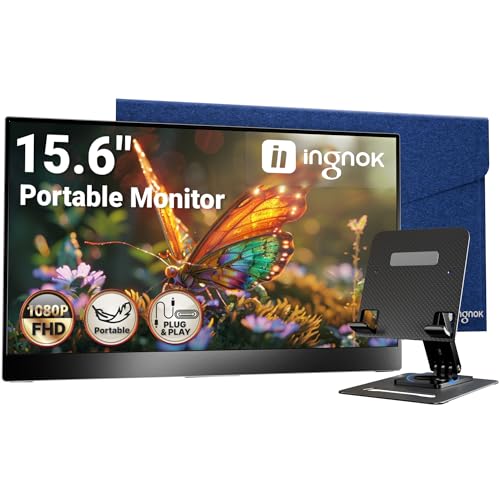
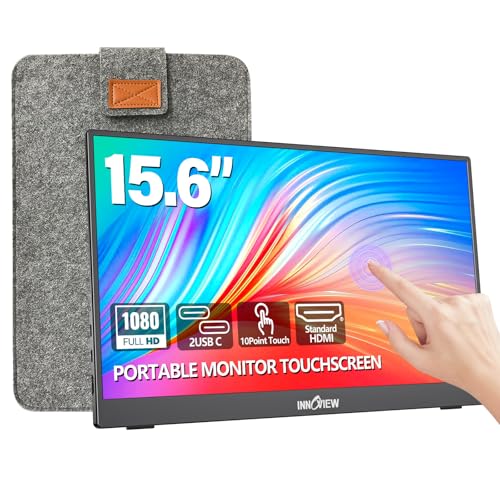
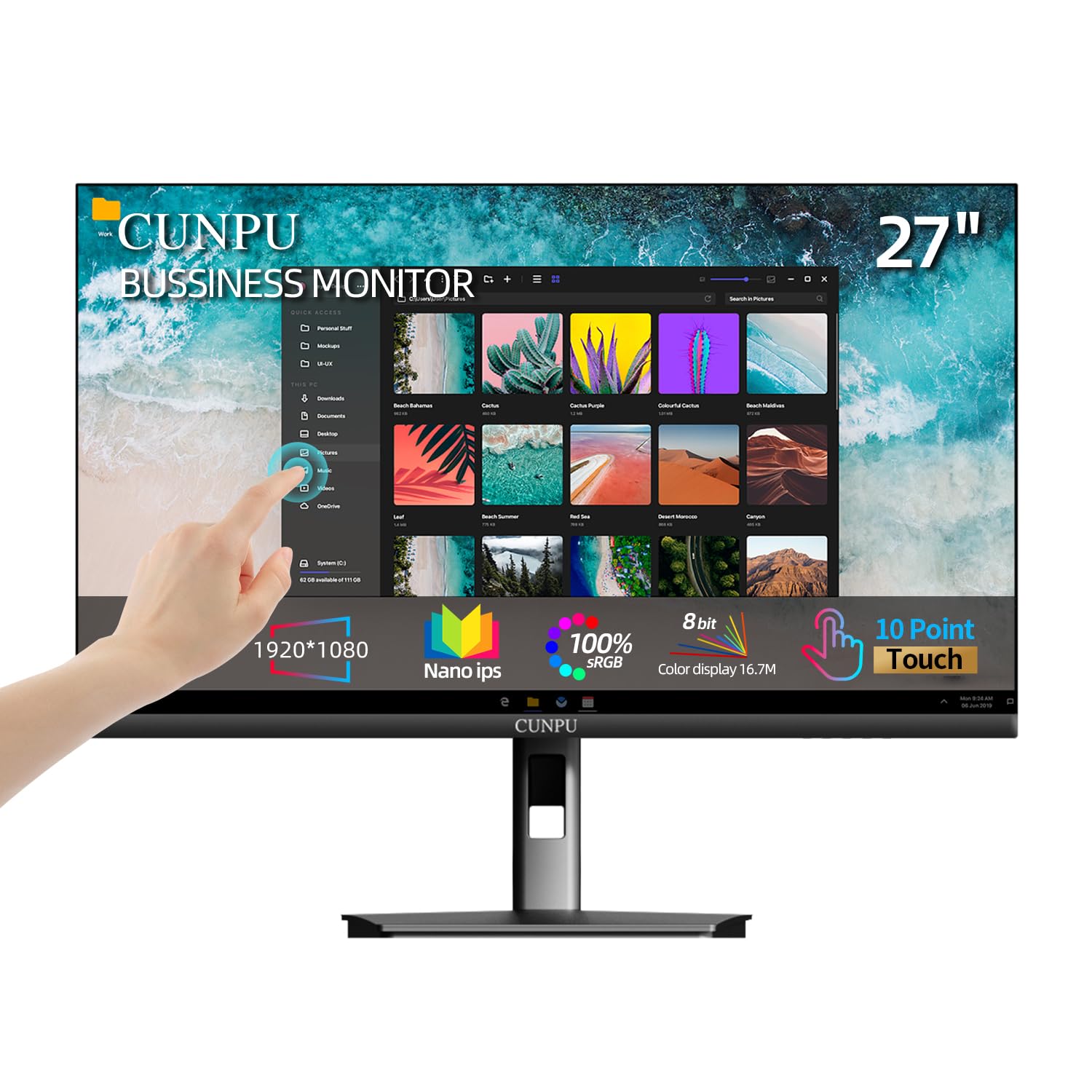

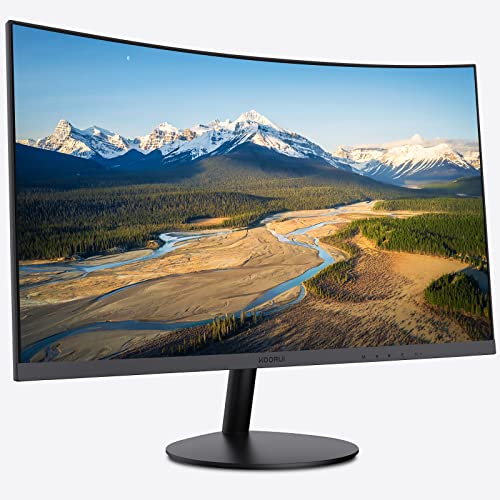
Types of 1080p 60hz Monitors Compared
Three broad types cover nearly every listing you will see. Price rises with size, color quality and comfort features, while the resolution and refresh rate stay the same across all three. For the wider field at this resolution, see our guide to the best 1080p monitors once you know which type fits you.
Large Screen Options for Shared Viewing
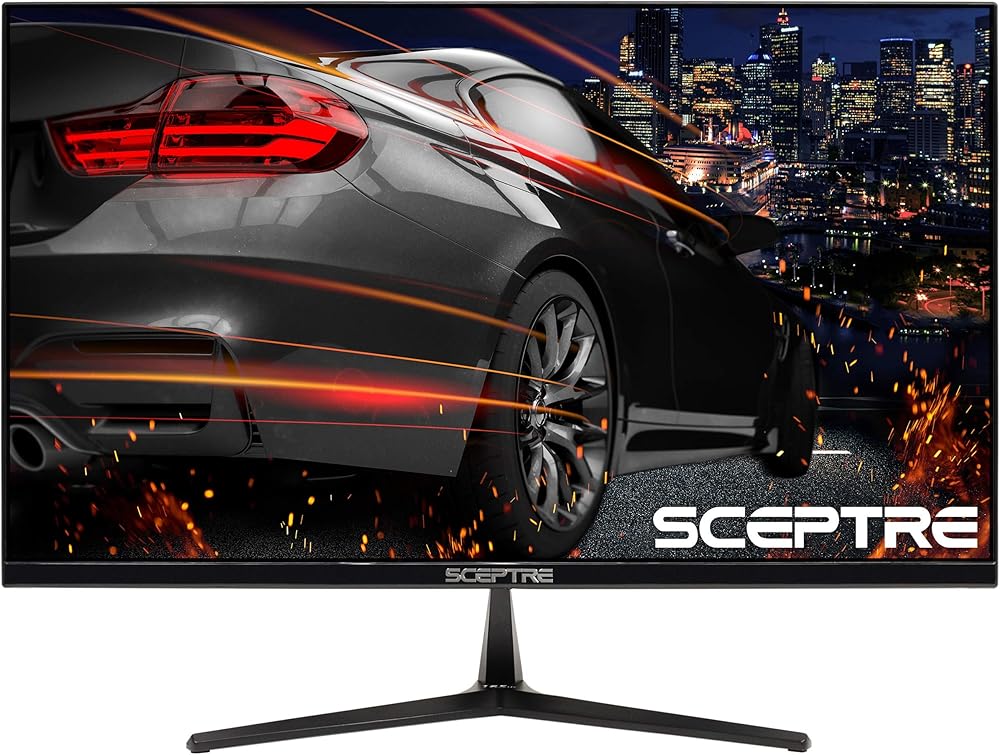
Large screen options run from about 27 to 32 inches and suit viewers who sit farther back or share the screen with another person. Text and images look bigger, which helps if you dislike small fonts. The trade off is sharpness, because the same 1080p image spreads over more glass and fine detail looks softer up close. Choose this type for family viewing, presentations or a desk with plenty of depth, and expect to pay about $130 to $250.
Budget Displays for Work and Study
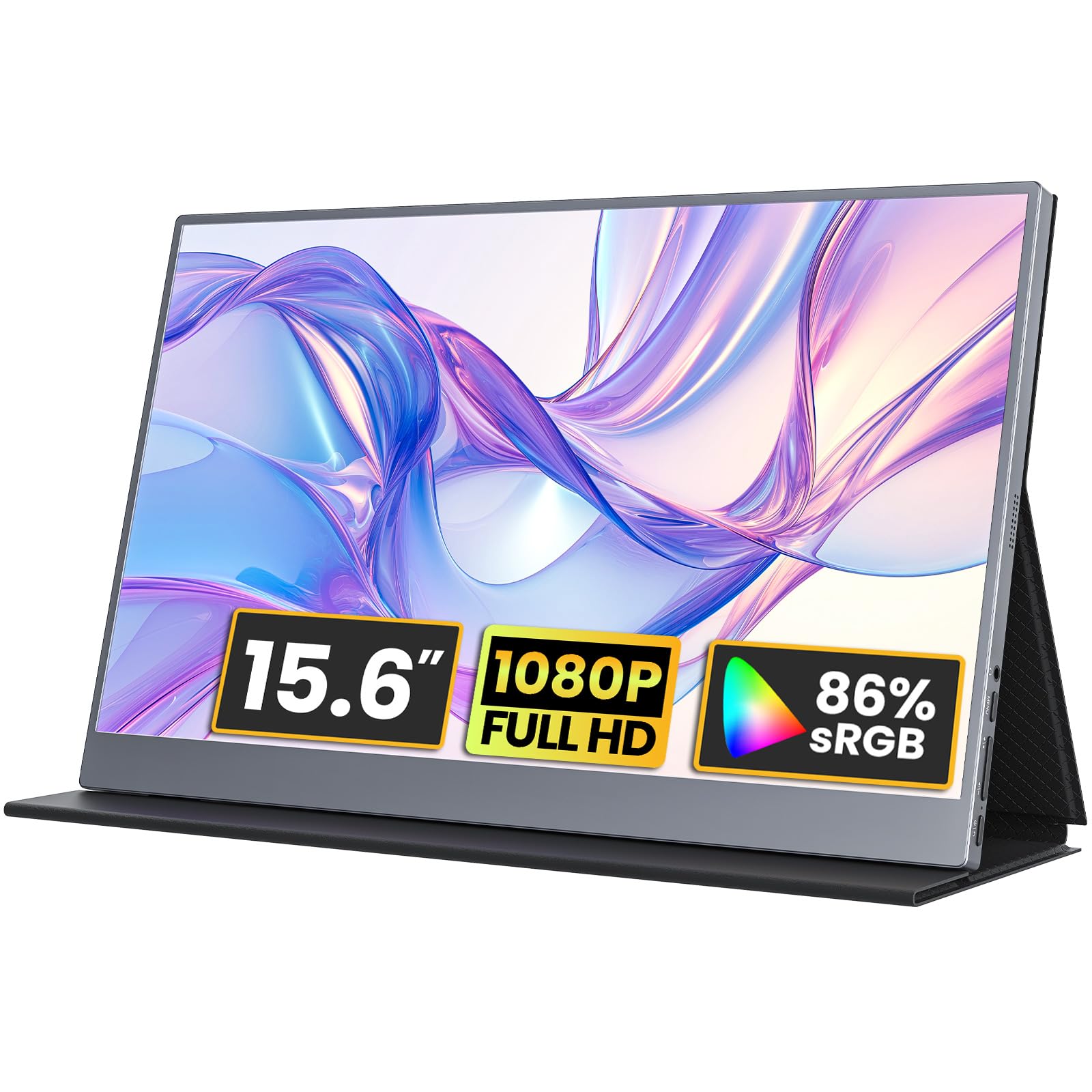
Budget displays run from about 21.5 to 24 inches and cover daily work, study and a second screen for a laptop. Most use simple stands and basic ports, and many cost about $60 to $120. At this size the 1080p picture stays crisp, text is easy to read, and the small footprint leaves room for books and a keyboard. Choose this type when value matters most, and put any savings toward a better stand.
Displays Built for Casual and Console Play
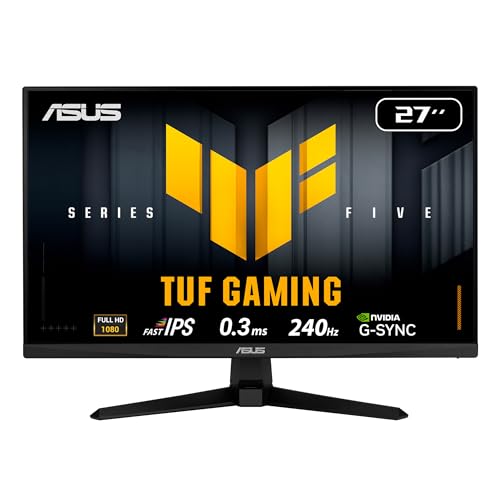
A gaming display at 60hz suits console players and relaxed PC play, where most titles run at 30 to 60 frames per second. Look for low input lag, a fast response time and adaptive sync, because those traits keep motion clean and stop the picture tearing when frame rates dip. If play is your main use, see our guide to the best gaming monitors for faster options beyond this class.
Large Screen Options vs Budget Displays: Which Should You Choose?
Size is the clearest split between these two types. A large screen fills more of your view and makes shared video pleasant, while a budget display keeps text sharper and costs less. Measure your desk depth first, because a 32 inch screen on a shallow desk sits too close and forces you to turn your head.
Choose the large option if you watch more than you type, sit about three feet away or more, or need bigger text without software scaling. Choose the budget option if you write, code or study at a normal desk, or want a second screen. Both types serve daily work well, so let your viewing distance decide.
How to Choose the Right 1080p 60hz Monitor
With your type chosen, compare the parts that shape the picture and your comfort each day. Among the best 1080p 60hz monitors, five factors matter far more than any headline claim: panel, size, ports, motion handling and comfort.
Panel Technology and What It Changes
Panel type sets color, contrast and viewing angles. IPS panels show the most accurate color and stay clear when you view from the side, so they suit shared desks and photo work. VA panels give deeper blacks and stronger contrast for films in a dim room, though color can shift at wide angles. TN panels cost least and respond fast, but their color and angles are the weakest. OLED panels exist at this class mostly as small TVs, so most buyers will choose between IPS and VA.
Resolution and Screen Size at Your Desk
At 1080p, size controls sharpness more than any other choice. A 24 inch screen shows about 92 pixels per inch, so text looks crisp at a normal desk distance of about two to three feet. A 27 inch screen drops to about 82 pixels per inch and still suits most work, while a 32 inch screen near 69 pixels per inch shows visible softness in small text. Match size to distance first, and let bigger numbers wait until you can sit farther back.
Connectivity and Ports You Will Actually Use
Check ports against the devices you own before you buy. One HDMI port covers a laptop, a console or a streaming stick, and a second HDMI port saves constant cable swaps if you use two sources. DisplayPort suits many desktop PCs, VGA still helps with older office machines, and USB C with video input can carry picture and laptop charging over one cable on pricier models. An audio out port lets you plug in speakers or headphones when the built in speakers sound thin.
Refresh Rate and Response Time at 60hz
A 60hz screen redraws the picture 60 times each second, which matches most video, office work and console games. Response time still matters at this rate, because slow pixels leave faint trails behind moving text and players. Look for adaptive sync as well, since it matches the screen to a changing frame rate and removes tearing without added lag. If you later want faster motion, see our guide to the best 1080p 144hz monitors for the step up.
Brightness, Color and Comfort Features
Brightness near 250 to 300 nits handles a lit office well, and a matte surface cuts glare from windows. Color coverage near 99 percent of the sRGB range keeps photos and web work looking true. For long days, look for a flicker free backlight, a low blue light mode and a stand that tilts, because small comfort gains add up over a full work week.
Common Mistakes to Avoid
Each of these errors is easy to miss on a listing page.
- Buying a 32 inch 1080p screen for a shallow desk leaves text soft and forces constant head turning.
- Ignoring port types can leave a console or laptop with no matching input on day one.
- Leaving the picture mode on vivid makes colors harsh and tires your eyes during long work.
- Skipping a VESA mount check can block the monitor arm you planned to add for better posture.
- Judging by built in speakers alone leads to thin sound that a small desk speaker would fix.
Setup and Care Tips for a 1080p 60hz Monitor
Place the screen so the top edge sits near eye level and the panel sits about an arm length away, then tilt it slightly back. Open the picture menu and choose a standard or sRGB mode instead of vivid, because vivid pushes color and brightness past natural levels. Set your computer output to 1920 by 1080 and 60hz in display settings, so the screen receives the exact signal it was built for.
Clean the panel with a dry microfiber cloth and light pressure, and use a cloth barely damp with water only for stubborn marks. Keep drinks away from the lower vents and dust the back vents now and then. Follow the manufacturer's instructions for any care steps.
FAQ
Is IPS or OLED better for a 1080p 60hz monitor?
IPS is the better buy for most people at this class. OLED screens with a 1080p panel are rare and often sold as small TVs, so they cost far more per inch and lack desk friendly stands. IPS gives you accurate color, wide angles and no risk of lasting image marks from static toolbars. Choose OLED only if you mainly watch films in a dark room.
How long does a 1080p 60hz monitor usually last?
A 1080p 60hz monitor usually lasts about five to eight years of daily use. The backlight fades slowly over time, so an older screen may look dimmer even when the picture stays sharp. Most makers rate backlights for tens of thousands of hours. Keep brightness below maximum when you can, since running at full power every day shortens that span and adds heat.
Does a 60hz refresh rate matter if you do not play games?
If you do not play games, 60hz is rarely a limit. Films run at 24 frames per second and most online video at 30 or 60, so the screen can show each frame as intended. What you may notice is less smooth window dragging and scrolling than on a faster screen. If your day is documents, mail and video calls, spend on panel quality and comfort first.
Is 4K worth choosing over a 1080p 60hz monitor?
4K is worth it mainly if you edit photos, work with fine detail or plan a screen of 32 inches or more. On a small desk screen, your system will likely scale text up, which gives back much of the extra space 4K promises. A 4K panel also costs more and asks more of an older computer. For general work at 24 to 27 inches, 1080p stays clear and simple.
What monitor size suits a small desk for 1080p viewing?
A 21.5 to 24 inch monitor suits a small desk best. Measure the desk depth before you order, and keep about two feet between your eyes and the panel so the full width stays in easy view. A compact stand with a small footprint helps, and a wall mount or arm can free the surface under the screen for a keyboard.
Wrapping Up
Match the type to your room first, then check panel, size and ports in that order. A budget display serves most desks, a large screen serves shared viewing, and a play focused model serves console fans.
Use the product table to compare your short list, and you will find the best 1080p 60hz monitors for your distance, your devices and your budget. Buy for the habits you repeat each day, and the screen will feel right long after the listing details fade.