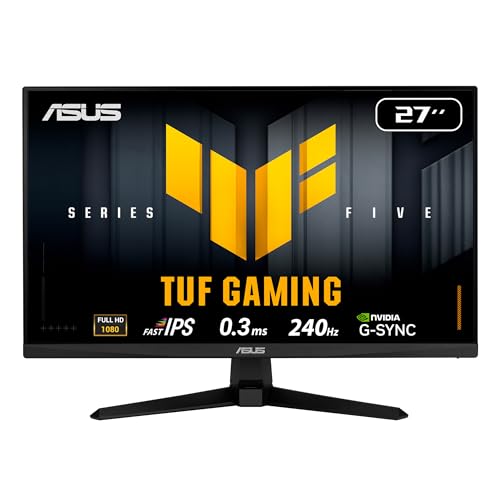
Best 1080p 144hz Monitors: A First Time Buyer's Guide for 2026
Disclosure: We may earn a commission when you buy through links on this page, at no extra cost to you. As an Amazon Associate I earn from qualifying purchases. Learn more
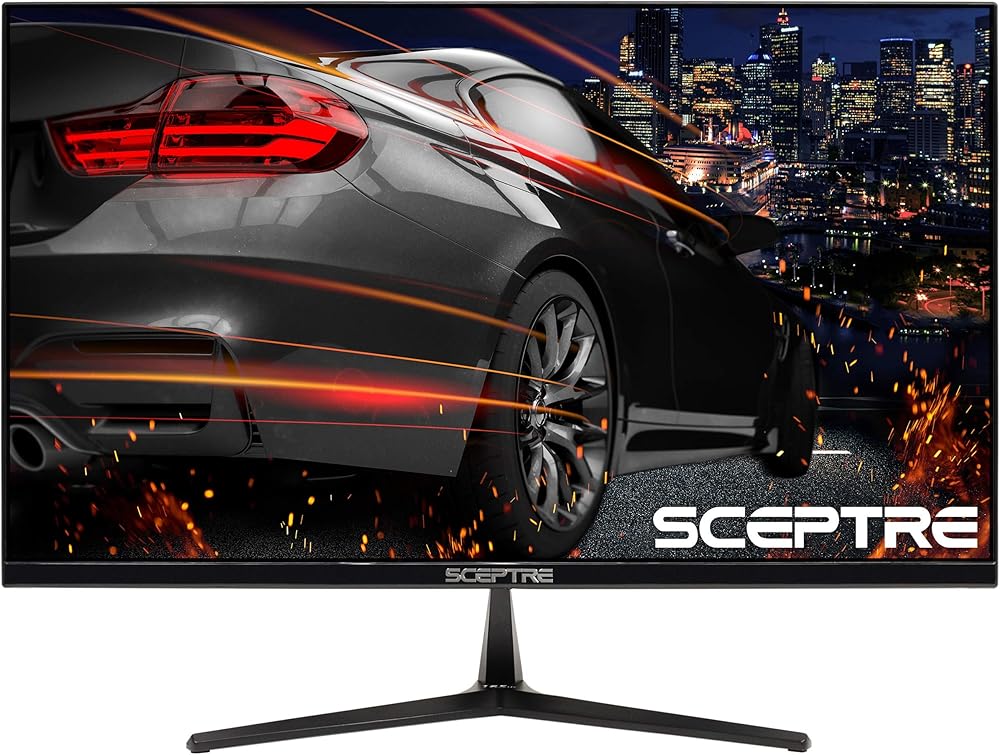
First time buying? This guide to the best 1080p 144hz monitors explains refresh rate, panels, sync, and screen size in plain English before you spend.
A faster screen is one of the most noticeable upgrades you can make to a desk setup, but the spec sheets are written for people who already know the jargon. This guide is built for first time buyers: it explains each term in plain English, then shows you what to look for. By the end you will know how to pick the best 1080p 144hz monitors for your games, your desk, and your budget.
We will start with what 1080p and 144Hz actually mean, then walk through panels, response time, sync, brightness, and stands. You will also find the mistakes new buyers make most often and a short setup routine for day one. When you are ready to compare models side by side, start with the product table.


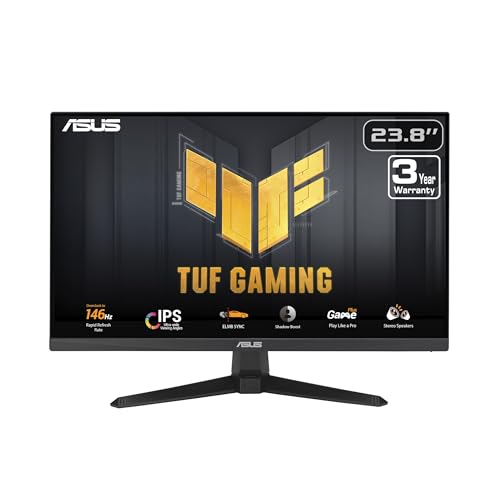
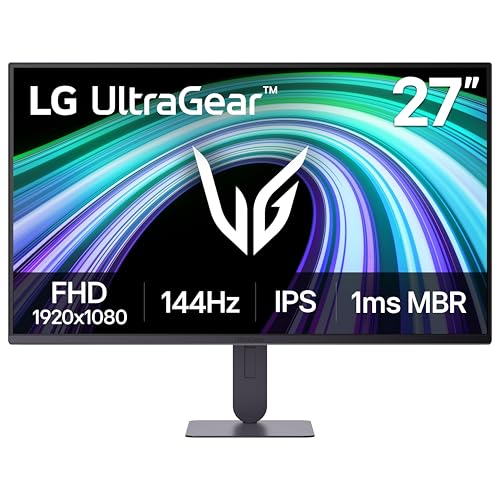
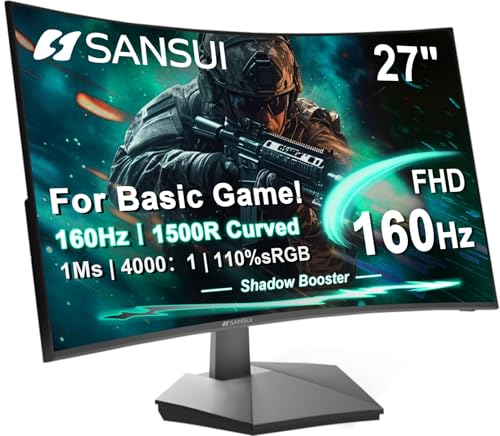

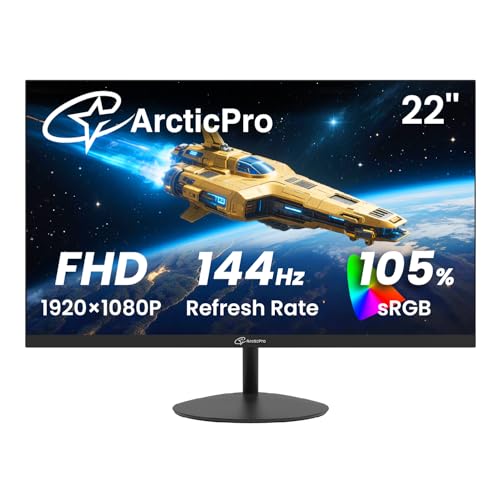

Best 1080p 144hz Monitors 101: The Basics
The refresh rate is the number you feel. A 144Hz screen redraws the picture 144 times every second, more than twice as often as a standard 60Hz screen. Refresh rate is what governs motion clarity, because moving images stay sharper and easier to follow when each frame sits on screen for less time. The panel still has to keep up with that rate, since pixels that change color slowly will smear behind fast movement even on a fast screen.
The resolution is the other number: 1080p means 1920 by 1080 pixels, often called Full HD, and on a 24 inch screen those pixels sit at about 92 ppi, which looks clean at a normal desk distance. Stretch the same pixels across 27 inches and density drops to about 82 ppi, so text and fine detail look softer. Most first time buyers are happiest at 24 or 25 inches for this reason. If resolution alone is your priority, compare the best 1080p monitors across all refresh rates before you decide.
Prices are friendly at this resolution. Entry models cost around $65 to $120, stronger midrange options run around $120 to $200, and premium 1080p models reach around $200 to $300. The extra money mostly buys a better stand, a faster panel, and better quality control rather than a different picture size.
Key Specs Explained in Plain English
Panel Technology (IPS, VA, OLED, Mini LED)
IPS panels give accurate color and wide viewing angles, so they are the safe default for mixed gaming and everyday use, while VA panels deliver deeper blacks and stronger contrast but change more slowly and can smear in dark scenes. OLED offers perfect blacks and near instant response, though it is rare and pricey at 1080p and can suffer burn in if static images sit on screen for hours. Mini LED is a backlight upgrade for LCD panels that improves local dimming and HDR punch. Shoppers comparing every fast screen, not just gaming models, can also scan the best 144hz monitors for office and mixed use options.
Refresh Rate and Response Time
Response time measures how fast a pixel changes from one shade to another, and lower is better for clean motion. Treat the printed figure with care, because it is measured under the most flattering settings, often with strong overdrive switched on. A setting in the middle of the overdrive range usually looks best, since maximum overdrive can add bright trails called inverse ghosting. Console players should note that current consoles top out at 120Hz, so a 144Hz screen still works well with them, while competitive players can step up to the best 1080p 240hz monitors for even faster motion.
HDR and Brightness
Most monitors in this class shine at about 250 to 350 nits, which is plenty for a normally lit room. HDR labels need a skeptical eye: an HDR400 badge only promises a modest peak brightness and no real local dimming, so highlights will not pop the way they do on a good TV. Treat HDR at this price as a small bonus. Put your money into panel quality and refresh performance first.
Adaptive Sync and Gaming Features
Adaptive sync lets the screen match its refresh rate to the frame rate your graphics card produces, which removes tearing and much of the stutter when frame rates dip. FreeSync and G Sync compatible modes cover most buyers, so check that the monitor supports the sync type your card uses. For cables, DisplayPort is the dependable choice on PC, while HDMI 2.0 is enough for 1080p at 144Hz on most models. HDMI 2.1 matters mainly for 4K consoles, not for the best gaming monitors 1080p 144hz covered here.
Stand, Mounting, and Ergonomics
Cheap stands often tilt only, which can leave the screen too low and your neck bent for hours. A height adjustable stand, or a VESA mount at 100 by 100 mm for an arm, fixes that. Set the top of the screen near eye level and sit about an arm's length away. An eye care label on the box is no substitute for good habits: regular breaks, balanced room light, and a brightness setting that matches your room do far more than any eye care mode.
Rookie Mistakes to Avoid
- Leaving the new screen at 60Hz, because many computers keep the old refresh setting until you open the display settings and select 144Hz yourself.
- Using the wrong port, since on some models only the DisplayPort input reaches 144Hz and the HDMI port is capped lower.
- Buying 27 inches for sharper text, when at 1080p the bigger screen spreads the pixels thinner and words look softer, not crisper.
- Paying extra for the HDR badge, which at this price rarely changes what you see compared with a better panel and stand.
- Skipping the sync check, because a monitor your graphics card cannot sync with will tear in games even at high frame rates.
Getting Started: Setup and First Use
Attach the stand and connect the cable that came in the box, choosing DisplayPort first on a PC. Then open your system display settings and set the refresh rate to 144Hz, since this step is manual on most computers. Turn on adaptive sync in both the monitor menu and your graphics card control panel so the two agree.
Next, switch the picture mode away from vivid or eco and pick a standard or sRGB mode for believable color. Lower the brightness until a white page looks like paper under your room light rather than a lamp. If you bought an OLED model, let it run its pixel refresh cycle when it asks. Recheck the refresh setting after any driver update, because updates sometimes reset it.
Frequently Asked Questions
How long do 1080p 144hz monitors last?
Most last about five to eight years of daily use before the backlight dims enough to notice. The panel itself rarely fails outright; brightness simply fades a little each year. Check the warranty length, since three years is common, and read the dead pixel policy before you buy. If an older screen looks dim, raise the brightness setting a step before assuming it is worn out.
What size 1080p 144hz monitor should I buy for my desk?
A 24 or 25 inch model suits most desks, because it keeps pixels tight and leaves room for speakers or a second screen. Measure your desk depth before ordering: you want roughly 24 to 30 inches between your eyes and the screen. Shallow desks benefit from a VESA arm, which clamps to the back edge and frees the space the stand would take. A 27 inch model works if you sit farther back.
Is 4K worth it instead of a 1080p 144hz monitor?
4K is worth it for sharp text and detailed video, but it is a poor trade for most first time gaming setups, because games at 4K need a far stronger graphics card to hold smooth frame rates and many players end up lowering settings to compensate. At 1080p a midrange card can feed 144Hz comfortably. Choose 4K when your work is mostly documents and media, and 144Hz when motion matters more. Our guide to the best gaming monitors across resolutions shows where 4K models start to make sense.
IPS vs OLED: which is better for a first gaming monitor?
IPS is the better first buy for most people, because it costs less, shows accurate color, and carries no burn in worry. OLED wins on contrast and response speed, with blacks that stay truly black in a dark room. The catch is availability: OLED gaming screens are uncommon at 1080p and usually cost several times more. Start with IPS, and consider OLED later if your budget and room suit it.
Does a 144Hz refresh rate matter if I do not play games?
It helps a little, mostly in how smooth scrolling, window dragging, and cursor movement feel. Video does not benefit, because films and streaming shows top out at 60 frames per second or less. If your desk is for documents and browsing, the same money may serve you better spent on a larger screen or a height adjustable stand. Gamers get by far the most from the higher rate.
The Bottom Line
For a first fast monitor, keep it simple: a 24 or 25 inch IPS panel, a stand you can adjust, and sync that matches your graphics card. Set it to 144Hz on day one and the difference is obvious within a minute of play. The best 1080p 144hz monitors are not the ones with the longest spec list; they are the ones whose basics are done well. Look again at the product table to compare your shortlist.