
Airthings View Plus Review (2026): Is It Worth the Money?
Disclosure: We may earn a commission when you buy through links on this page, at no extra cost to you. As an Amazon Associate I earn from qualifying purchases. Learn more

Our Airthings View Plus review covers performance, design, cleaning, pros and cons, and who should buy it. Plus top alternatives. Updated 2026.
This airthings view plus review looks at a premium indoor air monitor that tracks radon along with the particles and gases most home monitors leave out. Radon is the reason many buyers consider this model at all, since it is a radioactive gas you cannot see or smell, and it can build up indoors over time. The comparison table below sums up how this type of monitor stacks up against simpler options.
You will find what the sensors measure, how the display and app work, what running it costs you beyond the purchase price, and where it falls short. If you want the wider category first, see our guide to the best air quality monitor before you settle on one room and one device.


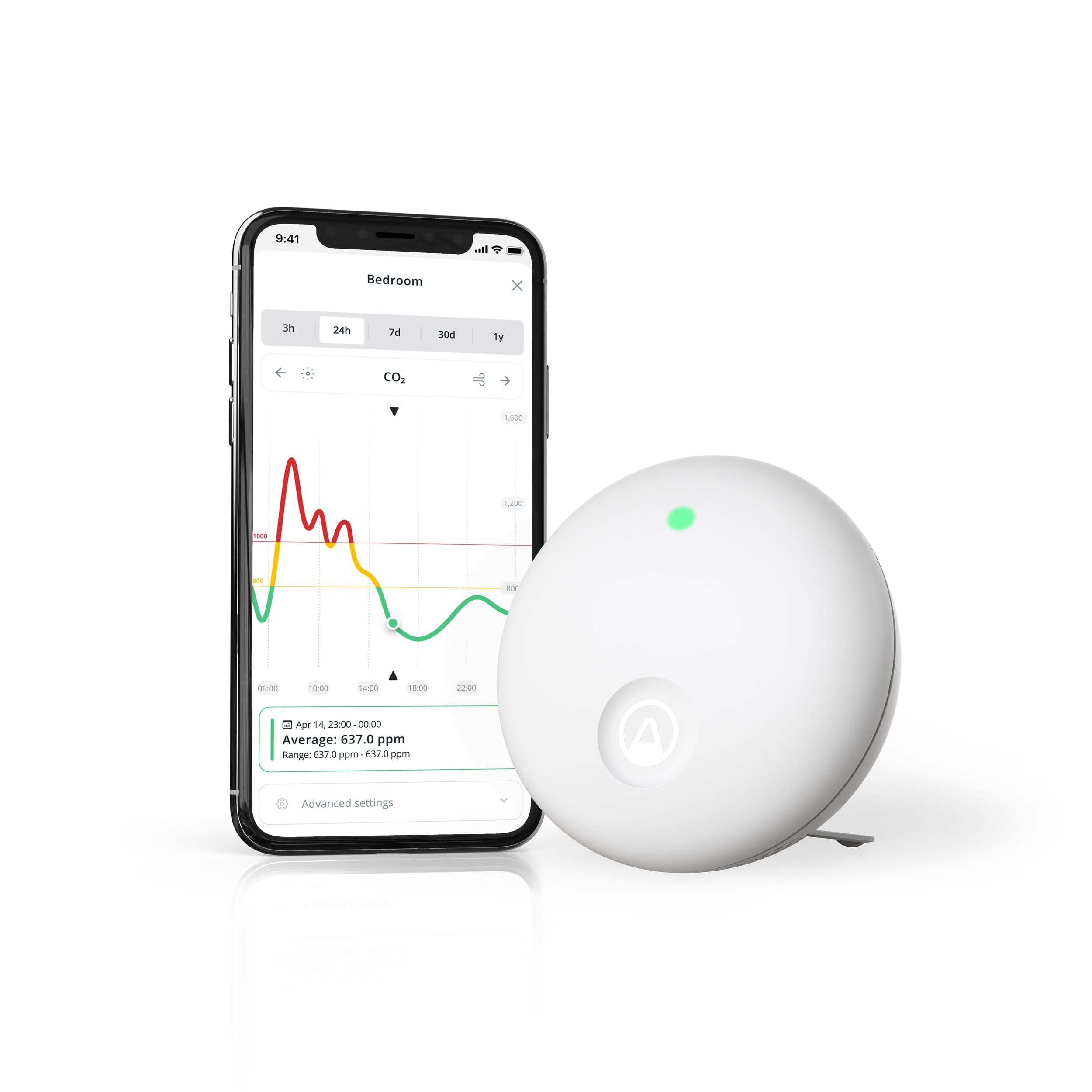
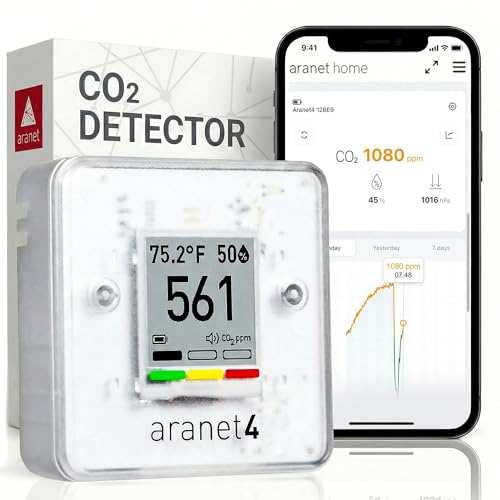
Quick Verdict
This airthings view plus review reaches a simple conclusion. The model makes the most sense when radon is a real concern in your area and you want that reading shown beside carbon dioxide, particles, and humidity on one screen. It costs far more than a basic carbon dioxide meter, and that extra money only pays off if you will actually check the trends and act on them. If radon does not matter where you live, a simpler monitor covers your needs for much less money.
Airthings View Plus Specs at a Glance
The unit tracks seven readings in one housing. They are radon, fine particles known as PM2.5, carbon dioxide, volatile organic compounds, temperature, humidity, and air pressure. It connects by WiFi and Bluetooth, runs on batteries or on USB power, and shows readings on an electronic ink screen as well as in the free app. The app stores your history so you can view trends by day, week, and longer periods. There is no required subscription for the core app functions.
Design and Build Quality
The housing is a plain white box that sits flat on a shelf or hangs on a wall using the mounting points on the back. It looks more like a thermostat than a gadget, and that is a strength in a living room or bedroom, since it does not draw attention to itself. The screen uses electronic ink, so it stays readable in bright light and uses very little power, though it refreshes slowly compared with a phone screen.
The display shows a small set of readings at once, and you choose in the app which values matter most to you. Waving a hand in front of the unit brings up a color coded view of overall air quality, giving family members a quick answer without opening the app. The plastic shell feels solid enough for a device that never gets handled in daily use.
Performance
Reliability and Accuracy
Radon is the reading that sets this monitor apart, and radon needs patience. Levels swing a lot from hour to hour with weather and ventilation, so a single high reading tells you little. The value of a monitor that stays in place is the long term average it builds over weeks, and that average is what health agencies use when they advise testing and mitigation. Treat short spikes as a prompt to keep measuring, not as a final answer.
Carbon dioxide responds much faster, rising while a room is occupied and falling after you open a window, and that quick feedback helps you judge ventilation. Particle readings react to cooking, candles, and outdoor smoke drifting in. If your radon average stays high over a long period, contact a qualified radon mitigation professional in your area, and talk with your clinician if you have health concerns about exposure at home.
Compatibility
The monitor reports readings rather than acting as a full smart home hub. Voice assistant and automation support changes over time, so check the current maker listing if a specific platform is a deciding factor for you, especially if you hope a reading will trigger a fan or a purifier when particles rise.
Installation
Placement matters more than setup steps. Put the unit in a room where people spend a lot of time, at about breathing height, and away from windows, exterior doors, kitchens, and bathrooms, since steam and cooking fumes skew the particle and gas readings. Radon guidance also says to keep a test device away from drafts and high humidity spots. Setup in the app takes a few minutes over Bluetooth, after which the unit joins your WiFi network and starts logging.
Allow time before you judge the numbers. Radon sensors need a settling period, and the maker advises letting the device run for days to weeks before you treat the average as meaningful. Battery power makes placement flexible, while USB power suits a fixed spot near an outlet.
Subscription Costs
There is no required monthly fee to see your readings, graphs, and alerts in the app, and that matters when you compare total cost over several years. Some rival monitors lock parts of their history or extra services behind a paid plan. With this model the ongoing costs are batteries if you run it unplugged, plus your time. Keep that in mind when a cheaper rival adds a yearly fee that closes the price gap.
Key Features
The feature set centers on breadth. Most home monitors measure three or four values, and adding radon plus particles in one device removes the need for a separate radon test kit later. The app gives alerts when a value moves past a level you set, shows graphs that make slow trends easy to spot, and lets you view more than one Airthings device in a home from one account.
The screen is the other key point. Many monitors show nothing at all and force you to open an app for every check. Here a glance tells you the values you chose to display, and the wave gesture gives a plain good or poor signal for people who never install the app. Battery life is measured in months rather than days on this kind of screen, so the unit can sit in a bedroom without a cable across the shelf.
Ease of Use, Cleaning and Maintenance
Daily use asks almost nothing of you. The app layout puts current readings first, with graphs one tap away, and alerts arrive on your phone when levels rise. Cleaning is just dusting the case and the sensor openings with a dry soft cloth. Do not use sprays or water on the unit, and do not vacuum the openings, since moisture and force can harm the sensors inside.
Maintenance over the years is mostly power. Swap the batteries when the app warns they are low, or run the unit on USB power and skip that task. There are no filters to replace and no parts to wash. Keep the firmware updated through the app so sensor corrections and app features stay current.
Airthings View Plus Pros and Cons
- Pros: tracks radon and particles together, which few home monitors do
- Pros: clear screen on the unit, so readings do not require the app
- Pros: no required subscription for core readings, history, and alerts
- Pros: battery or USB power, so placement is flexible
- Cons: high price compared with monitors that skip radon
- Cons: radon readings need weeks of data before the average is useful
- Cons: limited smart home integration, so check platform support first
- Cons: screen refresh is slow, as electronic ink always is
Who Should Buy the Airthings View Plus and Who Should Skip It
Buy it if you live in an area where radon in homes is common, you have a basement or ground floor rooms in daily use, and you want one device that covers radon, particles, and ventilation in a bedroom or living room. It also suits you if you dislike subscriptions and want a screen on the device itself.
Skip it if radon is not a concern where you live, since a carbon dioxide and particle monitor will serve you for far less money. Skip it if you only want a quick one time radon test, since a mail in test kit costs much less. Also skip it if deep smart home automation is your main goal, because this unit reports readings rather than controlling your home. Readers weighing a sibling model can read the airthings wave plus review to see what the screen and added particle sensing here change.
Airthings View Plus vs Alternatives
The closest options split by what they measure. If radon is your only concern and you want the lowest cost path, a dedicated radon only device or a mail in test kit does that one job. If radon does not matter, a carbon dioxide focused meter gives faster ventilation feedback for much less. Our roundup of each airthings view plus alternative walks through those tradeoff points in more detail.
One rival worth a look measures carbon dioxide with high accuracy but does not track radon or particles at all, which makes it a ventilation tool rather than a full air picture. You can see how that approach differs in the aranet4 review. Choose based on the reading you will act on most, not on the longest sensor list.
Where to Buy and Best Price
The unit sells for about $300 to $350 at major online stores, and the price tends to dip during big sale events. Prices and availability can change, so check the product page before ordering. Confirm the listing is the View Plus with particle sensing, since the maker sells similar looking models with fewer sensors at lower prices.
FAQs
Is the Airthings View Plus worth it?
It is worth it when radon monitoring is part of your reason for buying, since adding radon and particles to one device replaces a separate radon test and a separate air monitor. If you only care about stuffy rooms, the same money buys more than you need. Judge it against the readings you plan to act on, such as adding ventilation or calling a mitigation professional.
What are common Airthings View Plus problems?
Owners most often report slow screen updates, readings that drift during the first days while sensors settle, and WiFi drops when the unit sits far from the router. Most of these clear with time, a spot closer to the router, or USB power instead of batteries. A radon value that jumps around day to day is normal behavior for radon itself, not a fault in the device.
How long does the Airthings View Plus last?
The hardware has no parts that wear out on a set schedule, so it should run for years with only battery changes if you use battery power. Sensor accuracy can drift slowly over a long service life, as it does on most home monitors. Keeping the unit clean, dry, and out of direct sun and kitchen grease helps it stay reliable for longer.
What is a cheaper alternative to the Airthings View Plus?
A mail in radon test kit is the cheapest way to answer the radon question once, and a basic carbon dioxide meter is the cheaper route for daily ventilation checks. You give up continuous readings, a screen that shows several values, and app history with alerts. For many homes a single seasonal radon test plus a simple carbon dioxide meter covers the real needs.
How do you clean the Airthings View Plus?
Wipe the case with a dry or slightly damp soft cloth and keep liquids away from the sensor openings. Never spray cleaner on the unit and never open the housing, since the sensors inside are not user serviceable. Dust the shelf or wall area around it at the same time, because heavy dust near the openings can affect particle readings.
Final Thoughts
The product table above shows how this monitor compares with simpler types, and the choice comes down to one question. Do you need radon in the picture? If you do, the airthings view plus review case is strong, since few home devices combine radon, particles, carbon dioxide, and a built in screen without a subscription. If you do not, save your money and buy a monitor built around the readings you will use every day.


