
Airthings Wave Plus Review (2026): Is It Worth the Money?
Disclosure: We may earn a commission when you buy through links on this page, at no extra cost to you. As an Amazon Associate I earn from qualifying purchases. Learn more

Our Airthings Wave Plus review covers performance, design, cleaning, pros and cons, and who should buy it. Plus top alternatives. Updated 2026.
Radon is invisible, it has no smell, and levels in a home can shift with the weather and the seasons. That makes it hard to judge your risk from a single quick test. This airthings wave plus review explains what this monitor actually measures, where it helps, and where it falls short, so you can decide with clear eyes before you spend anything. You will find the key facts gathered in the comparison table below.
The Wave Plus is a battery powered home air monitor that tracks radon along with several everyday air factors in one device. If you are still weighing the wider category first, start with our guide to the best air quality monitor and then come back here for the details on this specific model.

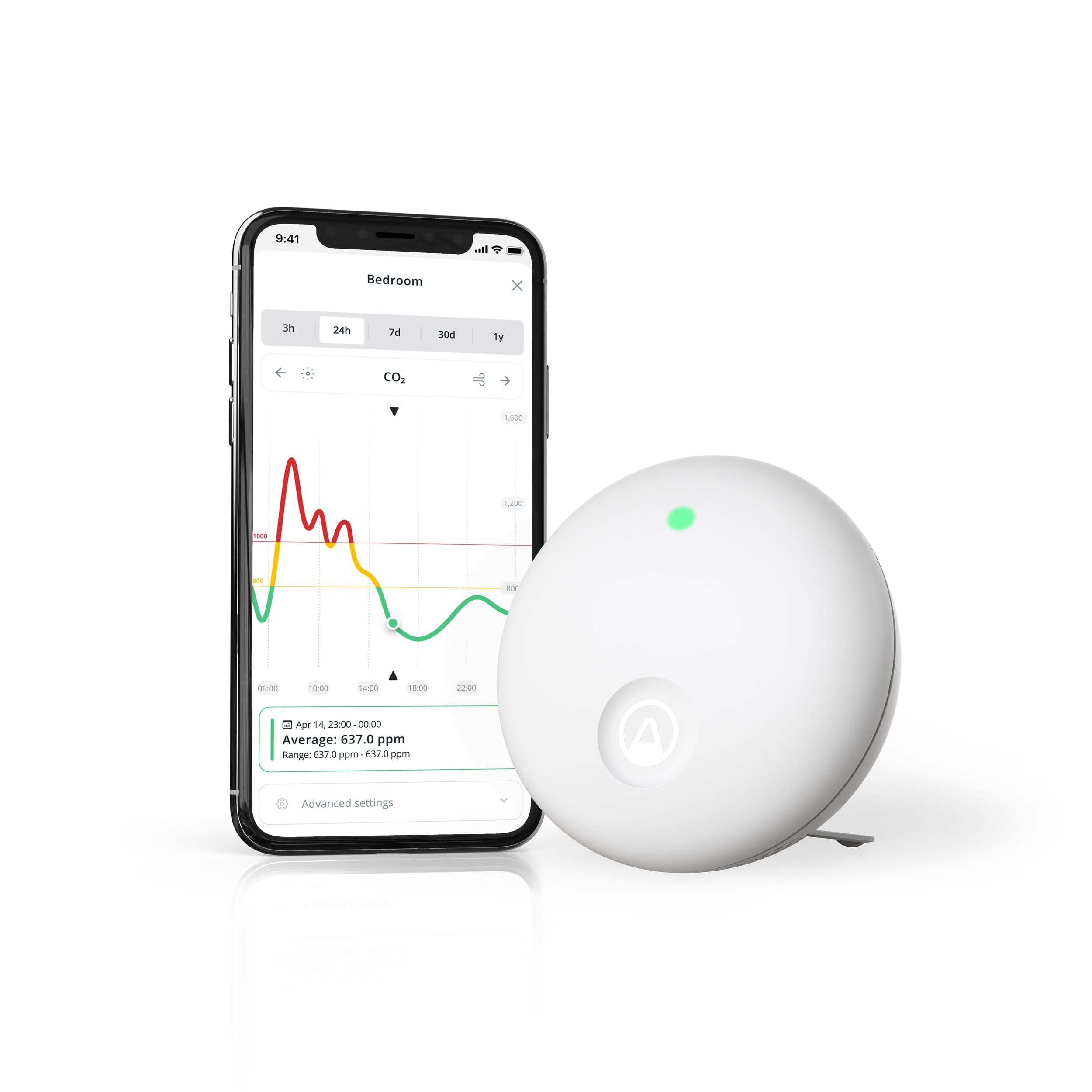

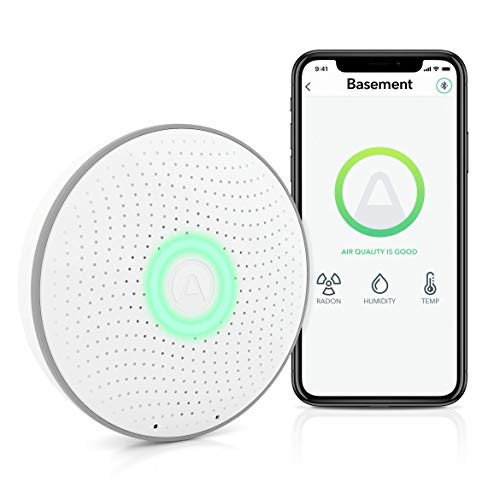


Airthings Wave Plus Specs at a Glance
The most important fact about this device is its sensor mix. It measures six things and leaves some others out, and that mix should drive your decision more than any single headline claim.
- Measures: radon, carbon dioxide, total volatile organic compounds, temperature, humidity, and air pressure
- Display: no screen, readings live in the phone app, with a simple color light shown when you wave a hand in front of the unit
- Power: batteries, so it needs no outlet and no wiring
- Connection: Bluetooth to your phone, with an optional hub available if you want readings to sync while you are away
- Placement: sits on a shelf or table, or mounts on a wall in a room you use often
Note what is missing. It does not measure fine dust particles and it does not detect carbon monoxide, so it never replaces a carbon monoxide alarm.
Design and Build Quality
The unit is a small round disc in a plain white finish, closer in size to a smoke alarm than to a piece of consumer electronics. It blends into a bedroom or living room without drawing attention, and there are no buttons to press and no menus to learn on the device itself. That restraint is the design. Almost everything happens in the app.
The one interaction built into the hardware is a wave gesture. Pass your hand in front of the unit and a light glows green, yellow, or red to give a quick sense of current air status without opening your phone. The trade off is depth. Any real detail, from radon averages to humidity graphs, requires the app, so people who dislike phone dependent gadgets may find the design too minimal.
Build quality is simple and solid for something that mostly sits still. There is little to wear out, no fan to clog, and no filter to change. Because it runs on batteries, you can move it from a basement to a bedroom in seconds, which helps when you want to compare rooms over time.
Performance
Reliability and Accuracy
Radon is the reason most buyers consider this monitor, and radon needs patience. Levels rise and fall through the day as soil gas moves and homes open and close, so a single hour of data tells you almost nothing. Judge this device by its long averages over weeks and seasons, not by a spike on one evening. After you first set it up, allow a settling period of about a week before you treat the radon figure as meaningful.
The other sensors behave differently. Carbon dioxide responds within minutes when a bedroom door closes or a room fills with people, which makes it a useful ventilation signal. The volatile organic compound reading is best read as a trend. It climbs after painting, cleaning, or cooking, but it cannot tell you which chemical caused the rise.
Compatibility
Out of the box, the monitor talks to the maker app on your phone over Bluetooth, so syncing only happens when your phone is within range. An optional hub changes that by keeping the device connected to your home network, so readings update while you travel and smart home links become practical. Platform support can change as software evolves, so if a specific integration matters to you, confirm it on the current listing before you buy, and budget for the hub if remote access is part of your plan.
Installation
Setup is about as light as home devices get. You fit the batteries, pair the unit with the app, name the room, and place it where you spend time. Put it at roughly breathing height, away from open windows, exterior doors, and heating vents, since drafts and heat sources distort the picture. A main bedroom or living room usually gives the most useful radon and carbon dioxide data. Avoid using a bathroom as the main location, because steam pushes humidity readings around and tells you little about the air you breathe for most of the day.
Subscription Costs
Core use carries no subscription. The app shows current readings, history graphs, and alerts without a monthly fee, which keeps running costs at little more than replacement batteries. Your real extra cost is optional hardware. The hub is a separate one time purchase, and it only makes sense if you want remote syncing or smart home connections.
Key Features
- Continuous radon tracking: long running averages and history let you see seasonal patterns that a one time mail in test cannot show, and you can watch levels respond after you seal a floor or add ventilation.
- Carbon dioxide as a ventilation cue: rising values in a closed bedroom or busy home office tell you the room needs fresh air, which often explains morning grogginess better than temperature does.
- Volatile organic compound trends: the reading flags the effect of new furniture, paint, scented products, and cleaning sprays, so you can air out a room and confirm the level settles again.
- Temperature, humidity, and pressure context: these supporting readings help you interpret the main ones, since radon tends to shift with pressure changes and comfort depends heavily on humidity.
- App history and alerts: graphs by day, week, and longer periods, plus notices when a value crosses a threshold you set, mean you do not have to keep checking to catch a trend.
Ease of Use, Cleaning and Maintenance
Daily use is mostly glancing at the app or waving a hand at the light. There is no display to configure and no routine to follow, which suits a device whose job is background awareness. The app presents each reading with color coding, so you can see at a glance which value needs attention and then open the graph for detail.
Care is minimal. Wipe the casing with a soft dry cloth when you dust the room, and keep the sensor openings clear of dust and cobwebs. Never spray cleaner directly onto the unit or push anything into the openings. When the app warns that batteries run low, swap in a fresh set promptly, because a gap in power is a gap in your radon record. If you move the device to a new room, note the date in the app so later readings are not confused with the old location, and allow the settling period to run again.
Airthings Wave Plus Pros and Cons
Pros
- Tracks radon continuously alongside five other air factors in one small unit
- No subscription needed for core readings, history, and alerts
- Battery power makes placement and room changes effortless
- Wave gesture light gives a fast status check without a phone
Cons
- No screen, so all detail depends on the phone app
- No particle sensing and no carbon monoxide detection
- Bluetooth only syncing unless you buy the optional hub
- Radon figures need days to settle and weeks to interpret well
Who Should Buy the Airthings Wave Plus (and Who Should Not)
Buy it if you own a home in an area where radon is common and you want ongoing awareness rather than a single snapshot. It also fits households trying to manage stuffy bedrooms and home offices, since the carbon dioxide trend gives a clear signal for when to open windows or improve airflow. Renters benefit too, because nothing is wired or mounted permanently and the unit moves with you.
Skip it if you want to read values at a glance without a phone, or if your main concern is dust, pollen, or smoke particles, which this sensor set cannot see. Skip it as well if you face a deadline, such as a home sale, where an accredited test result is required. One health note matters here. If your long term radon average stays at or above the EPA action level, contact a qualified radon professional about mitigation rather than relying on the monitor alone.
Airthings Wave Plus vs Alternatives
The closest step up in the same family adds a built in screen and particle sensing, which suits people who want dust data and values visible on the wall. You can read more in our airthings view plus review if that direction appeals, but expect to pay more for the extra sensor and display.
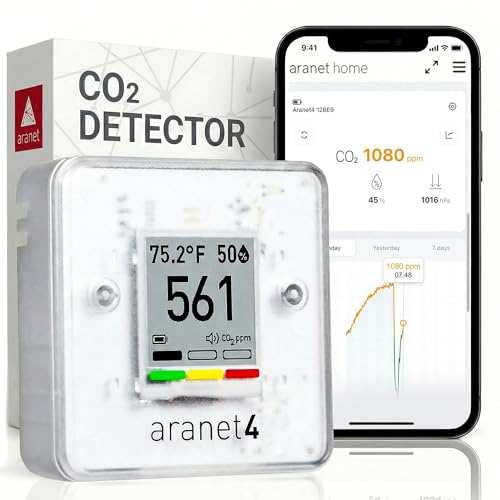
A different school of monitor focuses tightly on carbon dioxide alone, often with a crisp screen and strong accuracy for ventilation work. Our aranet4 review covers that approach. It gives up radon entirely, so it serves offices and classrooms better than basements. The simplest rival of all is a short term radon test kit. It costs little and answers one question once, but it cannot show how your home behaves across seasons.
Where to Buy and Best Price
Expect to pay about $200 to $300 for the monitor itself, with the optional hub adding a further one time cost. Prices move with seasonal sales events, so check the total with any hub included before judging a deal. Buy from a seller with easy returns, and confirm the listing matches this model rather than a simpler sibling. Prices and availability can change, so check the product page before ordering.
FAQs
Is the Airthings Wave Plus worth it?
It is worth it if you will actually act on the data over months, for example by ventilating a bedroom or arranging mitigation when radon stays high. Its value grows in the second season you own it, when you can compare winter levels with summer ones. If you expect a gadget you check twice and forget, the money is better spent on a single radon test first.
What are common Airthings Wave Plus problems?
The complaints you will see most are syncing gaps when a phone stays out of Bluetooth range for days, confusing spikes in the compound reading right after cleaning with sprays, and impatience with the slow first radon numbers. Most of these are expectations problems rather than faults. Turning on app notifications also helps, since a quiet alert is easy to miss when levels drift upward slowly.
How long does the Airthings Wave Plus last?
The hardware has no parts that wear out in normal use, so it should serve for years on a shelf. Battery life depends on how often it syncs and how cold the room gets, and the app warns you well before power runs out. Keeping the app and firmware current matters more than anything mechanical, because updates carry sensor and connectivity fixes.
What is a cheaper alternative to the Airthings Wave Plus?
A short term radon test kit is the cheapest way to answer the radon question once, and simple carbon dioxide only monitors cost less than this combined unit. The trade off is coverage. You lose continuous combined history, and you would need separate devices to follow radon, stuffiness, and chemical trends together through the year.
How do you clean the Airthings Wave Plus?
Use a soft, dry, or barely damp cloth on the outer casing only, and keep liquids away from the sensor openings. Clean it when you change rooms or change batteries, since handling is when dust and fingerprints collect. Do not use a vacuum nozzle against the vents, because strong suction and static do small sensors no favors.
Final Thoughts
This monitor earns its place by watching radon continuously while adding useful context about ventilation and everyday air. It asks little of you, charges nothing monthly, and its limits are clear once you know them. Weigh those points against the product table above, and if they match your home, the airthings wave plus review verdict is simple. It is a calm, capable purchase for the right household, and an easy one to skip if you need a screen or particle data.


