Best Smart Light Bulbs: A Complete Buying Guide
Disclosure: We may earn a commission when you buy through links on this page, at no extra cost to you. As an Amazon Associate we earn from qualifying purchases. Learn more
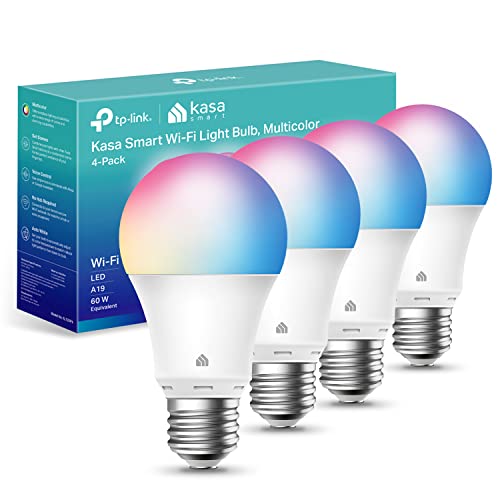
A light switch either turns a room on or off. A connected bulb does a lot more: it dims for movie night, shifts color temperature as the sun goes down, and turns itself on before you walk in the door. That flexibility is why so many households are shopping for smart light bulbs instead of sticking with plain LEDs, but the category has grown crowded enough that picking the wrong one is easy. Brightness ratings, connectivity methods, and bulb shapes all vary more than shoppers expect, and a bulb that's perfect for one fixture can be the wrong fit for another. This guide walks through what separates a good pick from a disappointing one, without steering you toward any single ecosystem or brand.
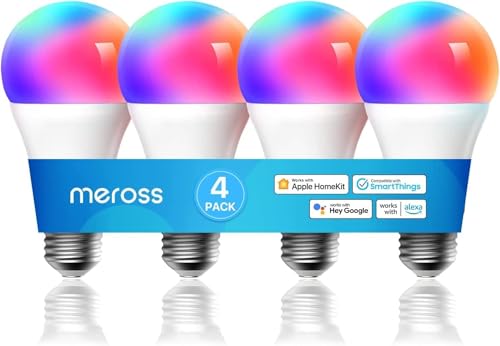
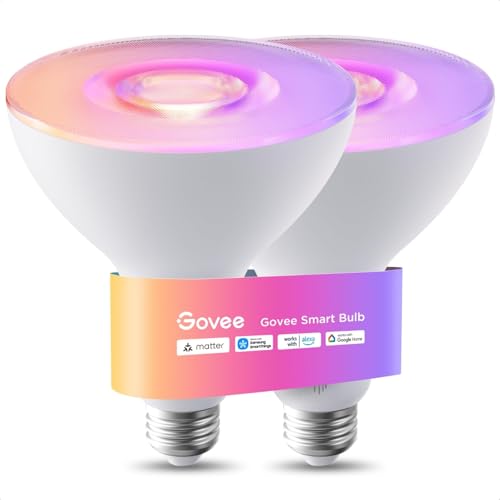
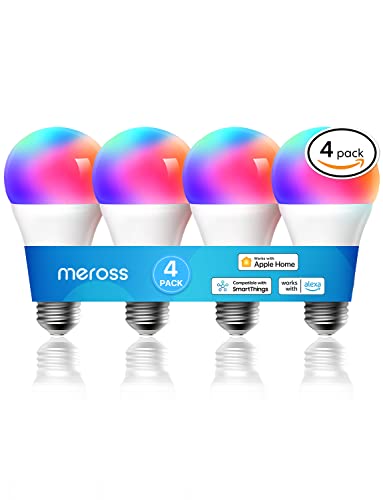
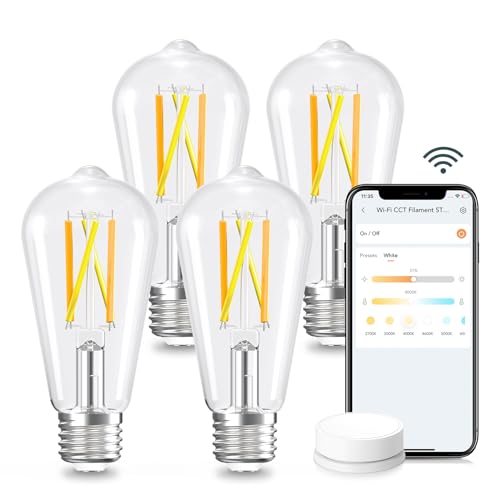



Lumens, CRI, and the Specs Worth Paying For
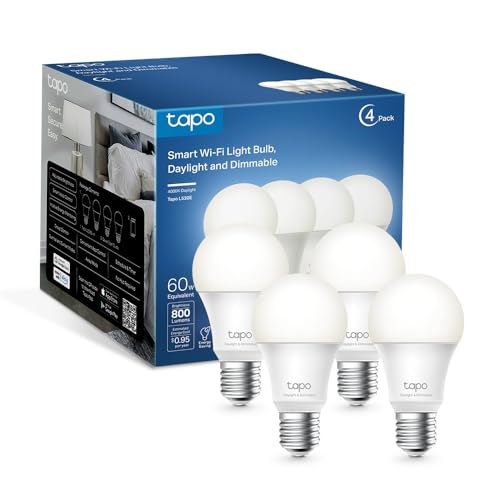
Wattage used to be the only number that mattered when buying a bulb. With LEDs, wattage barely tells you anything, so the figure to check first is lumens, which measures actual brightness. A fixture that used a 60-watt incandescent bulb generally needs around 800 lumens to feel just as bright, while overhead or multi-bulb fixtures often benefit from 1,000 lumens or more.
Color Rendering Index, or CRI, matters almost as much and gets ignored far more often. It measures how accurately a light source shows true colors compared to natural daylight, on a scale up to 100. A bulb with a CRI below 80 can make skin tones look flat and food look unappetizing, so anything used in a kitchen, bathroom, or workspace should sit at 90 or above.
- Color temperature range, since a bulb that only does one shade of white limits how a room can feel morning versus night
- Dimming quality at low levels, where cheaper bulbs sometimes flicker or step unevenly instead of fading smoothly
- App reliability and how often the manufacturer pushes firmware updates
None of these specs show up prominently on packaging, so it's worth pulling up the product listing or manual before buying rather than trusting the box art.
Direct WiFi Control Versus Hub-Based Networks
Every connected bulb falls into one of two broad camps. The first connects straight to a home's WiFi router, which means no extra hardware is needed and setup usually takes a few minutes through a phone app. The tradeoff is that WiFi bulbs each hold their own connection to the router, and a house with a few dozen of them can start to strain a weaker router or crowd the network.
The second camp relies on a low-power mesh protocol, commonly Zigbee or a similar standard, which requires a separate hub or bridge to translate between hub-based bulbs and the home network. This approach tends to respond faster, handles large bulb counts more gracefully, and often extends its own mesh range as more bulbs join it. The downside is the added cost and setup step of the hub itself.
Neither approach is objectively better. A small apartment with five or six bulbs rarely needs a hub, while a whole-house lighting project usually runs smoother on a mesh network built for scale. Voice assistant compatibility is worth checking too, but it's just one factor among several rather than the deciding one, since most current bulbs work with more than one voice platform regardless of which connection method they use.
Bulb Bases and Fixture Shapes: Getting the Fit Right
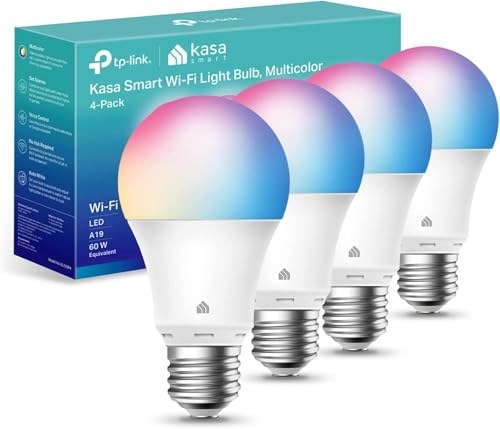
Buying the wrong shape is one of the most common return reasons for connected lighting, and it has nothing to do with smart features. The standard base for most household sockets is called A19, and it fits table lamps and most ceiling fixtures without an issue.
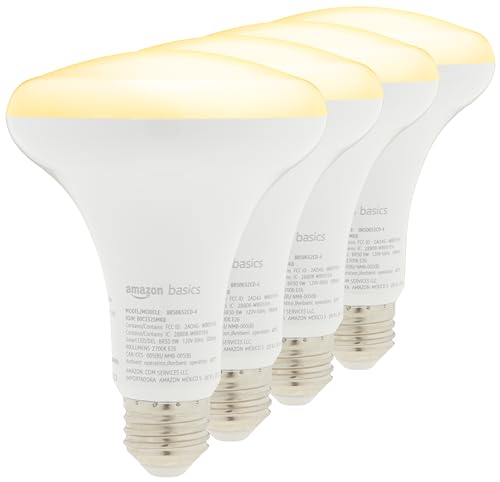
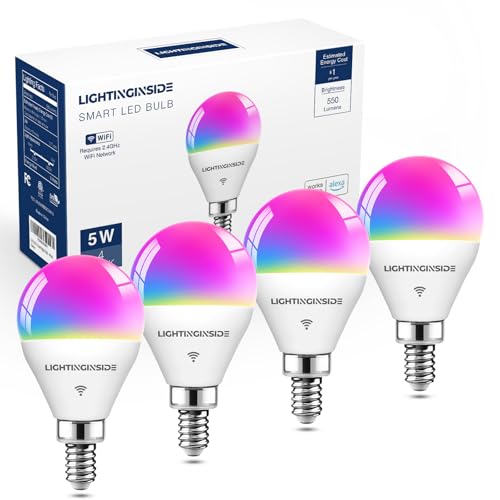
Recessed cans and floodlight fixtures typically need a BR30 or PAR30 bulb instead, which has a wider, flatter face designed to throw light downward evenly. Track lighting and spotlights often call for a smaller PAR20 or PAR16 shape, and decorative fixtures like chandeliers frequently use a candelabra base, worth checking against a candelabra-base bulb guide before ordering the wrong size.
- Measure or photograph the existing bulb before ordering a replacement, since base size isn't always obvious from across the room
- Check the fixture's enclosure type, because fully enclosed fixtures trap heat and can shorten a smart bulb's lifespan if it isn't rated for that use
- Confirm outdoor fixtures use bulbs rated for outdoor or damp locations, not standard indoor models
A bulb with excellent color-tunable performance is still the wrong purchase if it physically doesn't fit the socket it's going into.
What It Costs to Switch, and What You Get Back
Connected smart light bulbs cost more upfront than plain LEDs, sometimes several times as much per bulb, and it's fair to ask whether that premium pays off. On the energy side, the math is straightforward: LED bulbs use a fraction of the electricity that incandescent bulbs do, and scheduling or auto-off features trim usage further by preventing lights from being left on in empty rooms.
Lifespan is the bigger factor. A quality LED-based smart bulb is typically rated for tens of thousands of hours, which can translate to well over a decade of typical evening use before it needs replacing. That longevity offsets a good chunk of the higher purchase price over time, especially compared to incandescent or halogen bulbs that burn out in a fraction of the time.
Where the math gets murkier is with bulbs sold as part of a starter kit that includes a hub. Buying a hub once and adding standalone bulbs over time is often cheaper than buying kit after kit, so it's worth pricing out both paths before committing to one brand's ecosystem.
Smart Bulbs or Smart Switches: Matching the Tool to the Room
Smart bulbs aren't the only way to add automation to a room, and in some cases a smart switch is the better tool, and it's worth comparing bulbs against today's smart switches before deciding. A switch controls whatever's already installed in the fixture, which means it works with existing bulbs, ceiling fans with lights, and fixtures that hold multiple bulbs without needing to replace each one individually.
The catch is that many smart switches require a neutral wire in the wall box to function, and plenty of older homes don't have one without an electrician's help. Bulbs sidestep that problem entirely since they only need a standard socket. Switches also lose color and dimming granularity that individual smart bulbs offer, since they control power to the whole fixture rather than each bulb's internal settings.
A practical approach many households land on is bulbs for rooms where color, scheduling, or per-bulb control matters, and switches for fixtures with several bulbs or fittings that are impractical to unscrew, such as an enclosed ceiling fixture. For a deeper look at whole-home automation beyond individual bulbs, smart home hubs are worth researching separately, since they extend well past lighting alone.
Purchase Mistakes That Cost You Later
The most expensive mistake is buying bulbs before checking what they're compatible with. Mixing bulbs from different mesh protocols under one hub sometimes works, sometimes doesn't, and it's better to confirm compatibility before opening several boxes.
- Assuming every bulb works with every voice assistant, when in reality support varies by model and sometimes by firmware version
- Skipping the app's firmware update prompt, which can leave a bulb missing features or behaving unreliably for months
- Installing color-changing bulbs in fixtures with diffusers or shades that mute the colors so heavily they're barely noticeable
- Overloading a single WiFi network with dozens of bulbs without checking router capacity first
Buyers who research an ecosystem before purchasing tend to end up with setups that actually get used instead of gathering dust once the novelty wears off. Anyone building specifically around a voice assistant should look at a platform-specific bulb guide before finalizing a purchase.
Frequently Asked Questions
Do smart bulbs work if the WiFi goes down?
Basic on and off control from a physical switch still works, but scheduling, remote access, and voice control typically stop functioning until the connection is restored, since most rely on the app talking to the internet.
Can smart bulbs be used with a regular wall switch?
They can, but the switch needs to stay in the on position at all times, since cutting power to the bulb also cuts power to its wireless radio and disables app or voice control until it's switched back on.
How long do smart bulbs actually last?
Most quality models are rated for tens of thousands of hours, often translating to a decade or more of typical evening use, though heat buildup in fully enclosed fixtures can shorten that lifespan noticeably.
Do I need a hub to use smart bulbs?
Not necessarily. Bulbs that connect directly to WiFi skip the hub entirely, while bulbs built on a mesh protocol like Zigbee require one, so the answer depends on which type is purchased.
Are more expensive smart bulbs actually better?
Often, though not always. Higher-priced models tend to offer better CRI, smoother dimming, and more reliable apps, but plenty of budget options perform well for basic on, off, and dimming needs.
Can smart bulbs be controlled without an app?
Yes, once paired, most can be controlled through a standard wall switch, a physical remote, or voice commands, though the app is usually required for the initial setup and any scheduling.
Living With Smart Bulbs Day to Day
Once installed, the appeal of connected lighting tends to come from small daily habits rather than any single standout feature: lights that fade on gently instead of snapping to full brightness, a porch light that turns on by itself at dusk, or a bedroom that dims automatically at a set hour. None of that requires the most expensive bulb on the shelf, just one that matches the fixture, the protocol already in use at home, and the brightness a room actually needs.
Start with one or two rooms rather than replacing every bulb in the house at once. It's a lot easier to judge whether a particular set of smart light bulbs fits a household's habits after living with a handful of them than after committing to dozens all at once.