Best Smart Home Hubs: A Complete Buying Guide

A smart home hub is the quiet coordinator behind a house full of connected gadgets. It is the box (or app-plus-router combo) that lets a motion sensor from one brand trigger a light from another, without either device knowing the other exists. As more devices ship with multiple radios built in, picking the right hub has gotten both easier and more confusing at the same time.
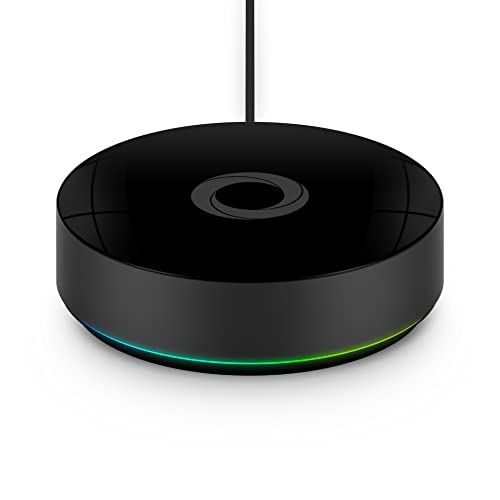
![SmartThings Hub 3rd Generation [GP-U999SJVLGDA] Smart Home Automation Hub Home Monitoring Smart](https://images-na.ssl-images-amazon.com/images/I/21hChu0ounL.jpg)
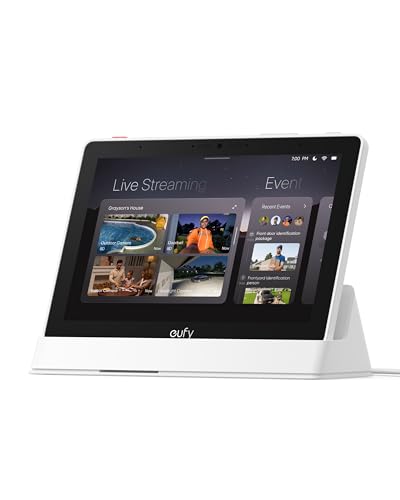
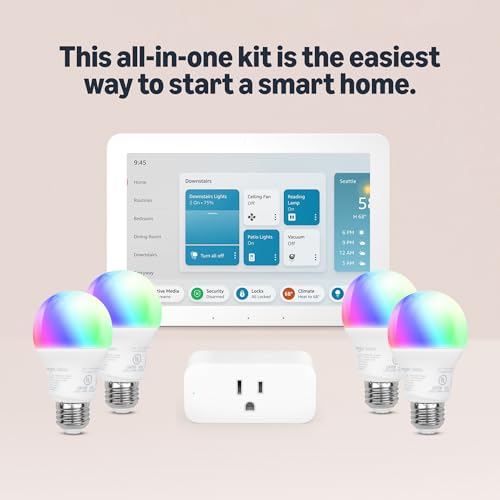

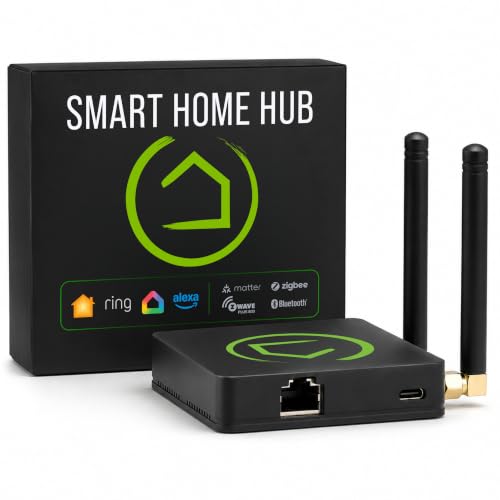
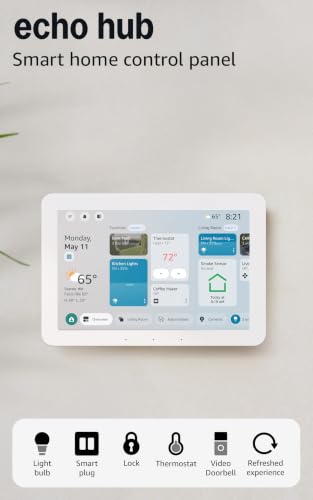

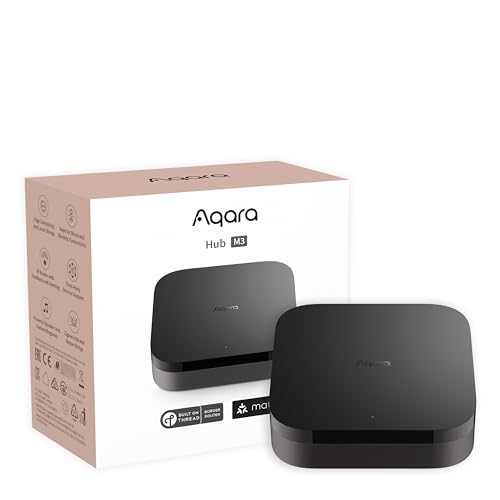
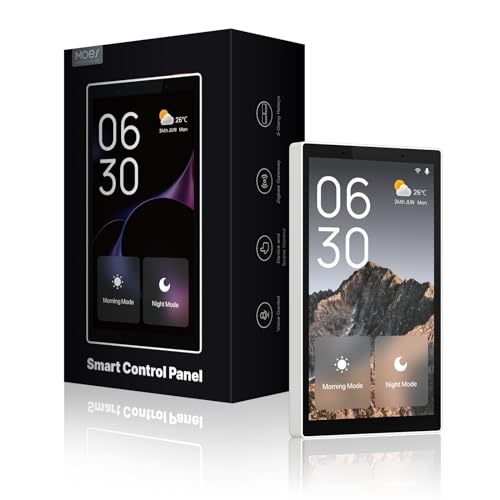
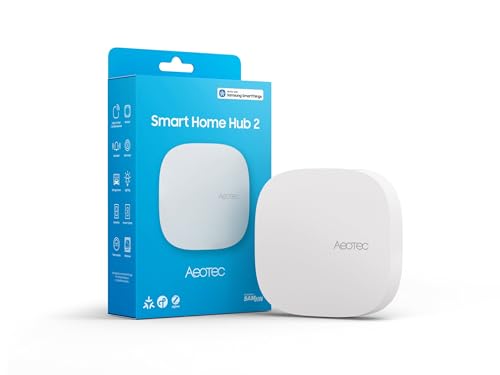
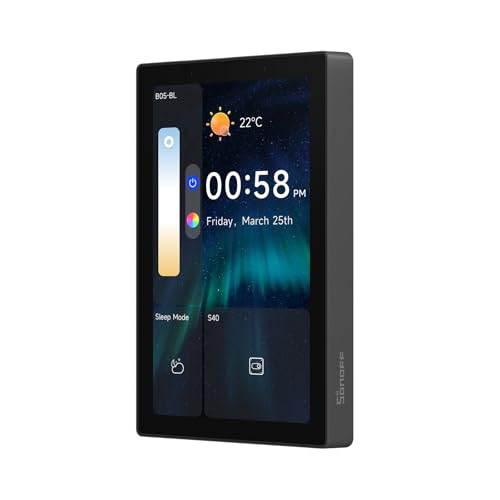
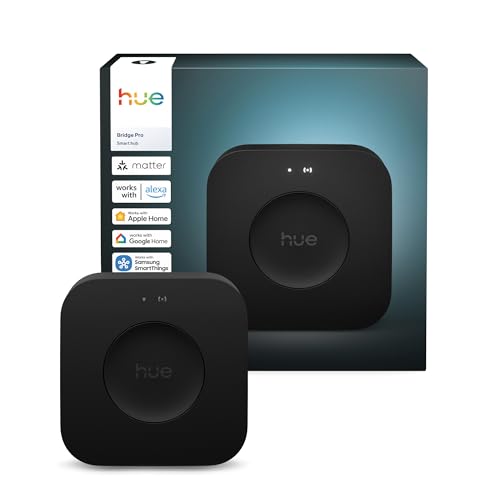
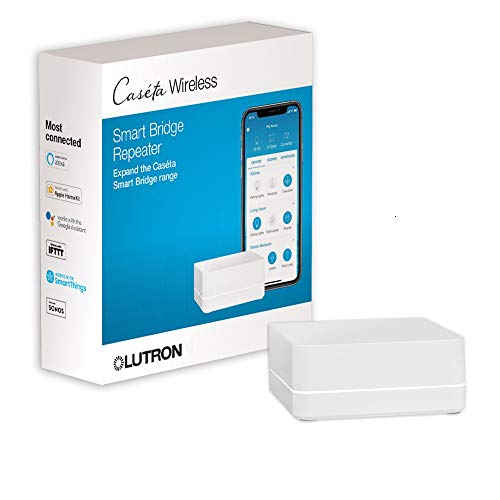
Protocol Support: Zigbee, Z-Wave, Thread, and Matter
Most confusion around hubs starts with the alphabet soup of wireless standards. Zigbee and Z-Wave are older, low-power mesh protocols that have powered sensors, locks, and bulbs for over a decade. Each device extends the mesh a little further, which is why these networks tend to get more reliable as a household adds more gear rather than less.
Thread is a newer, faster mesh protocol built for low-latency responses, and it pairs closely with Matter, the cross-manufacturer standard meant to let devices from different brands speak a common language. A hub that acts as a Thread border router extends that mesh across a home and lets Matter-certified accessories join it directly.
Matter has reduced fragmentation, but it has not eliminated the need for a hub entirely. Many Matter devices still rely on a controller, often built into a hub, to bridge them to a phone app and to other ecosystems. Anyone shopping today should check which of these four protocols a hub actually supports natively, rather than assuming "Matter compatible" covers everything.
Households that already lean into connected lighting benefit from checking hub-to-bulb compatibility early; a rundown of options is covered in this guide to smart light bulbs, since bulb protocol support varies almost as much as hub support does.
Voice-Assistant Ecosystem Lock-In
Nearly every smart home hub on the market ties into one or more voice-assistant ecosystems, and this decision tends to matter more long-term than the hub's specs sheet. Picking a hub that favors a single major voice-assistant ecosystem can simplify setup, but it also nudges future purchases toward that same ecosystem's app and account requirements.
A more neutral hub, one built to work across multiple voice-assistant ecosystems rather than favoring one, gives more flexibility if a household later mixes speakers, displays, or streaming devices from different sources. This matters especially for anyone who already owns a smart display for video calls, since that display's built-in assistant often becomes the default voice control point whether or not it was chosen for that purpose.
Before committing, it helps to list every voice-enabled device already in the house and confirm the hub under consideration plays well with each one, rather than discovering a gap after setup.
Local Processing vs. Cloud-Dependent Control
Some hubs process automations entirely on local hardware inside the home; others route every command through a manufacturer's cloud servers, even for something as simple as turning on a lamp two feet away. Local processing tends to respond faster and keeps working during an internet outage, since the hub and the devices only need to talk to each other over the home network.
Cloud-dependent hubs usually offer easier remote access and simpler mobile app setup, but automations pause if the internet connection drops or if the manufacturer's servers have an outage. Data also travels off-site with cloud control, which is worth weighing for anyone using a hub alongside security-focused devices like a video doorbell.
A hybrid approach, where routine automations run locally and only remote-access features touch the cloud, offers a reasonable middle ground for most households. Checking a hub's documentation for exactly which functions require internet access avoids surprises later.
Setting Up a Hub Without Starting Over
The biggest setup hurdle is rarely the hub itself; it is migrating devices already paired to another app or bridge. Most hubs support a staged rollout: keep existing devices running on their original app while adding new purchases directly to the new hub, then migrate older devices in batches once the new system is stable.
- Place the hub centrally, away from thick walls or metal appliances that weaken mesh signal range.
- Update firmware before pairing any devices, since older firmware often lacks current protocol support.
- Group devices by room during setup rather than by type, which makes automations easier to build later.
- Keep a written list of which devices run on which protocol for future troubleshooting.
Anyone adding door or garage automation during this process should confirm hub compatibility first; the setup considerations differ enough from lighting that it is worth reviewing separately in this guide to smart garage door controllers before buying hardware.
What a Hub Actually Costs Over Time
The upfront price of a hub is only part of the equation. Some platforms charge a recurring subscription for advanced automation rules, extended history logs, or remote video storage when the hub is paired with cameras or doorbells. Others are entirely free to use after purchase, with all automation features included.
Replacement cost matters too. A hub that only supports older protocols may need replacing sooner as more devices ship exclusively with newer radios. Choosing a hub with broad protocol support now, even if it costs a bit more upfront, often works out cheaper than replacing the whole system in a few years.
It is also worth factoring in the cost of devices themselves. Niche connected products sometimes only work with a narrow set of hubs, so confirming compatibility before purchase avoids paying twice.
Frequently Asked Questions
Do I need a hub if my devices already connect to Wi-Fi?
Wi-Fi-only devices work without a hub, but a hub still helps when mixing brands, building cross-device automations, or adding Zigbee, Z-Wave, or Thread devices that do not use Wi-Fi directly.
Does Matter mean I no longer need a hub?
Not entirely. Many Matter devices still rely on a controller, often housed inside a hub, to bridge them into an app and connect them with older Zigbee or Z-Wave equipment.
Can one hub support multiple protocols at once?
Yes, many current hubs include radios for several protocols simultaneously, letting a single device coordinate a mixed-protocol household instead of running separate bridges.
Will a hub work if the internet goes down?
It depends on whether the hub processes automations locally or through the cloud. Local hubs generally keep working offline; cloud-dependent hubs typically pause until connectivity returns.
How many devices can one hub realistically handle?
Capacity varies by model and protocol, but mesh-based hubs generally scale well into the hundreds of devices, since each new device can extend network range.
Is it worth replacing an older hub for one with Thread support?
If new device purchases increasingly ship with Thread radios, upgrading avoids running two separate systems and simplifies automations going forward.
Matching a Hub to the Household, Not the Hype
There is no single best smart home hub for every home; the right choice depends on which protocols current and future devices use, how much weight local versus cloud control carries, and which voice-assistant ecosystem already anchors daily routines. Households just starting out benefit from broad protocol support and room to grow, while those with an established system usually gain more from a hub that plugs cleanly into what is already working.
Taking stock of existing devices, planned additions, and internet reliability before buying saves both money and setup headaches down the line.