Best Smart Switches: A Complete Buying Guide
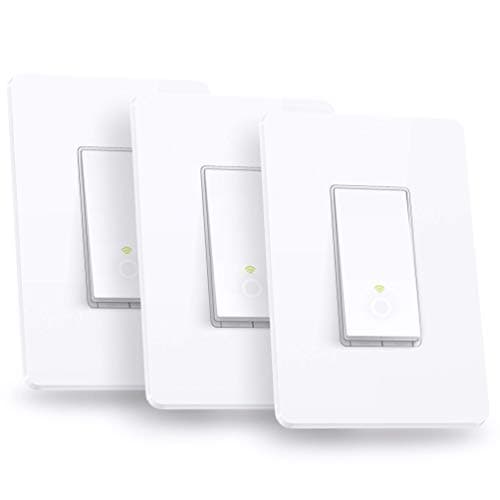
Swapping a regular wall switch for a smart one sounds simple until you pull off the cover plate and stare at a bundle of wires you weren't expecting. That moment trips up a lot of first-time buyers, because the wrong purchase means a switch that never leaves the box. Finding the best smart switches for your home starts with understanding your wiring and your smart home setup, not with picking whatever has the most reviews. In this guide, you'll learn how to check your wiring, how the different connection types work, when a switch beats a bulb or plug, and how to match a switch to the circuit it's replacing.


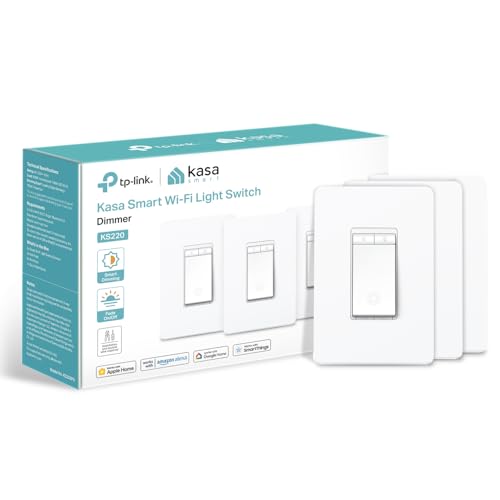
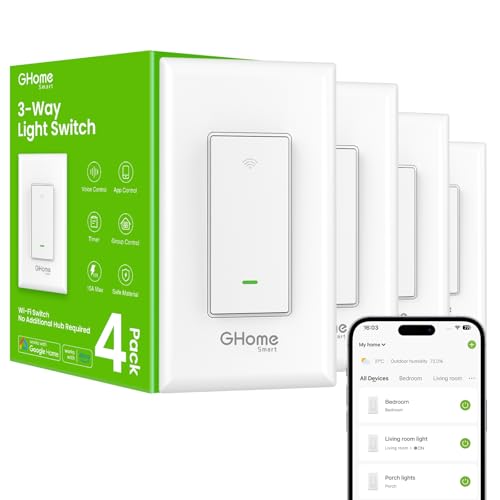

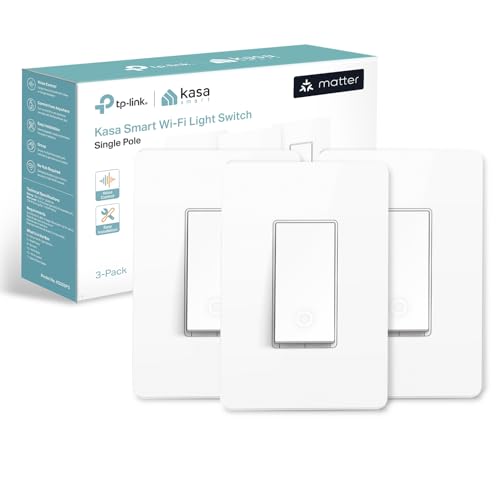
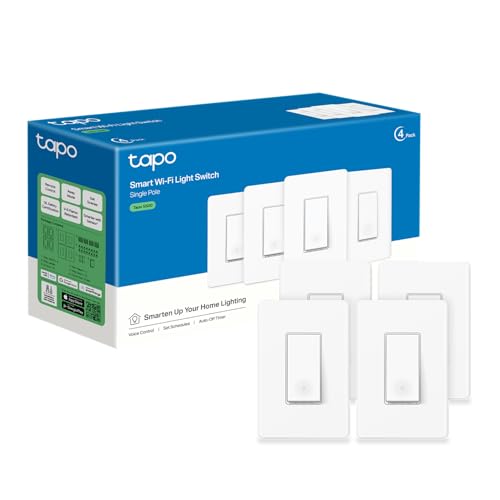
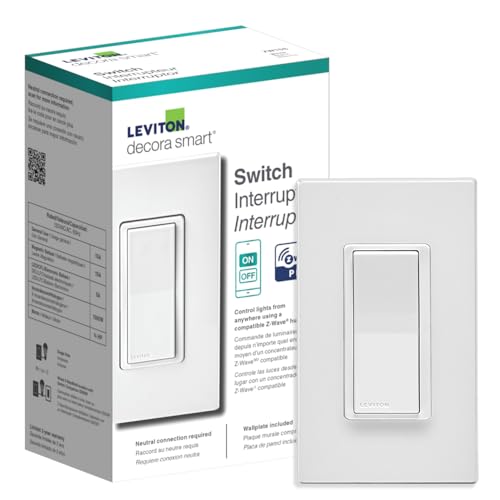
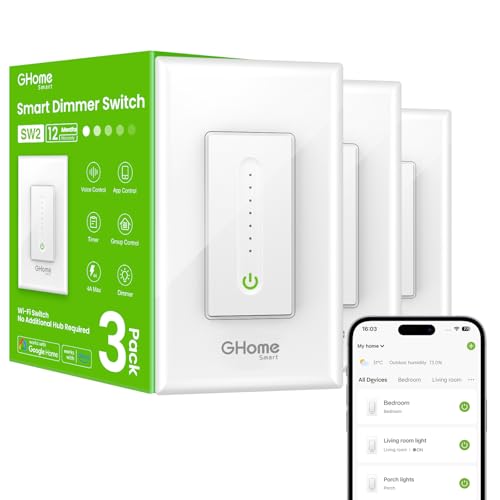
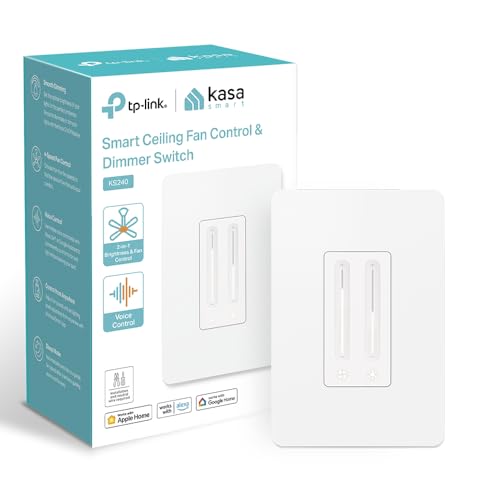
Does Your Switch Box Have a Neutral Wire?
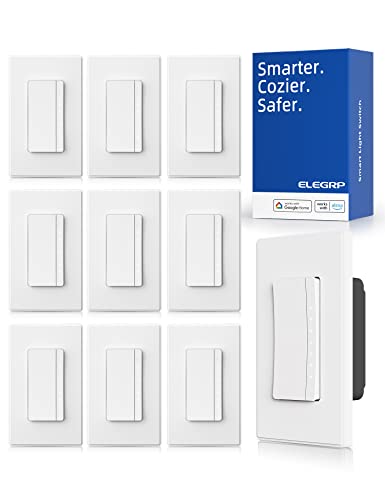
Before anything else, you need to know whether your switch box has a neutral wire, because this single detail determines which of the best smart switches you can even consider. A neutral wire gives a smart switch constant power for its electronics, separate from the circuit that runs to the light itself. Homes built before the mid-1980s often skipped this wire at switch locations entirely, since it wasn't required by code at the time, so this isn't a rare problem. Roughly four in ten US homes fall into this category, which is why so many buyers get partway through installation before realizing their current pick won't work.
How to check for a neutral wire
Turn off power at the breaker, then remove the switch plate and look inside the box. If you see a bundle of white wires capped together and separate from the switch terminals, you have a neutral. If the box only holds a black wire, a single white wire connected directly to the switch, and a bare copper ground, you're likely in a no-neutral situation. When you're not fully sure, it's worth a quick check by an electrician rather than guessing and returning a product later.
What to buy if you don't have one
No-neutral homes aren't stuck without options. Several manufacturers make switches specifically designed to run without a neutral wire, often by drawing a tiny trickle of current through the bulb circuit itself. These no-neutral models sometimes have restrictions, like requiring LED bulbs rated for compatibility or working best with a specific hub, so read the compatibility notes closely before buying.
WiFi, Zigbee, Z-Wave, or Matter: How Your Switch Connects
Once wiring is settled, the next decision is how the switch talks to your phone and voice assistant. This affects both setup complexity and long-term reliability, so it's one of the first things to sort out when comparing the best smart switches for your specific setup.
Hub-free WiFi switches
WiFi switches connect straight to your router, no extra hardware required, which is one reason they're often recommended as the best smart switches for anyone just getting started. That makes them the easiest entry point for most households, especially if you only plan to add a handful of smart devices. The trade-off is that they lean on your home network for every command, so a spotty WiFi signal or a router hiccup can mean a laggy or unresponsive switch.
Zigbee and Z-Wave switches
Zigbee and Z-Wave switches use their own low-power radio networks instead of your WiFi, which usually means faster, more consistent response times, along with the ability to keep working locally if your internet drops. The catch is that both require a compatible hub to translate their signals to your phone or voice assistant, which adds cost and one more device to manage. If you're already invested in a smart home hub, this is often worth the extra step.
Where Matter fits in
Matter is a newer connectivity standard designed to let devices work across ecosystems, so a Matter-certified switch can pair with Alexa, Google Assistant, and Apple Home without separate app silos. It's becoming common on newer switches, and choosing a Matter-compatible model gives you more flexibility if you ever switch voice assistants down the road.
Whichever protocol you land on, think about how it fits the rest of your setup. If you've already picked out one of the best smart home hubs for your house, buying a switch built for that hub's protocol tends to be a smoother experience than mixing and matching.
Smart Switch, Smart Bulb, or Smart Plug?
A lot of shoppers land on a list of the best smart switches while actually trying to solve a problem that a bulb or a plug could fix more easily, so it's worth pausing here before you commit.
When a smart switch makes more sense
Switches are the better call when a single fixture holds several bulbs, like a chandelier or a recessed lighting bank, since one switch controls all of them without having to buy a smart bulb for every socket. They also keep your existing fixtures and bulbs exactly as they are, which matters if you rent or don't want to swap out light fixtures. Because the switch itself is smart, anyone in the house can still flip it manually and it behaves like a normal light.
When a smart bulb or plug is the better fit
If you want color-changing light or per-bulb control in a single lamp, a smart bulb usually beats a switch, since a switch can't add color to a plain bulb. For lamps, small appliances, or anything plugged into an outlet rather than wired to a fixture, a smart plug is often the simpler and cheaper fix. If your household already has a few devices, it's worth browsing a list of the best smart plugs alongside switches, since the two often end up working together in the same rooms.
Matching the Switch to Your Circuit and Fixture
Even with wiring and connectivity sorted out, the switch still needs to match the physical circuit and fixture it's replacing, or you'll run into flickering, buzzing, or a switch that simply won't behave. This is the step where even good picks from a list of the best smart switches can go wrong if the circuit type doesn't line up.
Single-pole vs. 3-way and multi-way setups
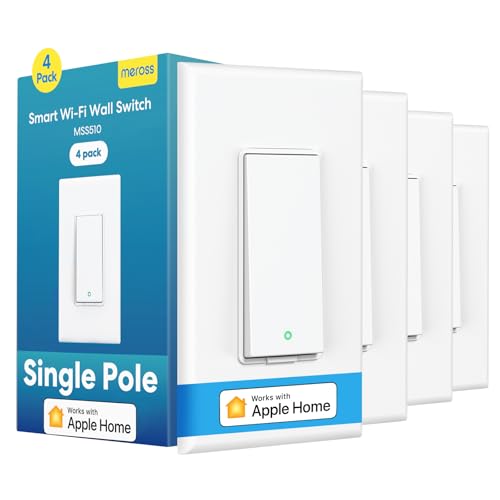
A single-pole switch controls a light from one location, and it's the simplest and most common setup to convert. A 3-way or multi-way circuit controls the same light from two or more switches, like a staircase or a long hallway, and it needs a switch specifically rated for that configuration along with a compatible companion switch or add-on at the other location. Installing a standard single-pole smart switch in a 3-way circuit is one of the most common mistakes people run into, and it usually shows up as flickering lights or a switch that reports "on" in the app while the light stays off.
Dimmable vs. non-dimmable loads
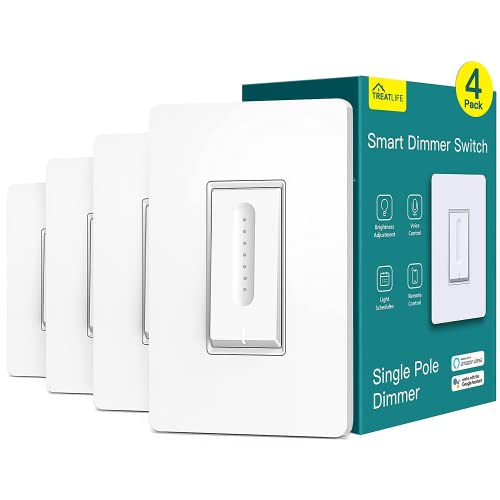
Dimmer switches need bulbs rated as dimmable, and pairing one with older or non-dimmable LEDs is a common source of buzzing or flicker. Check the bulb packaging or the fixture's bulbs before assuming a dimming smart switch will work cleanly with what's already installed.
When to call an electrician instead of DIY
Most smart switch installs are a reasonable DIY project if you're comfortable working with a breaker off and following a wiring diagram. That said, aluminum wiring, a fuse box instead of breakers, or any uncertainty about which wires are live are all good reasons to bring in a licensed electrician rather than troubleshoot a live circuit yourself.
Frequently Asked Questions
Do smart switches need a neutral wire?
Many do, since it powers the switch's internal electronics separately from the light circuit. Some models are built specifically to work without one, so check the product's wiring requirements before buying if your box doesn't have a neutral.
What is the difference between a smart switch and a smart plug?
A smart switch replaces the wall switch and controls a hardwired fixture, while a smart plug sits in an outlet and controls whatever is plugged into it, like a lamp or a small appliance. They solve different problems and often get used together in the same home.
Are smart switches worth it?
For most people, the best smart switches are worth the cost, especially in rooms with multiple bulbs on one fixture, since one switch replaces the need to buy several smart bulbs. The value depends on how much you'll actually use scheduling, voice control, or remote access day to day.
Do smart switches work without internet or WiFi?
The physical switch will still turn the light on and off manually regardless of connectivity. Remote control, scheduling, and voice commands typically need either an internet connection or, for Zigbee and Z-Wave models, a working hub.
Can I install a smart switch myself?
Many homeowners install smart switches themselves if they're comfortable shutting off the breaker and following the included wiring diagram. If your wiring is unusual, aluminum, or you're unsure which wires are live, hiring an electrician is the safer route.
Do smart switches work with 3-way circuits?
Yes, but you need a switch specifically designed for 3-way or multi-way setups along with a compatible add-on switch at the other location. A standard single-pole smart switch won't work correctly in that configuration.
Do smart switches need a separate hub?
WiFi switches connect directly to your router without one. Zigbee and Z-Wave switches need a compatible hub to communicate with your phone or voice assistant, which is worth factoring into the total cost.
Making the Right Call for Your Home
The right smart switch comes down to three checks: whether your box has a neutral wire, which connection type fits the rest of your smart home setup, and whether the circuit is single-pole or multi-way. Get those three things right, and picking the best smart switches for your home becomes a much shorter list than it first seems. From there, it's mostly a matter of matching features like dimming or voice assistant support to how you actually plan to use the room.