
Best Alexa Light Bulbs: A Complete Buying Guide
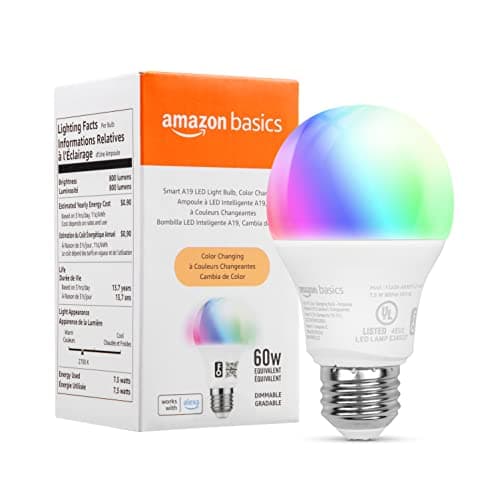
You screw in a new bulb, open the Alexa app, and wait for it to show up. Sometimes it does in seconds. Other times you're stuck googling why your "smart" bulb won't connect, or discovering it actually needs a separate hub you didn't know about. Picking the best alexa light bulbs isn't really about finding the brightest or most colorful option. It's about understanding how a bulb talks to Alexa in the first place, because that's what decides whether your voice commands work every time or only when the stars align. This guide walks through what actually matters when choosing alexa compatible smart bulbs, how the two main connection types differ, and the setup habits that keep everything responsive once the bulbs are installed.


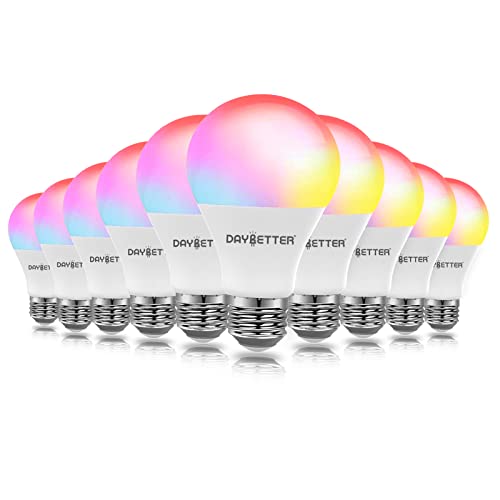
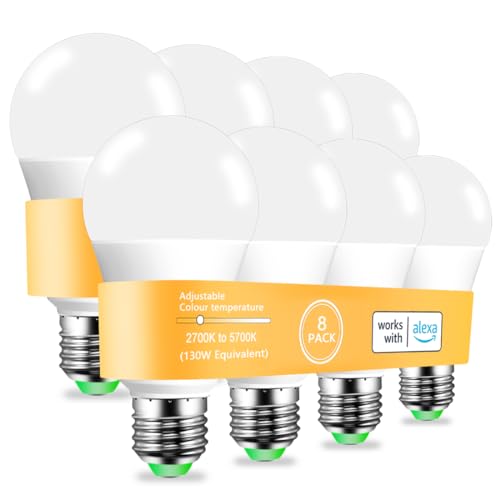
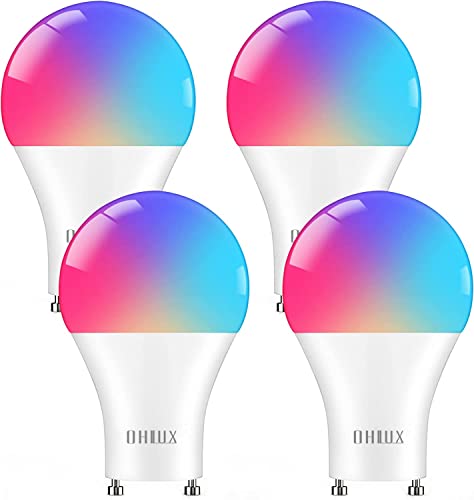
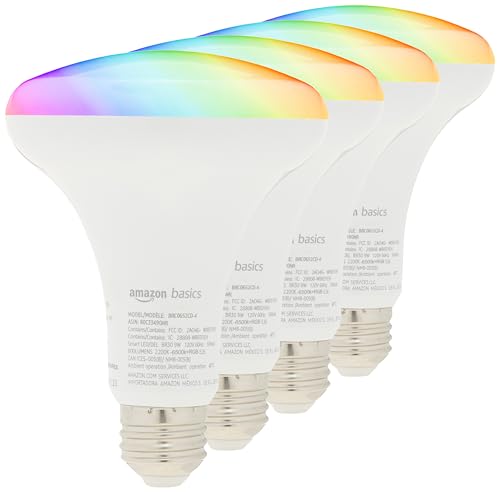
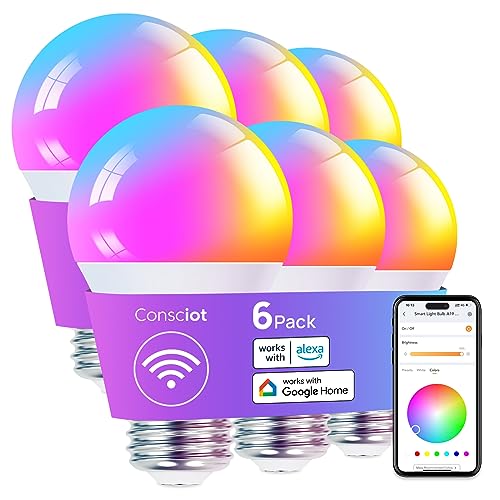
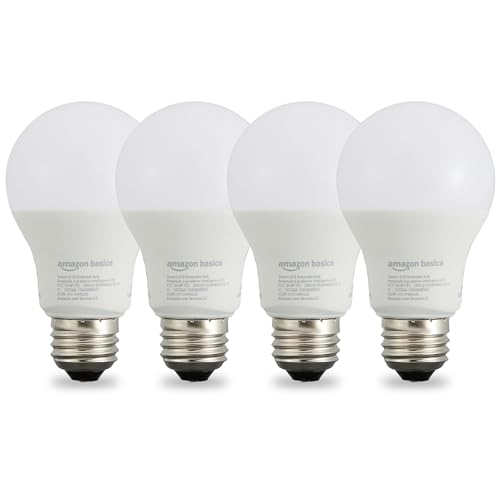
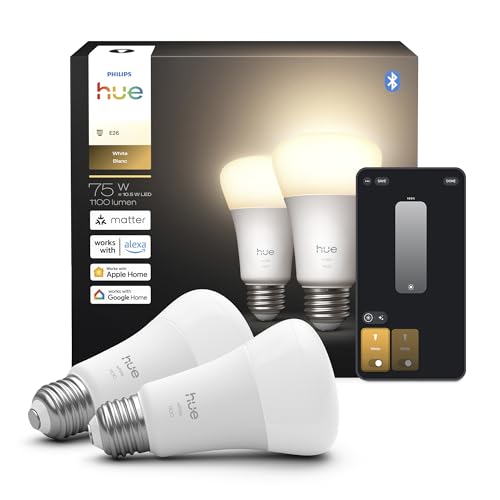
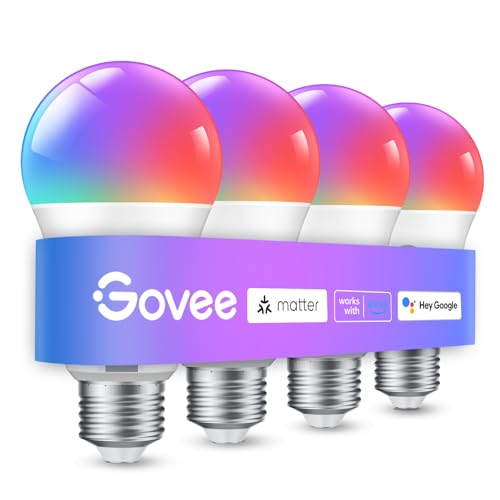
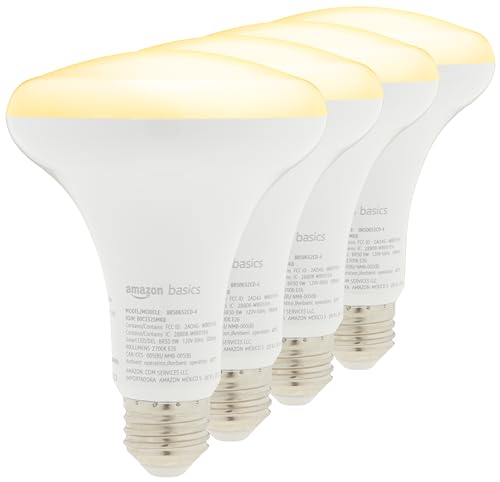
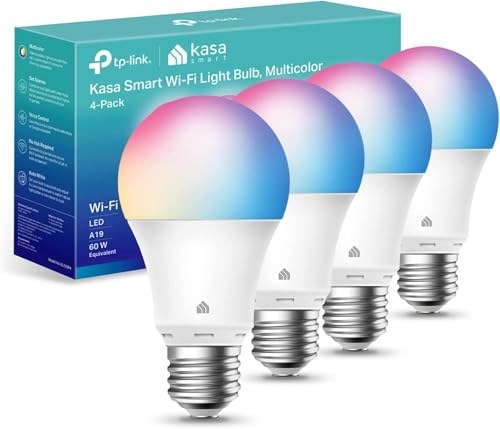

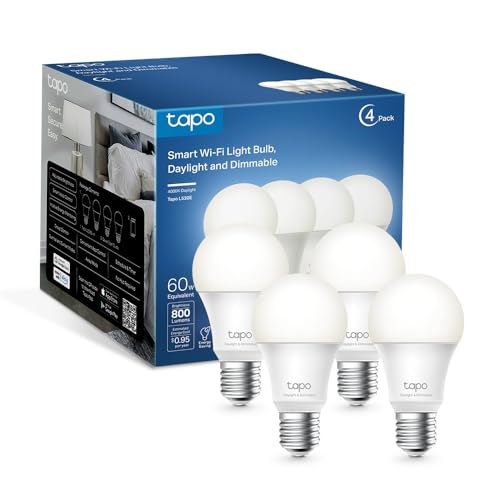
What Actually Makes a Bulb Alexa-Compatible
Not every bulb labeled "smart" behaves the same way once you ask Alexa to control it. A handful of technical details separate the best alexa light bulbs from ones that lag, drop off the network, or never quite integrate the way you expected.
The "Works with Alexa" Badge vs Just "Compatible"
There's a real difference between a bulb that simply claims to be "compatible" with Alexa and one that carries the official Works with Alexa certification. Certified bulbs have gone through testing for discovery, voice recognition accuracy, and stable reconnection after power interruptions. A bulb that's only loosely compatible might still pair with the Alexa app, but it can be inconsistent about staying connected or responding to grouped commands. If reliability matters more to you than saving a few dollars, the certification badge is worth checking before you buy.
Brightness, Color Temperature, and CRI
Lumens tell you how bright a bulb gets, and most Alexa-compatible bulbs fall somewhere between 800 and 1,600 lumens, roughly equivalent to a 60 to 100 watt incandescent. Color temperature, measured in Kelvin, determines whether the light reads as warm and cozy or crisp and energizing. If color accuracy matters for reading or working from home, look at the CRI rating too. Anything above 90 renders colors close to natural daylight, while cheaper bulbs sometimes dip into the 80s and make skin tones or fabrics look slightly off.
Base Type and Fixture Fit
It sounds obvious, but this is where a lot of purchases go wrong. Standard A19 bulbs fit most table lamps and overhead fixtures, while BR30 bulbs are made for recessed can lighting, and candelabra bases suit smaller decorative fixtures. Measure your existing fixture or check the bulb you're replacing before ordering, since an otherwise perfect smart bulb is useless if it physically doesn't fit the socket.
Dimming Without Losing the Wall Switch
Most alexa smart light bulbs support dimming through voice commands or the app, but that only works if the bulb is receiving constant power. Some households find dimming behaves inconsistently on bulbs paired with older dimmer switches designed for incandescent loads. If you want full dimming control through Alexa, it's usually smoother to leave the physical switch always on and let the bulb itself handle brightness electronically.
WiFi Bulbs vs Hub-Based Bulbs: Which Fits Your Home
This is the single biggest decision buyers face, and it shapes everything from setup time to how many bulbs you can realistically run.
Direct WiFi Bulbs
WiFi bulbs connect straight to your home network, using your router as the go-between with Alexa. There's no bridge or hub to buy, setup usually takes a few minutes per bulb, and they work well for smaller installs of a handful of rooms. The tradeoff shows up as you scale. Once you're running eight, ten, or more WiFi bulbs alongside phones, laptops, and other smart devices, your 2.4GHz band can get congested, and that's often when voice commands start lagging or bulbs stop responding reliably.
Zigbee and Other Hub-Based Bulbs
Hub-based bulbs use a separate wireless protocol, most commonly Zigbee, that doesn't touch your WiFi bandwidth at all. They need either a dedicated bridge device or an Echo speaker with a built-in hub radio to translate between the bulb and Alexa. The upfront setup is slightly more involved, but the payoff is a mesh network that stays fast and stable even with dozens of bulbs installed, and one that keeps working locally even if your internet connection drops. If you're planning to outfit an entire house with lighting, this route tends to age better than piling everything onto WiFi. For a broader look at what a central hub does and doesn't include, our guide to smart home hubs breaks down the options.
Getting Alexa to Actually Respond to Your Bulbs
Buying the right bulb only solves half the problem. How you set it up inside the Alexa app has a lot to do with whether commands feel natural or frustrating.
Naming and Grouping by Room
Alexa relies entirely on the names and groups you assign. A bulb left with its default factory name won't respond to "turn off the bedroom lights," even if it's physically sitting in the bedroom. Take the extra few minutes to assign each bulb to the correct room group in the app, and use names that match how you'd naturally phrase a request out loud.
Building Routines Instead of One-Off Commands
Routines let you bundle multiple bulbs, times, and conditions into a single trigger, like dimming the living room at sunset or turning everything off when you say goodnight. They also tend to be more reliable than expecting Alexa to correctly parse a long list of individual bulb names every time. If your household frequently issues the same lighting commands, converting them into a routine cuts down on the back and forth.
Keeping Your Network From Becoming the Bottleneck
Whether you go with WiFi or hub-based bulbs, your router still plays a role. A router struggling to manage multiple connected devices will slow down response times regardless of which bulbs you chose. If you're adding lighting across a larger home, it's worth checking whether your current router can keep up, and our mesh router guide for larger homes covers what to look for if coverage or congestion has been an issue.
Where Alexa Bulb Setups Go Wrong
A few recurring mistakes account for most of the complaints people have about smart lighting.
- Leaving a physical wall switch off. If someone flips the switch instead of using voice or app control, the bulb loses power entirely and drops off the network. It won't respond to Alexa again until the switch is back on.
- Overloading a single WiFi band. Adding a dozen WiFi bulbs to a network that's already carrying streaming devices and laptops is a common cause of laggy or unresponsive commands.
- Skipping the hub requirement. Buying Zigbee bulbs without checking whether an existing Echo device has a built-in hub, or budgeting for a separate bridge, leads to bulbs that simply won't pair with Alexa out of the box.
- Assuming "compatible" means certified. Bulbs that aren't officially Works with Alexa certified can still connect, but they're more prone to dropped connections and slower discovery.
- Not committing to a smart switch where it matters. If a fixture gets flipped off by habit, a smart switch that keeps the circuit live can solve the problem better than the bulb alone.
Frequently Asked Questions
Do Alexa light bulbs need a hub?
It depends on the type. WiFi bulbs connect directly to your router and don't need any extra hardware. Zigbee and similar hub-based bulbs need either a dedicated bridge or an Echo device with a built-in hub radio.
What's the difference between WiFi and Zigbee smart bulbs?
WiFi bulbs use your home network and are simpler to set up but can slow down as more devices compete for bandwidth. Zigbee bulbs run on a separate wireless protocol that doesn't touch your WiFi, which tends to stay faster and more stable at scale, but requires a hub.
Do smart bulbs work if the wall switch is turned off?
No. A smart bulb needs constant power to stay connected to your network. If the physical switch is off, the bulb loses power and won't respond to Alexa until it's switched back on.
How many smart bulbs can Alexa control at once?
There's no hard cap on total bulbs, but performance depends on your setup. WiFi-based installs tend to show slowdowns once you're running eight to ten or more bulbs on a congested network, while hub-based mesh setups handle larger numbers more smoothly.
What does "Works with Alexa" certified actually mean?
It means the bulb passed Amazon's testing for reliable discovery, voice command accuracy, and stable reconnection. Bulbs without the certification may still work but tend to be less consistent.
Do all Alexa-compatible bulbs support dimming and color?
No. Some budget models only offer on and off control or a single white color temperature. If dimming or full color range matters to you, check the specific bulb's feature list rather than assuming Alexa compatibility guarantees it.
Finding the Right Fit for Your Setup
The best alexa light bulbs for your home come down to how many rooms you're lighting, how your network handles multiple devices, and whether you'd rather keep things simple with WiFi or invest in a more scalable hub-based setup. Get the connection type right, set up rooms and routines properly, and the rest of the buying decision becomes a lot easier to make with confidence.