Best Home Thermostat: Budget, Midrange, and Premium Picks
Disclosure: We may earn a commission when you buy through links on this page, at no extra cost to you. As an Amazon Associate I earn from qualifying purchases. Learn more

The best home thermostat by budget: Amazon, Google Nest and Nest Learning picks plus compatibility tips.
Your thermostat controls one of the biggest energy costs in your home, so upgrading it can make a real difference in comfort and bills. Basic programmable thermostats cost little, while smart thermostats learn your routine, adjust when you leave and let you control the temperature from your phone. Prices range from around $80 to over $350, and it is not always clear which features justify the cost. This guide to the best home thermostat options sorts them by budget, so you can choose the right level of smart for your home.
We cover three picks, what each price tier delivers, the features worth paying for, long term costs and common questions. Every thermostat in the table above is sold new on Amazon US. Thermostats connect to your heating and cooling wiring; turn off power at the breaker before installing, check compatibility and call an HVAC professional if your system is complex.

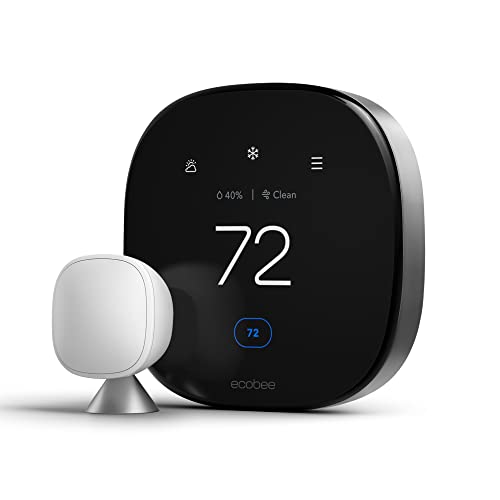

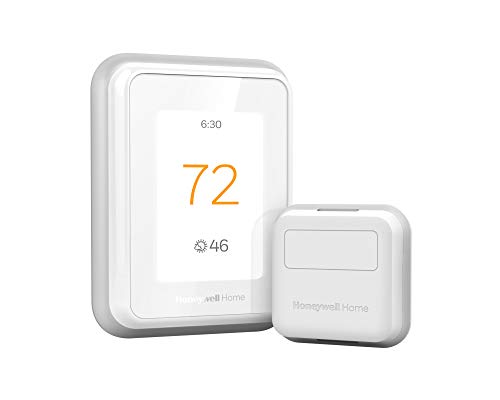
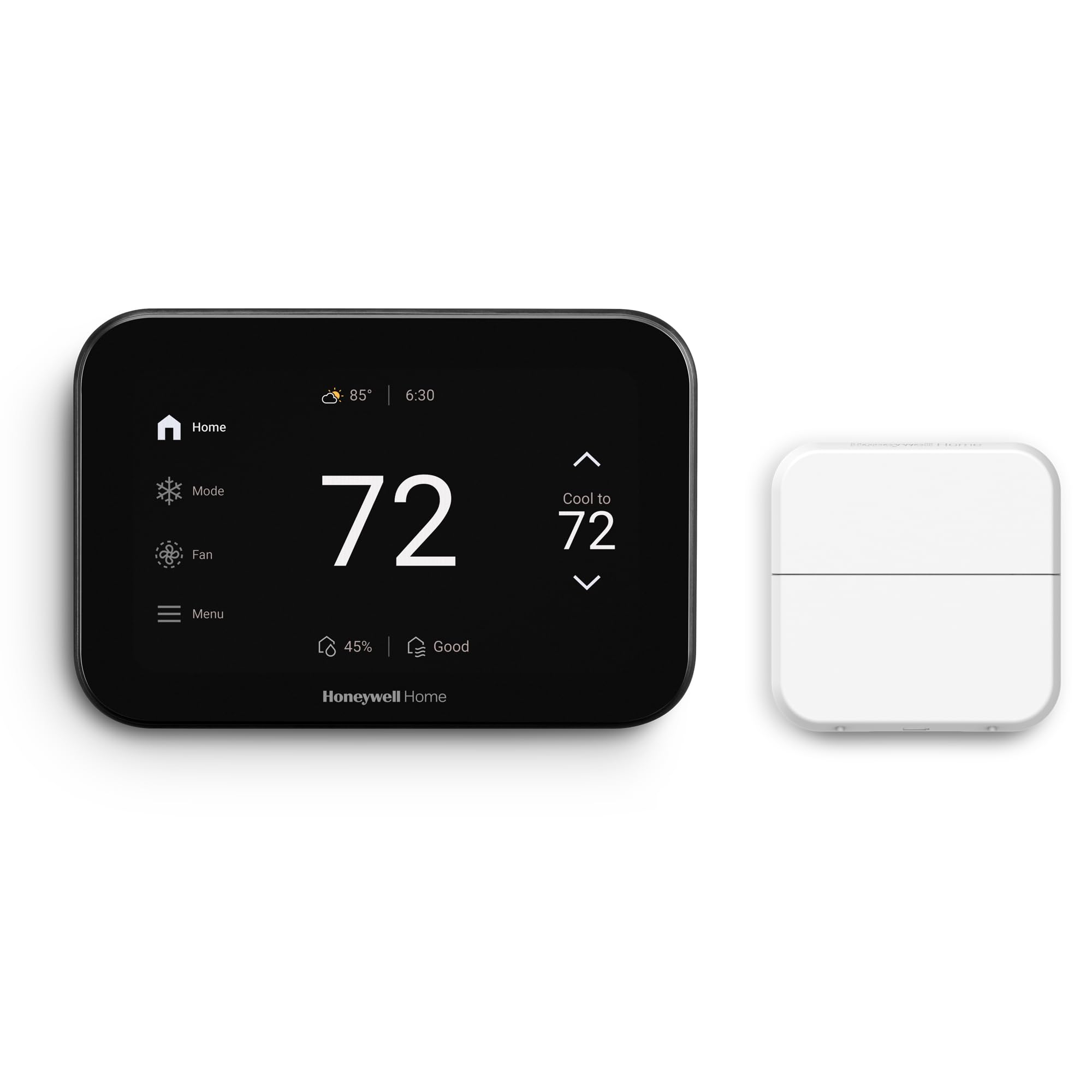
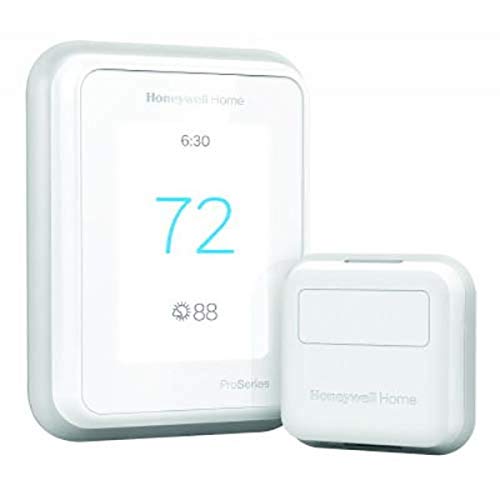

Top 3 Picks by Budget
Our picks are the Amazon Smart Thermostat for budget smart control, the Google Nest Thermostat for most homes and the Google Nest Learning Thermostat (4th gen) as a premium pick. All three are ENERGY STAR certified smart thermostats with app control.
We compared compatibility, C wire needs, scheduling and learning features, sensors, display, voice assistant support and price, along with the overall pattern in owner feedback. We did not install these thermostats ourselves; the notes reflect maker specifications.
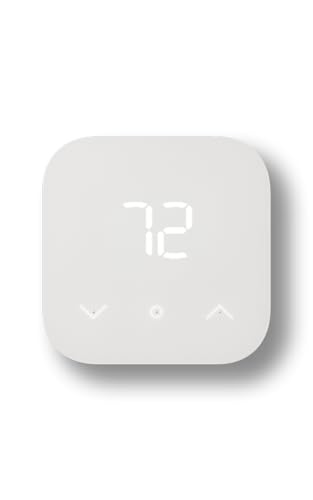
Best Budget Pick: Amazon Smart Thermostat
The Amazon Smart Thermostat suits Alexa households that want an affordable smart upgrade, at around $80. It offers home, away and sleep schedules, remote control through the Alexa app and comfort zones when paired with select Alexa devices, and the Alexa app guides you through installation.
Two strengths stand out: low price and simple setup for Alexa users, plus Amazon emails details about energy rebates that may be available from local providers. Amazon cites EPA estimates that ENERGY STAR certified thermostats save an average of $90 a year on energy bills. The limitation is that it requires a C wire. Skip it if your system lacks a C wire or you prefer Google or Apple ecosystems.

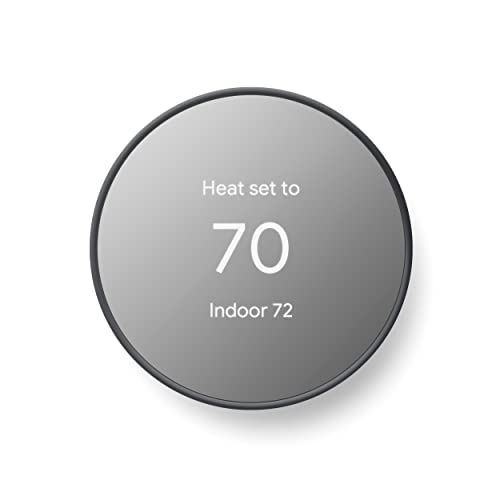
Best Midrange Pick: Google Nest Thermostat
The Google Nest Thermostat is for most homes that want smart scheduling without premium prices, at around $100. It is ENERGY STAR certified, turns itself down when you leave, lets you build schedules in the Google Home app and includes HVAC monitoring that alerts you if something seems wrong.
Its strengths are broad compatibility, since Google says it works without a C wire in most homes, and Savings Finder, which suggests schedule tweaks to save energy. The trade off is fewer premium features, such as remote room sensors. Skip it if you need room sensors to manage hot and cold spots or if your system is heat only, cool only, zoned or a heat pump without a C wire.

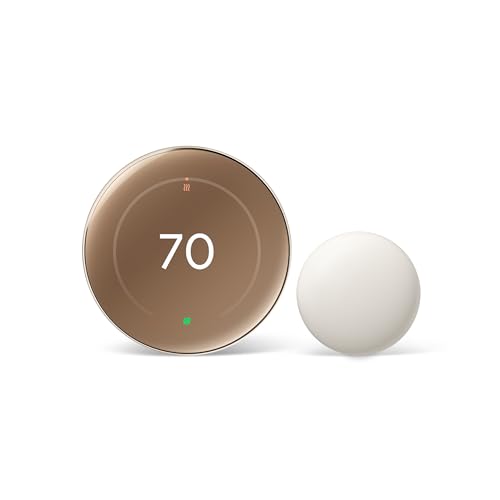
Best Premium Pick: Google Nest Learning Thermostat (4th Gen)
The Nest Learning Thermostat suits homeowners who want the most advanced Nest features, at around $228. Google says it can help save up to 31 percent on heating and cooling bills, works with most 24 volt systems including gas, electric, oil, forced air, heat pump and radiant, and needs no C wire in most homes.
The appeal is a 60 percent larger display with Farsight, Matter compatibility, voice control with Alexa, Siri or Google Assistant and an included Nest Temperature Sensor to balance hot and cold rooms. It asks permission before changing schedules. The limitation is price. Skip it if you only need basic scheduling.

What Your Money Gets You at Each Price Tier
Home thermostats fall into three price bands. Rebates from utilities can lower the cost of ENERGY STAR models.
Budget Tier: What to Expect
Under around $100, you get basic smart thermostats like the Amazon Smart Thermostat and Google Nest Thermostat, with app control, schedules and voice assistant support. Non smart programmable thermostats cost even less but lack remote control and energy reports.
Budget smart thermostats deliver most of the savings for most homes. They may lack room sensors and advanced learning.
Even basic smart thermostats include features that make a big difference, such as remote control from your phone, which lets you adjust the temperature if plans change, and simple energy reports.
A budget smart thermostat is a good first step that you can upgrade later.
Midrange Tier: The Sweet Spot for Most Buyers
Between around $100 and $230, thermostats like the Honeywell Home RTH9600WF color touchscreen, ecobee3 lite with sensors and Honeywell T9 with a smart room sensor add bigger screens, room sensors and more scheduling options.
This tier suits homes with uneven temperatures between rooms, since sensors let the thermostat focus on the rooms you use.
Large color touchscreens, like Honeywell's RTH9600WF, make on wall adjustments easy for family members who prefer not to use an app.
Premium Tier: When Spending More Pays Off
Above around $230, thermostats like the ecobee Smart Thermostat Premium with built in Siri and Alexa, the Nest Learning Thermostat and the Honeywell T10 Pro with RedLINK add advanced sensors, built in voice assistants, air quality monitoring and professional grade features.
Spending more pays off for large homes, smart home enthusiasts and complex HVAC systems.
Premium thermostats also integrate deeply with smart home platforms. Matter support, offered by the Nest Learning Thermostat, helps it work with a wide range of smart home systems.
Features Worth Paying For in the Best Home Thermostat (and Ones to Skip)
Compatibility, scheduling, remote control and sensors are worth paying for. Built in speakers and decorative finishes are optional. Here is how to weigh each feature.
Energy Efficiency and Operating Cost
ENERGY STAR certified smart thermostats help reduce heating and cooling energy by adjusting temperatures when you are away or asleep. Savings depend on your climate, home and habits. Energy reports and suggestions, like Nest's Savings Finder, help you fine tune schedules.
Check your utility for rebates, which can cover a large share of the cost.
A simple strategy saves energy without sacrificing comfort: set the temperature a few degrees lower in winter and higher in summer while you sleep or are away, and let the thermostat bring it back before you wake or return.
Heat pump owners should use thermostats with heat pump settings, since aggressive setbacks can trigger costly auxiliary electric heat on cold mornings.
Smart Controls and Sensors
App control, geofencing that knows when you leave and voice assistants make thermostats easier to use. Remote room sensors, included with the Nest Learning Thermostat, ecobee Premium and Honeywell T9, measure temperature in other rooms to balance comfort.
Choose sensors if bedrooms are colder or warmer than the room with the thermostat.
Occupancy sensing, available on some models and sensors, detects when rooms are in use and adjusts to keep occupied rooms comfortable.
Geofencing works best when every household member has the app, so the thermostat knows when the last person leaves and the first returns.
Compatibility and Wiring
Most smart thermostats work with common 24 volt systems, but compatibility varies for heat pumps, multi stage systems and zoned systems. Many models need a C wire for steady power; the Amazon Smart Thermostat requires one, while Nest models work without it in most homes. Line voltage systems, like baseboard heaters, need special thermostats.
Use the maker's online compatibility checker and photograph your existing wiring before removing your old thermostat.
Take a clear photo of the wires and terminal labels on your old thermostat before disconnecting it. Many installation apps ask you to match terminal letters, such as R, W, Y, G and C.
Label each wire with tape before disconnecting so you can reconnect quickly if you need to reinstall the old thermostat.
Safety Features
Safety features include temperature alerts for extreme heat or cold, HVAC monitoring alerts and lockouts that prevent short cycling. Some thermostats protect pipes by maintaining minimum temperatures when you are away.
Alerts help catch problems early, especially in vacation homes.
Freeze protection is valuable in cold climates for homes left empty in winter, since it keeps pipes from freezing.
Installation and Placement
Install thermostats on interior walls about 5 feet high, away from direct sunlight, drafts, kitchens and vents, which can skew readings. Many smart thermostats offer guided app installation. Turn off power at the breaker first.
If wiring looks unfamiliar or you have a complex system, hire an HVAC professional.
Most installs take 30 to 60 minutes with a screwdriver and a drill for wall anchors. Patch or cover old screw holes with a trim plate if the new thermostat is smaller.
If the new thermostat sits where the old one was but readings seem off, check for drafts from wall cavities behind it; sealing the wire hole with insulation can fix false readings.
Long Term Costs to Factor In
Smart thermostats usually have no required subscription, though some offer optional services. Remote sensors cost extra if not included. Utility rebates and energy savings can offset the purchase over time. Plan to replace thermostat batteries in models that use them, and update firmware through the app.
Smart thermostats can also extend HVAC life indirectly by reducing runtime and alerting you to maintenance needs, such as filter changes, which helps systems run efficiently.
Home Thermostats: Your Questions Answered
Is it expensive to run 24/7?
The thermostat itself uses very little power. What matters is how your heating and cooling system runs. Smart schedules that lower heating and raise cooling when you are away or asleep reduce runtime and energy bills.
Avoid frequent large temperature swings; steady, modest setbacks usually save more with less discomfort.
Where is the best place to put it?
Put the thermostat on an interior wall about 5 feet above the floor, in a frequently used room, away from sunlight, windows, doors, kitchens, vents and electronics that produce heat. Use remote sensors for rooms far from the thermostat.
If your thermostat is in a hallway that does not reflect living spaces, room sensors make a big difference.
Avoid exterior walls, which can make the thermostat read colder than the room in winter.
Do home thermostats really work?
Yes, programmable and smart thermostats help reduce energy use when used with good schedules. Results depend on your habits and home. Amazon cites EPA estimates of average savings around $90 a year for ENERGY STAR certified thermostats.
Savings are largest for homes that previously kept a constant temperature all day, even when empty.
Do I need a C wire?
Many smart thermostats need a C wire for continuous power. Some, like Google Nest models, work without one in most homes. Check your wiring and the maker's compatibility tool, and consider a power adapter kit or professional installation if you lack a C wire.
Some brands include power extender kits to add C wire function without running new wire, which can simplify installation.
Without steady power, some thermostats drain batteries or cause HVAC equipment to click, which a C wire prevents.
Will a smart thermostat work with my system?
Most work with standard 24 volt forced air, heat pump and many radiant systems. Line voltage electric baseboard heaters need different thermostats. Use the maker's compatibility checker before buying.
For multi zone homes, each zone usually needs its own thermostat.
Final Thoughts
The best home thermostat fits your HVAC system, smart home and budget. The Amazon Smart Thermostat is a great budget pick for Alexa homes with a C wire, the Google Nest Thermostat suits most homes and the Nest Learning Thermostat (4th gen) delivers premium features and room sensing. Check compatibility, install safely and set smart schedules.
For related guides, see the best programmable thermostat, the best home smart thermostat, the best dehumidifiers for home and the best home air purifiers. Then compare current prices in the product table above.
Before buying, check compatibility online and look for utility rebates, which can make a premium thermostat surprisingly affordable.