
Best Computer Speakers for Presentations: Which One Fits the Way You Use It in 2026?
Disclosure: We may earn a commission when you buy through links on this page, at no extra cost to you. As an Amazon Associate I earn from qualifying purchases. Learn more
Choose the best computer speakers for presentations with this guide to voice clarity, room coverage, simple controls, connections, and reliable setup.
A presentation fails quietly when the back row cannot hear the video clip or the remote guest sounds muffled. The right speakers depend on where you present, how many people listen, and how much setup time you get. This guide matches the best computer speakers for presentations to those real situations, so your voice and your media carry clearly.
There is no single model for every room. A solo desk setup for video calls and a speaker set for a training room of twenty people are different tools, and the comparison table below is easier to use once you know which job is yours.
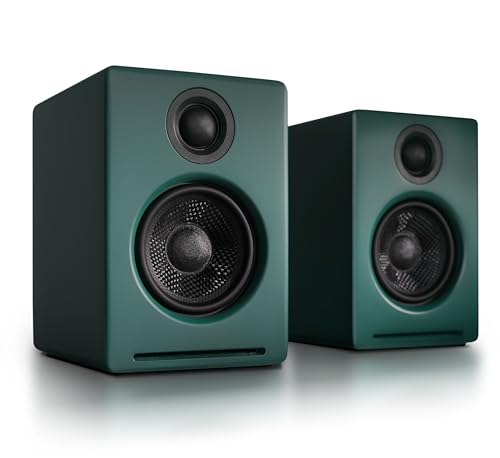
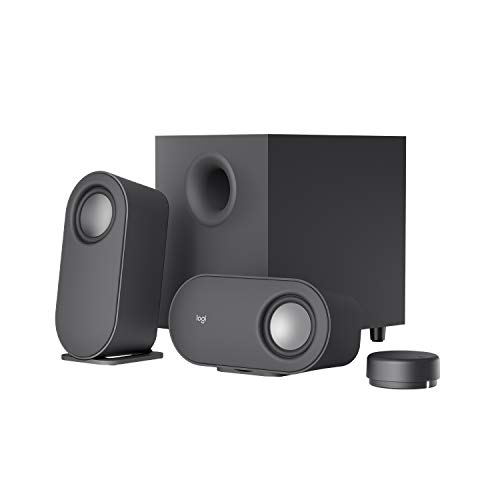
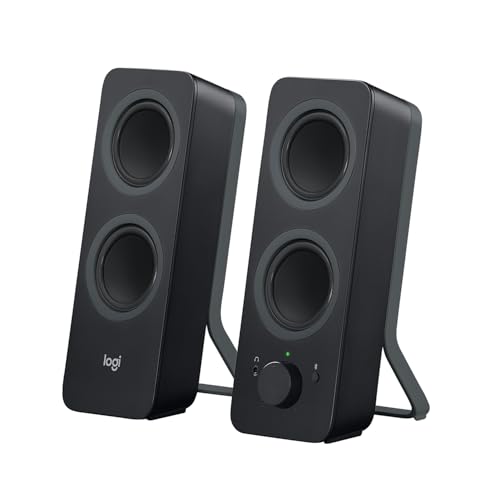
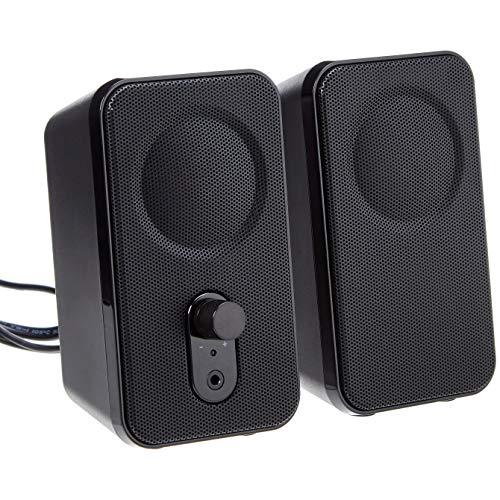
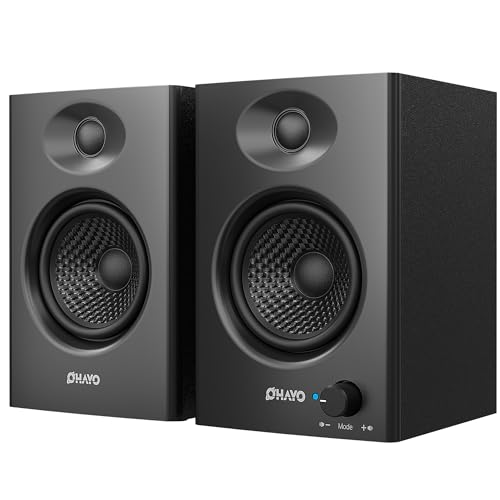
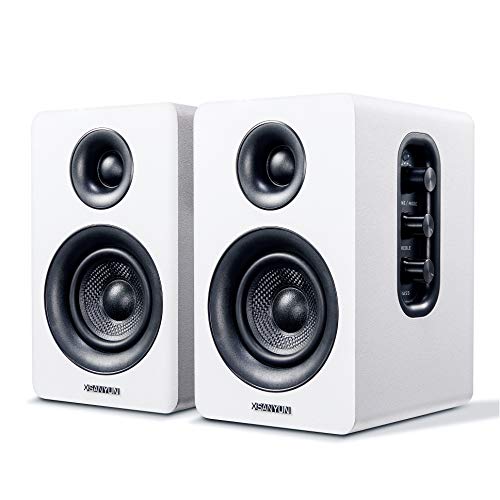
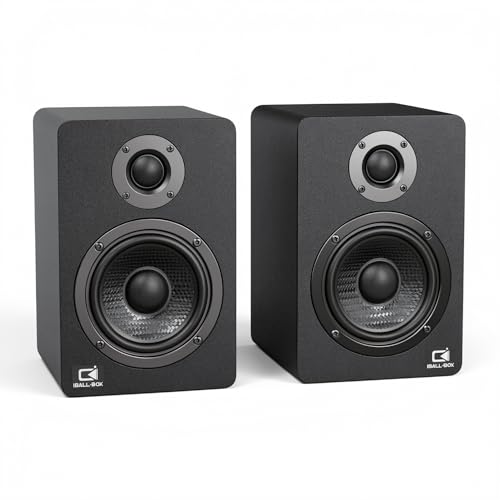
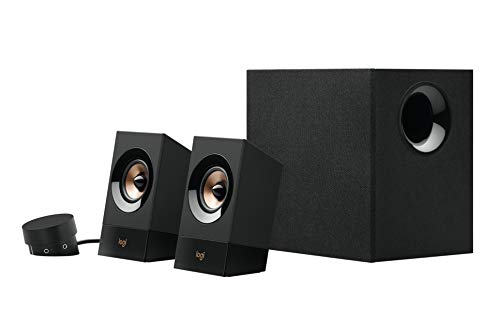
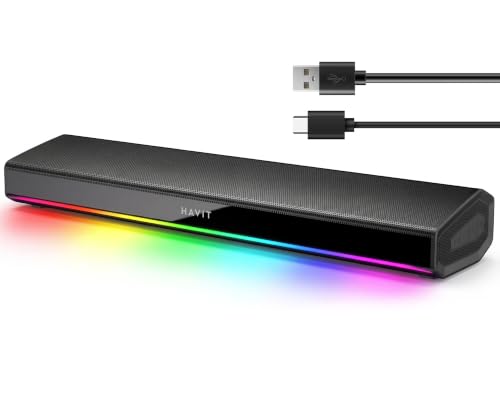
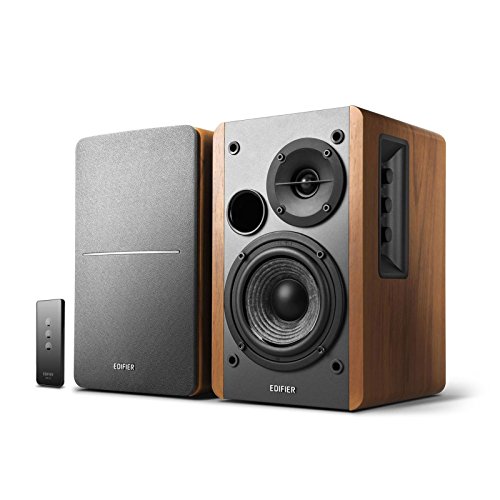
Who Should Buy Which Computer Speakers?
Start with your audience size and your travel pattern. Those two facts narrow the field more than any specification.
Also think about who operates the system. If colleagues or students will run your setup without you, plain controls and a single obvious volume knob prevent the muted speaker and wrong input problems that eat the first five minutes of so many meetings. A system only you can operate is a fragile system, however good it sounds in your own hands.
For Students and Everyday Users
You present occasionally: a class project, a club update, a shared video at your desk. A clear, compact stereo pair around $40 to $90 covers this well, with enough volume for a small room and simple USB or analog connection. Prioritize intelligible speech over bass, because classmates judge your talk, not your soundtrack. A headphone jack helps you rehearse quietly. Keep the setup small enough to store in a drawer between uses, so presenting never becomes a packing project.
For Gamers and Power Users
Your desk already handles demanding audio, and presentations are one more task for a capable system. Look for speakers with clear midrange, a front volume control, and an input you can switch quickly between your computer and a phone. Avoid heavy sound processing modes during talks, since they can blur speech. If your main rig leans toward play, our guide to the best computer speakers for gaming shows which gaming features help or hurt clarity. For presenting, plain stereo with honest voices is the goal.
For Travelers and Commuters
You present in borrowed rooms, hotel spaces, and client offices, so portability decides everything. Choose a compact single unit or a small pair that fits a laptop bag, runs on USB power or a battery, and connects without adapters you can lose. Weight under about two pounds keeps the kit realistic for daily carry. Volume will suit small groups near a table, not a hall, so set expectations with your host in advance and request the house system for big rooms.
Key Features to Compare
Presentation audio has one job: every listener understands every word. Judge features against that standard.
Features That Matter for Presentations
Voice clarity leads the list, which means strong midrange output roughly between 300 Hz and 4 kHz, where speech lives. Next comes usable volume without distortion, because a strained speaker at maximum is harder to follow than a calm one at half power. Look for coverage that matches your room: a group of fifteen in a meeting room needs more output and wider spread than two people at a desk. Simple, visible controls and a remote, where offered, help you adjust mid talk without breaking your flow. For dedicated room systems beyond computer models, see our guide to the best speakers for presentations.
Microphone Quality
Speakers play sound out; they do not listen well. For hybrid meetings where remote guests must hear your room, use a proper conference microphone or your laptop array placed near the talkers, and judge speakers only on playback. Playback quality still matters for the far side voices, so clear midrange helps everyone. Practical tip: do a two minute trial call before any important session and ask the remote side to rate your audio honestly, then adjust mic position before you touch speaker settings.
Connectivity (Bluetooth Version, Codecs, Wired)
Wired connections win for presentations because they start instantly and never pair with the wrong device in front of an audience. USB and analog inputs cover nearly every laptop you will meet. Bluetooth 5.3 with multipoint is a useful backup for a phone video or a last minute device swap, but try the pairing at home, not in the meeting room. Codec support barely matters for speech. What matters is a cable long enough to place the speakers where the audience can hear them.
Sound Quality and Tuning
For talks, tune for speech first. A balanced or slightly voice forward tuning keeps consonants crisp, and consonants carry meaning. Heavy bass settings make male voices boom in small rooms and mask the words that follow. If your speakers offer presets, the flat or voice setting usually serves presentations best, while music modes suit the break. Stereo spread also helps panel discussions and interviews, letting listeners place each voice in space instead of hearing one blended blur.
Common Mistakes to Avoid When Buying Computer Speakers
- Buying for bass and music impact, then presenting with muffled, boomy speech.
- Underestimating room size, so the back rows strain to hear video audio.
- Relying on Bluetooth only, then losing minutes to pairing trouble in front of an audience.
- Placing speakers behind the screen or under a desk, which blocks and dulls the sound.
- Skipping a rehearsal with the actual laptop, cables, and files you will use.
- Forgetting a backup plan, such as captions on slides, when audio fails.
Budget need not block clarity. Our guide to the best inexpensive computer speakers explains what lower priced models do well for speech.
Tips to Get the Most From Your Computer Speaker
Arrive early enough to place the speakers at ear height for seated listeners, angled toward the group, and clear of laptops and binders that block sound. Run one slide with video at your planned volume and walk to the farthest seat to listen as your audience will. Keep system volume and speaker volume balanced, with neither at maximum, to leave clean headroom. Carry a spare analog cable, because it rescues almost any connection failure. Finally, enable captions on shared media; they support listeners even when the audio is good.
Best Computer Speakers for Presentations: Your Questions Answered
What features matter most in computer speakers for presentations?
Clear midrange, clean volume headroom, and simple wired connection matter most. Together they decide whether the farthest listener catches every word of a video or a remote guest. Wide, even coverage comes next for group rooms. Bass depth, lighting, and app extras contribute almost nothing to whether a talk is understood.
What IP rating do I need for outdoor use of presentation speakers?
You need a stated rating such as IP67 only if the speakers will truly work outdoors, and most computer speakers have no rating. For an occasional garden briefing, a rated portable model makes sense as a separate tool. Standard desk speakers should stay indoors, since dew and splashes can end them quietly over a season.
How long does the battery last in portable presentation speakers?
Most presentation speakers plug into USB or wall power and have no battery, which keeps output steady through a long agenda. Portable battery models typically last about 8 to 20 hours at moderate volume, and less when filling a room. If your event runs all day, choose powered speakers or carry the charger as part of the kit.
Is ANC worth the extra cost for presentation speakers?
No, because ANC cancels noise at your ears through headphones and does nothing for a room of listeners. Your clarity budget works better as placement, a quieter room choice, and speakers with clean headroom. If audience members join remotely with headphones, their own ANC helps them individually, but it is not a feature your speakers provide.
Wired or wireless: which sounds better for presentations?
Wired is the safer and cleaner choice for presentations, with instant startup and no pairing risk. Wireless helps when the speaker must sit far from the laptop or a phone must play audio quickly. Many presenters carry both options and default to the cable. Reliability, more than fine sound differences, is what your audience will remember.
Do I need a special codec for presentation speakers?
No special codec is needed for speech, which survives standard Bluetooth support without audible harm. Codecs matter even less over a wired connection, where they do not apply at all. Spend your attention on microphone placement for hybrid calls instead, because the room side audio that remote guests hear depends on the mic, not on a codec badge. Readers who also care about music fidelity can explore our guide to the best sounding computer speakers.
Wrapping Up
Choose for your audience: clarity and headroom for groups, simplicity for solo calls, and portability for borrowed rooms. Rehearse with your real setup, then check your shortlist in the product table above. The right best computer speakers for presentations choice is the one your listeners never have to think about. If your talks include film clips that need real low end, our guide to the best computer speakers with subwoofer covers that heavier setup.


