
Best Computer Monitors for Xbox Series X in 2026: Which Type Is Right for You?
Disclosure: We may earn a commission when you buy through links on this page, at no extra cost to you. As an Amazon Associate I earn from qualifying purchases. Learn more

Compare computer monitor types for Xbox Series X by resolution, refresh rate, HDR and ports, with sizing, setup and care guidance to choose with confidence.
A desk monitor can suit Xbox play beautifully, but only when its resolution, ports and speed match what the console actually sends. Shoppers comparing the best computer monitors for xbox series x often face a confusing mix of office panels, esports panels and living room style screens. This guide compares types rather than naming models, so you can match a screen to your desk, games and budget. Use the comparison table below as your starting shortlist.
The main difference from a television is distance. You sit close, so pixel density, stand height and screen size matter more, while broadcast features matter less.
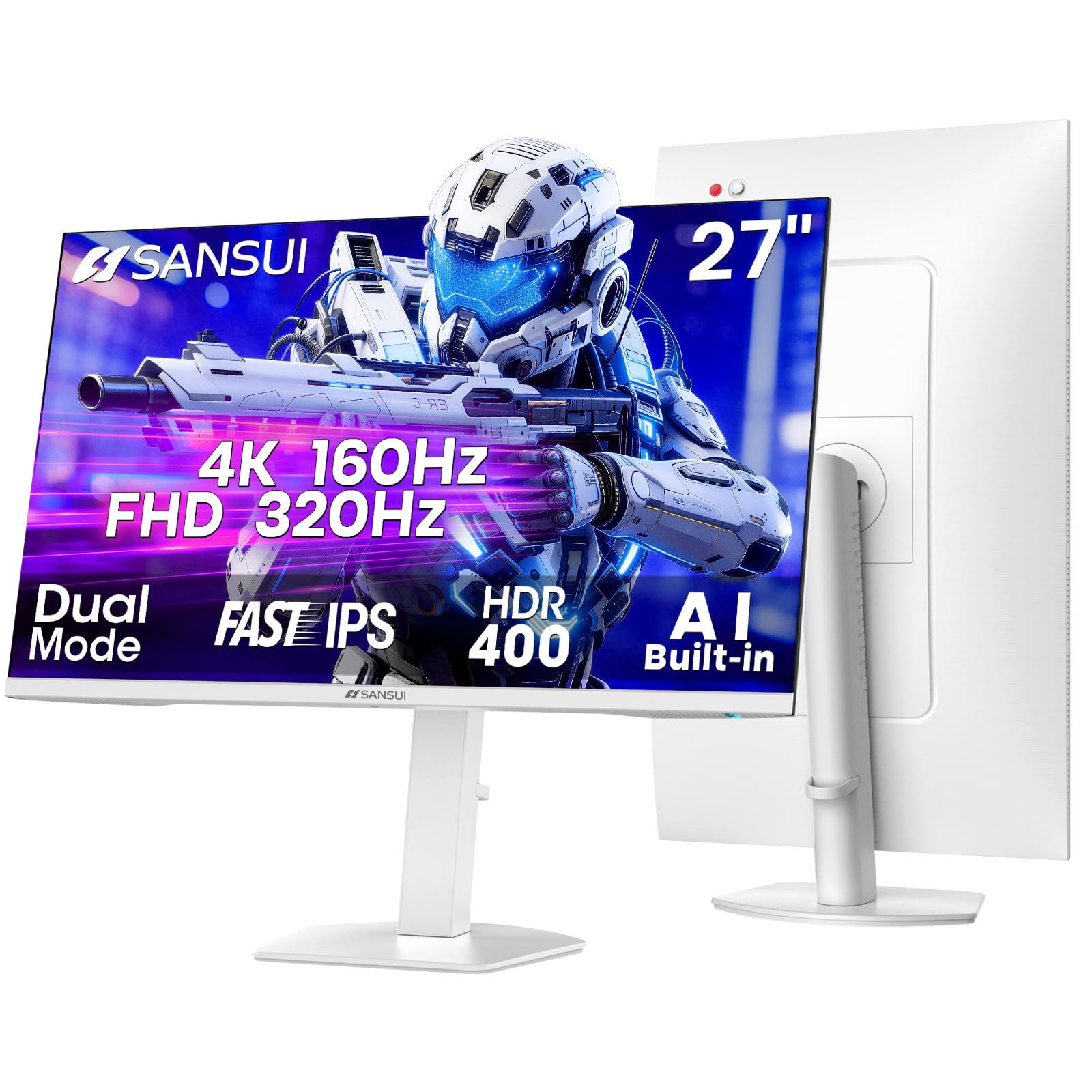
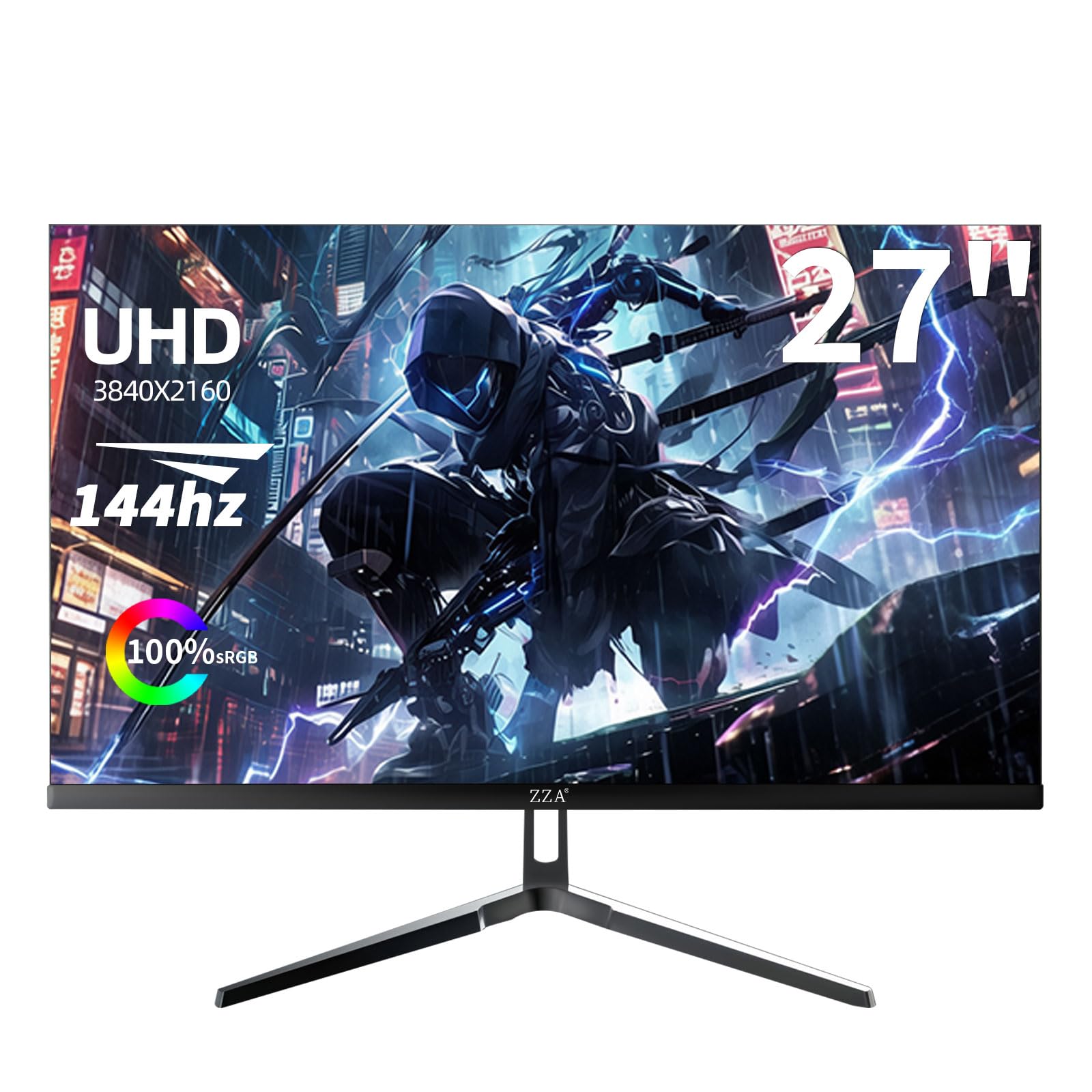


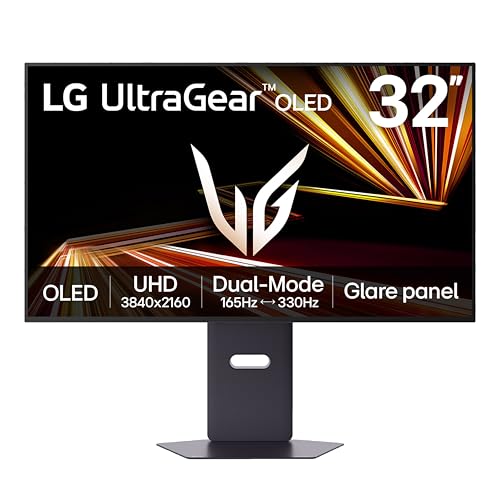
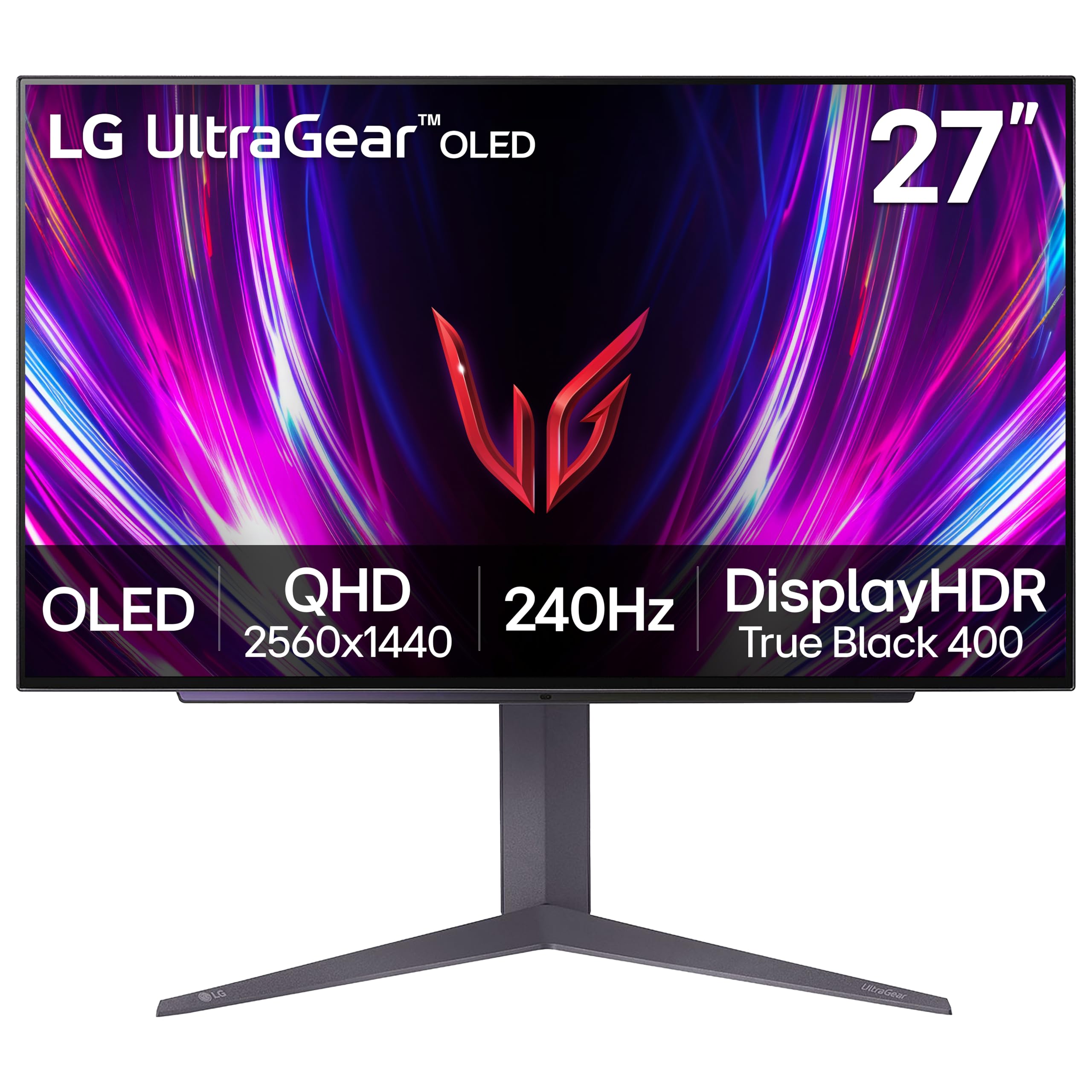
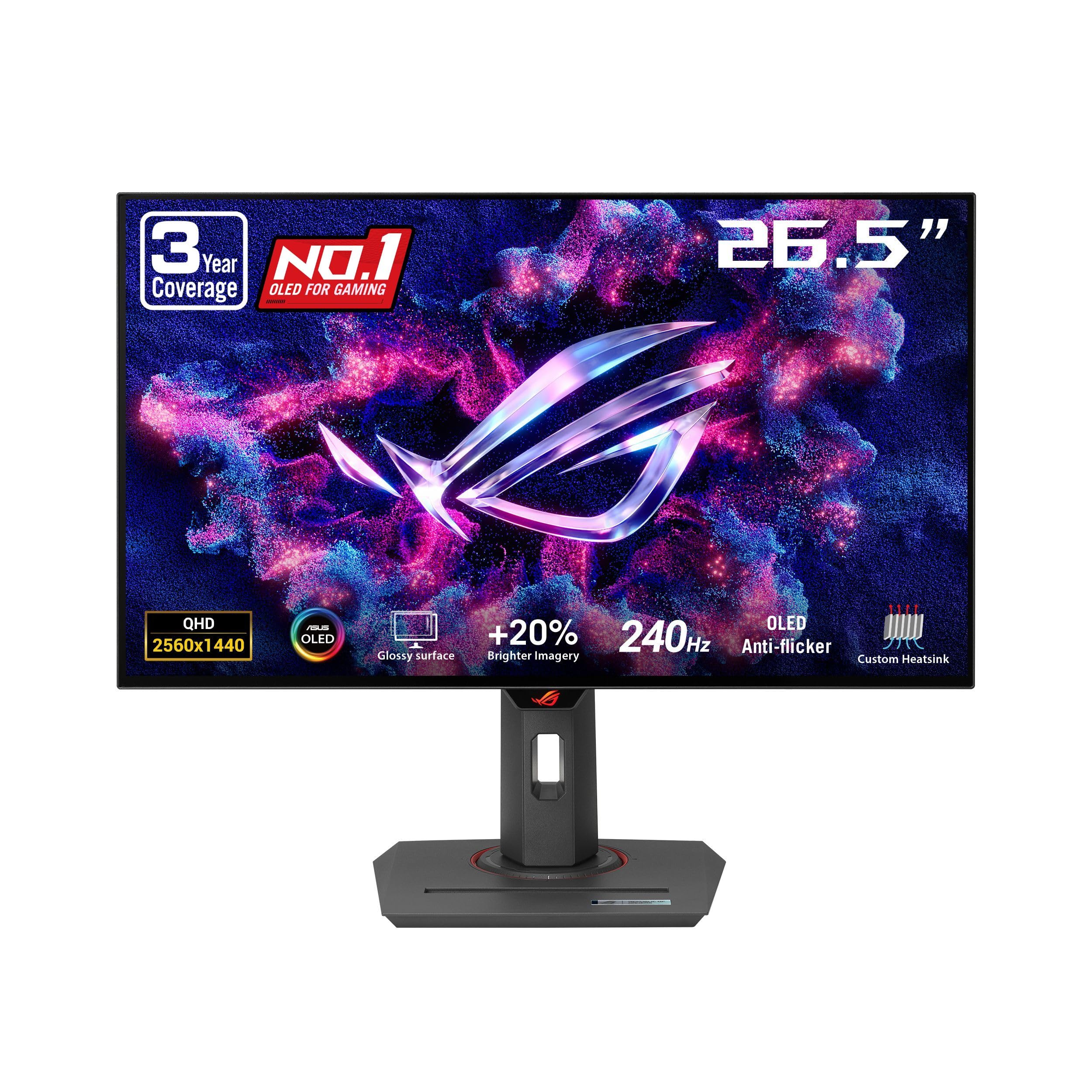
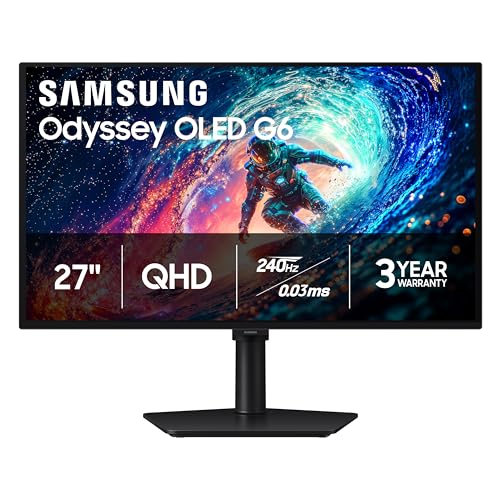
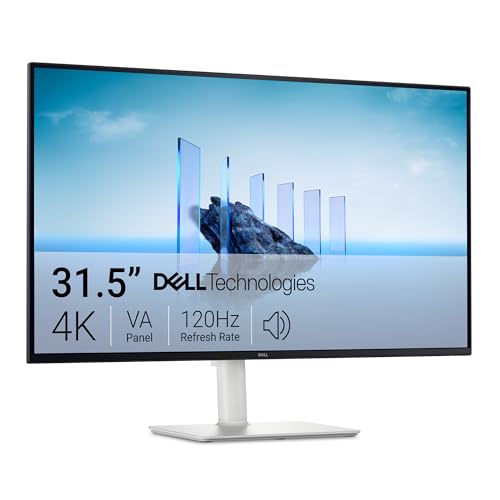
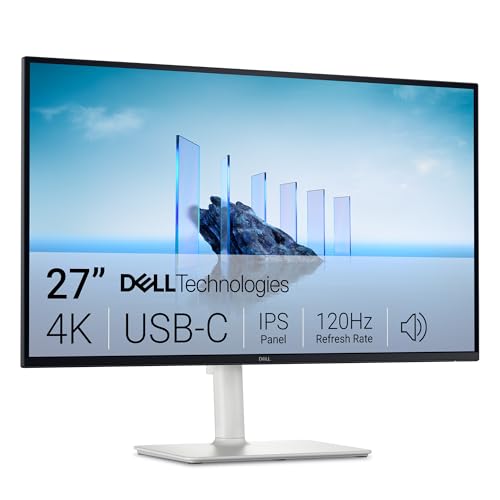

Types of Computer Monitors Compared
Computer monitors for Xbox use fall into four broad types, and panel, size and port mix change with each one. No type wins on every measure. For a broader shortlist beyond desk models, see our guide to the best xbox series x monitors.
Large Screen Options
Large screens of about 32 to 42 inches fill more of your view and make split screen play and cinematic scenes feel roomy. They suit players who mostly game in one place and rarely read long documents. The trade off is desk depth, because you need roughly arm length between your eyes and the panel to avoid constant head turning.
Productivity and Ultrawide Displays
Ultrawide monitors stretch the picture sideways, usually to a 21 by 9 shape, which helps spreadsheets and timelines during the workday. Xbox games are built for a 16 by 9 picture, so the console image will not fill the extra width and black bars appear at the sides. Choose this type only when work is the main use of the desk and gaming is secondary.
OLED Displays
OLED panels light each pixel on its own, so dark scenes show true black beside bright highlights and contrast looks striking in a dim room. Response is very fast and colors stay rich at wide angles, which flatters story driven games. The costs are a higher price and a small risk of burn in when a fixed game interface element stays on screen for long daily sessions.
Gaming Displays
Gaming displays are built around speed, with high refresh panels, fast response and adaptive sync that keeps motion smooth when frame rates dip. Many are 27 inches with 1440p resolution, a balance that looks sharp at desk distance and costs less than large 4K panels. Picture extras such as wide color and strong HDR vary widely here. For screens built only around play, see our guide to the best gaming monitors xbox series x.
Large Screen Options vs Ultrawide Displays: Which Should You Choose?
Choose a large screen when gaming is the main job and you sit a little farther back, because sheer picture size does more for immersion than extra width the console cannot use. A 32 inch panel in the standard shape shows every Xbox game at full size.
Choose an ultrawide when paid work fills most of your desk hours and you accept side bars during play. You gain room for two windows side by side, yet you pay for pixels the console leaves dark. If play and work are equal, the large standard shape is safer.
How to Choose the Right Computer Monitor for Xbox Series X
Stand, Mounting, and Ergonomics
A good stand lifts, tilts and swivels the panel so the screen top sits near eye level and you are not craning your neck in long sessions. Check the VESA mount size, most often 100 by 100 mm, before planning an arm, because arm and screen must share that pattern. Shallow desks benefit most from an arm.
Refresh Rate and Response Time
The Xbox Series X can send up to 120 frames per second in supported games, so a monitor that accepts a 120 Hz signal over HDMI lets those games feel smoother. At 60 Hz the console still works well, but fast camera turns look less fluid. Lower response times also reduce ghosting behind moving objects.
Panel Technology: IPS, VA, OLED, and Mini LED
IPS panels give accurate color and wide viewing angles, which suits shared viewing and color sensitive work, though blacks can look gray in a dark room. VA panels offer deeper contrast but can smear dark motion. OLED leads on contrast and response, while Mini LED backlights push LCD brightness higher for HDR highlights.
Connectivity and Ports
Your Xbox needs one HDMI input, and HDMI 2.1 is the version that carries 4K at 120 Hz with full bandwidth. A second HDMI port keeps another console connected, while DisplayPort and USB C matter when a work laptop shares the screen. A headphone jack helps too, since monitor speakers are usually small.
Features That Matter for Xbox Series X
Three console features should top your checklist. Variable refresh rate smooths stutter when a game frame rate varies, and auto low latency mode switches the screen into its fastest picture mode when play starts. Resolution sets the other big choice: 4K looks finest on larger screens, while 1440p still looks sharp at 27 inches and costs less. For that sharper picture, see our guide to the best 4k monitors for xbox series x.
Picking the Right Computer Monitor for Different Uses
Once type and panel are settled, match the screen to your actual week. Your shortlist of the best computer monitors for xbox series x should reflect your habits, not a spec sheet, because a mixed desk and a play only setup reward very different screens.
Best PC Monitors for Xbox Series X
A PC monitor earns its place on a shared desk when it handles text and games equally well. Look for fine pixel density so documents stay crisp, a USB C input or a second DisplayPort for your computer, and a stand you can raise for work, then lower for play. A matte finish helps too, since desk lamps sit close.
Best Monitors for Xbox Series X under 300: Which Type Works Best
With a budget under $300, value usually means a 27 inch 1440p gaming panel or a 32 inch 4K panel limited to 60 Hz. Decide which compromise hurts less: smoother motion or a finer picture. HDMI 2.1 is rare at this price, so confirm the refresh rate over HDMI before ordering. For sharper options here, see our guide to the best 1440p monitors for xbox series x.
Common Mistakes to Avoid
- Buying an ultrawide monitor for Xbox play alone leaves the screen sides dark in every game.
- Assuming any HDMI port handles 4K at 120 Hz can leave the console stuck at 60 Hz.
- Choosing a huge panel for a shallow desk forces constant head turning and strains your neck.
- Judging HDR by the logo alone can mean dim highlights that look flat and washed out.
- Ignoring sound output can leave you with weak speakers and no easy headphone fix.
- Playing in vivid picture mode oversaturates color and hides shadow detail in dark scenes.
Keeping Your Xbox Gaming Screen Sharp and Cool
Turn off vivid mode and set a neutral color temperature, then adjust brightness so white clothing and snow scenes still show fine detail. On OLED screens, run the built in pixel refresh when prompted, and vary what you watch and play. Clean the screen only with a dry microfiber cloth and light strokes, because sprays and paper towels can damage the coating. Leave rear vents clear so heat escapes.
Computer Monitors: Your Questions Answered
What features matter most in computer monitors for xbox series x?
HDMI 2.1, a 120 Hz mode and variable refresh rate matter most, in that order for most players. After setup, open the console display settings page, which lists which features your monitor accepts. Use an ultra high speed HDMI cable, because an older cable can quietly cap the signal.
What computer monitor size should you choose for a desk or a small room for Xbox Series X play?
Choose 27 inches for a typical desk where your eyes sit about 24 to 30 inches away. At that distance it fills your view without head turning, while 32 inches suits deeper desks. Before ordering, mark the panel footprint with painter tape and sit in your chair to spot glare and space problems.
Is IPS or OLED better for a computer monitor used with Xbox Series X?
OLED is better for dark room play and fast motion, while IPS is better for bright rooms and lower budgets. Static work is the extra point: browsers and spreadsheets keep fixed toolbars on screen all day, the pattern OLED owners should vary. For a mainly work desk, IPS is the calmer long term choice.
Is 4K resolution worth it on a computer monitor for Xbox Series X?
Yes, 4K is worth it on a monitor of 32 inches or more, where the finer pixel grid stays visible at desk distance. At 27 inches the gain over 1440p is smaller and often not worth a large price jump. Some games also render below 4K and upscale, limiting the extra detail.
Does refresh rate matter on an Xbox Series X monitor for casual players?
Yes, refresh rate matters even for casual players, though the gain is smaller than in competitive play. Menus and camera pans look steadier at 120 Hz, and steering feels more direct in racing games. Smoother motion can also feel easier on your eyes, so try a 120 Hz mode in a store.
How long does a computer monitor for Xbox Series X usually last?
A computer monitor for Xbox Series X usually lasts about five to eight years before brightness fades or ports feel dated. LED backlights dim slowly rather than fail suddenly, so a screen that still looks even is fine to keep. An older monitor also works well as a second desk screen after an upgrade.
Our Verdict
Start with size and viewing distance, confirm HDMI 2.1 with a 120 Hz mode if fast games fill your week, then pick the panel that suits your room light. That order keeps money on what you will notice every session. The best computer monitors for xbox series x are not the screens with the longest spec lists, but the ones whose type fits your desk and habits. Compare finalists in the product table above before ordering.


