Best Company for Monitors for 2026: Who Makes the Most Reliable Models?
Disclosure: We may earn a commission when you buy through links on this page, at no extra cost to you. As an Amazon Associate I earn from qualifying purchases. Learn more
Which names can you trust? We compare the best company for monitors on reliability, features, support, and value so you can shop with confidence.
A monitor is the part of your setup you stare at all day, so the company behind it matters as much as the spec sheet. Shoppers asking about the best company for monitors usually want one thing: a screen that works well for years, backed by support that answers when something goes wrong.
This guide takes a use case first approach. We judge brands on reliability, warranty, and range, then match company strengths to office work, creative projects, home use, and gaming. Scan the product table at the top of the page, then read the brand notes to build your shortlist.



What Makes a Great Monitor Brand?
Reliability comes first. A trustworthy monitor company keeps quality consistent across a whole product line, not just its flagship. Look for clear dead pixel policies, honest brightness and color ratings, and firmware that stays available for older models. Brands that publish full manuals and driver files on an easy to find support page save you time years later.
Warranty and support shape the real ownership cost. Two to three years of coverage is standard, and longer terms signal confidence. Check whether repairs happen in your country and whether the company sells replacement stands, cables, and power supplies. A slightly higher price often buys a much calmer experience if a panel fails.
Finally, consider range and focus. Some companies build excellent office screens but weak gaming models, while others do the reverse. If you play games as well as work, it helps to compare this guide with our notes on the best company for gaming monitors, where refresh rate and response time carry more weight.
Resolution and Screen Size
Resolution and size work as a pair. At 24 inches, 1080p looks fine for documents and browsing. At 27 inches, 1440p gives sharper text and more room for side by side windows. At 32 inches and above, 4K keeps images crisp when you sit close. Match the pairing to your viewing distance: the closer you sit, the more resolution per inch you will appreciate.
Features That Matter for Monitors
For everyday monitors, ergonomics and connectivity matter as much as the panel. Height adjustment prevents neck strain, a USB C port with power delivery can charge a laptop through one cable, and built in USB hubs cut desk clutter. Color accuracy matters for photo work, while HDR and HDMI 2.1 matter for media and consoles. Brands that list these details plainly are easier to trust.
Panel Technology (IPS, VA, OLED, Mini LED)
IPS panels offer accurate color and wide viewing angles, making them the default choice for offices and shared desks. VA panels give deeper contrast for movies in dark rooms. OLED delivers perfect blacks and instant response at a higher price, with some care needed around static images. Mini LED improves HDR on LCD screens. The best companies tune each panel type well rather than chasing one technology.
Top Brands at a Glance
No single company wins every use case, so read these notes by the work you do most. An office buyer needs ergonomics and fleet support, a creative needs color accuracy, and a home user needs value. For screen by screen detail, see our guide to the best quality monitors once you know which brands fit your needs.
Dell
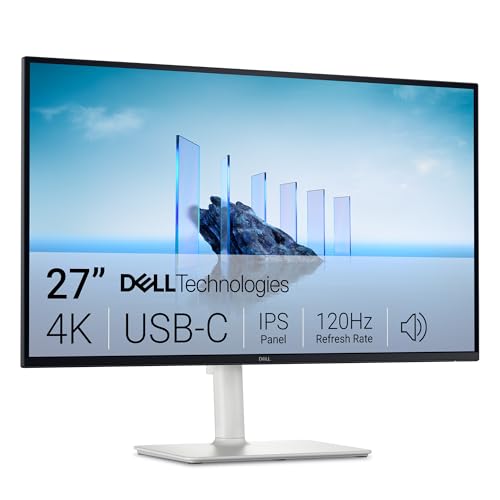
Dell is the safe pair of hands for office and home office buyers. Its business lines are known for sturdy stands, generous ports, and strong warranty options that businesses rely on at scale. Color performance is consistent, and support in the US is well organized. The trade offs are plain designs and prices that sit above bargain brands. If you manage several desks or simply hate surprises, Dell is usually the calm choice.
LG
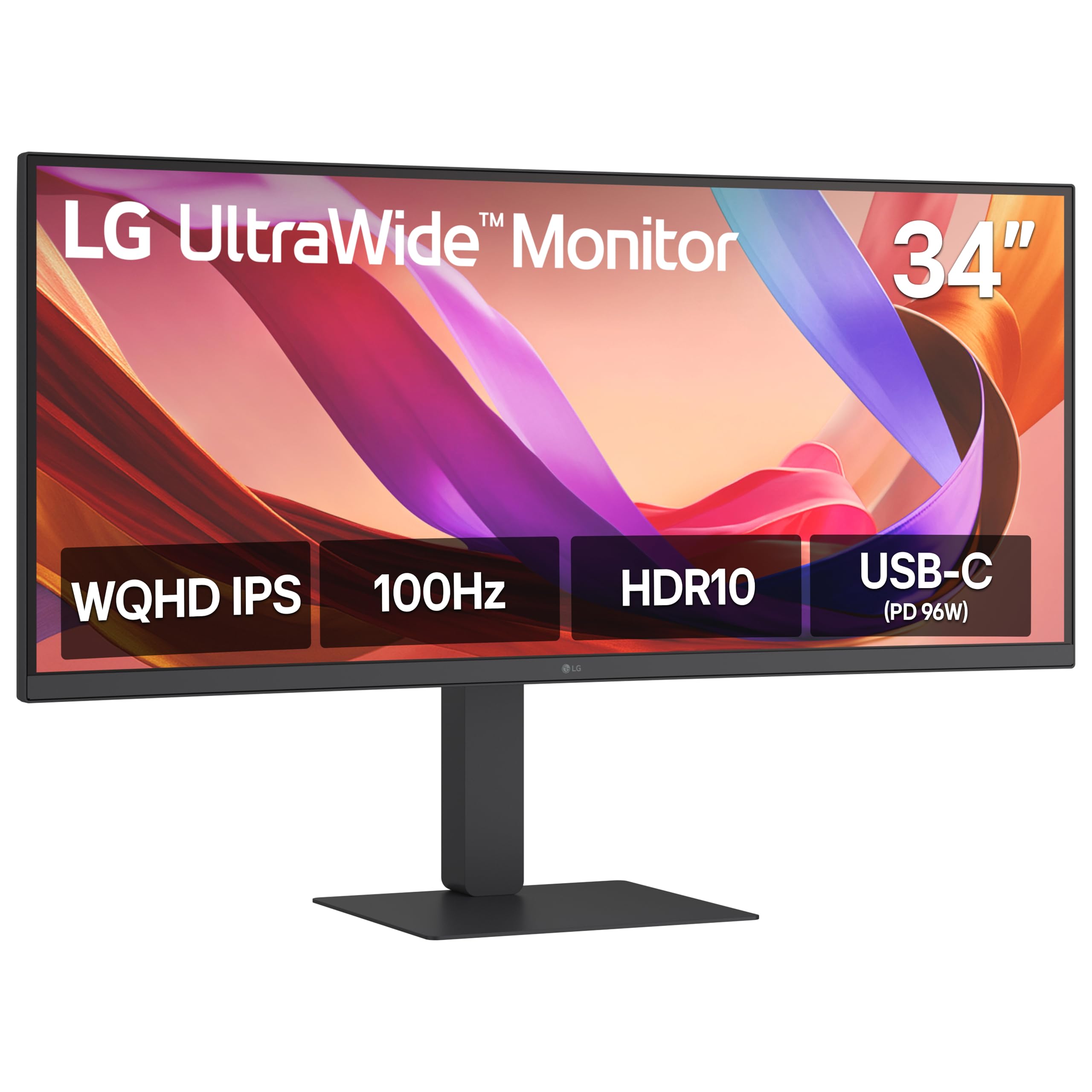
LG makes its own panels, including the OLED and IPS panels other brands buy, and that depth shows in image quality. Its ultrawide models are favorites for productivity because one wide screen replaces two smaller ones, and its color accurate lines suit photo and video work. Gaming models are strong too. Prices run mid range to premium, and stand quality varies by series, so confirm ergonomics on the exact model you want.
Samsung
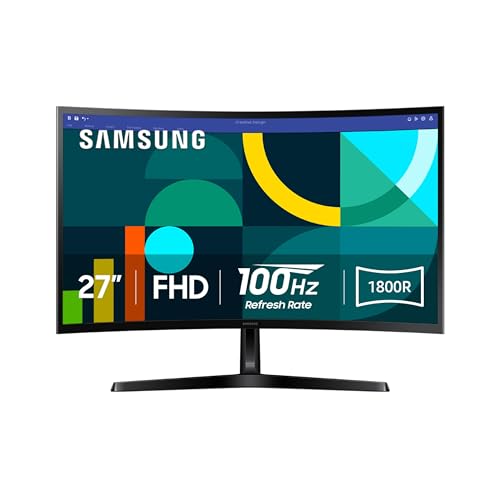
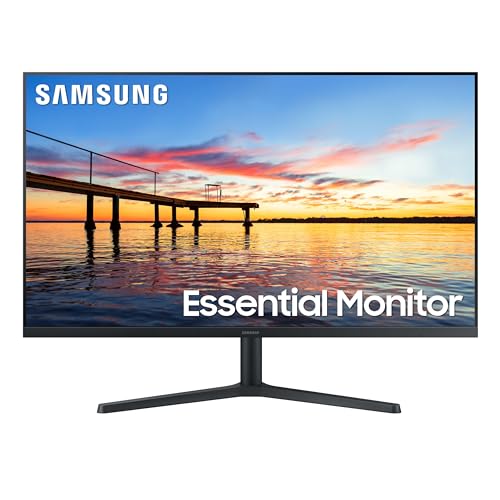
Samsung suits home users who mix work, streaming, and play on one screen. Its curved and ultrawide models fill a desk nicely, smart features on some lines add streaming apps without a PC, and HDR performance is a strength. The range is huge, which is both the appeal and the risk: series differ a lot in panel quality and features. Check reviews of the specific line, and expect menus that take some learning.
HP
HP focuses on the office mainstream: sensible screens with good stands, tidy designs, and prices that fit company budgets. Home buyers benefit from that same discipline, with reliable panels and simple setup. Creative and gaming shoppers will find fewer standout features here than from Dell or LG, and the high end range is thinner. Warranty support is broad and established, which matters if the monitor is your only screen for work.
BenQ
BenQ earns loyal fans among photographers, designers, and readers thanks to careful color tuning and thoughtful extras like low blue light modes and ambient light sensors. Its creative lines publish detailed calibration information, and many models ship with a calibration report in the box. Gaming is a smaller focus than for rival brands, and prices for the color accurate lines are not low. For detail oriented work, though, BenQ is easy to recommend as a company.
How to Choose Between Brands
Start with your main use case, not the logo. List your top three needs, such as sharp text, accurate color, or a single cable for your laptop, then find which companies build whole product lines around those needs. A brand that specializes in your use case will serve you better than a bigger name that treats it as a side line.
One more useful step is to read the support page for the model you want before ordering. Current drivers, a full manual, and spare part listings tell you the company still cares for that line. Shoppers comparing makers side by side can also read our guide to the best company for computer monitors for a narrower, desk focused view.
Then judge the exact model: panel, ports, stand, and the warranty in its own listing. Brand reputation narrows the field; it should never replace reading the spec sheet. Gamers comparing across brands may also find our guide to the best gaming monitors helpful, and those building a full gaming desk can check the best computer monitors for gaming for pairing ideas. Buy from a seller with a clear return policy so a panel with flaws is easy to exchange.
Frequently Asked Questions
IPS vs OLED: which is better?
For most buyers, IPS is the better all round choice because it is affordable, bright, and free of burn in concerns during long work days. OLED looks better for movies and games in a dim room, with perfect blacks and fast response. If your screen shows the same spreadsheet for eight hours daily, choose IPS. If it is mainly for evening entertainment, OLED earns its price.
How long do monitors last?
A monitor from a reputable company usually lasts six to ten years. Panels fade gradually rather than failing suddenly, and the most common age related issues are dimming backlights and outdated ports. You can extend life by avoiding maximum brightness all day and keeping vents dust free. A longer warranty often signals that the company expects its screens to survive heavy daily use.
Is 4K worth it?
4K is worth it on screens of 27 inches and larger if you work with text, photos, or detailed spreadsheets, because everything looks noticeably sharper. On a 24 inch screen the gain is small and the price premium is hard to justify. Remember that 4K also demands more from your computer, especially in games, so match resolution to the hardware you already own.
What size should I get for my room or desk?
Measure your desk depth first. At a typical depth of about 24 to 30 inches, a 27 inch screen sits comfortably in view without head turning. Shallow desks suit 24 inches, while deep desks and wall mounts can handle 32 inches or an ultrawide. Leave space for the stand footprint, and keep the top of the screen near eye level to protect your neck.
Does refresh rate matter for non gamers?
It matters more than most people expect. A 120 Hz screen makes scrolling documents, moving windows, and video calls feel smoother, and the upgrade from 60 Hz is visible within minutes. You will not gain the competitive edge gamers chase, but daily comfort improves. Many business lines now offer higher refresh rates, so it no longer forces you into a gaming brand.
Our Verdict
Dell leads for dependable office screens, LG for panels and ultrawide productivity, Samsung for mixed home use, HP for budget discipline, and BenQ for color critical work. Match the company to your main use case, then confirm the exact model. The best company for monitors for you is the one whose strengths line up with your desk, so compare the product table at the top of the page and buy with the warranty that lets you relax.