
Best Computer Desk for Multiple Monitors: Which One Fits the Way You Use It? for 2026
Disclosure: We may earn a commission when you buy through links on this page, at no extra cost to you. As an Amazon Associate I earn from qualifying purchases. Learn more

Size, frame strength, and cable routing for the best computer desk for multiple monitors, with layouts for work, study, and gaming.
There is no single desk that suits every multi screen setup. A trader with four screens, a student with two, and a gamer with an ultrawide plus a side display all load a desk differently. Shoppers hunting for the best computer desk for multiple monitors do better when they start from their own use, screen count, and room, then let those facts pick the desk shape and size.
This guide groups buyers by how they work and play, then covers the features that protect your screens and your posture. Keep the comparison table below open as you read, and measure your wall space before you fall for any single design.


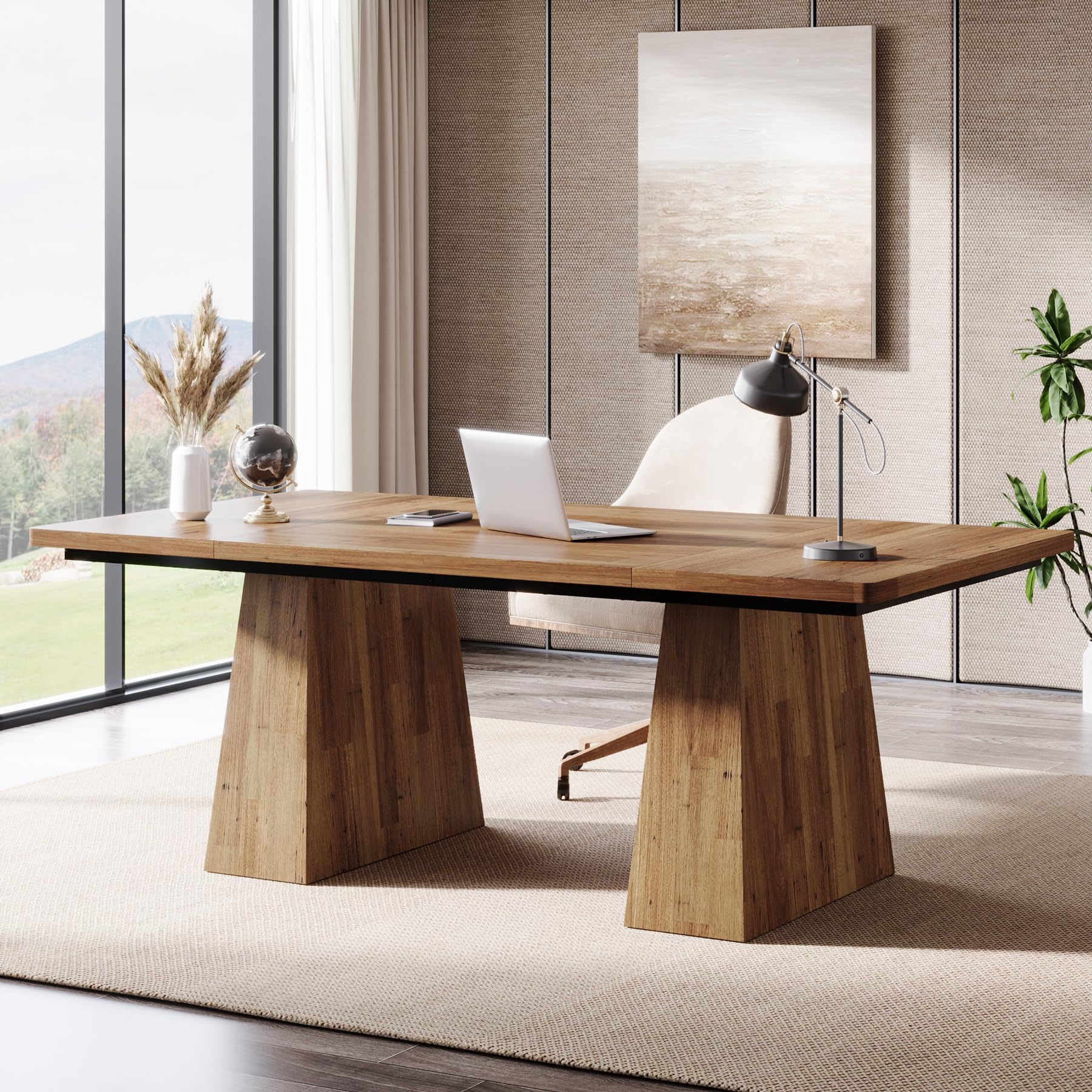
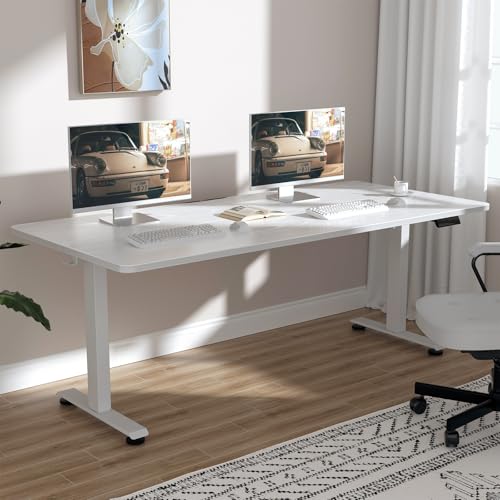
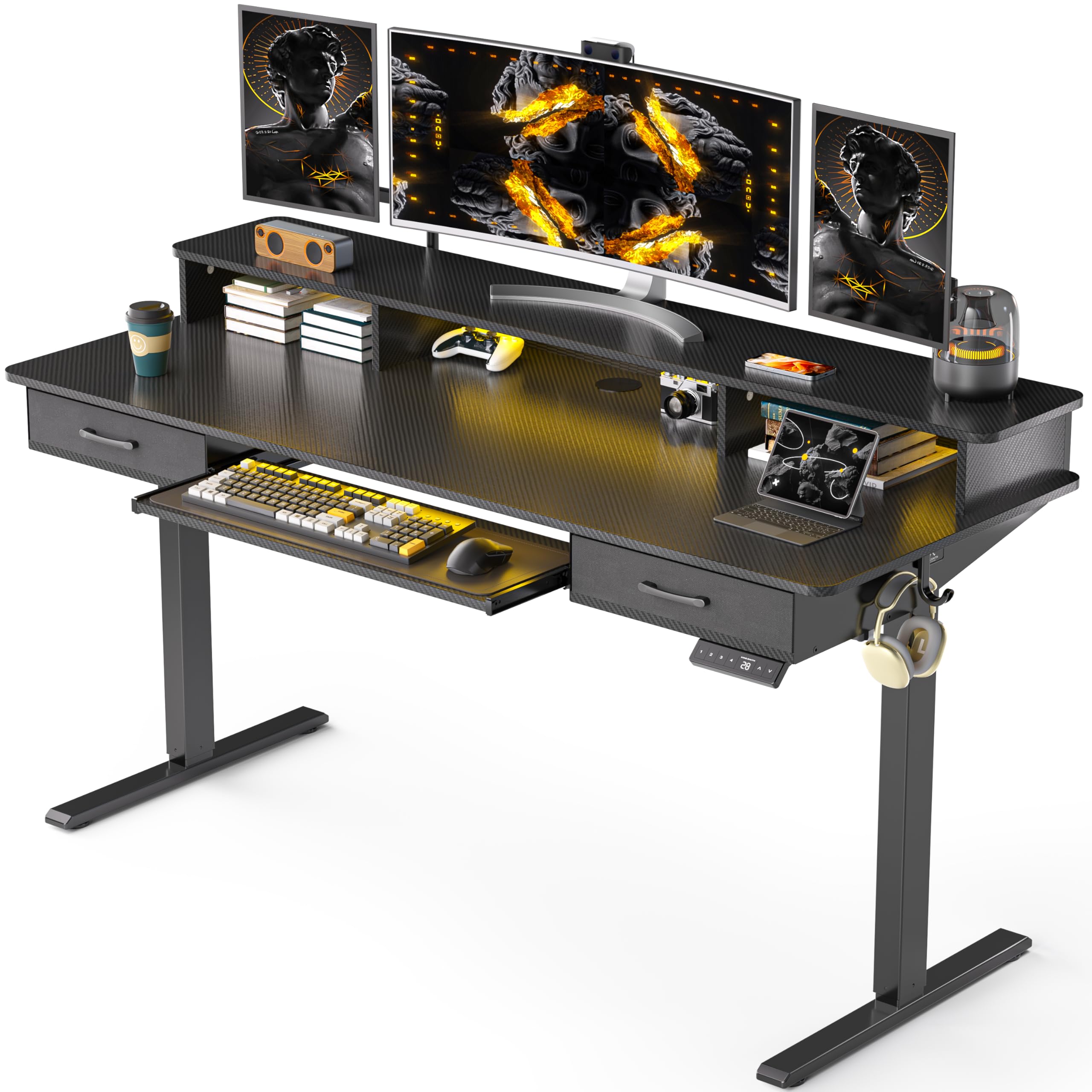


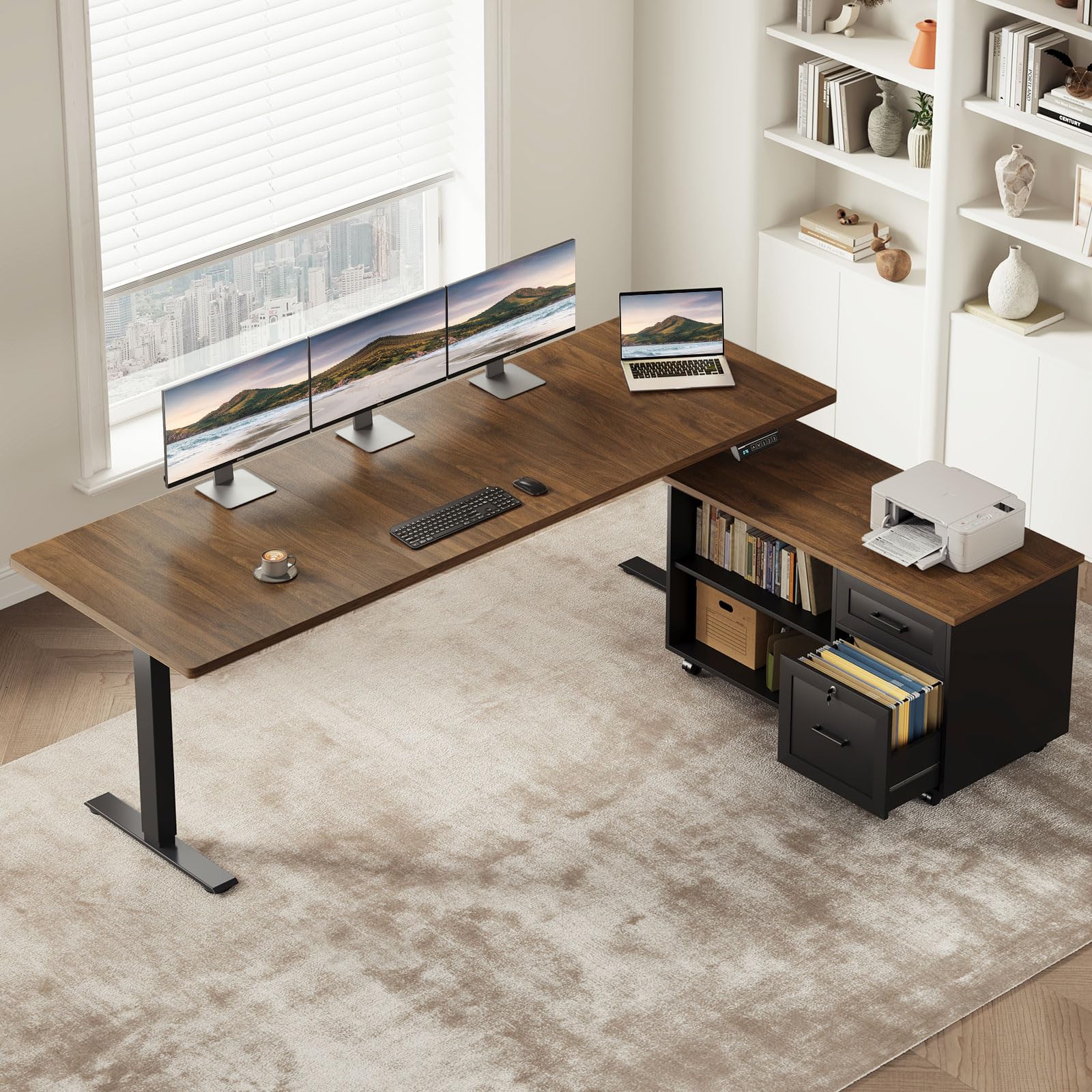

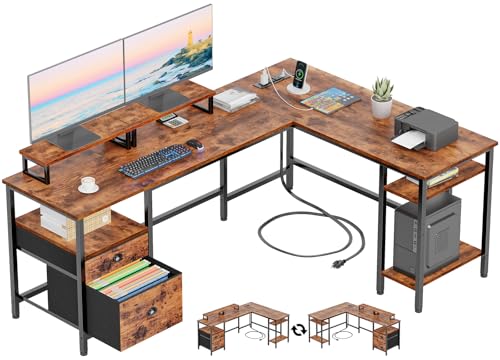
Who Should Buy Which Computer Desks?
For Gamers and Power Users
Gamers and power users push a desk hardest. Multiple fast screens, a heavy PC, speakers, and streaming gear can push the total load well past 100 lb, so frame strength and a top of at least 60 inches wide are the starting point. Depth of about 30 inches keeps large screens at a comfortable distance and leaves room for a full size keyboard and mouse pad. Look for a rear cable tray and room for a monitor arm, because arm mounting frees surface space for controllers, stream decks, and notebooks while keeping screens at eye level.
For Remote Workers and Home Offices
Remote workers need a desk that supports eight or more focused hours a day. Two or three screens at eye level, a clear knee area, and a surface that fits a laptop dock, keyboard, and paperwork at once matter more than styling extras. A standing frame earns its cost here if you alternate positions during the day. Also think about video calls. A desk deep enough to push screens back gives the camera a flattering distance, and a plain wall friendly layout keeps your background calm on calls.
For Students and Everyday Users
Students and everyday users usually run two screens, often a laptop plus one external monitor, in a small room that serves several purposes. A compact straight desk around 48 to 55 inches wide, paired with a single monitor arm, covers this need without swallowing the room. Value matters, so favor a sturdy laminate top and steel legs over decorative features. If the desk must double as a study table or craft space, choose a design with no raised rear shelf, so books and projects can spread across the full depth.
Picking the Right Computer Desks for Different Uses
Best Gaming Computer Desk for Multiple Monitors
The best gaming computer desk for multiple monitors differs from an office desk in three ways. First, width and depth run larger, because curved and ultrawide screens sit closer and need elbow room for fast mouse movement. Second, cable routing is more demanding, since consoles, capture gear, and RGB lighting add leads that office setups never see. Third, extras such as headset hooks, cup holders, and rear trays for power strips get daily use. If you game seriously, compare dedicated layouts in our guide to the best desk for multiple monitors before you settle for a plain office model.
Key Features to Compare
Surface Size and Screen Layout
Count your screens and add their widths, including bezels, then add room for speakers or a laptop at the side. Two 27 inch monitors need about 55 inches of clear width when angled slightly, and three need 70 inches or more. Depth decides comfort just as much. At 24 inches deep, screens sit close enough to strain your eyes over a long day once a keyboard is in place. At 30 inches deep, most adults can set the main screen at arm length, which is the distance eye care professionals commonly suggest for sustained screen work.
Features That Matter for Multiple Monitors
Multiple monitors multiply three loads on a desk. Weight rises, so insist on a stated capacity with real headroom above your gear total. Cable count rises, so a tray, grommets, and space for a power strip stop being nice extras and become daily sanity. Heat and hardware rise too, because the machine driving several screens needs airflow and a sensible home, a point covered well in our overview of the best computer for multiple monitors setups. Finally, check that monitor arm clamps can grip the rear edge without hitting a frame rail.
Frame, Top Material, and Stability
A desk full of screens acts like a sail for small vibrations. Every keystroke and bump travels up the monitor arms and shows as screen shake. Steel frames with wide feet and a crossbar resist that shake far better than four slim legs alone. For tops, laminate over engineered wood is affordable and easy to clean, bamboo offers a warm look at moderate cost, and solid wood tops cost the most but can be sanded and refinished. Whichever material you choose, confirm the top is thick enough at the rear edge for arm clamps, usually at least three quarters of an inch of solid material.
Connectivity and Ports
Think of connectivity at the desk in terms of power and cable paths rather than ports on the desk itself. A built in power strip with USB charging is handy for a phone and a headset, but the core need is a managed path for display cables from each screen down to your computer. Desks with rear grommets near both corners let left and right screens route cleanly. Gamers who also shop screens should note that the display range in our guide to the best computer monitors for gaming explains DisplayPort and HDMI needs, and those cables still have to reach your PC without stretching tight.
Common Mistakes to Avoid When Buying Computer Desks
- Buying by width alone and ignoring depth, then finding screens sit too close to your eyes.
- Skipping the load calculation, so the desk sags or the standing frame strains under your full setup.
- Choosing a desk with a rear modesty panel that blocks monitor arm clamps and cable trays.
- Forgetting chair space, including armrest width and room to roll back from the desk.
- Ignoring warranty terms on the frame and, for standing desks, on the motor and controller.
Tips to Get the Most From Your Computer Desk
Set screen tops at or slightly below eye level and the main screen at about arm length, then adjust after a full day rather than trusting your first impression. Route cables with a little slack at every bend, label both ends with tape flags, and keep the power strip reachable rather than buried behind the PC. Retighten frame bolts after the first month, because new furniture settles under load. If you use a standing desk, move between positions gradually across the day instead of standing for one long block, and keep an anti fatigue mat under your feet.
Computer Desks: Your Questions Answered
What features matter most in computer desks for multiple monitors?
Size, strength, and cable control matter most. The best computer desks for multiple monitors give every screen a stable mount, keep at least 28 inches of depth for healthy viewing distance, and hide the cable run. Measure your screens, weigh your gear on paper, and let those two numbers filter the field before you compare finishes or extras.
Does refresh rate matter for non gamers?
Not to the desk, and only slightly to your eyes. Office work looks fine at standard refresh rates, and smooth scrolling on faster screens is a comfort extra rather than a need. Spend first on desk size and an ergonomic chair. If money remains, a faster main screen is a pleasant upgrade that places no new demands on the furniture.
Should I choose a straight desk or a corner desk for multiple monitors?
Choose straight for flexibility and corner for wrap around layouts. A corner desk suits three or more screens and gives you a side wing for hardware, which is why many desks built for several screens use that shape. A straight desk suits two screens, small rooms, and anyone who may move the setup to a new home soon.
How long do computer desks for multiple monitors last?
A steel frame desk with a sound top lasts about eight to fifteen years in daily use. Standing desk electronics shorten the outlook a little, with motors and controllers often rated for many years of daily cycles. Longevity improves when you respect the load rating, keep liquids away from cable runs, and retighten hardware once or twice a year.
What size desk should I get for my room?
Measure the wall, subtract space for doors and radiators, then leave roughly 30 inches of open floor in front for your chair. Two screens fit happily at 55 to 63 inches wide, while three screens want 70 inches or more. Height adjustable frames help in shared spaces, and our guide to the best standing desk for multiple monitors explains what to check before buying one.
Our Verdict
Start with your screen count and your working style, then buy the smallest desk that fits both with room to spare. Gamers should weigh gaming layouts, workers should weigh depth and posture, and students should weigh value and footprint. Set against those needs, the candidates in the product table above make the best computer desk for multiple monitors for your room easy to spot. If two screens are your real total, our guide to the best computer desk for two monitors narrows the field further.


