Best Computer Desk for Dual Monitors: Budget, Midrange, and Premium Tiers Explained for 2026
Disclosure: We may earn a commission when you buy through links on this page, at no extra cost to you. As an Amazon Associate I earn from qualifying purchases. Learn more

Learn what budget, midrange, and premium tiers deliver for the best computer desk for dual monitors, and which upgrades are worth the money.
Prices for dual monitor desks stretch from under $100 to well over $1,000, and the listings rarely explain what the extra money actually buys. Some upgrades transform how a desk feels every day, while others are decoration priced as engineering.
This guide breaks the market into three tiers, shows what each tier realistically delivers, and flags the features worth paying for and the ones to skip. By the end, you will know where your budget should land for the best computer desk for dual monitors, and you can test the comparison table below against every tier.



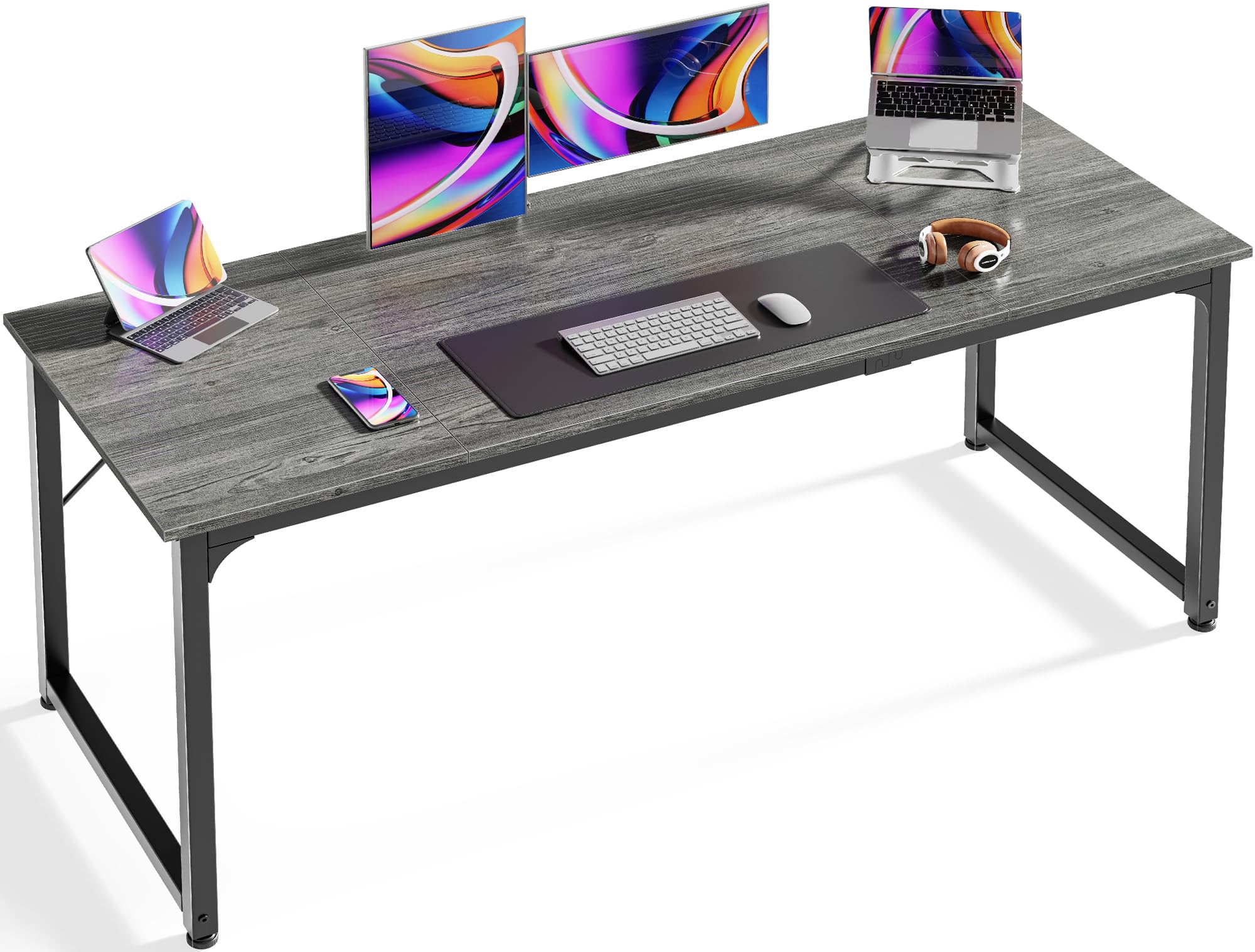
What Each Budget Level Should Deliver
Budget Level: The Essentials Done Right
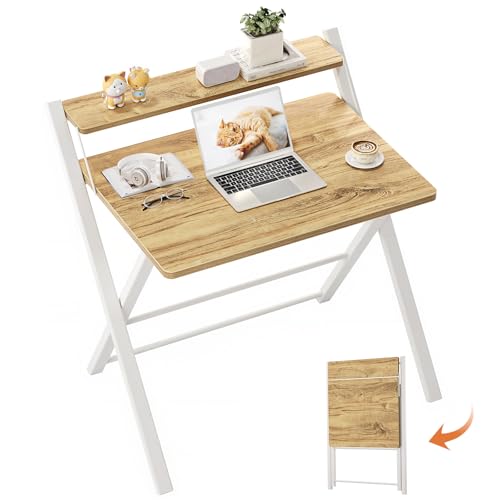
At the budget level, around $80 to $150, a good desk is a simple straight surface about 55 inches wide with a steel frame and no serious wobble. Judge this tier on basics only: a flat, level top, legs that do not flex when you lean on the front edge, and enough depth, about 24 to 28 inches, for two monitors and a keyboard.
Expect laminate over particleboard, minimal cable features, and fixed height. That is fine for a first setup or a spare room, as long as the size is right. The mistake at this level is buying a desk that is too small because it was cheap; a correctly sized budget desk serves you longer than a cramped desk at twice the price.
Midrange Level: The Sweet Spot for Most Buyers
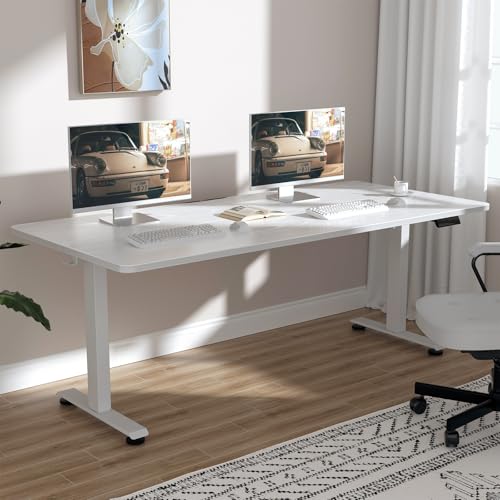
Midrange desks, around $150 to $400, are where dual monitor setups feel properly sorted. Surfaces grow to about 60 inches wide and 30 inches deep, frames get crossbars and thicker legs, and desktops thicken to about one inch, which keeps dual monitor arms steady. Cable trays, grommet holes, and headphone hooks start to appear.
This tier also includes entry level electric standing desks, which add position changes without the premium price of the strongest frames. For most home offices, the midrange is the rational stopping point: every daily frustration of the budget tier is fixed, and what remains above it is refinement rather than function. Many of the best dual monitor computer desks for long term use sit in this band.
Premium Level: When Spending More Pays Off
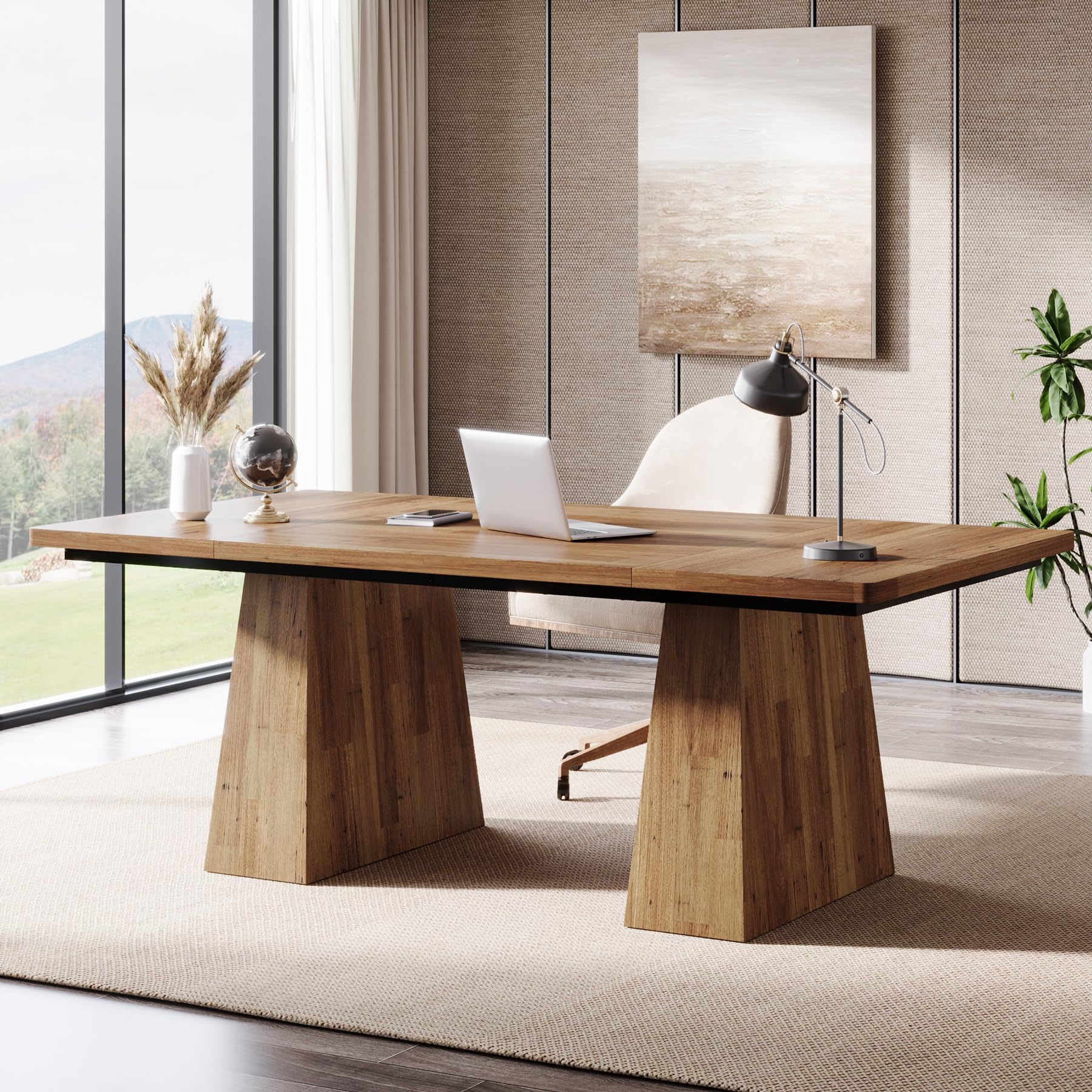
Premium desks, around $400 and up, buy build quality and time. Solid wood or thick bamboo tops, heavy steel frames with high weight ratings, smooth and quiet dual motor lifting systems, and warranties that stretch to ten years or more are the typical gains. A premium standing desk also stays stable at full height under two monitors, which cheaper frames often fail to do.
This tier makes sense if the desk is your full time workplace for years, you are tall or short enough that standard heights fit badly, or you simply want furniture that matches a finished room. It does not make your monitors better, so buy premium for the desk itself, not for the screens.
Features Worth Paying For (and Ones to Skip)
Desktop Size and Depth
Pay for size first, before any other feature, because no accessory fixes a desk that is too small. About 55 to 63 inches of width and 28 to 32 inches of depth covers two monitors, a keyboard, and working space for most people. Larger desks cost more mainly because of material and shipping, and the money is well spent every single day.
Skip oversized corner and multi level designs unless your room and work truly need them. Extra surfaces collect clutter, complicate cable runs, and make the room feel smaller, while adding nothing to how the two monitors themselves perform.
Frame Strength and Weight Capacity
A strong frame is worth real money because two monitors magnify every wobble into visible screen shake. Look for a rated capacity of at least about 100 lb for fixed desks and more for standing desks, where the rating must cover everything the motors lift. Steel legs with a connecting crossbar beat four thin independent legs at any price.
Skip decorative leg designs that sacrifice the crossbar for looks. If a listing hides its weight rating or buries it in vague language, treat that as an answer in itself and move to a desk that publishes the number.
Features That Matter for Dual Monitors
Dual monitors create needs a single screen desk never faces. The desktop must be thick and strong enough at the back edge for a dual arm clamp, the width must fit both screens without forcing them into a sharp angle, and the cable system must swallow at least six cables without spilling them onto the floor.
Under desk clearance matters too: a modesty panel or low drawer unit that steals knee room will bother you for years. Also confirm the desk depth lets both screens sit at arm length, because two wide screens on a shallow desk push the outer edges into your peripheral vision at an uncomfortable angle. If you are still choosing the screens themselves, our guide to the best computer monitors for dual setup pairs well with this one.
Cable Management and Power
A built in cable tray and one or two grommet holes are worth paying a little more for, because they turn a nest of cables into a single drop to the wall socket. Built in power strips and USB ports on the desktop edge are convenient, though they add cost and one more part that can fail.
Skip paying a premium for elaborate cable systems with covers, channels, and branded accessories. An adhesive tray and a pack of hook and loop ties achieve most of the same result on any desk for a few dollars, so this feature should tip a close decision, never drive one.
Height Adjustment
Electric height adjustment is the most valuable upgrade in the whole category if you work long hours, and it is fairly priced in the midrange tier. It lets you set the exact sitting height for your body, stand for part of the day, and share the desk with a partner. Manual crank desks adjust too, but slowly enough that most owners stop bothering.
Skip height adjustment if your budget forces a choice between a strong fixed desk and a weak standing one. A stable fixed desk at the right height, paired with a good chair, serves your posture better than a wobbly standing desk you are afraid to raise.
Picking the Right Computer Desks for Different Uses
Best Small Computer Desk for Dual Monitors
The best small computer desk for dual monitors is about 48 to 55 inches wide and as deep as the room allows, ideally near 30 inches. Depth compensates for width, because it keeps the screens at a comfortable distance. Pair it with a dual monitor arm to reclaim the surface the stands would eat, and choose a frame without drawers so your knees keep their room.
In a small space, a straight desk beats an L shaped one, and wall clearance for cables behind the desk matters more than any storage feature. Measure the room with the chair pulled out before you order, since a desk that fits the wall but traps the chair is a daily irritation.
Long Term Costs to Factor In
The desk price is only the start. A monitor arm costs around $30 to $120, a cable tray and ties a few dollars, and a desk mat or monitor riser a little more. Electricity for a standing desk is minor, since the motors draw power only while moving, but a replacement controller or motor outside warranty can cost as much as a budget desk.
Plan on the desktop itself aging: laminate edges can chip, and thin tops can sag after years under a heavy arm, which argues for midrange build quality if you expect a long service life. A simple way to compare honestly is to divide the price by the years you expect to keep the desk; a $300 desk kept for six years costs less per year than a $120 desk replaced after two. The same math applies if you shop under the name best computer desk for two monitors, since the products overlap heavily.
Computer Desks: Your Questions Answered
What features matter most in computer desks for dual monitors?
Size, frame strength, and cable capacity matter most. You need about 55 inches or more of width, a rated capacity of at least 100 lb, and a way to manage six or more cables. Among the best dual monitor computer desks, these basics separate the satisfying purchases from the returns far more reliably than style, storage, or brand name.
How much should I spend on a dual monitor desk?
Most buyers land well in the midrange, around $150 to $400, where size, stability, and cable management are all handled. Budget desks around $80 to $150 work if the dimensions are right. Premium money above $400 buys materials, stronger standing frames, and longer warranties. Spend on the tier that fixes your actual frustration rather than the highest tier you can afford.
Does a standing desk cost more to own over time?
Slightly, yes. The motors and controller are extra parts that can fail, and out of warranty replacements are not cheap, so a long warranty has real value in this category. Electricity cost is negligible. A well built standing desk from the midrange up should still serve for many years, and the per year cost often matches a fixed desk once you count comfort.
How long do computer desks last?
A budget desk typically lasts about three to five years before edges chip, tops sag, or frames loosen. Midrange desks commonly serve five to ten years, and premium solid tops can last far longer with basic care. Tightening bolts twice a year and keeping weight within the rating are the two habits that extend any desk life the most.
What size should I get for my room or desk area?
Start from the monitors: two 24 inch screens want about 55 inches of width, and two 27 inch screens want about 60 inches, with 28 to 32 inches of depth. Then confirm the room fits that size with your chair pulled out and a walkway behind it. If the room forces a smaller desk, keep the depth and accept less width, using a monitor arm to cope.
Are gaming style desks worth the extra cost?
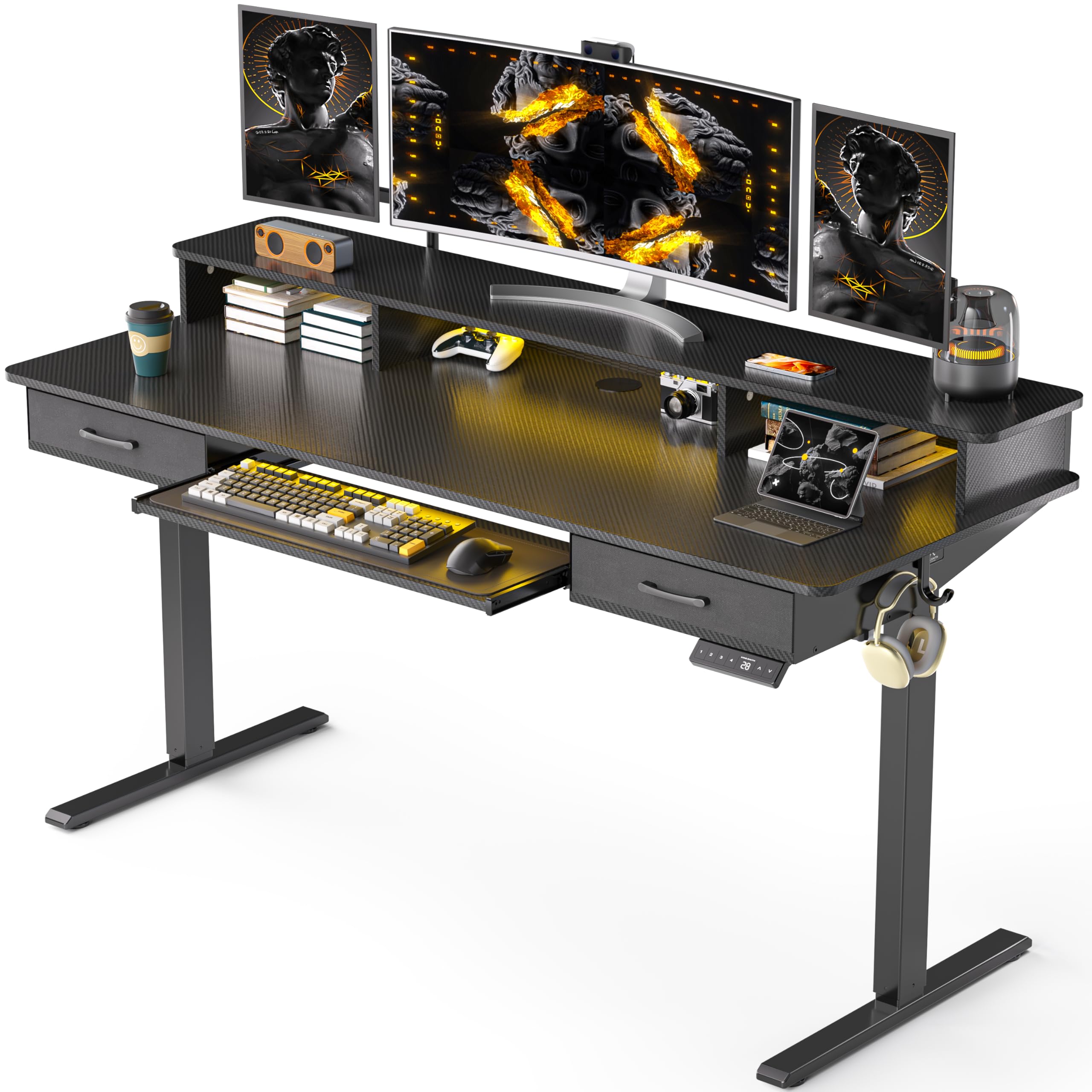
They can be, if the price buys a genuinely strong frame, a thick top, and useful cable features rather than lighting and logos. Many gaming desks are solid midrange desks with styling added, and the styling itself adds no function. Compare the size, capacity, and top thickness against a plain desk at the same price, and let those numbers decide. Our comparison of the best computer desk for 2 monitors types shows how gaming layouts differ from office ones.
Our Verdict
Put your money in this order: correct size, a frame that does not wobble, then height adjustment if your hours justify it. The midrange tier delivers all three for most people, the budget tier works when the dimensions are right, and the premium tier rewards buyers who keep a desk for many years.
Judged that way, the best computer desk for dual monitors is rarely the most expensive one on the page. Measure your room, add up your load, compare your shortlist in the product table above, and spend the difference on the chair and arm that complete the setup.