Best Commercial Routers: Business Network Guide for 2026
Disclosure: We may earn a commission when you buy through links on this page, at no extra cost to you. As an Amazon Associate I earn from qualifying purchases. Learn more

The best commercial routers keep business networks steady, secure and manageable. Compare capacity, VLANs, VPN and cloud management for offices and shops.
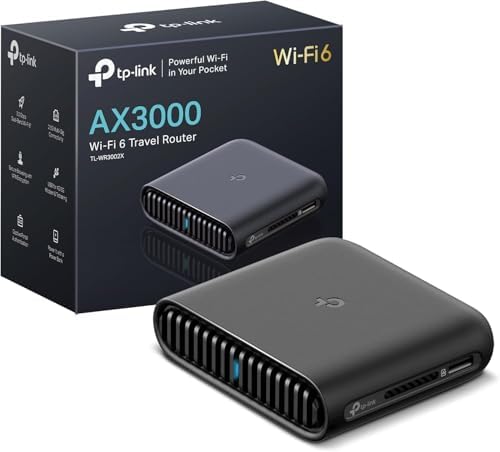
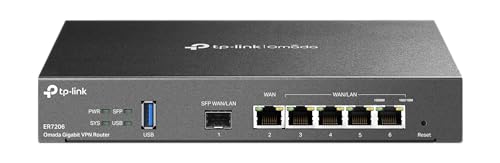
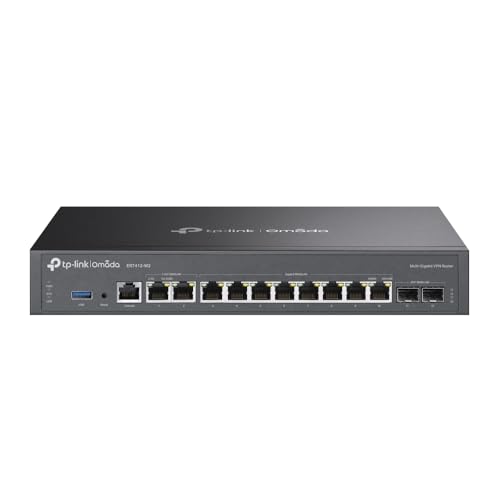
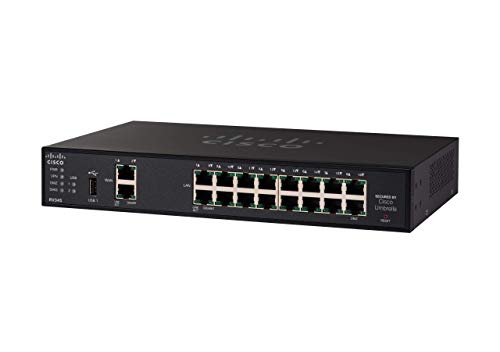
A home router struggles when dozens of staff, guests, and devices share one network, and the best commercial routers are built for that heavier, constant load. The comparison table below compares capacity, management features, and security tools. A good business router keeps traffic steady during peak hours, separates guest traffic from work traffic, and stays manageable without constant manual attention.
Business networks need more than speed: they need reliability, security controls, and the ability to grow. Features such as VLAN support, VPN access, and central management matter more in an office than headline wireless numbers. This guide explains the features that actually affect daily work, and how to size a router for your site.



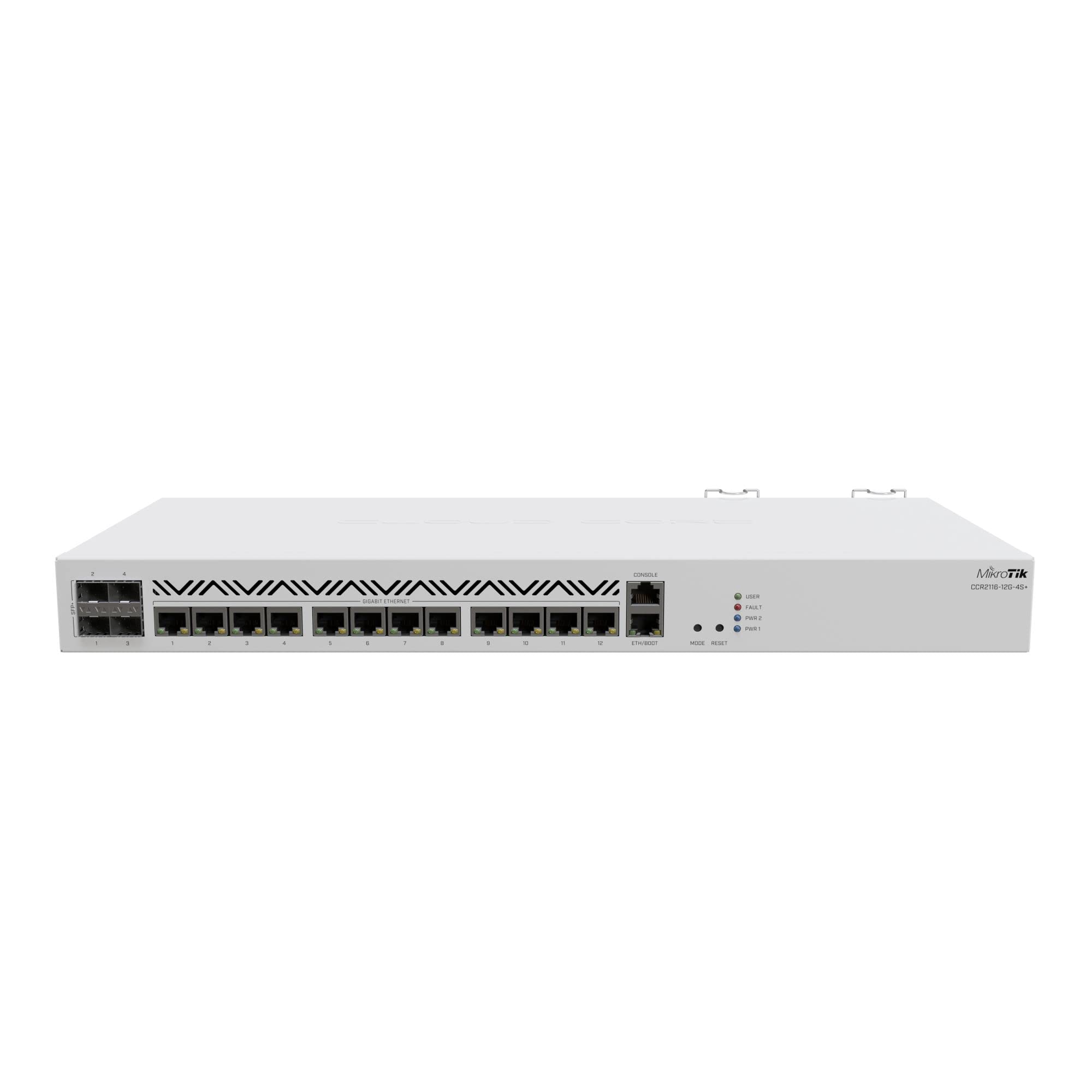


Who Should Buy a Commercial Router
Commercial routers suit offices, shops, clinics, restaurants, and multi site businesses with many users and devices. They also help venues offering guest wifi, since guest traffic can be isolated from business systems. Small teams with only a few devices may manage with a simpler model. If your network slows every afternoon, drops connections, or cannot separate guest traffic, a business grade router is worth the step up.
Key Features Worth Comparing in Commercial Routers
Capacity and Concurrent Users
Capacity tells you how many devices and connections the router handles without slowing down. Look beyond wireless speed to processor power, memory, and connection limits. A busy office with video calls, cloud apps, and guest wifi needs far more headroom than a quiet shop. Plan for growth, since device counts rise quickly once phones, tablets, and smart devices join the network.
VLANs and Network Separation
VLAN support lets you split one physical network into separate virtual networks for staff, guests, and devices. Guest traffic stays away from business systems, and payment or camera traffic can be isolated for safety. Even a small business benefits from a guest VLAN. Check that the router makes VLAN setup clear, since a confusing interface leads to mistakes.
Security Tools and Updates
Business routers should include a firewall, intrusion controls, and regular firmware updates from the maker. Automatic update options reduce the risk of forgotten patches. Look for clear security reporting so you can spot unusual traffic. A router with no update path becomes a weak point over time, no matter how strong it seems at purchase.
VPN and Remote Access
VPN support lets staff work securely from home or other sites. Check how many simultaneous VPN connections the router allows and whether setup suits your team skill level. Site to site VPN links offices together as one network. If remote work is part of your business, VPN capacity belongs near the top of your checklist.
Management and Monitoring
Central management saves time when you run more than one site or access point. A cloud dashboard or a local controller lets you update settings, check device health, and spot problems from one screen. Alerts for offline devices or unusual traffic help you fix issues before staff notice. Choose a management style your team can actually maintain week to week.
Sizing and Placement Advice
The best commercial routers cannot fix a poorly planned layout. Place the router and access points to cover work areas evenly, not just near the front desk. Thick walls, metal shelving, and kitchens all weaken signals. A site survey, even a simple walk through with a signal check, prevents dead zones. Plan cable runs for access points early, since wired backhaul keeps wireless performance steady under load.
Living With Your Choice
A business router needs routine attention, not just a one time install. Review firmware monthly, check logs for unusual activity, and update guest passwords on a regular schedule. Document your network layout and settings so a new team member can manage it. If performance drops, check device counts and bandwidth hogs before replacing hardware. Good habits keep a business network reliable for years.
Review user counts quarterly, since device numbers rise quickly once new phones and smart devices join. Adjust access point placement after any office rearrangement or new shelving that blocks signals.
Related Guides Worth Reading
For wireless standards background, see best wlan routers for wifi technology comparisons. If your internet comes from a cable provider, best routers for spectrum and best routers for comcast cover provider specific setup notes.
Seasonal Notes and Long Term Use
For guest wifi venues such as cafes and clinics, change the guest password regularly and post it clearly for visitors. A separate guest network protects business systems and keeps guest traffic from slowing staff work. Monitor guest usage during peaks to spot abuse or a misbehaving device. Clear signage about wifi availability reduces repeated questions to staff.
When adding a new site, document its network layout before install so support staff can help remotely without guesswork. Standardise router models and settings across sites where possible to simplify troubleshooting. Keep a labelled spare router or access point for fast swaps during outages. Downtime costs far more than a spare unit sitting on a shelf.
Review bandwidth use after adding video conferencing or cloud tools, since those workloads change network demands sharply. Prioritise voice and video traffic in router settings so calls stay clear during busy periods. If a single application hogs bandwidth, investigate before buying faster internet. Smart traffic management often fixes more than raw speed upgrades.
For hybrid teams, try remote access from a home connection before rollout day, since home routers and firewalls sometimes block business VPN traffic. Provide a simple setup guide with screenshots for common home setups. Keep a help contact available during the first week of remote use, when most connection questions appear.
Frequently Asked Questions
How is a commercial router different from a home router?
A commercial router handles more users, more connections, and longer uptime than a home model. It adds VLAN separation, VPN access, stronger firewalls, and central management tools. Home routers focus on simple setup for a few devices. If your business network carries guests, payments, or remote staff, those business features matter more than raw wireless speed.
Do I need VLANs for a small business?
VLANs help even small businesses by separating guest wifi from staff systems and payment devices. That separation limits the damage if a guest device carries malware. Setup takes a little learning, but most business routers include guided VLAN options. Start with a simple staff and guest split and add more segments as needs grow.
How many devices can a commercial router handle?
Device capacity varies widely, from dozens to hundreds of concurrent connections. Check processor, memory, and stated connection limits rather than wireless speed alone. Count phones, laptops, printers, cameras, and smart devices together for a realistic total. Choose headroom above your current count so growth does not force an early replacement.
Should I use cloud management?
Cloud management suits multi site businesses and teams without a full time network specialist. It gives one dashboard for updates, monitoring, and alerts across sites. Local management suits businesses that prefer data to stay on site. Either approach works when the team actually reviews alerts and applies updates on schedule.
How often should router firmware be updated?
Check for firmware updates at least monthly, and apply security fixes promptly. Makers release patches for newly found weaknesses, and an unpatched router becomes an easy target. Enable automatic updates when the maker offers them and your change process allows it. Record each update so you can trace any later problem to a specific change.
Final Thoughts
Reliable business networking comes from capacity, separation, security, and management working together. Compare user capacity, VLAN support, security tools, and VPN options using the product table above. Size for growth, isolate guest traffic, and keep firmware current. With the right setup, the best commercial routers can keep your business online and protected every working day.