
Best Comfy Chairs for Gaming: What Actually Matters Before You Buy for 2026
Disclosure: We may earn a commission when you buy through links on this page, at no extra cost to you. As an Amazon Associate I earn from qualifying purchases. Learn more

Use this buying checklist for the best comfy chairs for gaming, covering lumbar support, cushion foam, sizing, frame quality, and everyday value.
A gaming chair can look plush in photos and still leave you shifting in your seat an hour into a session. Comfort comes from fit, support, and cushioning that hold up over time, not from thick padding alone. This guide walks you through a simple checklist for choosing best comfy chairs for gaming with confidence, so you can judge any model on the points that actually affect how it feels.
Start with the comparison table below to see how the current options differ on size, materials, and adjustments. Then use the sections that follow to decide which features deserve your money and which ones you can safely skip. By the end, you will know how to match a chair to your body, your desk, and your room.
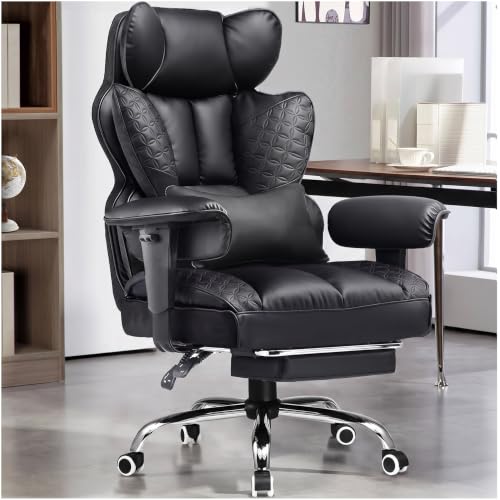
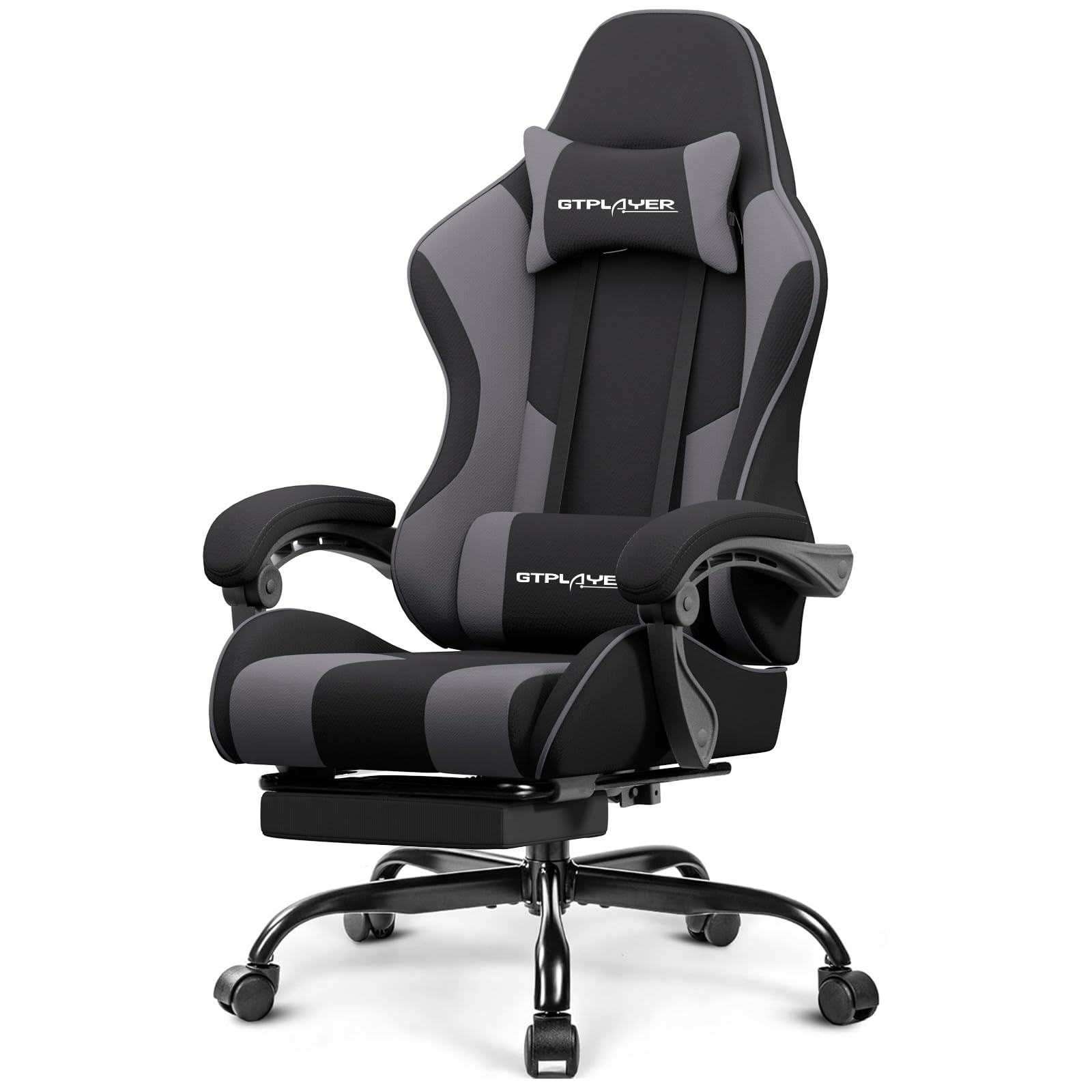
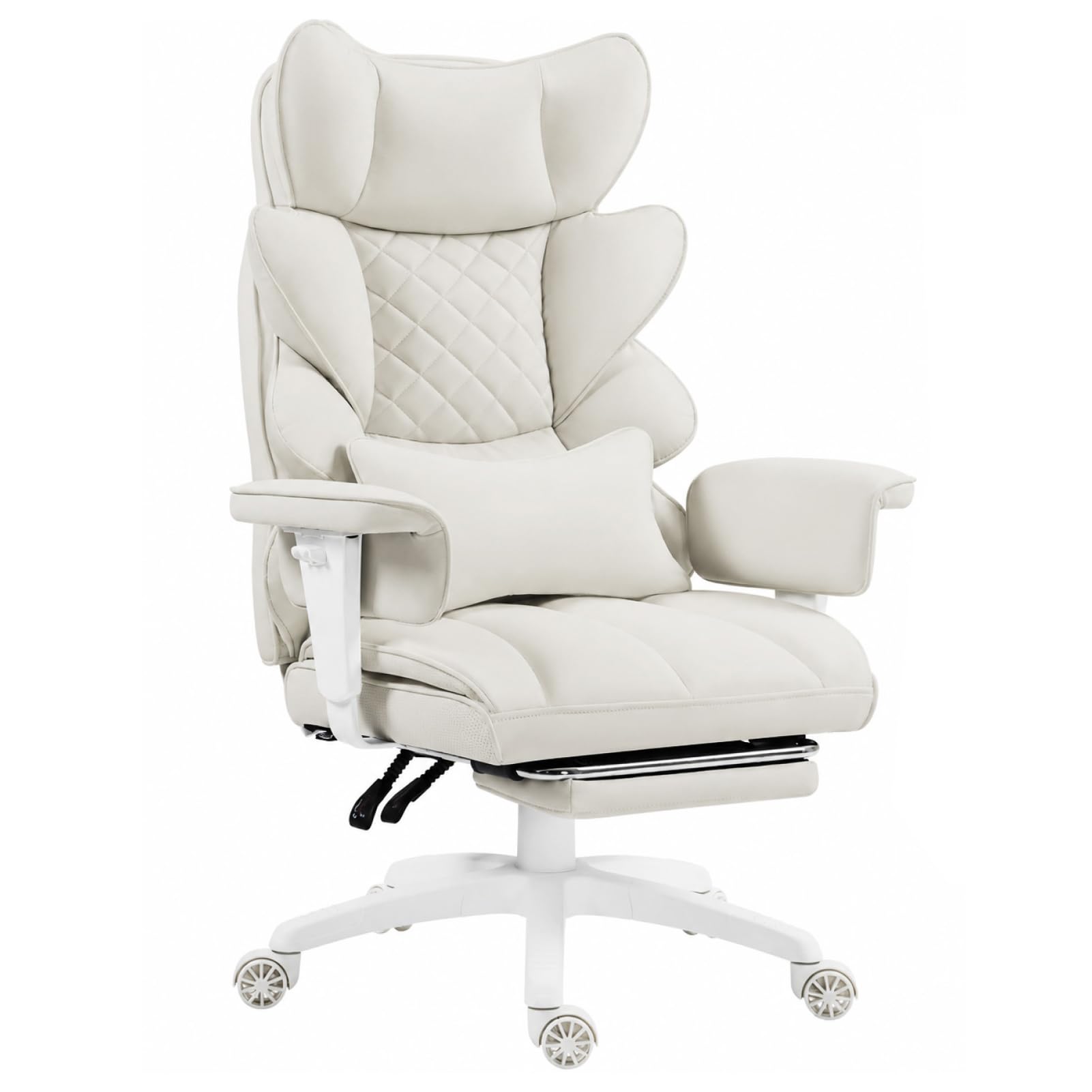


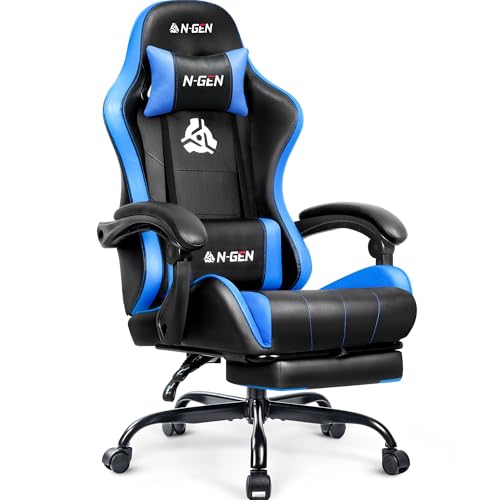
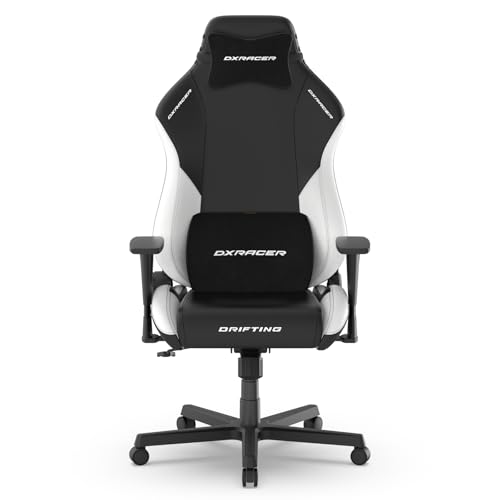


The Checklist: Key Features to Compare
Think of this section as a scoring sheet you can apply to any chair you are considering. A model does not need to win on every point, but it should never fail on fit or support, because those two decide whether the chair stays comfortable month after month. Work through each factor below before you look at colors or styling.
Features That Matter for Gaming
Gaming asks more of a chair than short desk tasks do. Sessions run longer, you lean forward during intense moments, and you recline during cutscenes or chats between matches. A useful gaming chair supports all three positions without forcing you to perch on the edge of the seat. Look for a recline range that lets you relax without feeling like you might tip, plus a seat depth that leaves a small gap behind your knees so circulation stays comfortable. If you are also comparing seating for other rooms, our guide to the best comfy chairs covers relaxed lounge style options.
Ergonomics and Adjustability
Ergonomic design only helps when the adjustments match your body. Seat height should let your feet rest flat on the floor with your knees near a right angle, and the range matters if you are shorter or taller than average. Lumbar support should meet the curve of your lower back, either through a built in shape, an adjustable pad, or a cushion you can move. Adjustable armrests that move in height and width keep your shoulders relaxed while your hands stay on the controller or keyboard. A tilt lock lets you hold a slight recline instead of fighting spring tension the whole session. If back or neck pain keeps getting worse even in a well adjusted chair, talk with a clinician about your personal needs rather than expecting a chair alone to fix it.
Comfort and Cushioning
Cushioning is where chairs that feel similar in a showroom start to separate. High density foam holds its shape and supports your weight evenly, while very soft, low density foam can feel great for ten minutes and then flatten so you sense the hard base underneath. A mesh back takes a different approach, flexing with your spine and letting air move, which suits warm rooms. Some chairs pair a foam seat with a mesh back to balance support and airflow. Whichever style you choose, judge the cushion by how it should feel in hour three, not minute three.
Size, Dimensions, and Weight Capacity
Measure before you fall for a design. Note the seat width between the armrests, the seat depth from front to back, and the backrest height, then compare those numbers with your own build. Taller players usually need a higher backrest and a deeper seat, while smaller players often find wide seats make them slouch sideways. Check the stated weight capacity and leave yourself a comfortable margin rather than buying right at the limit, because capacity also hints at how sturdy the frame and lift feel under daily use. Finally, measure your doorway and desk clearance so the chair actually fits the space.
Style and Room Fit
A gaming chair is a large piece of furniture, and it will set the tone of the room it sits in. Bold racing style seats with bright panels suit a dedicated gaming corner, while plain fabric models in gray or black blend into a shared living room or a bedroom that doubles as an office. Consider how the upholstery behaves in your space, too. Smooth materials wipe clean after snack spills, while fabric feels softer and hides minor scuffs.
Warranty and Return Policy
The warranty tells you how much confidence the maker has in the parts that wear out first. Look at the coverage for the frame, the gas lift, and the upholstery separately, because those periods often differ. A longer frame warranty is a good sign, and clear terms matter more than a big headline number with heavy conditions. The return policy matters just as much, since comfort is personal and hard to judge from a product page. A trial window with free or low cost returns lets you sit through a few real sessions before you commit.
Build Quality and Frame
Under the padding, the frame does the real work. A steel frame inside the seat and backrest resists flexing and creaks better than thin plastic shells, and a wide five point base keeps the chair steady when you lean back. The gas lift should feel smooth, with no slow sinking during a session. Casters matter more than most buyers expect. Hard floor casters glide quietly on wood and laminate, while standard casters suit carpet. If frame strength is your top priority, compare your shortlist with our guide to the best quality gaming chairs for more detail on construction.
Matching a Chair to Your Setup and Budget
Once a chair passes the checklist above, the next step is matching it to your space, your screen, and your spending limit. The product table above lists the specs for the best comfy chairs for gaming, but the right choice depends on how you actually play. The three situations below cover the most common decisions buyers face after they have narrowed the field.
Budget Models That Still Feel Good
Budget models, often under $250, can be genuinely comfortable if the basics are right. Spend on the seat cushion, the frame, and a sensible weight capacity first, and accept simpler armrests or a basic recline. What you should not accept at any price is a seat that bottoms out or a backrest with no lumbar shaping at all. Skip decorative extras like colored stitching or built in speakers if they crowd out the fundamentals. A plain chair with firm foam will serve you better than a flashy one with weak padding.
Compact and Space Saving Models for Small Rooms
Small rooms reward careful measuring. Space saving models use narrower backs, slimmer armrests, and sometimes armrests that flip up so the chair slides fully under the desk when you are done. That last habit protects both the chair and the desk edge from daily knocks. Check the full footprint with the chair reclined, not just upright, because the backrest needs room behind it. A mid back design can be the smarter buy in a tight corner, giving you support where you need it without dominating the room.
Chairs That Double for Work and Play
Many players also work from the same desk, and the chair has to serve both roles. For long workdays you will want the lumbar support positioned a little firmer and the armrests set for typing, then a quick recline reset for evening play. Neutral styling helps the chair pass as office furniture on video calls. If your setup leans more formal, our guide to the best officer chairs shows executive style alternatives, and our roundup of the best gaming and office chairs focuses on models built for both jobs. Screen position counts too, so pair the chair with the right display height using our guide to the best gaming monitors if your neck aches after sessions.
Quick Buyer Checklist
Run through these questions for every chair on your shortlist. A string of yes answers means the chair deserves a closer look, while a no on the first three is usually a reason to move on.
- Does the seat height range let your feet rest flat on the floor at your desk?
- Does the lumbar support reach the curve of your lower back without pushing too hard?
- Is the seat wide and deep enough for your build, with a small gap behind your knees?
- Does the stated weight capacity leave you a comfortable safety margin?
- Can the armrests adjust so your shoulders stay relaxed while you play?
- Does the chair fit your room, doorway, and desk clearance once reclined?
- Does the return policy let you try the chair through several real sessions?
- Is the warranty on the frame and gas lift clear and reasonably long?
Red Flags to Watch For
Some listings work hard to hide weak chairs behind exciting words. Slow down when you spot any of these warning signs, because each one points at a problem you will feel later.
- Vague specs, such as premium foam with no mention of density or a weight capacity buried or missing entirely.
- No clear warranty terms, or a warranty that covers the frame for years but the lift and fabric for only a few months.
- Review patterns that look unnatural, with waves of glowing comments posted together and almost no detailed criticism.
- Photos that never show the chair from the side or back, which can hide a thin frame or a narrow base.
- Adjustment lists that sound long but turn out to be one lever, leaving height as the only thing you can actually change.
How to Make Your Comfy Gaming Chair Last Longer
Good care keeps the cushion supportive and the moving parts quiet. Tighten the bolts under the seat and armrests every few months, because small amounts of play grow into wobbles and creaks if you ignore them. Work the tilt and lift levers gently rather than dropping your full weight into the chair, which stresses the gas lift over time. Vacuum fabric upholstery with a soft brush attachment, and wipe smooth materials with a damp cloth so sweat and snack oils do not build up. Keep the chair out of strong direct sunlight, which fades fabric and dries out surface materials. Finally, lift the chair by its base when you move it instead of dragging it by one armrest.
Frequently Asked Questions
What features matter most in a comfy gaming chair?
Fit and support matter most, starting with seat height, lumbar support that meets your lower back, and a cushion that does not flatten. Beyond those basics, pay attention to the headrest position, since many chairs place it too high for shorter players. A chair whose headrest lands at the back of your skull instead of your neck will push your head forward. Check that detail during the return window, because no spec sheet describes it well.
How do I choose the right size comfy gaming chair for my body and desk?
Start with your own measurements, then match them against the seat width, seat depth, and height range on the listing. One step many buyers skip is measuring the underside of the desk, since thick armrests can collide with low desk frames and stop the chair sliding in. If you share the chair with a partner or a teen, favor wider adjustment ranges over a perfect fit for one person, and accept a small compromise for both.
Is an expensive comfy gaming chair worth the extra money?
It can be, when the extra cost buys a stronger frame, denser foam, and a longer warranty rather than styling alone. Higher priced chairs, often around $300 or more, also tend to offer replacement parts such as armrest pads and casters, which extends the useful life of the whole chair. If a costly model only adds lights and logos over a mid priced one with the same build, the cheaper chair is the smarter buy.
What features matter most in comfy gaming chairs during long hours of play?
For long hours, breathability and pressure distribution decide how the chair feels late in a session. A mesh back or a fabric seat cover stays cooler than smooth synthetic upholstery in a warm room. Also plan your own movement. Standing up, stretching, and resetting your posture every hour or so does more for comfort than any single chair feature, and a chair with a smooth recline makes those small position changes easier between breaks.
How long should a good comfy gaming chair last?
A good chair should last about five to eight years of regular play before the cushion or lift needs attention. The first part to tire is usually the seat foam at the front edge, where your weight shifts as you lean in. Rotating where you sit is not realistic, but a separate seat cushion can spread the wear once the foam softens. When the lift starts sinking or the frame creaks under normal use, replacement is safer than repair.
Final Thoughts
The smartest way to shop is to let the checklist lead. Fit your body first, insist on real lumbar support and foam that holds its shape, and check the frame, capacity, and warranty before you fall for a color scheme. Use the product table above to compare your finalists side by side on those exact points. Do that, and your pick from the best comfy chairs for gaming will still feel like the right seat long after the first session ends.


