
Best Color Laser Printers for Graphic Designers: Everything to Know Before Your First Purchase for 2026
Disclosure: We may earn a commission when you buy through links on this page, at no extra cost to you. As an Amazon Associate I earn from qualifying purchases. Learn more

A first purchase guide to the best color laser printers for graphic designers, covering color accuracy, paper handling, resolution, and running costs.
Buying your first color laser printer as a designer feels different from buying one for general office work. You care about how a brand red prints, whether fine type stays crisp, and if a proof on your desk will match what a client sees. That is exactly what this guide to the best color laser printers for graphic designers is built to explain, starting from the basics.
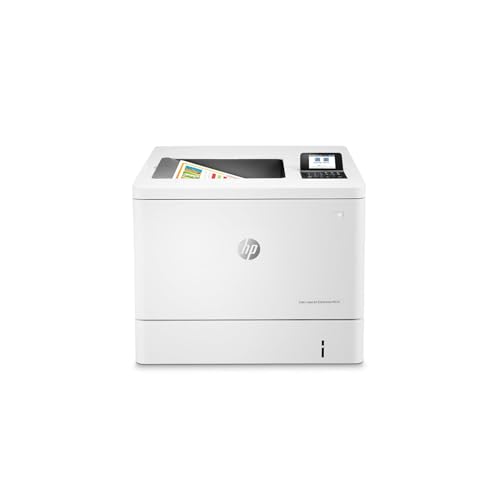
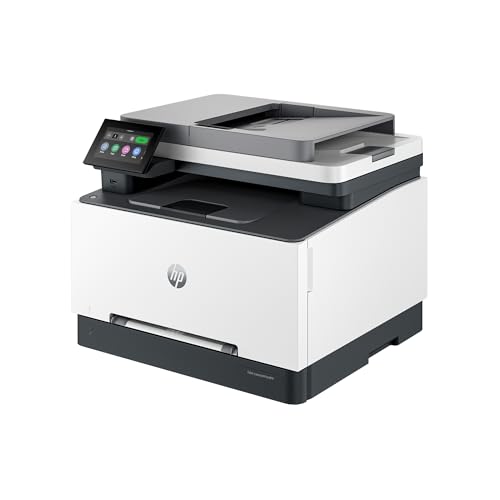
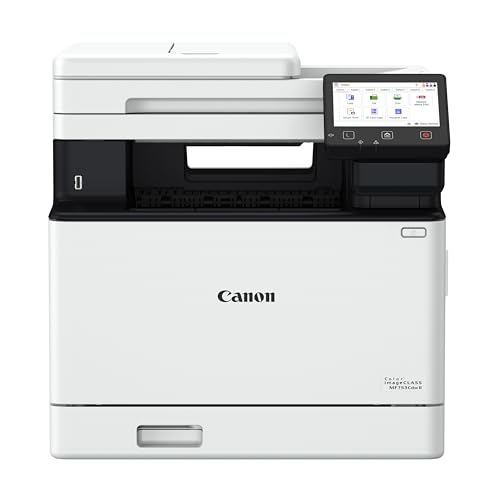
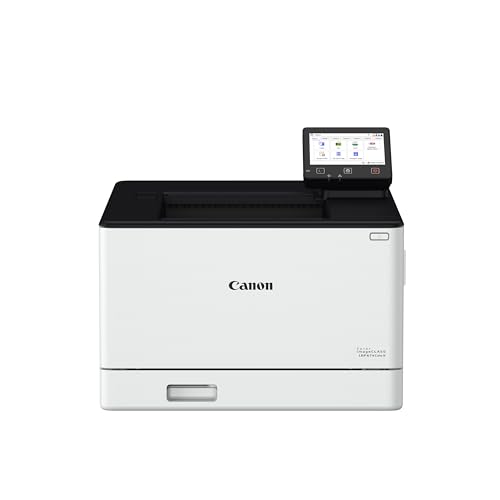
We will cover how laser printing works, the specifications that actually affect design work, and the mistakes first time buyers make. Use the comparison table below while you read to connect each idea to real machine types.

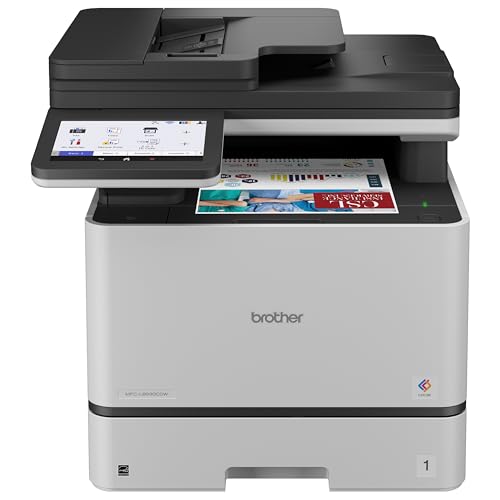


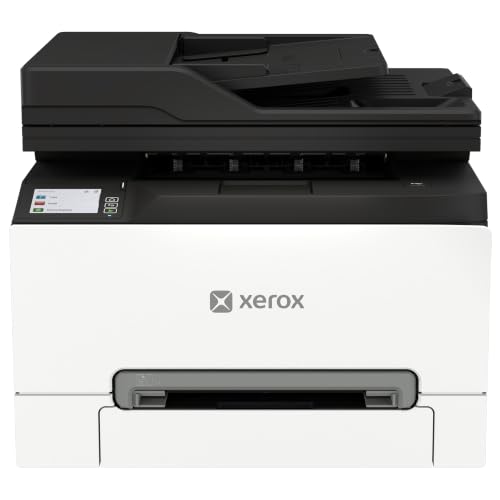
Color Laser Printers 101: The Basics
A color laser printer creates an image with light on a rotating drum, attracts toner powder to that image, and fuses the toner onto paper with heat. It repeats the process for four colors: cyan, magenta, yellow, and black. Because toner is fused rather than soaked in, pages come out dry, sharp, and resistant to smudging, which is why laser output looks so clean for text and flat graphics.
For designers, the honest starting point is what laser does well and what it does not. Laser excels at proofs, comps, presentations, brochures, and fast color documents. It cannot match a good inkjet for smooth photographic gradients or art prints on glossy media. Many designers therefore use a laser as the daily workhorse and send final photographic work to an inkjet or a print service. Knowing that split from the start prevents the most expensive disappointment a first time buyer can have.
Key Specs Explained in Plain English
Features That Matter for Graphic Designers
Design work demands color consistency above all: the same file should print the same way on Monday and Friday. Look for a printer with built in calibration routines and support for color profiles, so your software can translate screen colors into printer colors predictably. Support for PostScript or a similar page language matters because design applications rely on it for accurate vector shapes and fonts. Paper handling for heavier stock and larger sizes also separates design capable models from plain office machines, since comps and mockups rarely live on thin letter paper alone.
Printer Type
A standard color laser printer suits designers who mainly need fast, sharp documents and proofs. A multifunction laser adds scanning and copying, useful for digitizing sketches and marked up proofs; our guide to the best multifunction color laser printers explains that category. Inkjet remains the better tool for photographic output and fine art paper. Ink tank inkjet models lower running costs for that photo work.
Print Quality and Resolution
Resolution is measured in DPI, dots per inch, and laser printers commonly offer figures that keep type and line art crisp at normal reading distance. For design, the more useful check is smoothness: check how the printer handles gradient fills and subtle background tints, where weak machines show visible steps between shades. Also check halftone quality on skin tones in a sample print if your work includes people. A practical tip is to print one of your own files with a gradient, fine rules, and small reversed out type, because that single page reveals more than any specification sheet.
Cost per Page and Ink Costs
Laser printers use toner, not ink, and cost per page comes from dividing a cartridge price by its rated yield. Color pages cost much more than black only pages because all four cartridges contribute. High yield cartridges lower the cost per page and suit designers who print proofs daily. Also budget for drums and other imaging parts that wear out over time. A designer specific trap is proofing waste: expect to print some pages twice while you dial in color, and include that habit honestly in your monthly cost estimate from the start.
Reliability and Support
Your printer must work on deadline day, so favor makers with current drivers for your operating system and design software, plus firmware updates that fix color and network issues. Check how long the warranty runs and whether service is local or by shipping, since a large printer is awkward to send away. Community knowledge helps too: widely used models have more shared color settings and troubleshooting advice. If you are comparing the wider category first, our overview of the best color laser printers sets out the main types before you narrow down to design needs.
Connectivity and Mobile Printing
A wired Ethernet connection is the most stable choice for a studio desk and avoids wireless dropouts during large file transfers, which matters when a single design file can be hundreds of megabytes. WiFi still helps for a laptop based workflow and for printing from a tablet during a client review. AirPrint and maker apps cover quick phone prints of references or invoices. Whatever you choose, connect the printer the same way your main work computer connects, and keep the printer on the same network so color managed applications can find it without workarounds.
Rookie Mistakes to Avoid
- Expecting photo quality from toner. Laser color is excellent for graphics and proofs but cannot reproduce the smooth tones of photographic inkjet output.
- Ignoring paper limits. Check the maximum paper weight and size before you buy, or your card stock mockups may jam or refuse to feed.
- Trusting your screen without calibration. An uncalibrated monitor makes every printer look wrong, and no printer setting can fix a misleading screen.
- Buying on DPI alone. Gradient smoothness and color consistency matter more to design work than the highest resolution number on the box.
- Forgetting consumable parts. Drums and fusers wear out, and leaving them out of the budget understates the real cost of ownership.
Getting Started: Setup and First Use
Unpack the printer on a sturdy, level surface with ventilation space, remove every piece of packing material, and install the starter toner cartridges as the guide directs. Connect it to your network, install the full driver package rather than a basic one, because color controls often live in the full software. Then run the built in calibration before your first real proof, and print a sample file with gradients, brand colors, and small type. Note the settings that produce the closest match to your screen, and save them as your standard proof preset so every future job starts from a known good place.
Designers choosing between studio setups may also want to read our guide to the best printers for graphic designers, which compares laser and inkjet roles side by side.
A final practical point: the best color laser printers for graphic designers hold a color preset steadily, so pick one with calibration you can repeat before chasing resolution.
Color Laser Printers: Your Questions Answered
What features matter most in color laser printers for graphic designers?
Color calibration, page language support, and flexible paper handling matter most, because they decide whether proofs are trustworthy. One feature newcomers overlook is a straight paper path or a rear manual feed, which lets thick card pass through without bending sharply. That single option can decide whether your packaging mockups and heavy covers print cleanly or jam, so confirm it exists if you print on stock beyond standard office paper.
Inkjet or laser: which is cheaper long term?
For document and proof heavy design work, laser is usually cheaper long term because toner yields are high and pages print fast. For photo heavy work, inkjet costs depend heavily on ink pricing and paper. The most reliable method is to count your last month of pages, split them into proofs and photos, and price both technologies against that real mix. Designers often find a laser plus occasional outsourced photo printing beats owning two machines.
What does cost per page mean?
Cost per page is the consumable cost of one printed page, worked out from a cartridge price divided by its rated yield. For laser printers, add a share of drum and fuser costs to get the honest figure. A designer specific point is coverage: a full bleed poster proof can use several times the toner of a text page, so your average cost depends on how much of each page your designs actually cover with color.
Are ink tank printers worth it?
Ink tank printers are worth it for designers who print many color proofs or photographs on inkjet and want low running costs. They do not replace a laser for fast, sharp document output, and their print heads need regular use to stay clear. Think of an ink tank machine as a partner to a laser rather than a rival: the tank handles images and long color runs, while the laser handles contracts, comps, and deadline documents with speed and consistency.
Wrapping Up
Judge your first laser by color consistency, paper flexibility, and honest running costs, not by resolution numbers alone. Print your own sample file before the return window closes, and set a calibration habit from day one. With those steps, choosing among the best color laser printers for graphic designers becomes a practical decision, and the product table above will help you confirm the right type. If you want a laser focused shortlist to compare against, see our guide to the best laser printers for graphic designers.

