Best Color Inkjet Printers 2026
Disclosure: We may earn a commission when you buy through links on this page, at no extra cost to you. As an Amazon Associate I earn from qualifying purchases. Learn more

Compare the best color inkjet printers by ink system, cost per page and paper handling for photos, school work and home office documents.
A good color inkjet earns its desk space by printing school projects, shipping labels, boarding passes, and the occasional photo without fuss, which is why the best color inkjet printers are chosen by ink cost and reliability more than by headline speed. Prices vary widely, and the cheapest printer is often the most expensive one to feed.
The product table above compares inkjets by price and ink system. The sections below explain the choices behind those numbers: cartridge or tank, all in one or print only, and the details that decide whether a printer is pleasant to own a year from now.
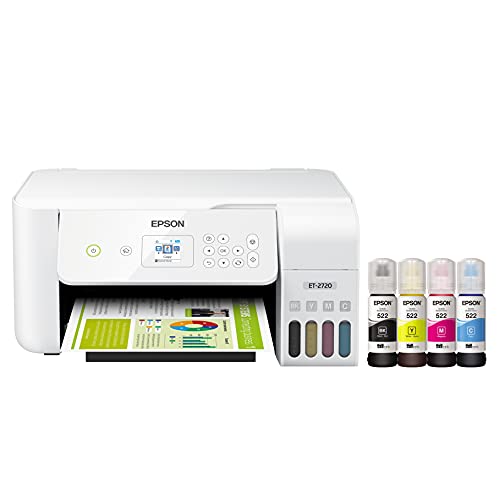


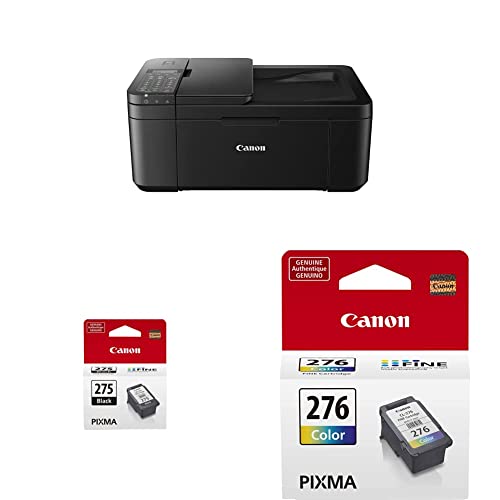


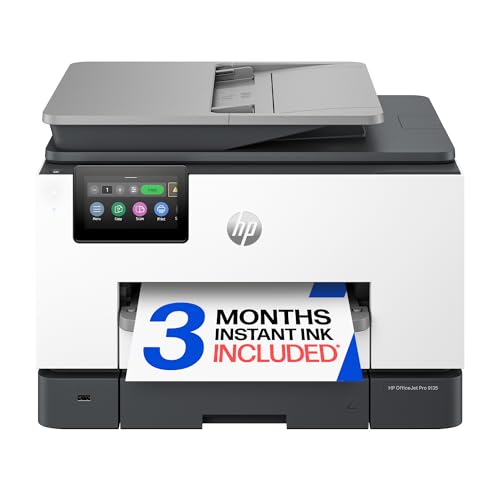
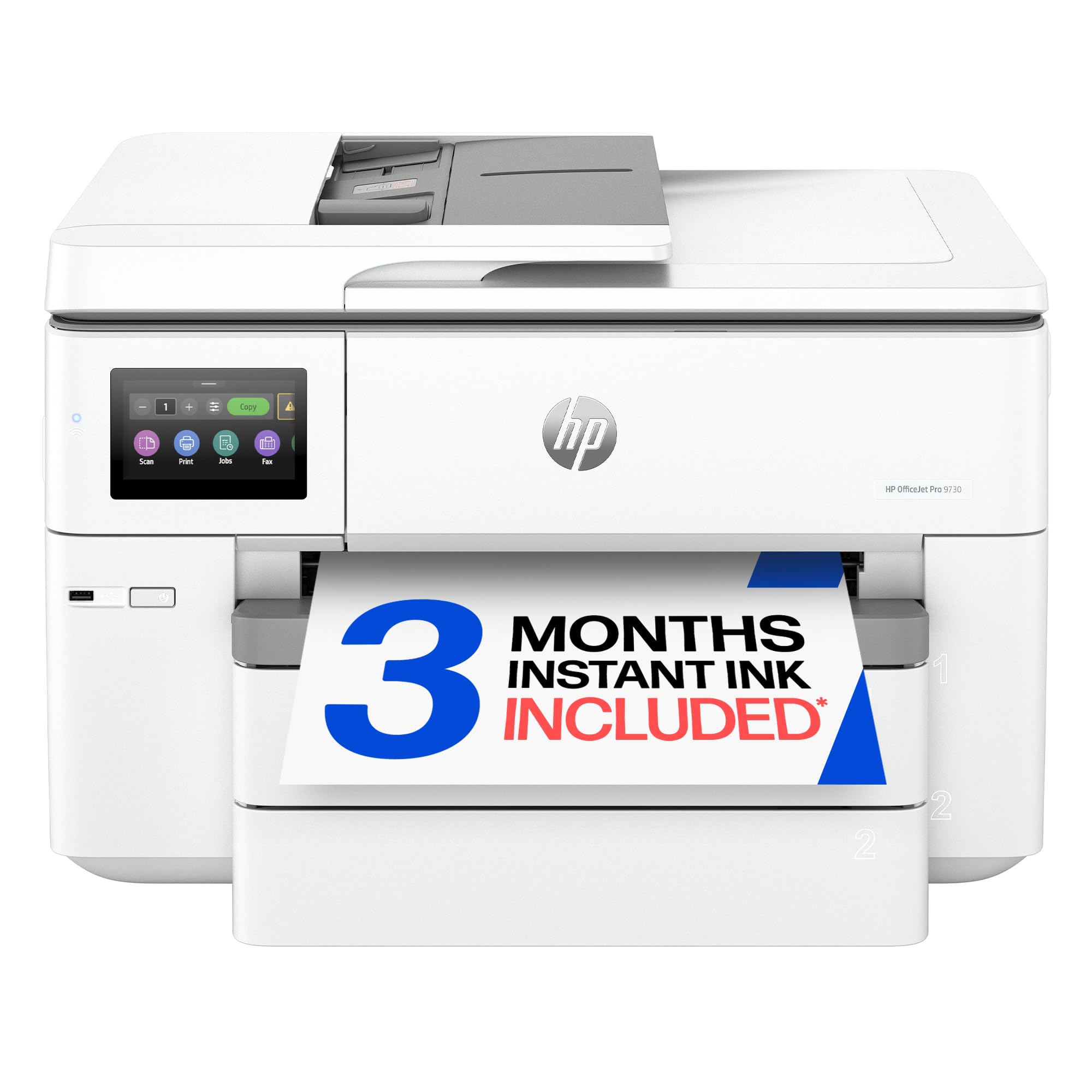
Cartridge Printers and Ink Tank Printers
This is the biggest decision, because it sets your cost per page for the life of the printer.
Cartridge Inkjets
Cartridge models cost less to buy and suit people who print a few pages a week. The catch is small cartridges, so frequent color printing gets expensive. If you choose this type, check the price and page yield of the replacement cartridges before you buy the printer, and look for a model that accepts high yield cartridges.
Ink Tank Inkjets
Tank models cost more up front but use refillable ink bottles that hold far more ink. Each page costs much less, and refills are rare, which suits families, students, and home offices that print color often. Tank printers are usually bigger, so check the footprint.
Photo Focused Inkjets
Photo models add extra inks for smoother skin tones and finer detail. They suit photographers and crafters, but they cost more to run and are overkill for plain documents. If photos are only an occasional job, a standard model on photo paper is enough, and our guide to the best photo quality inkjet printers covers the specialist options.
What to Check Before You Choose
- Ink cost per page: Estimate your yearly pages and compare the cost of replacement ink or bottles, not just the printer price.
- All in one or print only: A flatbed scanner and copier are handy for forms and receipts, while print only models are simpler and cheaper.
- Paper handling: A rear tray, a front cassette, or both determine how easily you can switch between plain paper, envelopes, and photo paper. Automatic two sided printing saves paper.
- Wireless and phone printing: Dual band WiFi and a good mobile app make printing from phones and laptops painless, and a USB port is a useful backup.
- Print quality: For text, sharp black is more important than the highest resolution figure. For color, look for smooth gradients without banding.
- Size and noise: Measure the shelf, leave room for trays to open, and remember that some tank models are large.
What Different Budgets Usually Bring
Basic cartridge all in ones, often around $100 to $180, print, scan, and copy for light home use and connect by WiFi. They are fine for a few pages a week, but replacement ink is the part to watch. Mid priced models, about $180 to $320, add either an ink tank system, automatic two sided printing, or a document feeder, and this is where most families find the best balance. Above that, you are paying for photo inks, wide format printing, or office level speed and trays, which only make sense if you will use those features regularly.
Whatever the budget, check the page yield printed on the replacement ink, because it is the single best predictor of what you will spend over the next two years.
Print Quality for Text and Photos
Text sharpness comes from the black ink and the print head, and good inkjets produce crisp letters on plain paper even at modest resolution. Photos depend more on the number of inks, the paper, and the settings you choose. A four ink printer handles snapshots well, while extra photo inks widen the color range and smooth out gradients such as skies and skin. For the best result, match the paper type in the print dialog to the paper you loaded, and let prints dry before stacking them.
Which Type Fits You
Families printing homework and the odd photo usually do best with an ink tank all in one that keeps costs low. Students and light users who print a few pages a month can choose a compact cartridge model, as long as they print something every week to keep the nozzles clear. People who work from home should look at models with an automatic document feeder and duplex printing, and our guide to the best color inkjet printers for home office goes deeper on that. If you want a wider view that includes laser models, the best color printers and best printers for color printing guides are good next steps, and the best quality inkjet printers guide looks at print quality in more detail.
Keeping an Inkjet Printer Healthy
Print a color page at least once a week so the nozzles do not dry out. Run the built in cleaning cycle only when you see gaps or streaks, because each cycle uses ink. Use ink from the maker or a reputable supplier, store paper flat in its wrapper, and keep the printer out of direct sun and dust. Update the firmware when the maker releases a fix, and recycle empty cartridges through a local scheme.
Common Mistakes to Avoid
- Buying on printer price alone, which can hide high ink costs for frequent printing.
- Leaving the printer unused for months, which can clog nozzles and waste ink on cleaning.
- Using the wrong paper type setting for photos, which dulls color and detail.
- Choosing a model without checking that drivers exist for your computer.
- Ordering a large tank printer for a small desk without measuring first.
Frequently Asked Questions
Are inkjet printers good for photos?
Yes, photo focused inkjets produce rich color and fine detail, especially on photo paper. Choose the matching paper type in the print settings, and keep the printer in regular use to prevent clogs. For occasional snapshots, a standard home inkjet is usually good enough.
What is the difference between cartridge and tank inkjets?
Cartridge models use replaceable cartridges, while tank models use refillable bottles. Tank models cost more up front but far less per page, so they suit frequent printers. Cartridge models suit people who print rarely.
How can I reduce ink costs?
Print in draft mode for everyday documents, use duplex printing, and avoid unnecessary cleaning cycles. A tank model or a subscription plan can lower costs for frequent printing, and a weekly test page keeps the nozzles clear.
Do I need wireless printing at home?
Wireless printing makes it easy to print from phones, tablets, and laptops without cables, and most modern inkjets support it. Check compatibility with your devices, and keep a USB cable handy as a backup.
Why do inkjet nozzles clog?
Nozzles clog when ink dries during long periods without use, especially in warm, dry rooms. Printing a test page weekly helps, and a cleaning cycle should be run only when prints show gaps or streaks.
Final Thoughts
Decide between cartridge and tank first, then check ink cost per page, paper handling, and wireless setup. Those four points narrow the field faster than any speed rating, and they lead to the best color inkjet printers for your habits and budget. Compare the models in the product table above against your yearly page count before you order.