Best Code Scanner for iPhone by Budget: A Practical Buying Guide for 2026
Disclosure: We may earn a commission when you buy through links on this page, at no extra cost to you. As an Amazon Associate I earn from qualifying purchases. Learn more
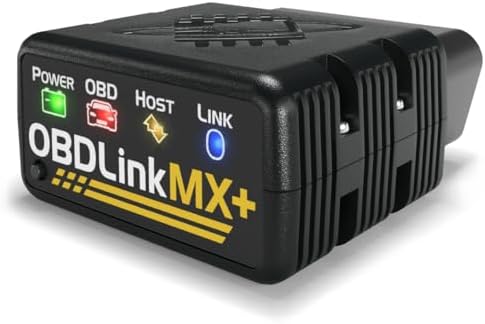
Compare the best code scanner for iphone at every price point, and learn which features, apps, and connection types are worth paying for before you buy.
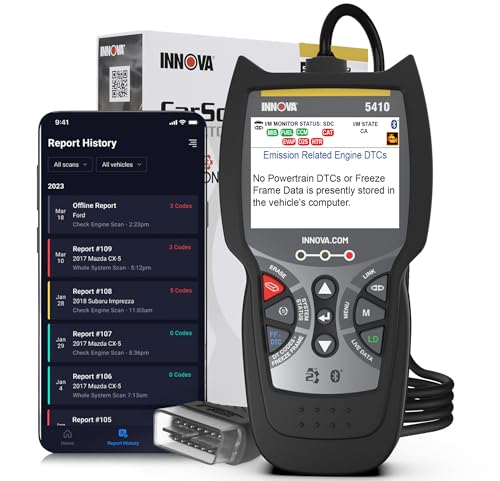
A code scanner that works with your iPhone turns the phone already in your pocket into a window on your car. You plug a small adapter into the port under your dashboard, open an app, and read the codes behind a check engine light in plain language. Prices run from around $25 to about $250, and the gap is not always obvious from the box.
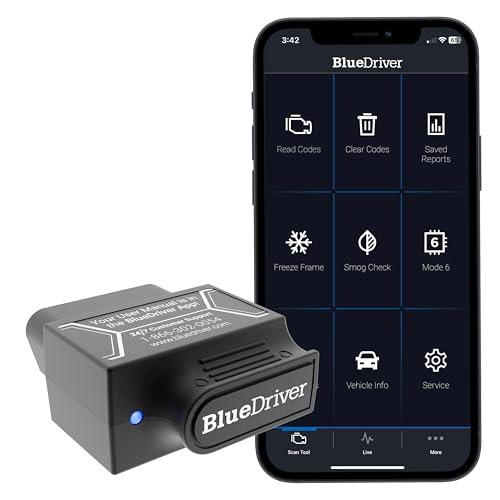
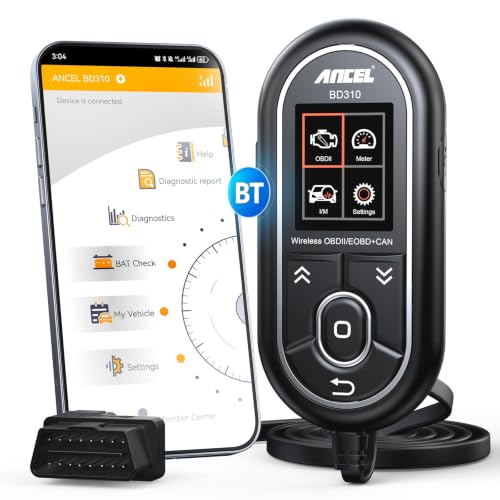
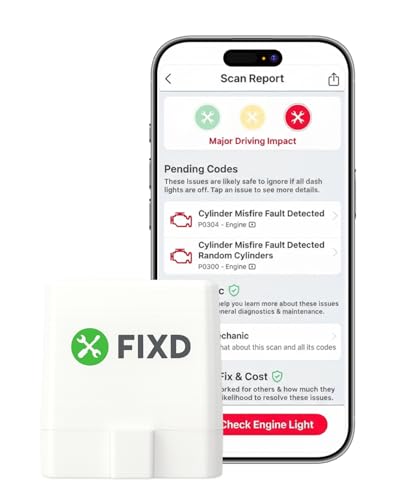
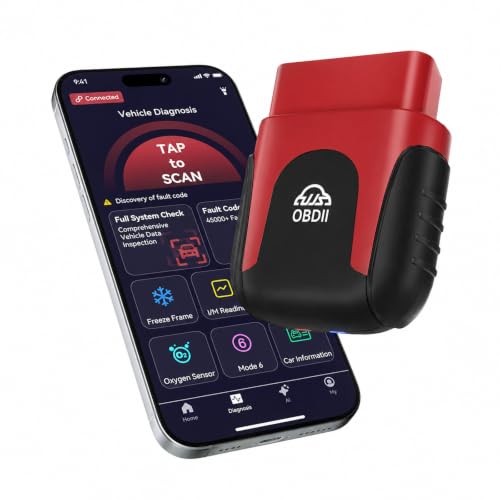
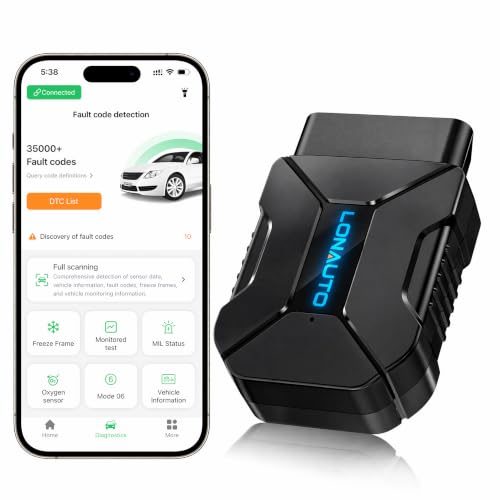
This guide walks through what each price level actually buys you, which features matter for iPhone users, and how to match a scanner to the way you drive and maintain your car. Start with the best code scanner for iphone options in the product table below, then use the sections that follow to narrow your choice with confidence.




Who Should Buy Which Code Scanner for iPhone?
Not every driver needs the same depth of information. The right scanner depends on whether you want a quick answer about one warning light or a tool you will reach for at every service interval. If you are still deciding between scanner styles in general, see our guide to the best car code scanner for a broader look at the category.
Drivers Who Just Want to Know Why the Light Is On
If a check engine light sends you straight to a parts store counter, a basic adapter is probably enough. You need clear code reading, a plain English definition, and the ability to clear the code after a simple fix such as a loose gas cap. A budget Bluetooth adapter paired with a free app covers this job well. You give up live data graphs and coverage of other systems, but for occasional peace of mind checks, that trade is fair and keeps the cost low.
Owners Who Do Their Own Repairs
If you change your own brakes, chase down sensor faults, or maintain an older car, you will outgrow a basic reader quickly. Look for live sensor data, freeze frame records that show conditions when a code set, and readiness monitors that tell you whether the car will pass an emissions inspection. Coverage beyond the engine, such as ABS and airbag systems, also starts to matter at this level. A midrange adapter with a well supported app fits this group best.
Households With Several Cars
When you are the person family and friends call about every dashboard light, versatility matters most. You want an adapter that works across many makes and model years, an app that stores a history for each vehicle, and reports you can share by email or text. Premium adapters earn their price here through broader system coverage, faster connections, and manufacturer specific data. One good tool that travels between cars costs less than several cheap ones that each do half the job.
What Your Money Gets You at Each Price Tier
Scanner prices cluster into three rough bands, and each step up buys specific capability rather than vague quality. Knowing what changes at each level helps you stop at the tier that matches your needs. For a wider view of pricing across scanner types, see our guide to the best auto code scanner.
Budget Tier: Around $25 to $50
At this level you get a compact Bluetooth or WiFi adapter that reads and clears engine codes and shows basic code definitions in the app. Expect slower refresh rates on live data and apps that lean on ads or paid upgrades. These adapters suit occasional checks on one car. The main trade off is support: cheap adapters often pair with generic apps, so definitions can be vague and updates rare. For a first scanner, that is an acceptable starting point.
Midrange Tier: About $50 to $120
This is the range most iPhone owners should shop in. Adapters here connect faster, stream live data smoothly, and include freeze frame and readiness checks. Apps tend to add repair guidance, likely causes ranked by how often they fix the code, and cost estimates for parts and labor. Some models add ABS or airbag coverage on popular brands. You also get better build quality and real customer support, which matters when an app update or a new iOS version changes how pairing works.
Premium Tier: About $120 to $250
Premium adapters add coverage for many vehicle systems beyond the engine, including transmission, airbag, and body controls on supported models. They often include manufacturer specific codes, bidirectional tests on some cars, and service functions such as oil light resets or battery registration. Apps at this level usually bundle a year or more of full features. This tier pays off for serious home mechanics and multi car households, while drivers who only check an occasional light will not use most of what they paid for.
Key Features to Compare
Bluetooth or WiFi Connection
Connection type shapes your whole experience with an iPhone. Bluetooth Low Energy adapters pair inside the scanner app and leave your phone free to use cellular data at the same time, which matters when you want to look up a code while connected. WiFi adapters create their own network, so your iPhone treats the scanner as its internet source and online lookups stall until you disconnect. WiFi models can be a little cheaper, but for most iPhone owners Bluetooth is the smoother daily choice.
Live Data and Freeze Frame
Reading a code tells you what the car flagged, but live data tells you what is happening right now. You can watch oxygen sensor readings, coolant temperature, fuel trim, and engine load change as you drive or rev the engine, which helps you confirm whether a part is truly failing. Freeze frame data captures a snapshot of those values at the moment a code set. Together these two features separate a guess from a diagnosis, and they are the main reason to step above the cheapest tier.
Code Definitions and Repair Guidance in the App
A raw code number means little on its own. Good apps translate it into a plain description, list the most likely causes, and flag how urgent the problem is. Some add reported fixes from large repair databases, so you can see which repair solved that code most often on your exact model. If your main interest is engine faults specifically, see our guide to the best engine code scanner for more depth on engine focused tools. Keep in mind that guidance quality varies far more between apps than between adapters.
Coverage Beyond the Engine
Every scanner in this category reads engine and emissions codes, because those follow a shared standard. Systems such as ABS brakes, airbags, and transmissions use manufacturer specific access, so coverage depends on both the adapter and the app, and it varies by brand and year. If you want warning lights beyond the check engine light explained, confirm that your exact make and model year appear on the maker coverage list before ordering. Listings sometimes advertise broad coverage that applies to only a few brands.
App Quality and Subscription Costs
The adapter is only half of what you buy. Many scanners rely on a companion app, and some features sit behind a subscription after a trial period or the first year. Before choosing, check what the app costs per year, whether basic code reading stays free, and how recently the app was updated in the App Store. An adapter with a modest price and a fair app often beats a premium adapter whose best features renew at a steep yearly fee. Factor that ongoing cost into the tier you pick.
Checking Compatibility Before You Buy
Nearly every car sold in the United States from 1996 onward has the OBD2 port these adapters use, usually under the dashboard on the driver side. Your iPhone needs a recent enough version of iOS for the companion app, so check the app listing against your phone before ordering. The closest cousin of this category is covered in our guide to the best iphone obd2 scanner, which focuses on adapter and app pairing in more detail. Pairing itself is simple: plug the adapter in with the engine off, turn the key to on, and connect from inside the app rather than from the iOS Bluetooth settings screen.
One more check is worth your time. Some adapters draw a small amount of power while plugged in, even with the car off. If your car sits unused for weeks at a time, choose a model with an automatic sleep mode or a physical power switch, or plan to unplug it between uses. This single habit prevents a slow battery drain that owners often blame on the car itself.
Common Mistakes to Avoid
- Buying a WiFi adapter for an iPhone without realizing it blocks your data connection while you scan, which makes code lookups frustrating.
- Assuming every scanner reads ABS and airbag codes, then finding your model covers the engine only on your brand.
- Clearing a code before recording it, which erases the freeze frame evidence a mechanic would need to find the real fault.
- Ignoring app subscription terms, so a scanner that seemed affordable renews at a price you never planned to pay.
- Leaving a cheap adapter plugged in for months, which can slowly drain the car battery while the vehicle sits.
- Treating a code definition as a confirmed repair, which leads to replacing parts that were never the problem.
How to Make Your Code Scanner Last Longer
These adapters are small electronics that live in a harsh spot, so a little care goes a long way. Store the adapter in its case or a glove box pouch rather than loose in a door pocket where it can crack or collect dust in the connector. Keep the app and the adapter firmware updated, since updates often fix pairing problems after an iOS release. Wipe the plug contacts with a dry cloth if connections become unreliable. When you finish a scan, close the app session properly so the adapter can sleep. Handled this way, a decent adapter should serve through several phones and more than one car.
Code Scanners for iPhone: Your Questions Answered
What features matter most in a code scanner for iPhone?
A Bluetooth connection matters most, because it pairs inside the app and keeps your data connection free. After that, look for live data, freeze frame records, and clear code definitions with likely causes. Check the app update history in the App Store as well. An adapter is only as useful as the software behind it, and a neglected app can turn good hardware into a frustration within a year.
Can a code scanner for iPhone read ABS and airbag codes?
Some can, but coverage is never automatic. Engine codes follow a shared standard that every adapter reads, while ABS and airbag systems use manufacturer specific access. Midrange and premium adapters often include those systems for popular brands, yet coverage can stop at certain model years. Always confirm your exact car on the maker coverage list before buying, and treat broad claims on the box with caution until you verify them.
Will a code scanner for iPhone drain my car battery?
It can if the adapter stays awake while plugged in. Many models enter a low power sleep mode once the engine is off, and some add a physical switch. Problems usually come from the cheapest adapters with no sleep function left connected for weeks. If your car sits a long time between drives, unplug the adapter after each use or pick a model that advertises automatic sleep.
Do code scanner apps for iPhone charge subscription fees?
Many do, and the structure varies widely. Basic code reading is often free forever, while advanced features such as full system scans, repair databases, or service resets may need a yearly plan after an included first year. Read the app description and recent reviews before choosing an adapter, and add the yearly fee to your total cost. A slightly pricier adapter with generous free features can be the cheaper tool over three years.
Can a code scanner for iPhone tell me the exact part to replace?
No scanner can do that reliably. A code points to a system or a sensor reading that fell outside its expected range, and several different faults can set the same code. Good apps improve your odds by ranking the most common fixes for your model, but treat the result as a starting point for checks, not a shopping list. Confirm with live data or a mechanic inspection before buying parts.
Final Thoughts
Choosing well comes down to three things: a Bluetooth connection that behaves nicely with your iPhone, live data that helps you confirm a fault, and an app whose costs and coverage you understand before you buy. Match the tier to how much work you do yourself, since the best code scanner for iphone is the one that matches your habits, and use the product table above to compare the best code scanner for iphone options side by side. If you are comparing scanner styles across phones and platforms too, our overview of the best code scanner category is a helpful next read.