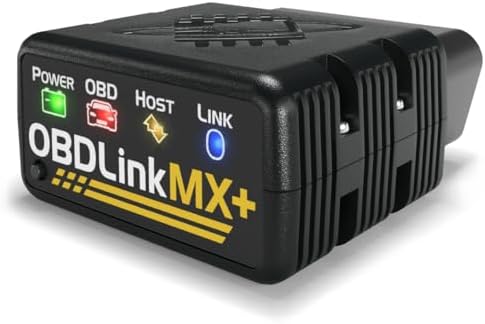
Best Code Scanner: What Actually Matters Before You Buy in 2026
Disclosure: We may earn a commission when you buy through links on this page, at no extra cost to you. As an Amazon Associate I earn from qualifying purchases. Learn more
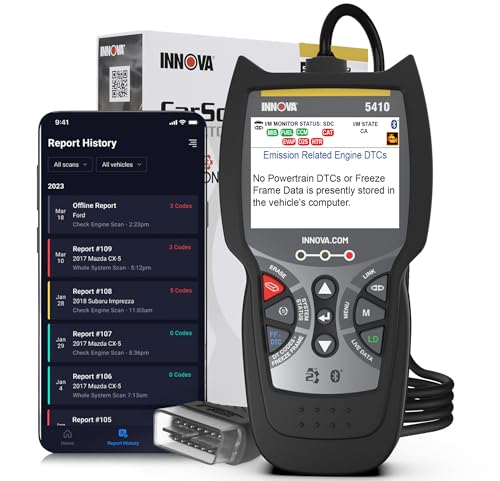
Learn how to choose the best code scanner for your car, from code coverage and live data to app support, updates, and value, with a simple checklist.
A warning light on the dashboard can feel urgent, but it does not always mean a major repair. A best code scanner reads the fault codes stored by a vehicle, explains them in plain language, and helps you decide whether the next step is a simple check or a visit to a technician. The product table below lets you compare scanners side by side, while this guide explains what each feature is worth.
Not every scanner suits every driver. Some people only want to read and clear a basic code, while others want live data, service reminders, and coverage for several vehicle systems. This guide walks through coverage, data, display, updates, and build, so you can match the tool to the cars you actually work on.

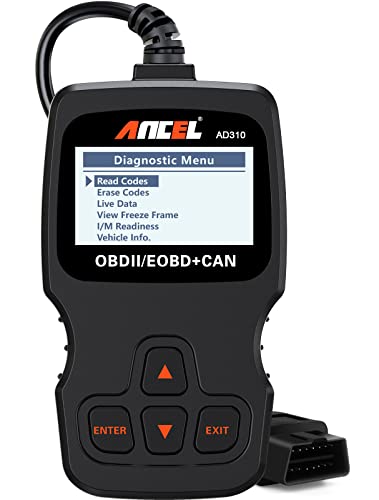
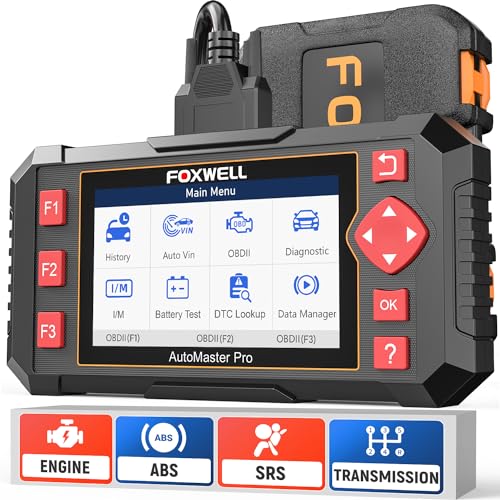
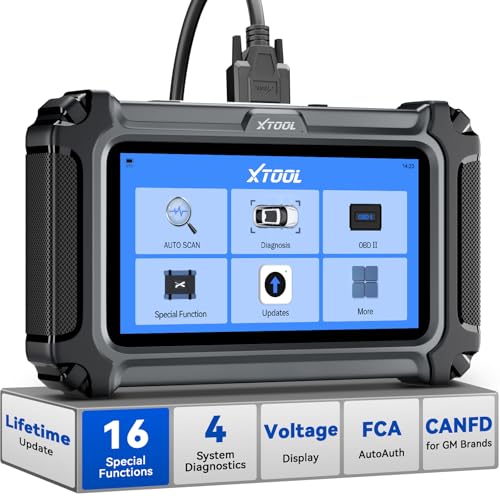
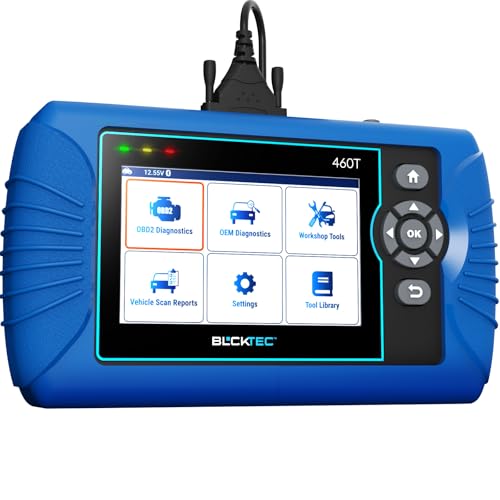

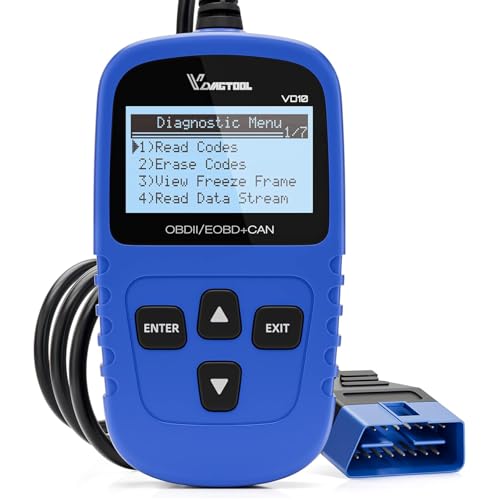

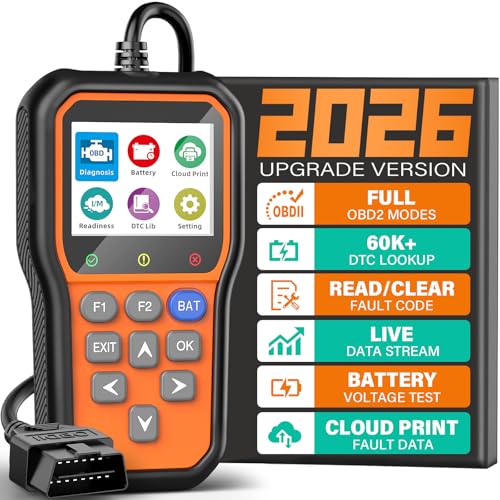
A Buyer Checklist for Code Scanners
Use this checklist before you compare prices. A scanner that misses your vehicle protocol or hides its update terms behind a subscription can cost more over time than a slightly higher priced tool with clear coverage. Work through each factor below, then check the product table above against your own short list.
Code Coverage and Vehicle Protocols
Coverage means which vehicles, model years, and systems a scanner can read. Most basic tools read engine codes on vehicles that use the standard onboard diagnostics port, but coverage for transmission, airbag, antilock brakes, and other systems varies widely. Check the maker list for your vehicle make, model year, and region before you buy, and be cautious about vague claims such as universal coverage with no list to back them up.
If you work on more than one car, look for a tool that lists each supported system separately rather than grouping everything under one broad promise. For the standard onboard diagnostics format, see our guide to best obd2 code scanner.
Live Data and Freeze Frame
Live data shows sensor readings while the engine runs, such as coolant temperature, engine speed, fuel trim, and oxygen sensor activity. Freeze frame is a snapshot of those readings at the moment a fault code was stored, which helps you see the conditions that triggered the warning. A basic reader may show only the code, while a stronger tool graphs live data so you can spot a reading that drifts out of range. For intermittent problems, the ability to record data during a short drive can be more useful than a longer list of codes alone.
Display, Controls, and App Connection
A clear screen matters when you are reading codes in a garage or at the roadside. Look for a display that is easy to read in bright light, buttons that are easy to press with work gloves on, and menus that do not bury common tasks several layers deep. Some scanners pair with a phone app for larger graphs, saved reports, and code explanations, while others work fully on their own screen. An app can be helpful, but a standalone screen is often simpler when your phone battery is low or your signal is weak.
Updates and Support
Vehicle software changes every model year, so a scanner needs updates to stay useful. Ask whether updates are included, how long they remain free, and whether any advanced system requires a paid plan after the first year. Also check how the maker handles support, such as a clear manual, firmware notes, and a way to report a vehicle that is not recognized. A tool with honest update terms and regular releases is usually a better long term choice than one with a low upfront price and unclear ongoing costs.
Connector Fit and Build Quality
The connector must fit the diagnostic port firmly without forcing it, and the cable or plug should survive repeated use in a glove box or tool bag. A short, stiff cable can be awkward under a dashboard, while a very long cable can tangle around pedals if you leave it connected while driving. Look for strain relief where the cable meets the plug, a case or cap that protects the pins, and a housing that resists drops and garage dust. If the scanner is wireless, check how it pairs, how it handles a lost connection, and whether it shuts down cleanly when unplugged.
Power, Storage, and Ease of Use
Most plug in scanners draw power from the vehicle port, while phone based tools may also use the phone battery for the display and reports. Think about how you will store results, whether you can print or email a report, and whether past codes stay saved after you clear them. A simple history log helps you track a recurring code across several weeks instead of relying on memory.
Also check the startup time, since a slow boot can be frustrating when you only want a quick code read before a trip. For a general auto option, see our guide to best auto code scanner.
Spending Levels for Code Scanners
Price alone does not tell you whether a scanner fits your needs. The levels below describe what usually changes as the price rises, so you can judge value for your own vehicles instead of chasing the highest specification list.
Lower Cost Choices for Basic Code Reading
Lower cost tools usually focus on reading and clearing engine codes, showing a short code definition, and displaying a small set of live readings. They suit a driver who wants to understand a warning light, check whether a simple fix worked, and decide whether a shop visit is needed. Expect a smaller screen, fewer vehicle systems, and limited graphing. About $30 to $80 is a common range for this level, but confirm protocol coverage for your exact vehicle before you rely on the price alone.
Mid Price Choices for Broader Coverage
Mid price tools often add more systems, such as transmission or antilock brakes, plus better live data graphs, freeze frame detail, and saved reports. They suit households with two or more vehicles, or drivers who do basic maintenance and want more context than a single code. About $100 to $250 is a common range here. Check whether extra systems are included in the base price or unlocked through a paid plan, since that detail changes the real cost more than the headline price suggests.
Higher Cost Choices for Advanced Work
Higher cost tools may add service functions, such as oil reset, battery registration, or calibration support, along with wider system coverage and faster processing. They suit experienced home mechanics and small workshops that service many makes. About $300 to $600 is a common range, and some professional tools cost more. Do not pay for advanced service functions unless you understand when to use them, since an incorrect reset can hide a problem or create a new warning that needs a technician to resolve.
Quick Buyer Checklist
- Does it list your vehicle make, model year, and region?
- Does it read the systems you care about, not just engine codes?
- Can you view live data and freeze frame in a clear format?
- Are updates included, and for how long?
- Does the screen or app stay readable in bright light?
- Can you save, print, or email a report?
- Does the connector fit firmly and store safely?
- Is the total cost clear, including any paid plan?
Red Flags to Watch For
- Vague coverage claims with no vehicle list or system list.
- Code definitions that are only numbers, with no plain language explanation.
- Update terms that are hidden until after purchase.
- A very short warranty with no clear support channel.
- Claims that one tool can fix every fault or replace a technician.
Code Scanners for Specific Needs
Best Code Scanner for Cars: What to Check
For everyday cars, the most useful differences are protocol coverage, clear code explanations, and a simple path from code to next step. A car focused tool should list the makes you own, explain whether a code is current or stored, and show freeze frame data that helps you describe the problem to a technician. If you only need occasional checks, a compact tool with a clear screen may serve you better than a large tool with workshop functions you will never open.
If you maintain several family cars, prioritize a saved vehicle list and reports you can compare over time. For a car focused comparison, see our guide to best car code scanner.
Setup and Care Tips
Start by reading the manual section on connector location, since the port is usually under the dashboard on the driver side but can sit in a different spot on some models. Plug the scanner in firmly, wait for it to power up, and record the codes before you clear anything, so you keep a record if the light returns. Store the tool in its case with the cable loosely coiled, keep the pins clean and dry, and update the software over a stable connection before a long trip. If a code returns right after clearing, treat that as useful information rather than a reason to clear it again without checking the cause.
Code Scanners: Your Questions Answered
Can a code scanner clear a check engine light?
Yes, most scanners can clear a stored engine code and turn off the light, but clearing does not repair the underlying fault. If the problem is still present, the light often returns after a few drive cycles, and the code will be stored again. Use the clear function after a repair or after you have recorded the code, not as a way to hide a warning before a trip. If the light returns quickly, or if the vehicle runs rough, loses power, or smells of fuel, seek a technician promptly.
Do code scanners work on all cars?
No, coverage depends on the vehicle protocol, model year, and market, so you should check the maker list for your exact car. Most gasoline cars sold in the United States from model year 1996 onward use a standard diagnostic port, but system coverage beyond engine codes still varies. Diesel vehicles, hybrids, and newer models may need a tool with broader protocol support. When in doubt, confirm coverage with the seller or maker before you buy, using your vehicle identification number if the tool offers that check.
What is live data on a code scanner?
Live data is a stream of sensor readings shown while the engine runs, such as coolant temperature, engine speed, and fuel trim values. It helps you see whether a sensor reading looks steady, drifts, or spikes under load, which a fault code cannot show alone. Graphing makes patterns easier to spot than a scrolling list of numbers. Live data does not diagnose a fault by itself, so compare readings with the expected range in a repair manual, ask a technician to interpret unusual values, or see our guide to best engine code scanner for engine focused coverage.
Does a code scanner need a subscription?
Some scanners work with no subscription, while others charge for updates, extra systems, or app features after an initial period. Basic code reading is often included, but advanced systems and service functions are the features most likely to sit behind a paid plan. Read the update terms before you buy, and add the yearly cost to the purchase price when you compare tools. For occasional checks, a tool with no ongoing fee may cost less overall.
When should I see a technician instead of using a code scanner?
See a technician when a warning involves brakes, steering, airbags, overheating, or a sudden loss of power, or when a code returns after a repair. A scanner is a starting point, not a repair guide, and some faults need workshop tools, wiring checks, or safety system tests that a handheld tool cannot perform. Bring your saved codes, freeze frame notes, and a short description of when the light appears, since that record helps the technician narrow the search faster. If you feel unsure about any repair, stop and get professional advice rather than clearing codes repeatedly.
Final Thoughts
Choose coverage first, then display, updates, and total cost. A tool that fits your vehicles, explains codes clearly, and keeps its update terms in plain view will serve you longer than a cheaper tool with vague promises. Keep your saved reports, note when a code returns, and use the product table above to compare the types side by side before you order. The right best code scanner is the one that helps you make a calmer, better informed next step, whether that step is a simple check at home or a well described visit to a technician.