Best Code Reader for iPhone: Everything to Know Before Your First Purchase for 2026
Disclosure: We may earn a commission when you buy through links on this page, at no extra cost to you. As an Amazon Associate I earn from qualifying purchases. Learn more
Which OBD2 code reader works with an iPhone? Compare Bluetooth LE adapters, app quality and vehicle coverage.
A glowing check engine light is stressful when you do not know whether the cause is a loose gas cap or a repair that should not wait. An iPhone based code reader lets you plug a small adapter into your car, open an app, and read the fault codes yourself in minutes. This beginner friendly guide to the best code reader for iphone explains the terms, the features that matter, and the mistakes to avoid before your first purchase.
You do not need to be a mechanic to use one well. You need a reader that connects reliably to your phone, an app you can understand, and a clear sense of what codes can and cannot tell you. Use the product table below to compare connection types and feature levels, then read on for setup steps and plain English explanations.

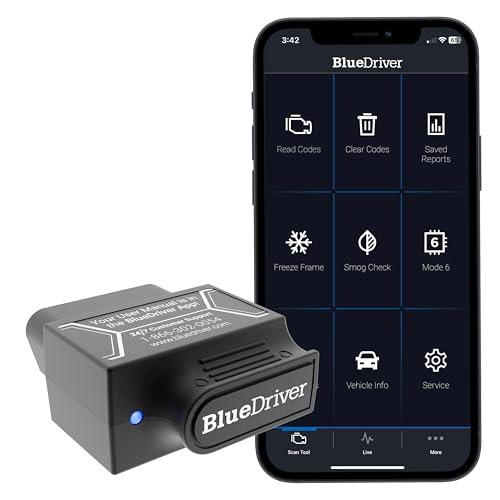


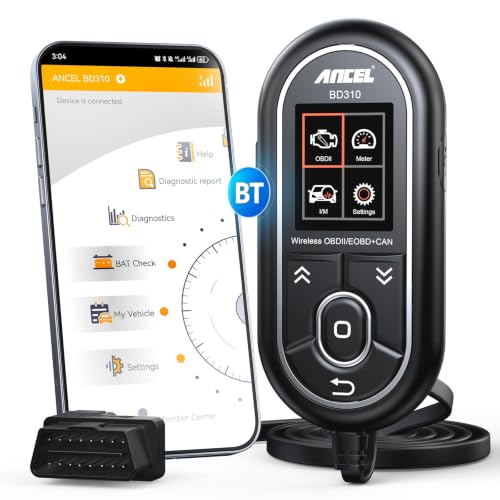
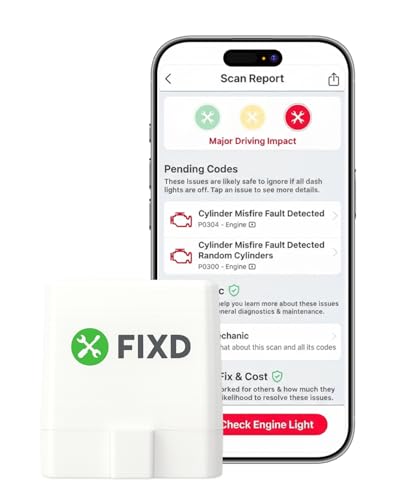

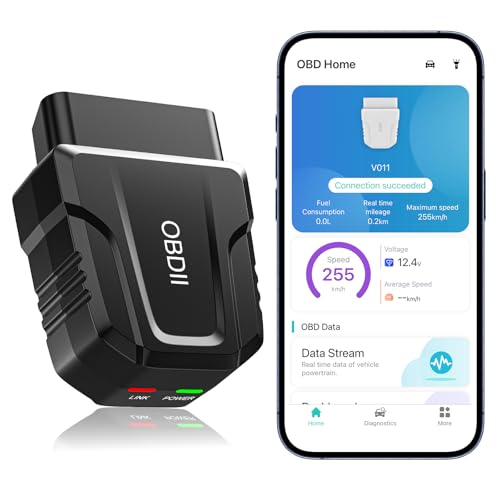
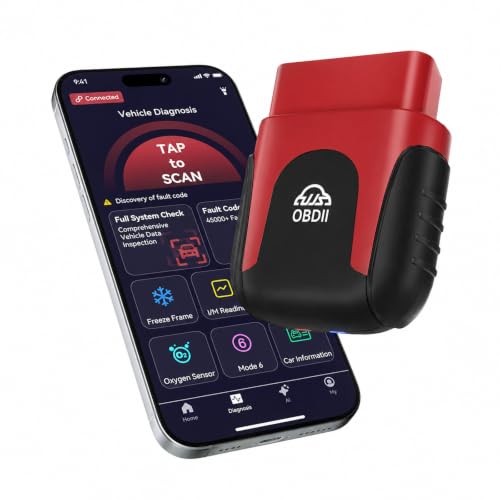
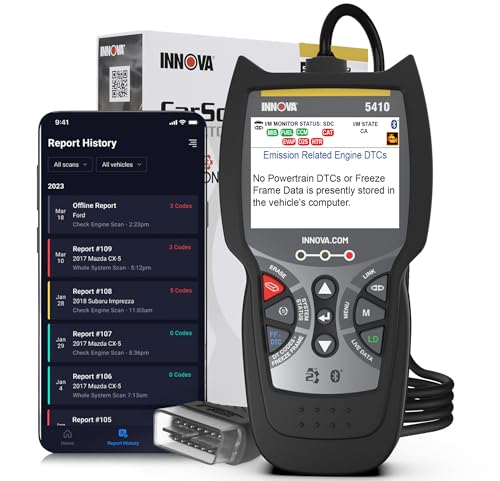
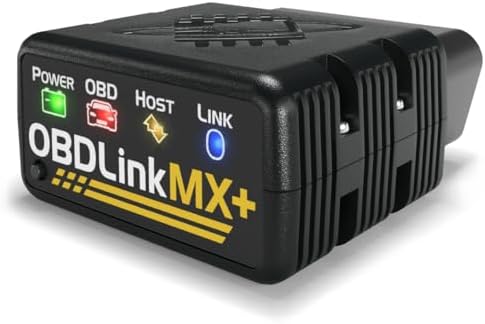
Code Readers 101: The Basics
Every car sold in the United States since 1996 has an OBD2 port, usually under the dashboard near the steering column, and a standard set of diagnostic codes. A code reader plugs into that port, reads codes stored by the car computer, and shows them as short labels such as P followed by four numbers, along with a plain language description in the app. It can also clear codes, though clearing a code does not fix the fault that caused it.
iPhone readers differ from handheld scanners in one key way. The hardware is usually a small Bluetooth or WiFi adapter with no screen, and your phone provides the display, the processing, and the app. That makes them cheap, compact, and easy to update, but it also means the app quality and the connection standard decide most of your experience. A code tells you which system reported a problem, not which part to replace, so treat readings as a starting point for diagnosis, not a verdict.
Key Specs Explained in Plain English
Features That Matter for iPhone
iPhone compatibility is the first filter, because iOS handles Bluetooth differently from Android. Look for adapters that state Bluetooth Low Energy support and name iOS directly, since many cheap adapters use older Bluetooth that iPhones cannot pair with through third party apps. WiFi adapters work with iPhones too, but your phone then loses its internet connection while linked to the adapter on many setups, which blocks live lookups. A reader that names its supported apps, states its iOS version needs, and offers firmware updates is a safer first buy than one with vague phone claims.
Vehicle Compatibility
Check the year, make, and fuel type of your car against the maker list before you buy. Most gasoline cars from 1996 onward and most diesel cars from the mid 2000s onward use OBD2, but some models and regions vary. The adapter should support the common OBD2 protocols rather than a single one, because cars use different protocols by brand and year. Hybrid and electric models may show fewer standard codes through a basic reader, and brand specific systems such as airbag or ABS often need a higher tier reader and app.
Features and Extras
Useful extras include live data streams, freeze frame data that captures conditions when a code set, readiness checks that help before an emissions inspection, and code definitions with repair guidance inside the app. Graph views help you watch a sensor change as the engine runs. Exportable reports are handy when you hand the car to a shop. Extras to treat with care include one tap repair cost estimates, which are rough guides at best. A practical know how point is to value a clear, well maintained app over a long feature list, because you will live in the app every time you use the reader.
Safety Features
A good adapter draws little power, sleeps when the car is off, and cannot drain your battery overnight if you leave it plugged in. Look for short circuit and reverse polarity style protections in the spec list, along with solid plug construction that will not bend pins in the port. Safety also means driving safety. Never read live data while driving alone in traffic. Park safely, or let a passenger watch the phone, because a glance at a graph at speed is a real hazard.
Ease of Installation
Installation is plug and play for this whole category. You locate the port, push the adapter in firmly, turn the ignition to the on position, and pair the adapter inside the app rather than in the main phone settings for most Bluetooth models. The whole process takes a few minutes. Readers that need no separate pairing code and that reconnect automatically on the next use feel much easier day to day. If pairing fails, the usual causes are a competing Bluetooth device, an app permission you declined, or an adapter that was already linked to another phone.
Warranty and Brand Support
Check the warranty terms for an adapter you will keep in a glovebox for years. More important is app support, because an abandoned app can make good hardware useless after an iOS update. Check when the companion app was last updated, whether the maker sells replacement adapters, and whether help pages explain pairing for recent iPhone models. Established diagnostic brands tend to maintain apps longer than anonymous sellers, which matters more for this product than for most car accessories.
For a broader view of the category beyond phones, see our guide to the best code reader options, including handheld models.
Rookie Mistakes to Avoid
- Buying the cheapest adapter without checking iOS support, then finding the iPhone cannot connect to it at all.
- Clearing a code before recording it, which erases freeze frame data a mechanic could have used.
- Replacing a part named in a code description without further checks, when the code only flags a system or circuit.
- Leaving a power hungry adapter plugged in for weeks, which can flatten an older car battery.
- Expecting a basic reader to cover airbag, ABS, and transmission systems that need enhanced diagnostics.
Getting Started: Setup and First Use
To pick the best code reader for iphone and use it well, check your owner manual for the port location and any maker notes before the first scan. Download the companion app and create any account while you still have home WiFi, then plug in the adapter, start the engine, and pair from inside the app. Run a full scan, save or screenshot every code and the freeze frame data, and only then decide next steps. Look up each code calmly, note whether the car drives normally, and book a mechanic if you see flashing warning lights, overheating, loss of power, or brake or steering symptoms. Keep the adapter in a small case so the connector pins stay clean and straight.
Drivers comparing formats can also read our guide to the best vehicle code reader range for workshop style tools.
Frequently Asked Questions
What features matter most in a code reader for iPhone?
Reliable iOS pairing matters most, followed by a clear app with code definitions and live data. Bluetooth Low Energy support, coverage of all common OBD2 protocols, and regular app updates shape daily use far more than novelty extras. Freeze frame data and readiness checks are the next tier of value, because they help you describe the fault accurately to a mechanic and prepare for an emissions test.
How long does a code reader for iPhone last?
The hardware can last many years because it has no battery or screen to wear out. Its useful life usually ends through software, when an app stops being updated for new iOS versions or a maker closes its service. Buying from a maker with a maintained app, and keeping the adapter dry and stored out of heat, gives the longest service. Most owners replace readers for better features, not because the unit failed.
What specs matter most in a code reader for iPhone?
Protocol coverage, connection type, and app support matter most. A reader that supports the five common OBD2 protocols will work across more cars, including a partner or family car. Live data refresh speed matters if you plan to watch sensor values, since slow adapters update graphs in steps. For a first purchase used a few times a year, connection reliability and clear code definitions outweigh speed and advanced graphs.
Will a code reader for iPhone fit my vehicle?
It will fit if your vehicle has an OBD2 port and uses a supported protocol, which covers most gasoline cars from 1996 onward in the United States. The port shape is standard, so fit is rarely the issue. Coverage is the real question, because a basic reader shows engine and emissions codes, while some brand specific systems need enhanced support. Check the maker compatibility list against your exact year and model before buying.
Do I need professional installation for a code reader for iPhone?
No, you do not need professional installation. The adapter pushes into the port by hand, and pairing happens inside the app in a few guided steps. A professional becomes relevant after the scan, not before it. If codes point to brakes, steering, airbags, high voltage hybrid systems, or anything that affects safe driving, have a qualified mechanic diagnose and repair the fault rather than treating the code as a do it yourself instruction.
The Bottom Line
For a first purchase, put iOS connection reliability, full protocol coverage, and a well maintained app ahead of extra features. Compare the options in the product table above, and cross check with our guides to the best car code readers and the best automotive code reader range if you want a handheld alternative. Chosen on those points, the best code reader for iphone will turn a warning light from a worry into a clear, calm next step.