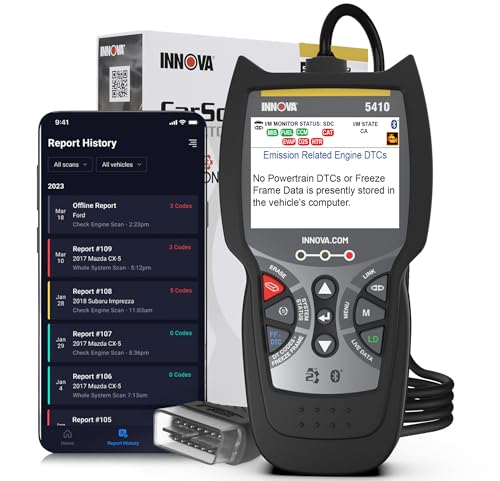
Best Code Reader: Types Compared and How to Use One for 2026
Disclosure: We may earn a commission when you buy through links on this page, at no extra cost to you. As an Amazon Associate I earn from qualifying purchases. Learn more

Code readers compared by type, from basic handhelds to Bluetooth adapters, with trouble code basics and limits.
A code reader plugs into your car's diagnostic port, reads the trouble codes stored by the engine computer and tells you why the check engine light came on. The best code reader for you depends on how deep you want to go: a simple handheld that shows the code and a short definition, a Bluetooth adapter that works with a phone app, or a fuller scan tool that reads live data and other systems. Most cars sold in the United States since 1996 use the same OBD2 port, so almost any reader will connect.
The product table below lists readers to compare. This guide explains the main types, what the codes mean, what a reader cannot do and how to use one without causing problems.
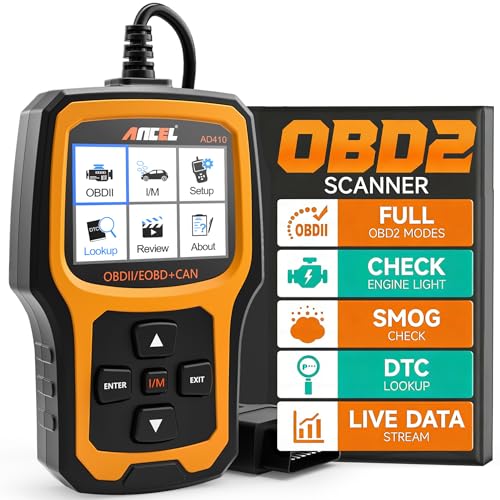
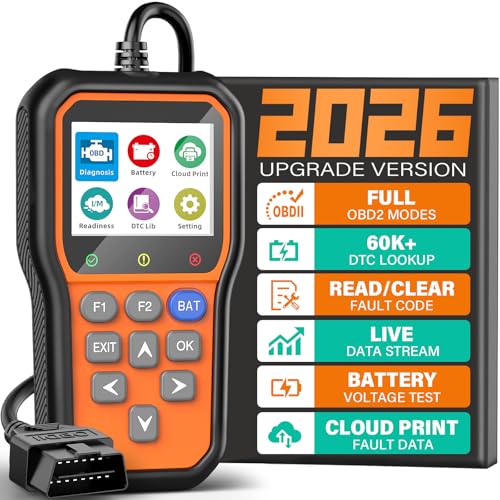


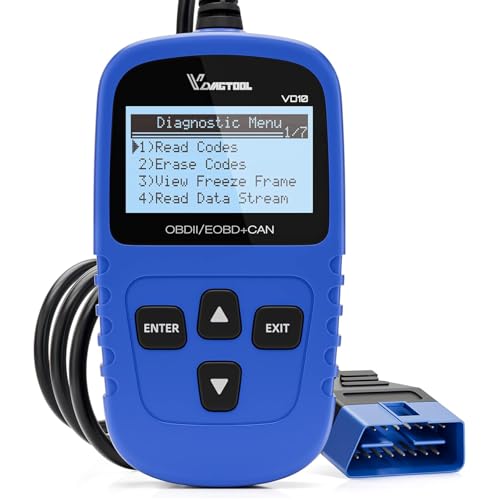

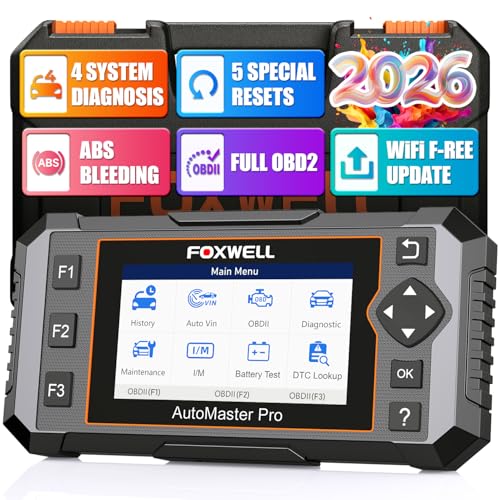
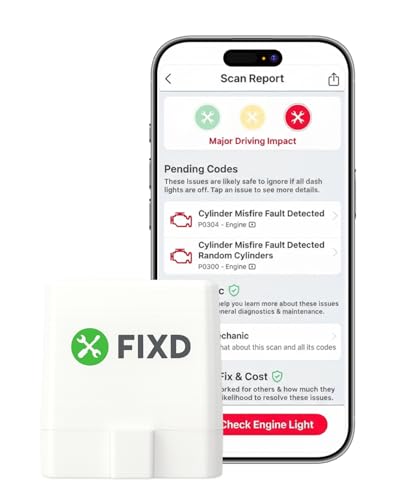
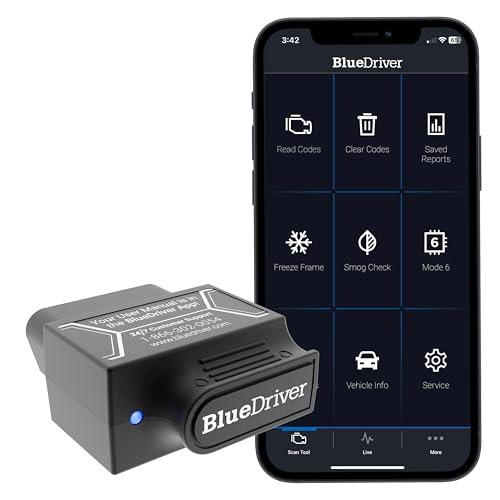
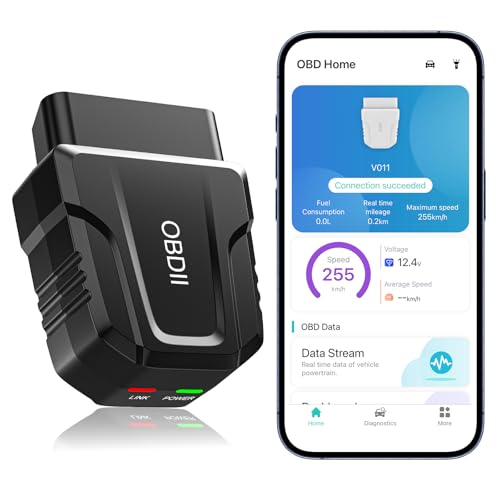
Types of Code Readers Compared
| Type | Best for | Strengths | Limits |
|---|---|---|---|
| Basic handheld reader | Drivers who want the code and a definition | Simple, no phone needed, plug and read | Often engine codes only, little live data |
| Enhanced handheld scanner | Home mechanics | Live data, freeze frame, readiness checks, some ABS and airbag support | Costs more, bulkier |
| Bluetooth or WiFi adapter | People who like phone apps | Compact, easy to update, app based reports | App quality varies, some features need a subscription |
| Full system scan tool | Serious DIY and small shops | Wide system coverage, service resets, guided functions | Highest price, coverage depends on the car |
Best Code Reader by Use
For a Quick Answer About a Warning Light
A basic handheld gives you the code and a plain definition in a minute. It is the right pick if you mainly want to know whether a problem is minor, like a loose gas cap, or something that needs a mechanic. Compare simple models in our guide to the best OBD2 code readers.
For Diagnosing Before You Buy Parts
If you replace your own parts, choose a reader with live data, freeze frame and readiness status. Freeze frame records engine conditions at the moment a fault was stored, and live data lets you watch sensors change as the engine runs. Together they help confirm a problem before you spend money.
For Phone Users
Adapters pair with an app on your phone and often offer repair tips and reports. Check that the adapter supports your phone's operating system and that the app is regularly updated. Our best car code readers guide covers both handheld and phone options.
Understanding Trouble Codes
A code starts with a letter that tells you the system: P for powertrain (engine and transmission), B for body, C for chassis and U for network communication. The numbers that follow identify the specific fault. A code names a circuit or condition, not a part, so a misfire code does not automatically mean a bad spark plug. Use the definition as a starting point and check the likely causes before replacing anything.
What a Code Reader Cannot Do
- It cannot repair the fault. Clearing a code only turns off the light until the car finds the same fault again.
- It cannot read every system. Basic readers cover engine and emissions, while ABS, airbag and transmission codes need an enhanced tool.
- It cannot judge safety by itself. Brake, steering and overheating warnings need a mechanic right away.
- It cannot always support every brand specific function. Check the coverage list for your make and year.
How to Use a Code Reader
- Find the diagnostic port, usually under the dash on the driver's side.
- Plug the reader in firmly and turn the ignition to the on position.
- Read the stored codes and save or photograph them, along with any freeze frame data.
- Look up the definition and likely causes for each code.
- Fix the problem, then clear the code and drive the car to confirm the light stays off.
Do not clear codes just before an emissions inspection, since the car's readiness monitors reset and need several drive cycles to complete.
Features Worth Paying For
- Freeze frame and live data: they turn a bare code into a clue you can act on.
- Readiness monitors: a quick check before an emissions inspection can save a second trip.
- Built in code library: definitions on the screen save you from searching online with greasy hands.
- Cable length and build: a longer, sturdier cable makes it easier to read the screen while you sit in the driver's seat.
- Free updates: they keep the reader useful when you buy a newer car.
Skip features you will not use, such as dozens of reset functions for systems your car does not have.
Choosing a Reader
Start with coverage: confirm that the reader supports your car's year and make, and that it covers the systems you care about. Next, look at display and ease of use, because a clear screen and simple menus matter every time you plug it in. Then consider updates and support, since a reader that cannot be updated may not cover your next car. For model specific help, our guides to the best vehicle code reader, best automotive code reader and best auto code reader look at nearby choices.
Frequently Asked Questions
Will a code reader work on my car?
If it was built for the US market after 1996, it has an OBD2 port and standard engine codes will read. Deeper functions depend on the brand and model.
Can I leave the reader plugged in?
Wired handhelds are meant to be unplugged. Some adapters can stay in, but a poor one can drain the battery, so unplug it if the car sits for days.
Does clearing a code fix the problem?
No. The light usually returns once the car runs the same check and finds the fault again.
Do I need a subscription?
Handheld readers generally do not. Some app based adapters lock advanced features behind a fee, so read the details before buying.
Can a code reader read electric vehicles?
Many electric cars use different systems, so coverage varies. Check the maker's compatibility list first.
Final Thoughts
Pick the type that matches how far you plan to go with diagnostics, check the vehicle coverage and keep the limits in mind. Compare the readers in the product table above, and the best code reader for you will be the one that gives you the answers you need without confusing extras.