Best Code Generators: QR, Barcode, Passcode and Software Tools for 2026
Disclosure: We may earn a commission when you buy through links on this page, at no extra cost to you. As an Amazon Associate I earn from qualifying purchases. Learn more
Code generators explained: QR code, barcode, one time passcode and software tools compared by reliability, privacy and cost.
Code generators are tools that create a code for you, and the right one depends on which kind of code you need. People use the phrase for QR codes that open a web page, barcodes for products and inventory, one time passcodes for logging in safely, and software tools that write program code from a plain description. The best code generators are the ones that produce a code which scans reliably, protects your data and fits the job in front of you.
This guide explains the main types, what separates a dependable tool from a risky one, and how to avoid the mistakes that make codes fail in the real world. It is a software and services topic rather than something you buy as a single product, so the advice focuses on features and safe habits.
Types of Code Generators
QR Code Generators
A QR code generator turns a link, a text message, contact details or a Wi-Fi login into a square code that a phone camera can read. They are used on menus, flyers, product packaging, business cards and event tickets. Our guide to the best qr code generators compares this popular type in more detail.
Barcode Generators
Barcode generators produce the linear or two dimensional codes used on retail products, shipping labels and storage bins. Choose one that supports the barcode standard your system expects, since a code in the wrong format will not scan at a register or in an inventory app. Printing the result on a label printer or sticker sheet is part of the job, so check the size and resolution options.
One Time Passcode Generators
Authenticator apps and security keys generate short lived codes used for two step login. They matter for accounts you cannot afford to lose, such as email, banking and work systems. A good one lets you back up your accounts, works offline and does not share your secrets with third parties.
Software Code Generators
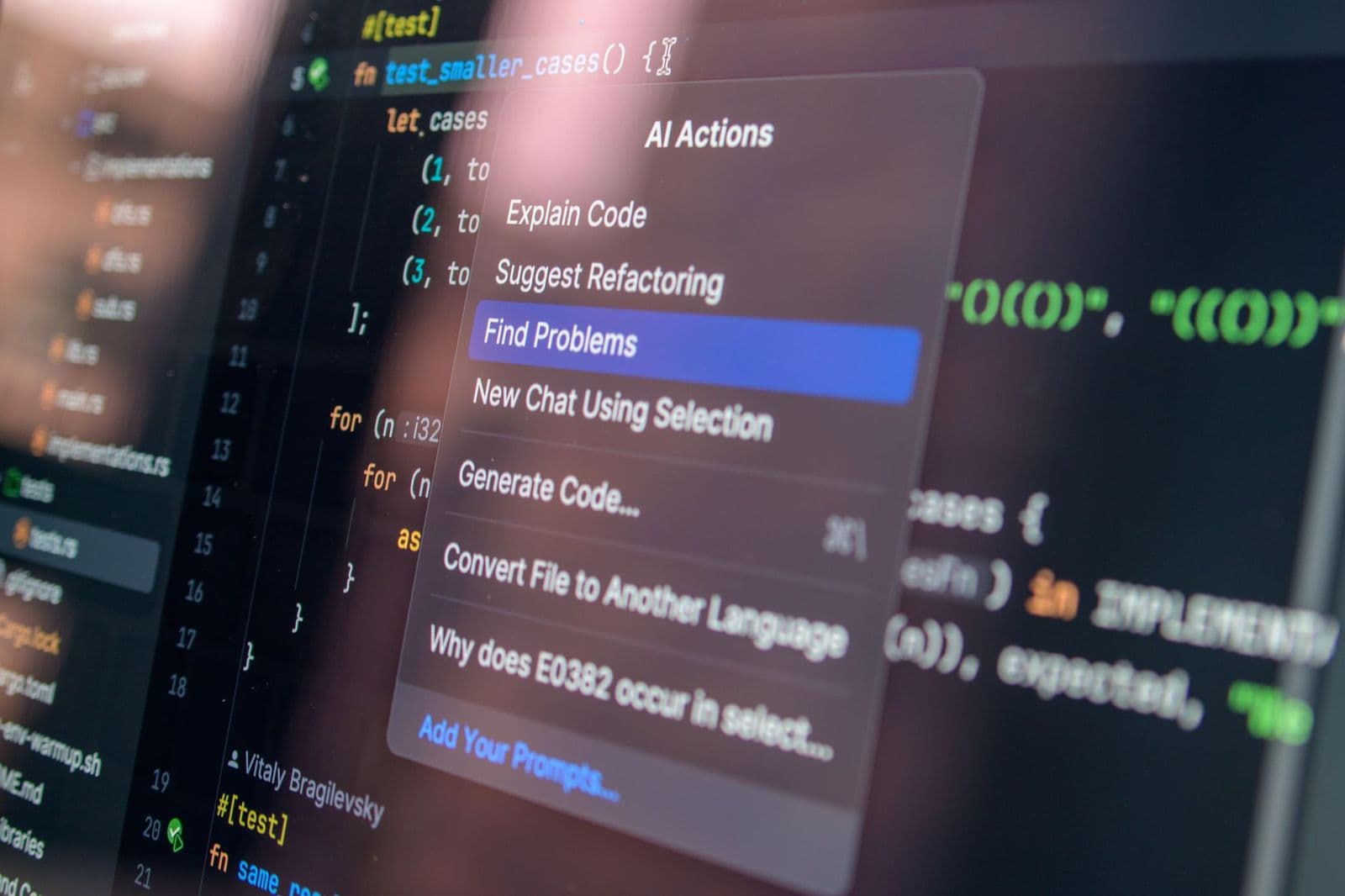
Developers use code generators to turn a pattern, schema or plain language request into working program code. These tools save typing for repetitive tasks, but the output still needs review, testing and security checks before it goes into a real project.
What Makes a Code Generator Good
- Reliable scanning or output: the code should read correctly on different phones, scanners or systems.
- Static or dynamic codes: a static code never changes, while a dynamic one points to a link you can edit later. Dynamic codes are handy but often sit behind a subscription, and they stop working if you stop paying.
- Privacy and security: read how the tool stores your data and whether it adds tracking or redirects.
- Customization: colors, logos and sizes should not reduce contrast enough to break scanning.
- Export formats: vector or high resolution files print cleanly at any size.
- Cost and limits: free tools may add ads, watermarks or expiry dates, so read the terms before printing thousands of copies.
Match the Tool to the Job
A cafe printing a menu code wants a stable link that keeps working for years, so a static code or a reputable dynamic service is better than a free trial that expires. A seller labeling products needs a barcode in the right standard and a way to print at the correct size. Someone protecting an account needs an authenticator app with backup options. A developer experimenting with a code generating tool should treat it as an assistant and always review the result.
Free or Paid Code Generators
For a one off code, such as a link on a party invitation, a free generator is usually enough. Paid plans start to make sense when the code is part of your business: you may need editable links, scan statistics, bulk creation or the ability to change a destination after printing. Before you pay, check what happens if you cancel. Some services disable dynamic codes the moment a subscription ends, which can break thousands of printed menus or labels. The best code generators make the terms clear, let you export your data and give you a way to switch to a static code if you move on.
Whichever route you take, keep a record of every code you publish, including where it points and who created it. That small habit makes updates, audits and fixes far easier later on.
Safety Tips
- Create QR codes from a trusted tool, and test them on more than one phone before printing.
- Avoid codes from unknown stickers placed over existing ones, since scammers use them to send people to fake pages.
- Do not put passwords, private details or payment links into a code you will share publicly.
- Use a short, clear link or a branded domain so people can see where the code leads.
- Keep backups of authenticator accounts and recovery codes in a safe place.
Printing and Placement
A code that looks perfect on screen can fail on paper. Print it large enough for the intended distance, keep strong contrast between the code and its background, and leave a quiet margin around it. Avoid placing codes on curved, glossy or crinkled surfaces where light reflects and cameras struggle. Add a short line of text that tells people what the code does, such as "Scan to view the menu".
Frequently Asked Questions
Are free code generators safe?
Many are, but check the terms. Some add redirects, ads or expiry dates, and some collect scan data. For anything customer facing, use a service with clear terms or a static code that cannot be hijacked.
What is the difference between static and dynamic QR codes?
A static code stores the information directly and never changes. A dynamic code points to a link you can update later, which is useful but usually depends on an ongoing account.
Can I make a code with my logo?
Yes, but keep the logo small and the contrast high, then test scanning on several devices.
Do I need special hardware to scan the codes?
Most phones scan QR codes with the built in camera. Barcodes for retail or warehouse use often need a dedicated scanner.
Can AI code generators replace programmers?
They speed up routine work, but the output can contain mistakes or security gaps, so a person still needs to review and test it.
Final Thoughts
Start by naming the kind of code you need, then pick a tool that produces reliable output, protects your data and fits your budget. Test everything before you print or publish, and the best code generators will be the ones that keep working long after you set them up.